
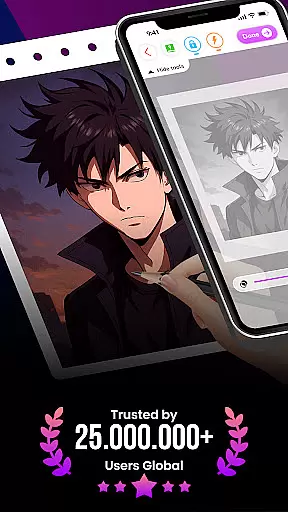
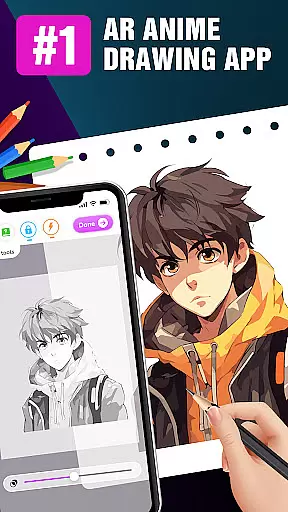
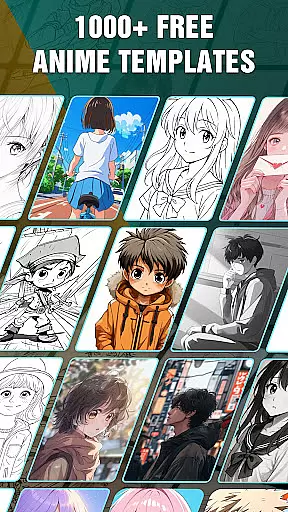
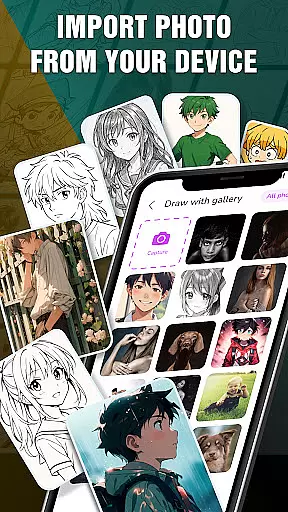
Draw Anime: AR Drawing Sketch is an innovative art application that combines traditional anime drawing with augmented reality technology. Designed for both beginners and experienced artists, the app offers step-by-step tutorials to guide users through the process of creating stunning anime artwork.
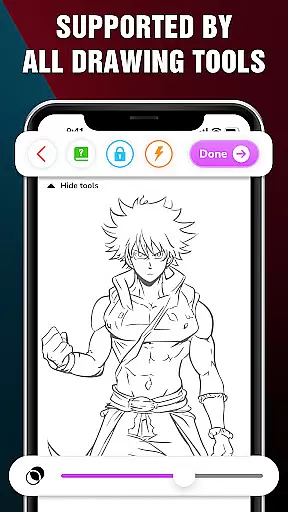
One of the standout features is its AR functionality, which allows users to incorporate real-world elements into their sketches using their device's camera. This creates a seamless blend of reality and imagination, making the drawing experience more immersive and engaging. The app also includes advanced drawing options such as opacity adjustment, flashlight control, and sketch locking, providing users with greater creative control.
Ideal for teenagers and anime enthusiasts, Draw Anime: AR Drawing Sketch makes learning to draw fun and accessible. Whether you're looking to improve your skills or simply express yourself through art, this app provides the tools and guidance needed to embark on a fulfilling artistic journey.
Draw Anime: AR Drawing Sketch stands out with its comprehensive set of features tailored for anime enthusiasts. The app provides detailed step-by-step tutorials that break down complex drawing techniques into manageable steps, making it easy for users of all skill levels to follow along.
The AR Drawing feature is particularly noteworthy. By leveraging the device's camera, users can infuse real-world elements into their sketches, creating a unique blend of reality and imagination. This not only enhances the creative process but also makes learning more interactive and enjoyable. Additionally, the app offers advanced drawing tools such as opacity adjustment, flashlight toggling, and sketch locking, allowing users to fine-tune their artwork with precision.
Users can track their progress and achievements through the Artwork feature, which helps them monitor their artistic development over time. The ability to save and share favorite sketches adds a social element to the app, enabling users to showcase their work and receive feedback from peers. Overall, these features make Draw Anime: AR Drawing Sketch a versatile and powerful tool for anyone interested in anime art.
In the realm of digital art, having a comprehensive set of creative tools is essential for artists to fully express their visions. The 'Draw Anime: AR Drawing Sketch' app rises to this occasion by offering an extensive suite of features tailored for anime art enthusiasts.
From step-by-step tutorials that break down complex drawing processes into manageable steps, to advanced options like adjusting opacity and utilizing a flashlight for those intricate sketches, the app ensures every artist has what they need to create stunning artwork.
Users can seamlessly infuse real-world elements into their sketches using augmented reality, providing a unique blend of the physical and digital worlds. This fusion not only enhances creativity but also offers a novel way to engage with one's surroundings while drawing.
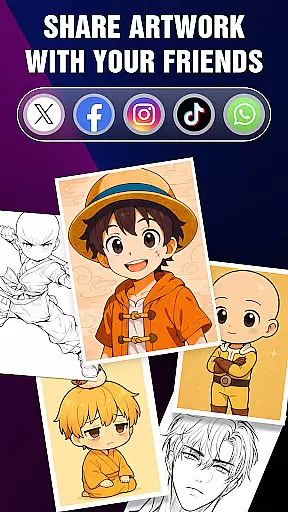
The ability to save or share perfect AR drawings with friends adds a social dimension to the creative process, allowing users to showcase their progress and achievements within the anime art community.
Flexibility in canvas and format options is crucial for artists who wish to explore different styles and dimensions in their work. The 'Draw Anime: AR Drawing Sketch' app embraces this need by providing versatile drawing surfaces and adaptable formats.
Artists can trace anime characters over real-world images captured through their device's camera, effectively turning any environment into a potential canvas. This feature encourages experimentation with various backgrounds and perspectives, enhancing the overall creative experience.
With functionalities such as locking and resetting drawings, users have greater control over their creations, ensuring precision and satisfaction in their final pieces. These capabilities support both spontaneous exploration and meticulous refinement of artwork.
Furthermore, saving favorite characters and tracking artistic progress on AR Drawing Sketch Paint enables users to revisit and refine their work over time, fostering continuous improvement and mastery in the art of anime drawing.
User-friendly interface
Step-by-step tutorials
Augmented reality integration
Advanced drawing tools
Progress tracking
Limited free content
Occasional bugs
High system requirements
In-app purchases
Learning curve

Digital Drawing: Draw & Paint
 4.10
4.10
See Color, Paint Color
4.90
Draw Trace image sketch by, AR art projector app, Easy to trace any image.
4.50
800+ Drawing, Painting Lessons App to Practice, Sketch & Paint Art.
4.30
Get creative and make art with your Sesame Friends!
4.00
Share the joy of painting with ibis Paint! Drawing anime and manga art.
4.50
Create cute cat emojis & PFPs! Fun, custom avatars for cat lovers.
3.70
Explore future self face age filter & remove background image for a unique look.
3.50
How to draw anime step by step for beginner easily by AR drawing sketch & paint.
3.60
Convert image to JPG PNG HEIC PDF, support almost all kinds of image formats
4.70
Draw glowing spinners, relax, and spin your creative art
4.60
Unleash your drawing and painting potential
4.50
Photo blender app to create overlay photos & double exposure.
4.40
AI generated images & photos, turn your words into drawing, painting & pictures.
4.30
Nano Banana AI Image Generator, Anime Filter, AI Portrait, AI Photo Generator
4.30
Customizable Outlined Fonts. Watch Face Format. Battery friendly Digital Clock.
4.20
Unleash Your Creativity with Draw Cartoon - AR Drawing App
4.10
Paint with oils and sketch with natural tools on a realistic virtual canvas.
3.80
Premium version of Shimeji-ee app with no ads & no limit active shimeji
4.0


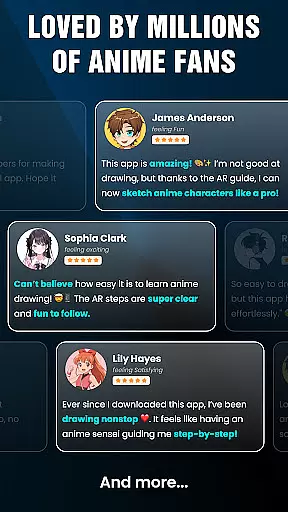
User Reviews