
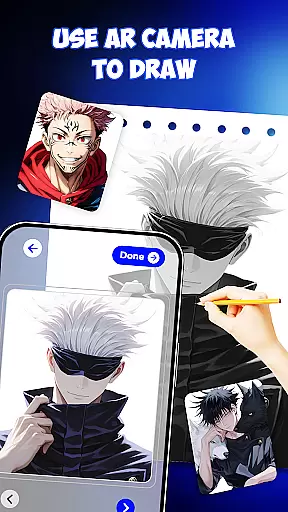
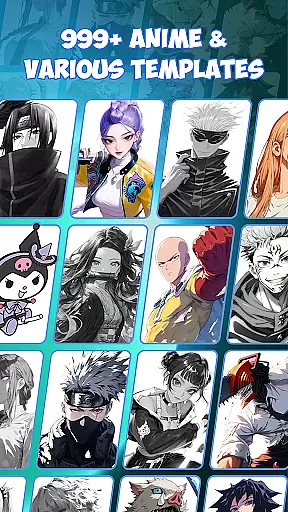
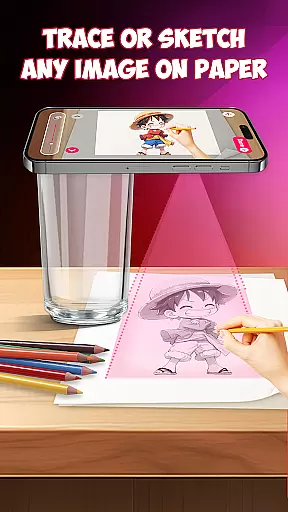
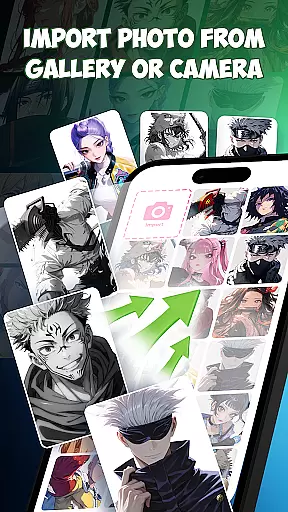
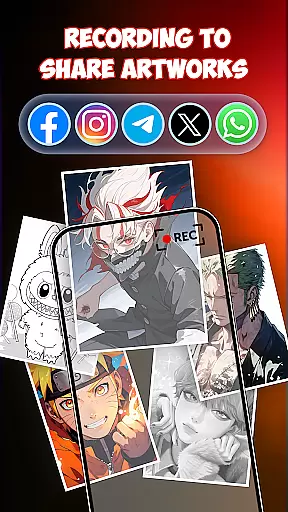
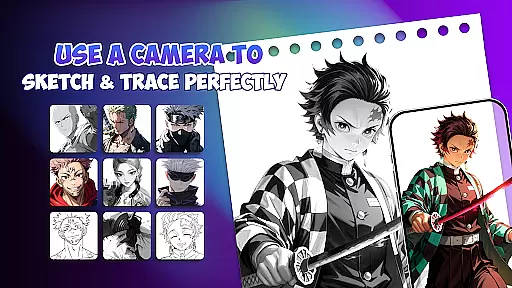
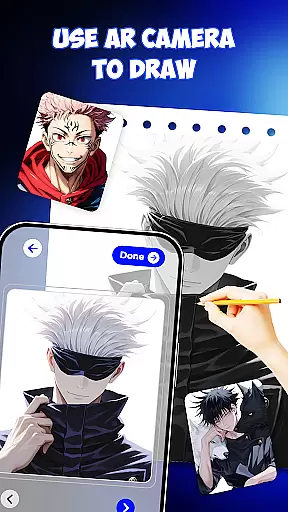
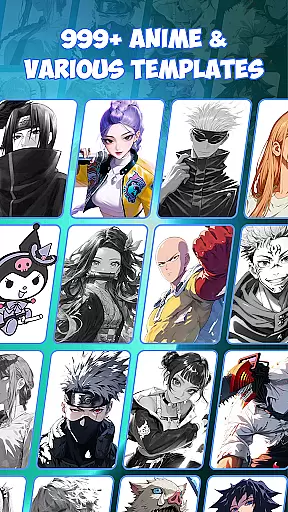
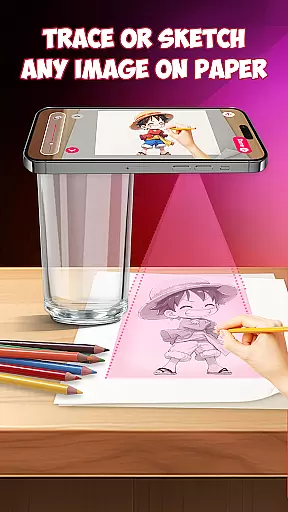
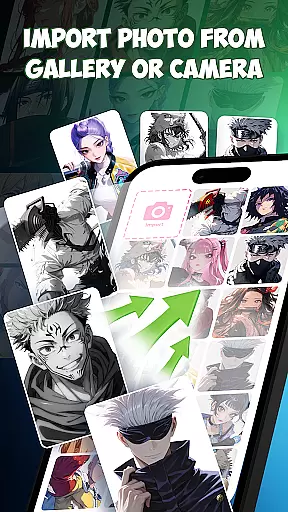
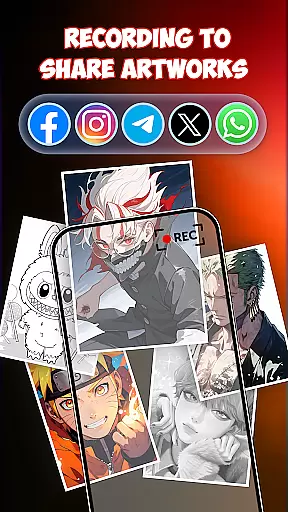
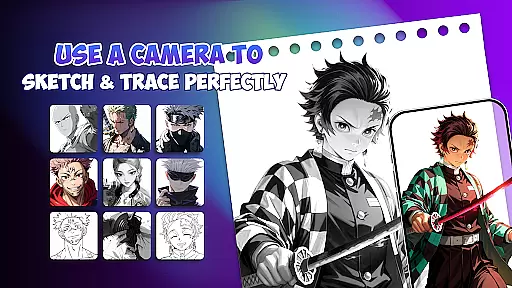
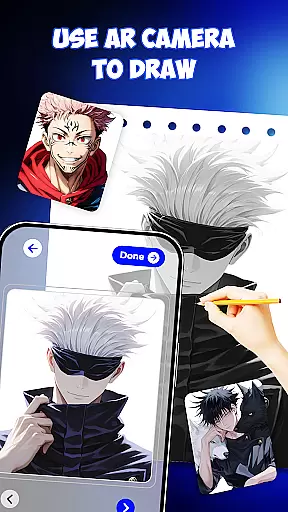
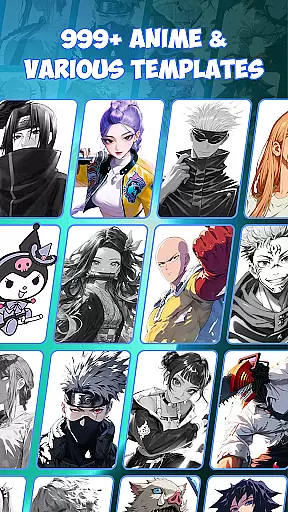
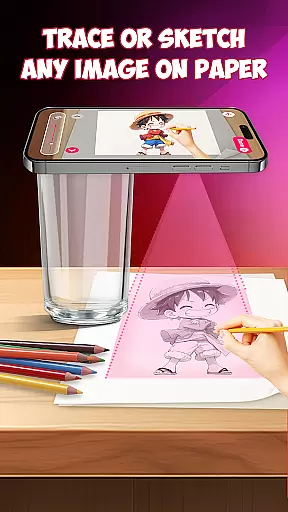
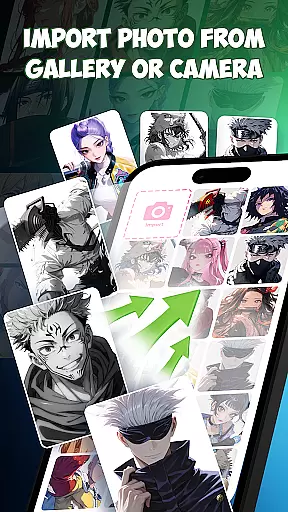
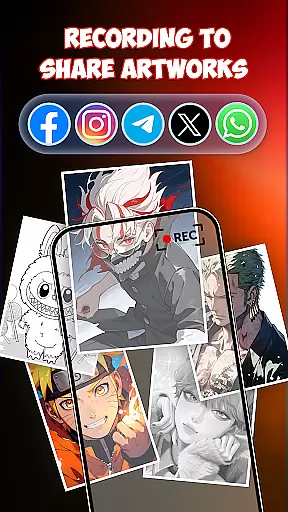
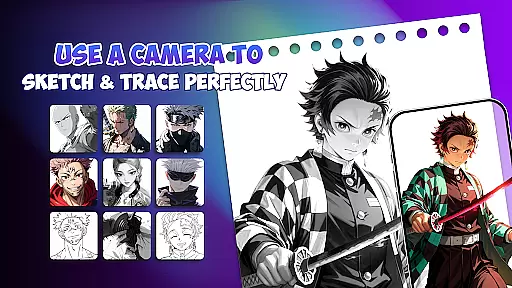
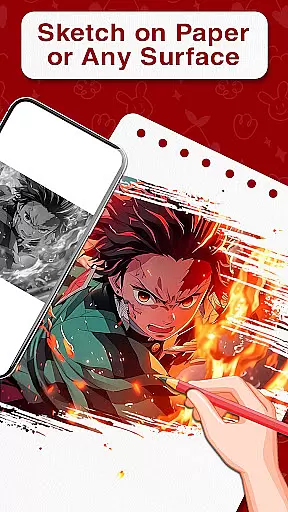
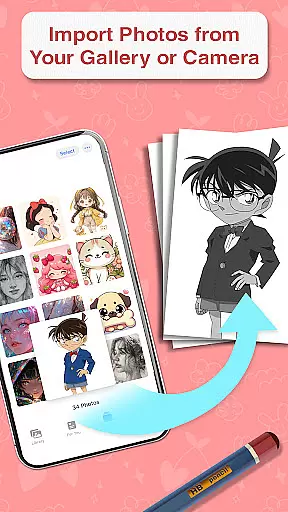
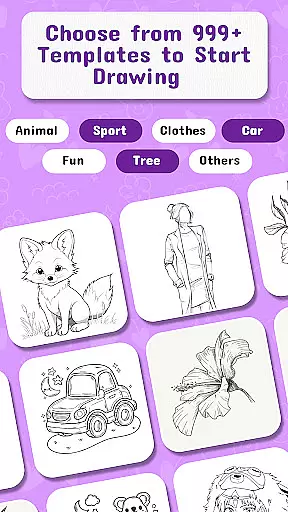
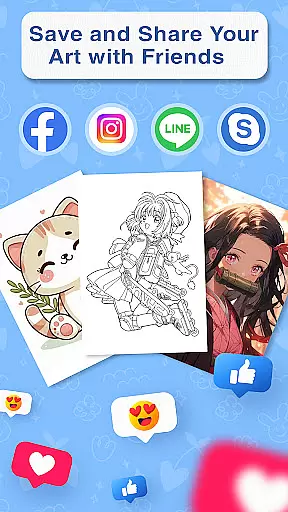
Draw Anime is an innovative AR-powered application designed to help users learn and master anime drawing. This app combines augmented reality technology with step-by-step guidance, making it easier than ever to sketch, trace, and paint anime characters. Whether you're a beginner or an experienced artist, Draw Anime offers a comprehensive suite of tools to enhance your skills.
The app provides 999+ templates for drawing beloved anime characters, along with AI-supported features that boost creativity. Its unique AR guidance system projects outlines directly onto your paper, allowing for precise tracing. The app also serves as a free platform for unlimited practice, offering various lessons in doodle art, painting, and pop art.
Perfect for home learning or art school practice, Draw Anime is versatile enough to be used for tattoo design sketches or improving general art skills. With its user-friendly interface, the app is suitable for all ages and skill levels, helping users turn their creative ideas into professional-quality artwork.
Draw Anime stands out with its powerful combination of AR guidance, AI support, and an extensive template library. The app's core feature is its augmented reality functionality, which overlays character outlines onto physical paper, enabling accurate tracing. This makes the process of learning how to draw anime much more intuitive and efficient.
In addition to AR capabilities, the app includes AI-powered drawing tools that assist with creativity and precision. Users can access over 999 templates featuring popular anime characters, providing endless inspiration. The app also supports various art styles beyond anime, including doodle art, painting, and pop art, making it a versatile tool for artists.
Other notable features include step-by-step lessons, drafting tools for detailed designs, and compatibility with both casual and professional art practices. The app's ability to function as a free drawing platform ensures users can practice without limitations while building essential muscle memory through repeated tracing exercises.
In the realm of digital artistry, having access to comprehensive creative tools is paramount. Draw Anime offers an extensive suite of features that cater to both budding and experienced artists. With functionalities ranging from AR guidance for precise tracing to AI-supported sketching, this app ensures that every artist has what they need to bring their visions to life.
The application provides over 999 templates, allowing users to explore a vast array of character designs and styles. This rich library not only inspires creativity but also serves as a learning resource for those looking to understand different art forms and techniques. Additionally, the step-by-step lessons are crafted to guide users through the nuances of anime drawing, making it an invaluable asset for skill development.
Moreover, Draw Anime stands out by integrating traditional sketching with augmented reality, offering a unique blend that enhances the learning process. Artists can practice their craft with real-time feedback, which is crucial for improving accuracy and technique. The combination of these robust features makes Draw Anime a complete package for anyone serious about advancing their artistic abilities in the anime genre.
Flexibility in canvas and format options is essential for artists who wish to express their creativity without constraints. Draw Anime addresses this need by providing versatile drawing tools that adapt to various artistic preferences. Whether you're sketching on paper or designing digitally, the app's AR capabilities ensure that your workspace is optimized for your chosen medium.
Artists using Draw Anime can take advantage of its compatibility with multiple formats, enabling them to switch between different styles and sizes effortlessly. This adaptability is particularly beneficial when working on projects that require specific dimensions or when experimenting with new ideas that demand a fresh perspective. Furthermore, the app's support for precision drafting tools allows for meticulous detailing, which is vital for professional-quality work.
The ability to create unique designs is further enhanced by the app's AI-driven enhancements and free drawing features. These tools empower artists to push the boundaries of their creativity while maintaining control over the final output. By offering such a dynamic range of canvas and format options, Draw Anime ensures that artists have the freedom to explore and innovate within their art form.
User-friendly interface
Extensive template library
AI-powered drawing tools
Augmented reality guidance
Versatile art styles
Limited offline functionality
Requires stable internet
Premium features locked
Device compatibility issues
Learning curve for AR

Premium version of Shimeji-ee app with no ads & no limit active shimeji
 4.5
4.5
Create trending AI photos & videos with powerful effects and 3D styles.
3.20
Unleash Your Creativity with Draw Cartoon - AR Drawing App
4.10
Draw Trace image sketch by, AR art projector app, Easy to trace any image.
4.50
Mobile pixel art editor. Simple. Fast. Portable.
4.80
Retouch photos. Create or edit images. Endless capabilities.
2.70
Video AI: Revolutionize Your Content Creation with Advanced Video Generation
4.50
Create Logos, Tattoos, AI Art & more with our AI Photo Generator & Design Editor
4.20
AI-powered photo & video creation—fast, fun, and effortless with Quick Actions
4.60
Passport size photo maker, create ID photo and visa photo in seconds
4.80
2D animation studio for Android tablets - unlimited layers, infinite timeline
4.70
Create and Design Custom Logos in Seconds with AI-Powered Tools!
4.40
Trace, draw, and create art with AR - from memes to masterpieces!
4.30
Beauty Camera - Selfie Camera is the ultimate beauty camera and selfie app
4.30
Text to Image, Image to Video & AI Chat
4.20
Design your dream room with AI. Get decor ideas & plan home interiors
3.90
Turning simple sketches into captivating tales filled with life and motion
3.90
Create sweet, cool and unique couple avatars easily, in just a few steps!
3.40
Meet the magic aı 3d photo generator and smart AI video generator app.
3.20


User Reviews