
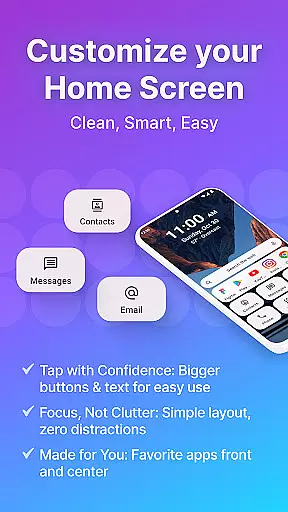
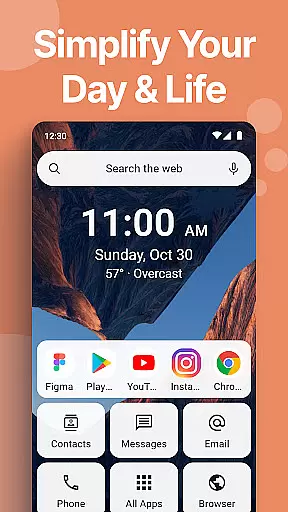
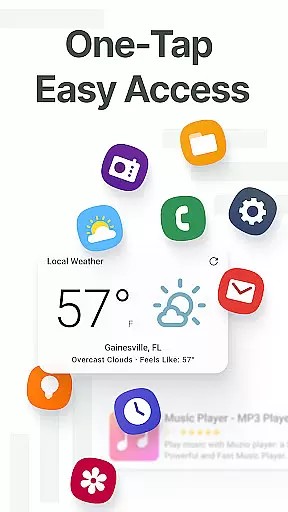
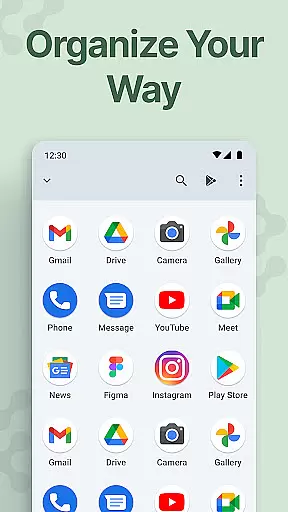
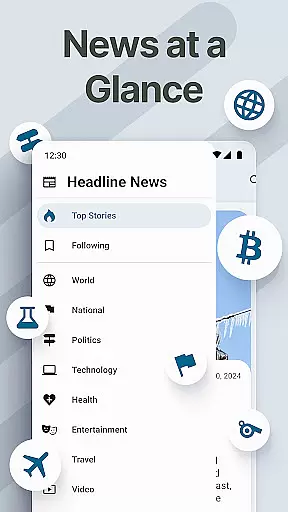
Easy Homescreen is a personalized home launcher for Android that transforms cluttered phone interfaces into clean, user-friendly spaces. With its accessibility-first design, the app features oversized buttons, clear text, and smart personalization options, making navigation effortless. It adapts to individual users by displaying only frequently used tools and hiding unnecessary ones, ensuring a streamlined experience.
The app offers advanced customization features such as widget support, custom fonts, themes, and app hiding, allowing users to tailor their home screens to their unique preferences. Whether you're looking for bold, playful, or professional aesthetics, Easy Homescreen delivers. Its minimalist UI reduces digital noise, creating a calming environment that enhances focus and productivity.
Ideal for users of all ages, Easy Homescreen is particularly beneficial for those seeking simplicity and ease of use. The built-in organizer keeps apps, conversations, and shortcuts tidy, while the optional easy keyboard provides larger keys for better accessibility. By prioritizing user control and comfort, Easy Homescreen empowers individuals to feel confident and cared for every time they interact with their devices.
Easy Homescreen stands out with its innovative features designed to simplify and enhance the Android experience. One of its core functionalities is the ability to customize fonts, themes, and app icons, enabling users to express their personal style. This flexibility ensures that your home screen reflects your personality, whether you prefer bold, playful designs or professional aesthetics.
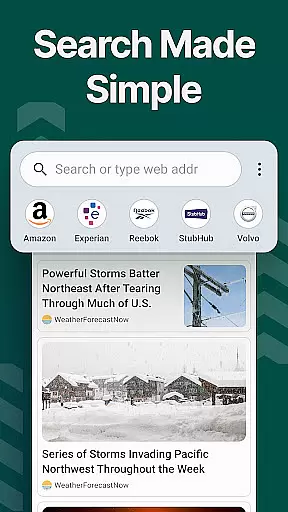
The app includes an array of widgets and lockscreen widgets that keep essential information visible without being intrusive. These widgets allow users to stay on top of their day, providing quick access to important tools and utilities. Additionally, Easy Homescreen offers a unique search functionality powered by Yahoo, which updates your search settings and enhances your homescreen search experience.
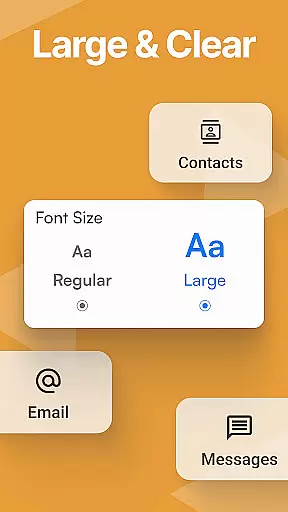
Accessibility is a key focus, with features like large fonts, big buttons, and an optional easy keyboard with larger keys for easier typing. The app also uses the Accessibility API to enhance shopping experiences by detecting shop pages in Chrome and displaying relevant coupon codes. This feature activates only in supported browsers and does not collect or share personal data, ensuring privacy and security while helping users save money.
Customization is at the heart of Easy Homescreen, offering users a wide array of options to tailor their smartphone experience. This app provides extensive personalization features including custom fonts, themes, and app icons, allowing users to express their unique style and preferences.
The ability to customize fonts and themes ensures that your phone not only looks good but also feels right for your daily use. Whether you prefer bold, playful designs or lean towards a more professional appearance, Easy Homescreen adapts seamlessly to match your vibe.
Moreover, the app simplifies navigation by organizing your most-used apps and tools front and center, hiding the rest. This personalized approach means every tap on your home screen is both purposeful and intuitive, enhancing usability while reducing digital clutter.
Ultimately, the vast customization options available in Easy Homescreen empower users to create a device layout that's truly their own. By focusing on individual needs and preferences, it transforms the Android experience into something joyful, accessible, and made for real life.
Theme compatibility is a crucial aspect of Easy Homescreen, ensuring that all visual modifications integrate smoothly with the deviceu2019s existing system. The launcher supports various themes, which means users can switch between different looks without worrying about inconsistencies or functionality issues.
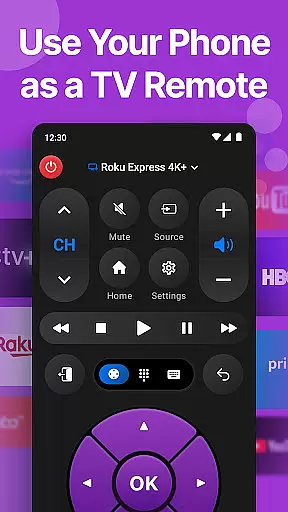
This seamless integration extends to widgets and lockscreen widgets as well. Users can enjoy helpful tools like weather updates and universal remotes directly on their home screens, maintaining a cohesive aesthetic throughout their interface.
Furthermore, Easy Homescreen emphasizes accessibility-first design with large fonts and buttons, making it suitable for all users regardless of tech-savviness. Its minimalist UI reduces digital noise and stress, promoting a calming user environment where everything is easy to find and use.
By prioritizing theme compatibility alongside its customization features, Easy Homescreen delivers an adaptable, visually pleasing experience that caters to diverse user needs. It brings control, comfort, and calm into every interaction, empowering users to feel confident and cared for each time they use their phone.
User-friendly interface
Highly customizable
Accessible design
Enhanced productivity
Privacy-focused
Limited iOS support
Advanced features may overwhelm beginners
Occasional performance lags
Dependent on third-party services for some features
Requires manual updates for optimal performance

A Colorful and Minimal icon pack in an Outline Style - Over 13,600 icons!
 4.70
4.70
Beautiful realistic hybrid watch face with numerous customization options.
4.50
A retro cartoon style watch face and a punch right in the face of the copyright
4.60
Ninja Turtles Cowabunga SE watch face for Wear OS
4.50
Transform your phone with Launcher iOS 26 - Smooth & elegant iOS experience
4.50
Adult video chat, dating, making friends, random matching
4.20
Ultimate widget creator. Design custom widgets for a truly unique home screen!
3.90 4.50
4.50
Create unique, fun emojis with Funny Emoji Maker! Unlimited creativity!
4.00
350+ widgets with a premium glass-style finish, perfect for home & lock screens.
4.70
300+ widgets inspired by Material You and Material 3 expressive design.
4.60
Customize your home screen with stunning themes, blur, widgets & icons.
4.60
Turn text & photos into stunning AI videos, art, and creative visual stories.
4.50
Color phone with cool effects for call screen, flash alert & ringtones music
4.50
AI-powered Copilot. Personalized keyboard with gifs, stickers & themes
4.40
Unique Fonts, typefaces and stylish text. Fonts for Instagram, Whatsapp & others
4.20
Customizable flower power digital watch face for Wear OS watches.
4.00
Interactive Miniature Painting Catalogue
3.30
Adorable pets roam and play right on your phone screen!
3.30


User Reviews