

Diet tracker for weight loss - track calories, food and macros. Simple and easy!
 4.70
4.70
A customizable Christmas watch face for Wear OS with a countdown.
4.20
Watch face designed for Thanksgiving Day. 7 Background Styles included.
3.20
Watch face for Wear OS.
4.20
Authentic military-tactical design with ZULU time! Realistic and functional!
3.80
Gym & home workout plans with strength training, exercise tracking, HIIT & more.
4.60
Professional weather radar and more
3.90
Viewer for Wyze/Yi/Eufy/Arlo/ONVIF/RTSP/P2P IP cams w/ adv. features & DIY DVR
4.00
Your local weather forecast, storm tracker, radar maps & live weather news
3.40
Be an elegant and classy secret agent, with this carefully detailed watch face
4.70
Hybrid watch face for Wear OS with customizable complications by Matteo Dini MD
4.70
A realistic hybrid watch face with many customization options.
4.60
Simple, helpful messaging by Google
4.60
Let's celebrate Thanksgiving - Wear Os watch face
4.20
Daily Weather forecast with 15 weather images for Day & Night plus Big Bold time
4.10
Connect, create, and collaborate with Gmail, part of Google Workspace.
4.10
A digital watch face that celebrates Christmas.
4.00
A full-featured Amazon Alexa voice assistant that can show you things.
3.70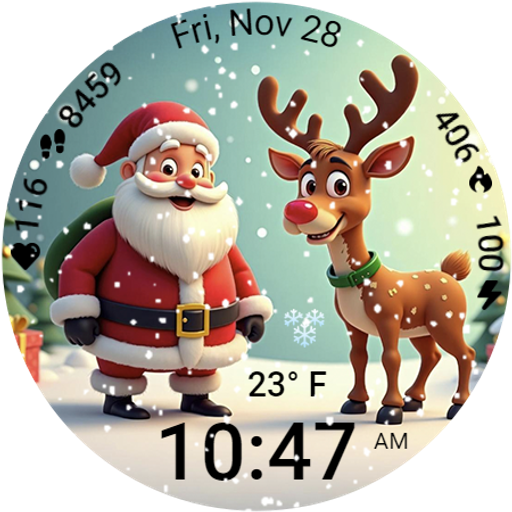
A heartwarming Christmas scene featuring a cute image of Santa and Rudolf
4.1


