
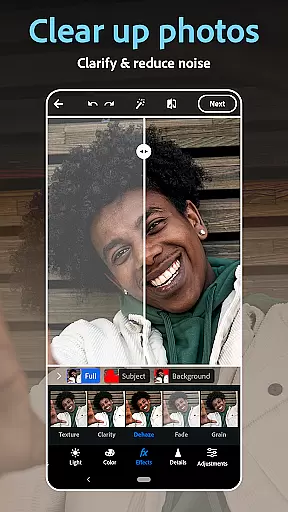
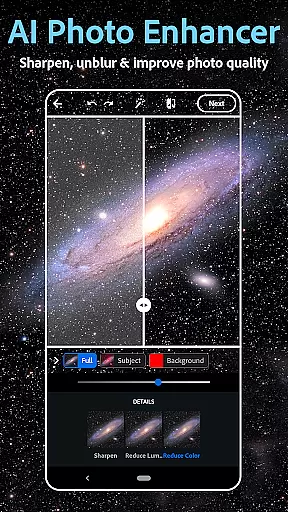
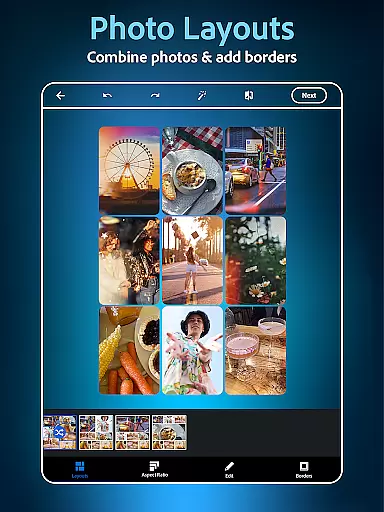
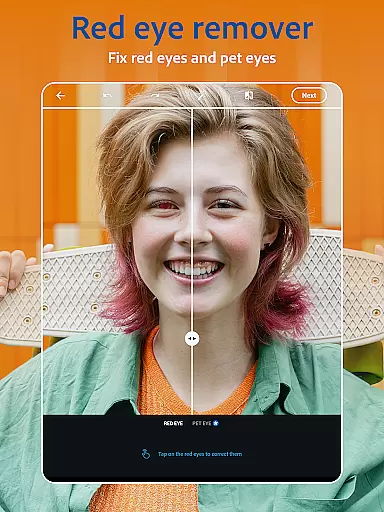
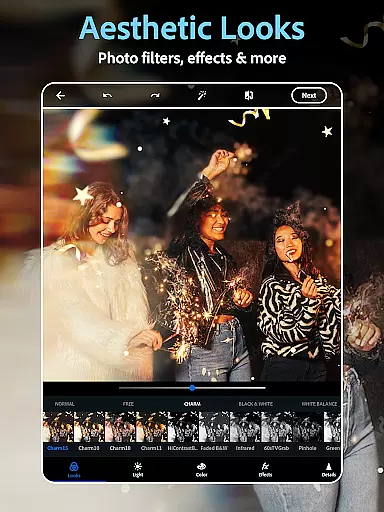
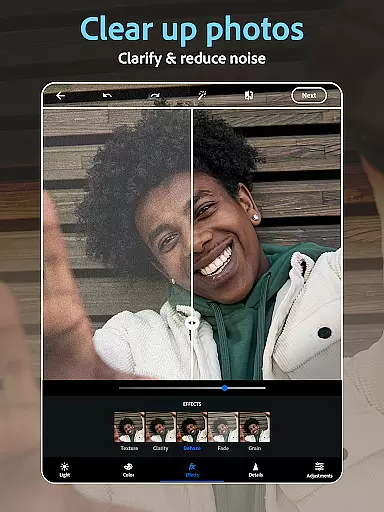
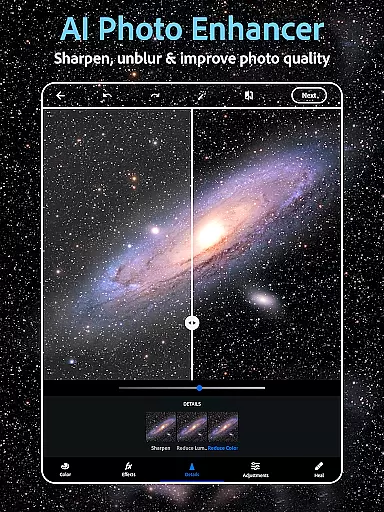
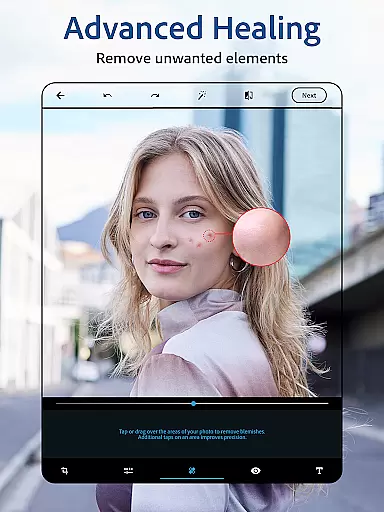
Photoshop Express Photo Editor is a versatile mobile application designed for effortless photo editing. This app allows users to enhance their images with one-tap edits, making photo enhancement accessible even to non-professionals. Trusted by millions, it offers a comprehensive suite of tools including AI-powered image adjustments, a collage maker, and a face editor.
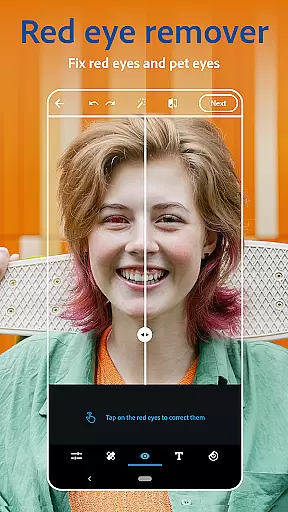
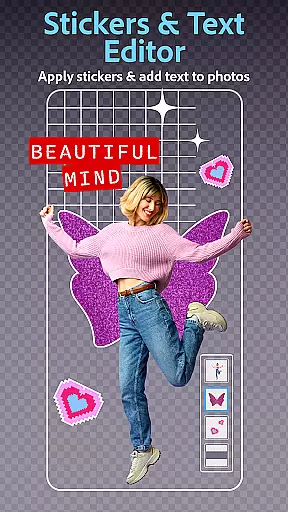
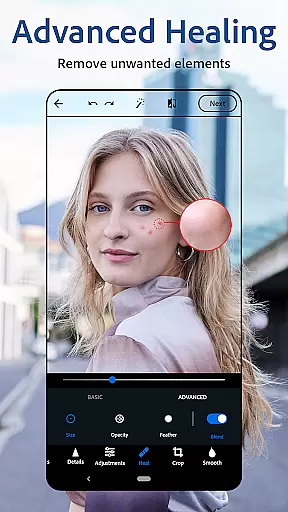
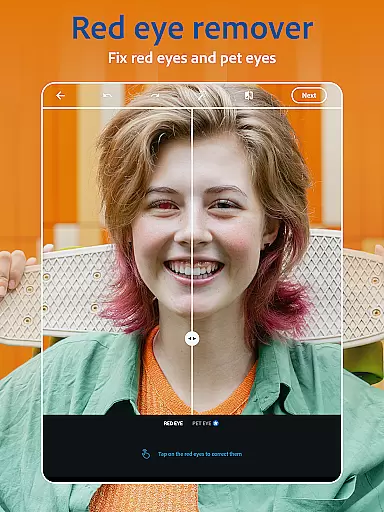
The app stands out with its state-of-the-art AI image generator, easy-to-use interface, and a wide array of customization options. Users can add text to photos, apply vintage camera filters, and utilize retouch tools like the red-eye corrector and blemish remover. Whether you're looking to touch up a selfie or create stunning collages, Photoshop Express provides the tools needed to unleash your creativity.
Ideal for social media enthusiasts and amateur photographers, this app ensures high-quality edits regardless of your skill level. With features that support uploading and sharing to platforms like Instagram and Facebook, Photoshop Express transforms ordinary moments into extraordinary visual stories, fitting seamlessly into the photography workflow of any user.
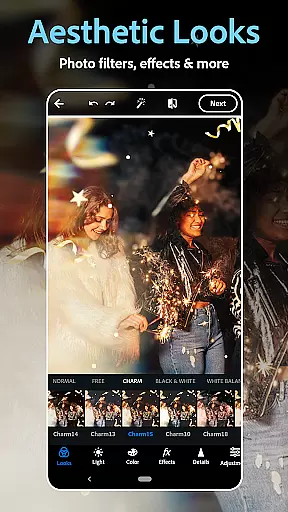
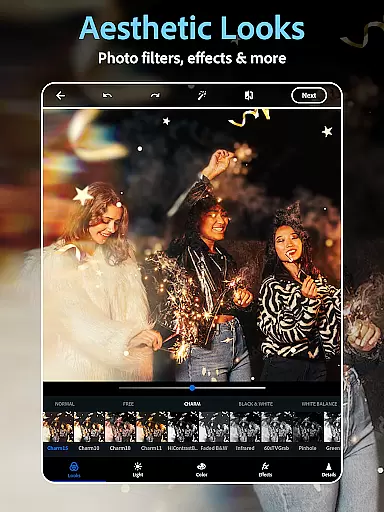
Photoshop Express boasts an impressive range of features tailored for both casual and advanced photo editing. The AI photo editor and retouch tools allow users to airbrush selfies effortlessly, remove unwanted objects, and apply vintage camera filters for a retro aesthetic. These intelligent features ensure that every photo looks its best with minimal effort.
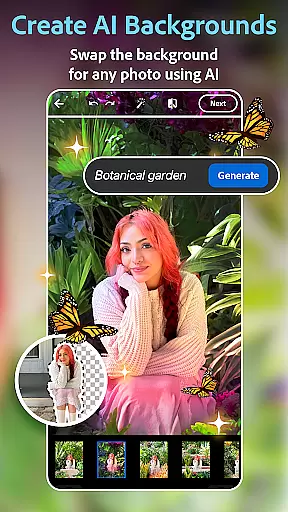
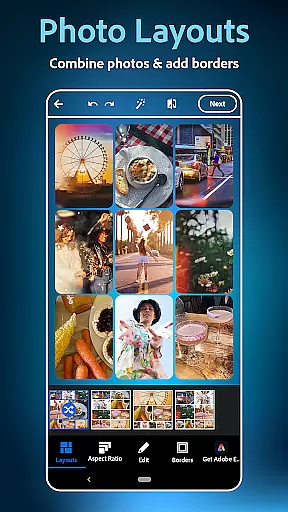
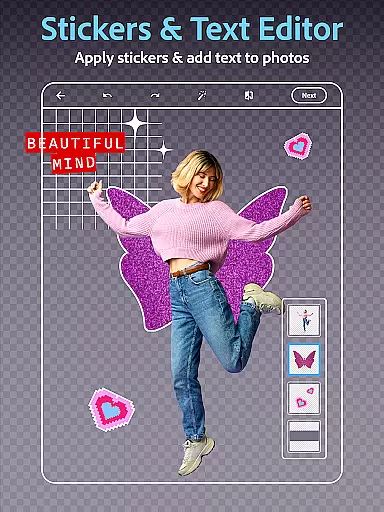
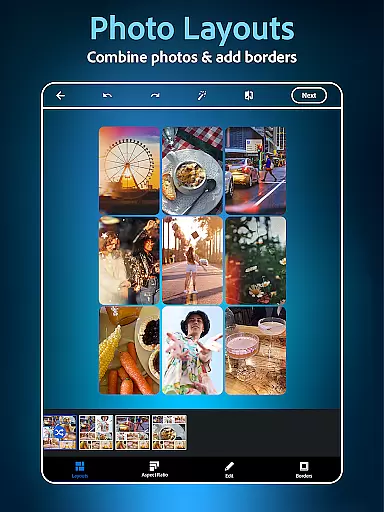
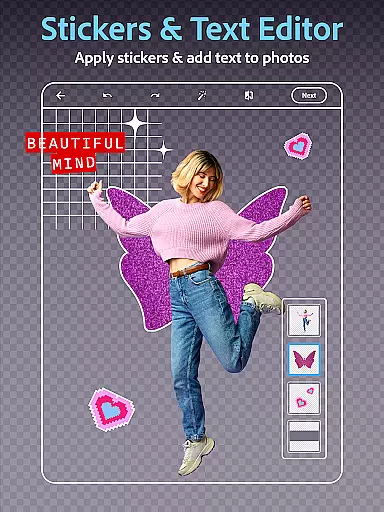
In addition to its powerful editing capabilities, the app includes a dynamic collage maker and supports adding text to photos, enabling creative expression through graphic design. Users can experiment with thousands of customization options, from film effects to aesthetic styles, ensuring each image reflects their unique vision. The ability to replace image backgrounds and generate custom stickers using AI further expands creative possibilities.
Designed for seamless integration into modern digital life, Photoshop Express facilitates easy sharing to social media platforms. Its compatibility with various file formats, including RAW and TIFF, makes it a flexible tool for photographers. With additional premium features available, users can unlock precise editing controls and exclusive tools, elevating their photo editing experience to professional levels.
Real-time capture and preview functionality is essential for ensuring that every photo taken meets the user's expectations without delay. Photoshop Express Photo Editor excels in this area by providing instant feedback on images captured through its interface.
The application leverages advanced processing capabilities to deliver a seamless experience when capturing photos. Users can see adjustments and effects applied immediately, allowing them to make informed decisions about their edits before finalizing them.
This feature benefits users by saving time and enhancing creativity. With real-time previews, photographers can experiment with different styles and settings, such as vintage camera filters or text overlays, and see the results instantly.
Ultimately, the real-time capture and preview feature in Photoshop Express empowers users to produce high-quality images efficiently. Whether editing selfies or creating collages, the ability to visualize changes on the fly ensures that the final product aligns perfectly with the user's vision.
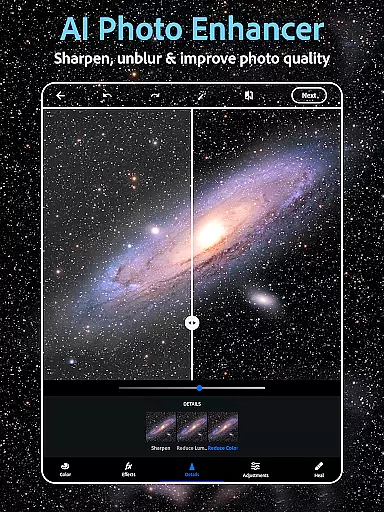
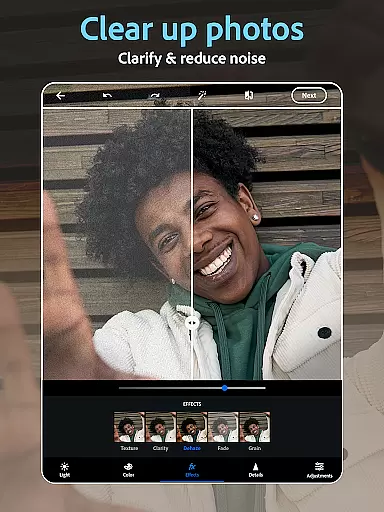
AI beauty and enhancement features are designed to elevate the aesthetic quality of photos while maintaining a natural look. Photoshop Express incorporates sophisticated AI algorithms to enhance facial features, skin tones, and overall image clarity without appearing artificial.
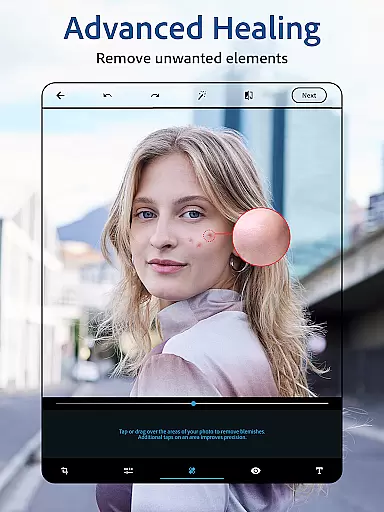
The app's face editor tool utilizes AI to intelligently retouch photos. It can remove blemishes, correct red-eye, and apply makeup effects that complement the subject's natural appearance. This ensures that edited photos retain authenticity and do not seem overly processed.
Users benefit from these enhancements by achieving professional-looking results effortlessly. The AI-driven tools allow even novice editors to produce stunning images that highlight the best aspects of their subjects, whether it's a portrait or a group photo.
By focusing on naturalness, Photoshop Express sets itself apart in the photography category. Its AI beauty and enhancement features provide a balance between improved aesthetics and genuine representation, making it an ideal choice for those seeking to enhance their photos with subtlety and sophistication.
User-friendly interface
Wide range of editing tools
AI-powered enhancements
Versatile filter options
Excellent social media integration
Premium features locked behind paywall
Advanced tools may overwhelm beginners
Occasional performance lags
Limited free collage templates
Some filters are too strong

How old age camera Gender Swap App Face Shape Hairstyle App Hair Styler App fun!
 4.00
4.00
Create AI Photos, Improve and restore quality of blurry, old or damaged pics.
4.20
Automatically backup your photos and videos to computer, NAS and Cloud services
4.60
Collage your moments in one tap: 1000+ layouts, filters, stickers, and texts.
4.90
Unblur, enhance & restore photos with powerful AI photo enhancer tools.
4.60
Snap photos remotely using your Garmin watch as the camera trigger
4.0
PhotoSync Bundle Add-On License. Enables all features and services in PhotoSync.
4.60
Enhance, upscale, and transform your images — on your device, without limits
4.70
Remote control the phone camera shutter from your smartwatch and take a picture
1.60
Easily view, share, delete photos with Gallery.
4.70
The original Rarevision VHS look seen everywhere!
4.70
Cut and paste photo editor & eraser to customize photos easy and swap faces fun
4.50
Transform photos into videos! Create realistic or anime-style images easily!
4.50
Photo Exif Editor allows to view, add and modify EXIF data of multiple photos
4.50
Use AI Video Generator to turn your words to ai generated videos.
4.50
Natural Beauty, Selfie Retouch
4.30
All-in-One Editor & AI Photo Enhancer, Beautify & Retouch, Collage, Cartoonify
4.20
All-in-One Editor & AI Photo Enhancer, Collage, Cartoonify, Funny Stickers & BGS
4.10
GCamera allows all GCam features on all phone models! Better photos with GCamera
3.30


User Reviews