
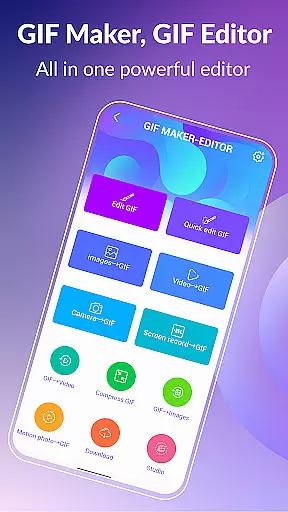
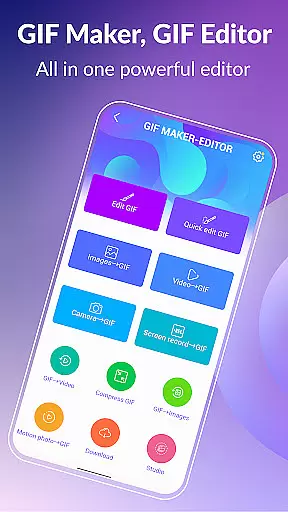
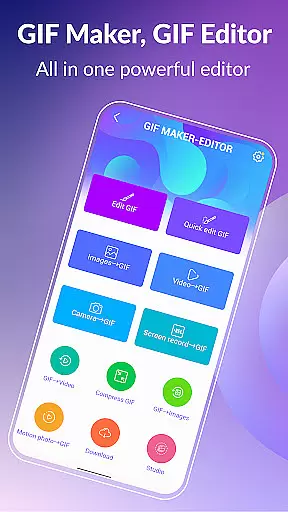

GIF Maker, GIF Editor Pro is a comprehensive photography app designed for creating and editing high-quality animated GIFs. This powerful tool supports up to 600 frames and 720x1280(HD) pixels, enabling users to transform images, videos, screen recordings, and existing GIFs into stunning animations without watermarks.
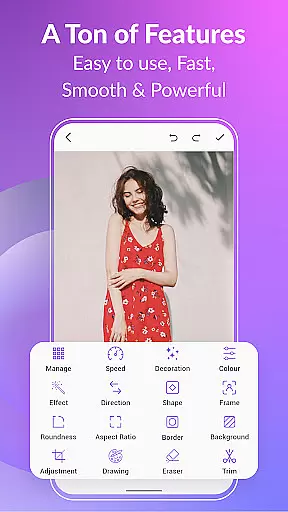
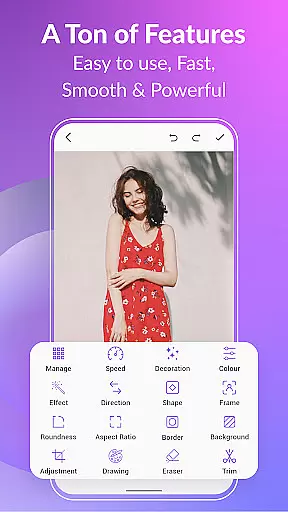
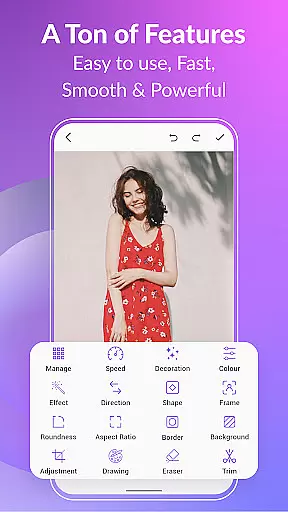
The app offers an intuitive interface that supports a wide range of formats including PNG, JPEG, MP4, MPEG, FLV, 3GP, and GIF. Users can customize their creations with features like crop, resize, speed adjustment, emoji addition, filters, trim, stickers, aspect ratio modification, and more. Whether you're looking to create GIFs from videos or images, this app provides the tools necessary to capture your unique style.
GIF Maker, GIF Editor Pro stands out with its extensive feature set tailored for both casual users and professionals. The app allows conversion of videos to GIFs, compression of GIFs for easier sharing, and even conversion of GIFs to videos while maintaining quality and resolution.
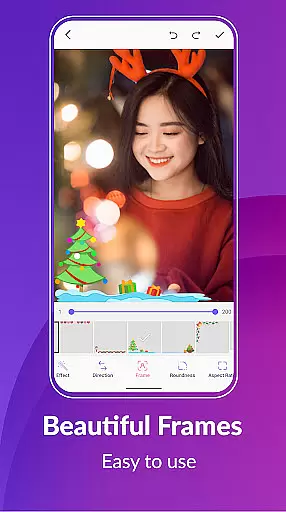
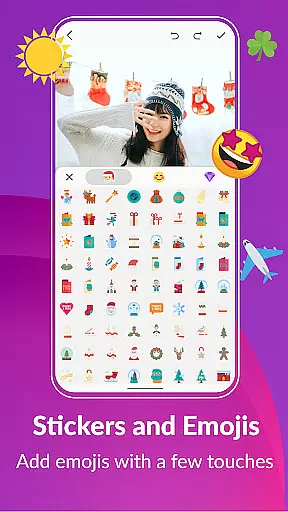
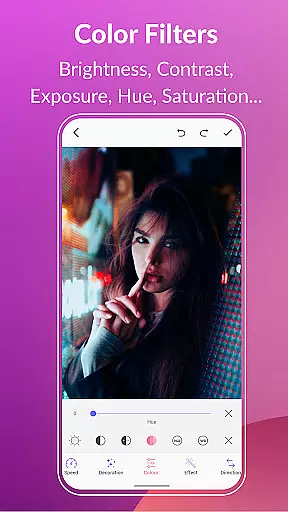
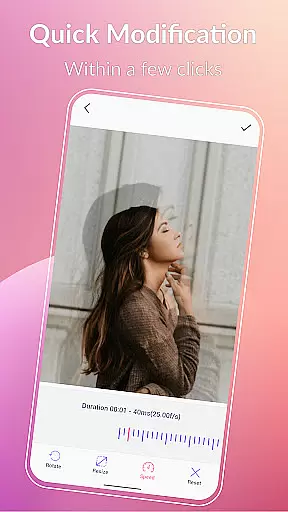
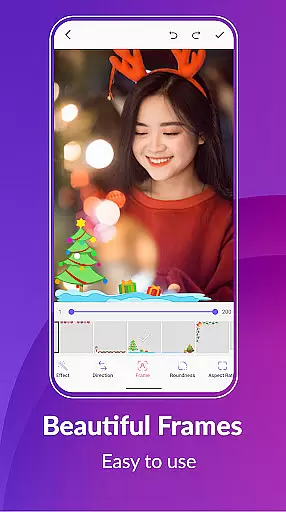
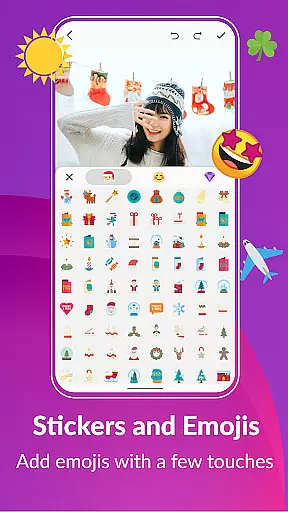
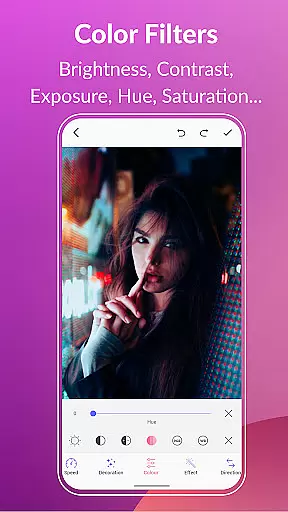
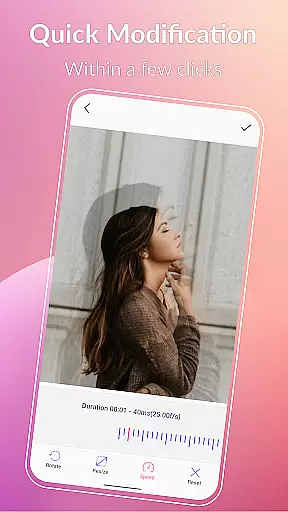
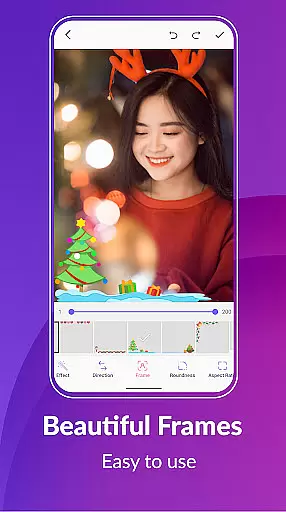
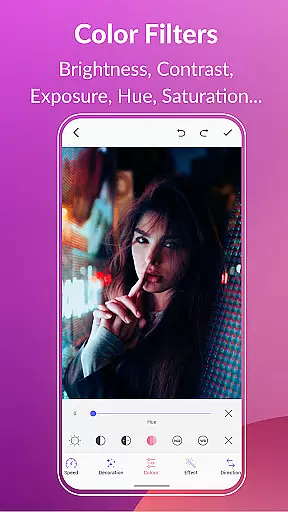
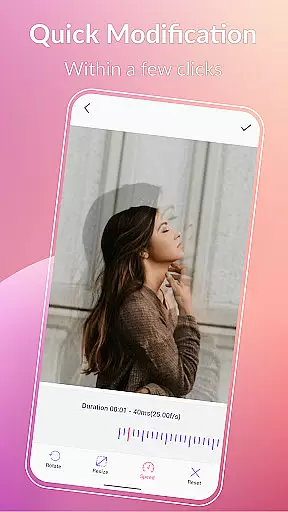
Users can enhance their GIFs with background options such as transparent, black, white, solid color, gradient colors, and blur effects. Quick edit tools enable resizing and speed adjustments, while effects and picture frames add stylistic touches. Color filters allow brightness, contrast, exposure, hue, saturation, and white balance modifications, ensuring every GIF meets personal standards.
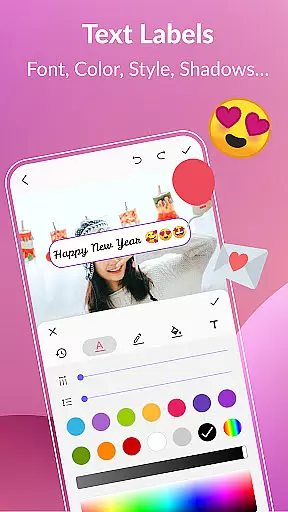
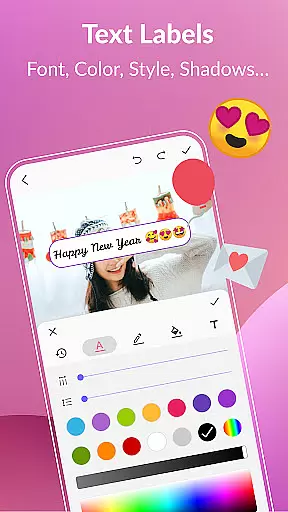
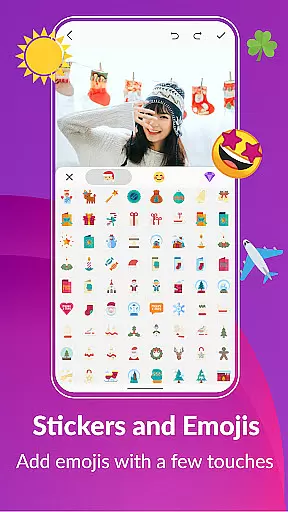
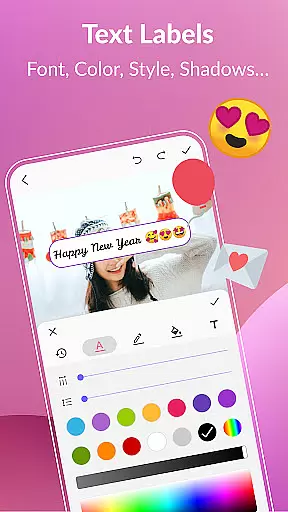
Additionally, the app includes text labels, meme creation tools, stickers, emojis, and frame management features. These capabilities ensure users can express creativity fully, whether adding captions, applying visual effects, or managing collections efficiently.
Real-time capture and preview functionality is essential for any photography app as it allows users to see exactly what they are recording before finalizing their GIFs. With GIF Maker, GIF Editor Pro, the real-time capture feature provides a seamless experience by enabling users to create high-quality animated GIFs directly from videos, images, or screen recordings.
The application supports a wide array of formats including PNG, JPEG, MP4, MPEG, FLV, 3GP, and more, ensuring that no matter the source file, you can easily transform it into an eye-catching animation. The ability to instantly preview changes while editing empowers creators to fine-tune every detail of their work with precision.
Users benefit significantly from this feature as it eliminates guesswork during the creation process. They can adjust settings such as crop, resize, speed, filters, and stickers in real time, seeing immediate results on their projects. This not only saves time but also enhances creativity by allowing quick experimentation with different styles and effects.
Moreover, the app's support for up to 600 frames at 720x1280 (HD) resolution ensures that each frame captured is crisp and clear. By offering both dark and light theme options, GIF Maker, GIF Editor Pro caters to user preference while maintaining focus on delivering professional-grade animations without watermarks.
AI beauty and enhancement features have become increasingly popular in photography apps due to their ability to elevate ordinary visuals into extraordinary ones through intelligent processing. In GIF Maker, GIF Editor Pro, these enhancements are applied naturally, ensuring that edits enhance rather than overshadow the original content.
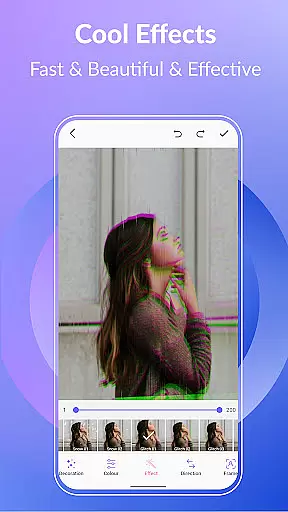
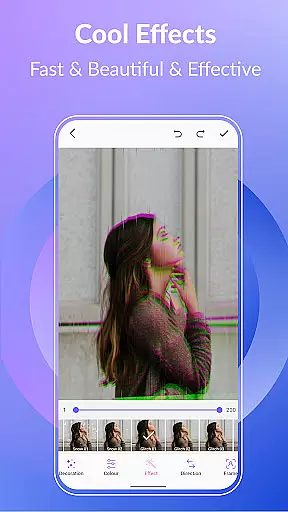
This powerful tool leverages advanced algorithms to automatically adjust elements like brightness, contrast, exposure, hue, saturation, and white balance within your GIFs. Users can further personalize their creations using color filters inspired by popular photography trends such as 1977, Amaro, Brannan, Early Bird, Hefe, Glitches, VHS, among others.
One significant advantage for users is the effortless improvement of visual quality without compromising authenticity. Whether adding stylish text labels, fun stickers, or emojis, all modifications blend seamlessly into the animation thanks to AI-driven enhancements that maintain natural aesthetics throughout.
Additionally, background customization optionsu2014including transparent, black, white, solid colors, gradients, blur effectsu2014further expand creative possibilities. These tools combined make GIF Maker, GIF Editor Pro an indispensable asset for anyone looking to produce captivating animations with minimal effort yet maximum impact.
User-friendly interface
High-quality output
Extensive format support
Versatile editing tools
Multi-language support
Paid version only
Advanced features may overwhelm beginners
Limited free trial options
Resource-intensive on older devices
Occasional bugs reported

Shooting photos and records video easily and efficient with professional Camera
 4.30
4.30
Cut and paste photo editor & eraser to customize photos easy and swap faces fun
4.50
Create & Edit with AI: AI Remove, Enhance, Retouch, Filter
4.10
Android Native system HD camera app. Never been so simple and faster.
4.70
AI photo editor with hair editor, retouch tools, hair color changer & filters!
4.50
Movie camera, supports pro recording settings for filming. Try it and be amazed!
4.50
Fit multiple photos on one post. Create carousels & scroll layouts for Instagram
4.50
Turn photos into cartoons & avatars! - Photo Editor, Cartoon Face!
3.90
Your Family Calendar + Photos. Manage your Skylight Calendar and Skylight Frame.
4.40
A must-have app for landscape photographers
4.60
Automatically backup your photos and videos to computer, NAS and Cloud services
4.60
Photo Exif Editor allows to view, add and modify EXIF data of multiple photos
4.50
Virtual makeup, hair filters & body tuner—edit from face to full body!
4.20
The #1 app for B&W film developing featuring an advanced darkroom timer.
4.10
Catch sunlight, sunrise sunset times and sun phases with the AR sun tracker.
4.10
How would you look like with a differently shaped nose, chin or lips?
3.90
GCamera allows all GCam features on all phone models! Better photos with GCamera
3.30
Photo Album Watch Face shows your favorite pictures as a Watchface.
1.90
Add a dreamy vibe to your selfies and videos with soft style filters
4.0


User Reviews