

Christmas and New Year - Themed Watchface
 4.2
4.2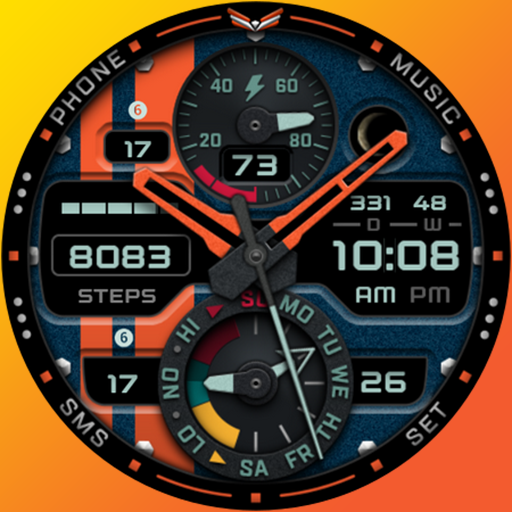
A modern premium sporty hybrid watch face for Wear OS by Ballozi
4.70
Digital, flexibly customizable watch face. For Wear OS 5.0, API 34+ and later.
5.00
Let's celebrate Thanksgiving - Wear Os watch face
4.20
The #1 source of faces for your smartwatch!
4.00
Funny animated watch face for Thanksgiving
4.4
Retro digital watch face with customizable colors and a unique lighting effect
4.60
Hybrid Vibrant Health Watch Face for Wear OS
4.4
Hybrid watch face for Wear OS with customizable complications by Matteo Dini MD
4.70
Christmas Theme Watch Face for Wear Os
5.00
Highly customizable hybrid watch face for Wear OS, perfect for everyday use.
4.60
Ideal for surviving in the wasteland left after nuclear fallout
4.50
Find EV charging stations
4.30
Wear Os Watch Face - Animated Snow Effect & Magic Spark - 6 Scenes
4.10
A digital watch face that celebrates Christmas.
4.00
Animated Watch Face and Customizable with 24 Backgrounds. Perfect for Christmas!
3.90
Analog watch face with 8 complications and expedition styling
4.2
Sleek, highly customizable watch face inspired by Galaxy Watch Circle Dashboard.
4.2
Minimalistic design modern digital watch face.
4.5


