
Christmas watch face. For Wear OS devices.
 4.30
4.30
Christmas - Festive - Christmas Village - Winter - Christmas lights
5.00
Animated Watch Face and Customizable with 24 Backgrounds. Perfect for Christmas!
3.90
Contemporary digital watch face with five complications
4.4
Easy Voice Recorder is your everyday companion to record important moments.
4.70
Simple Analog-Digital Watchface For Wear OS 3.0 and Up Smartwatches
4.2
Fitness interactive virtual pet super fighter boy watch face
4.1
Viewer for Wyze/Yi/Eufy/Arlo/ONVIF/RTSP/P2P IP cams w/ adv. features & DIY DVR
4.00
Control your Samsung Smart TVs, appliances, and SmartThings-compatible devices
4.60
The Chevron App allows you to pay for fuel from the comfort of your car!
4.80
WTW M17 is a premium and luxurious hybrid watch face
4.70
To-Do List: daily schedule planner, task organizer, to do reminder app, calendar
4.60
Real-time results, stats, schedules and player profiles for all leagues
4.60
Ideal for surviving in the wasteland left after nuclear fallout
4.50
Daily Weather forecast with 15 weather images for Day & Night plus Big Bold time
4.10
A full-featured Amazon Alexa voice assistant that can show you things.
3.70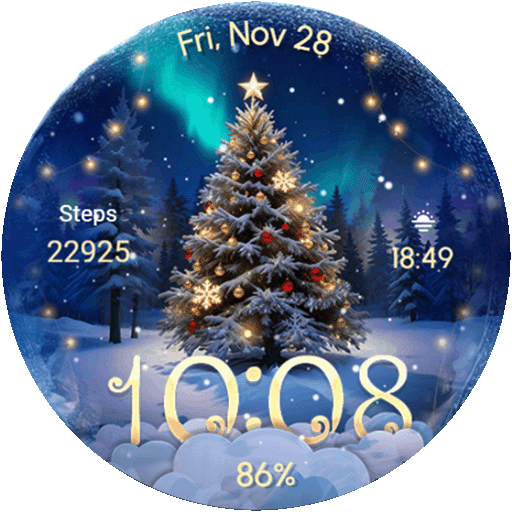
Wear Os Watch Face - Animated Snow Effect & Christmas Lights
4.3
Wear Os Watch Face - Animated Snow - Sesonal for Christmas & Winter
4.2
Funny animated watch face for Thanksgiving
4.3


