
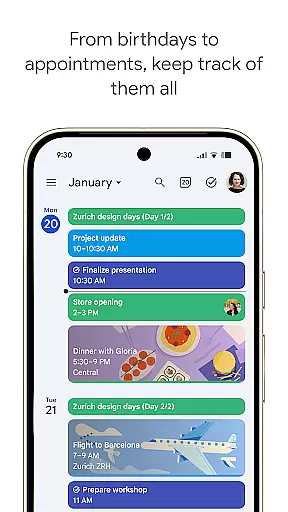
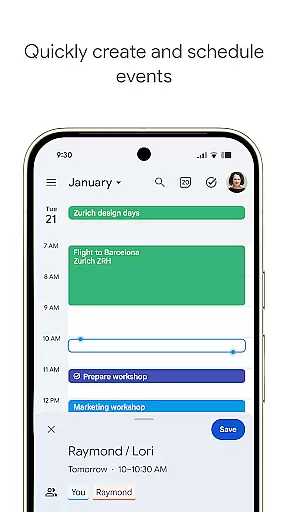
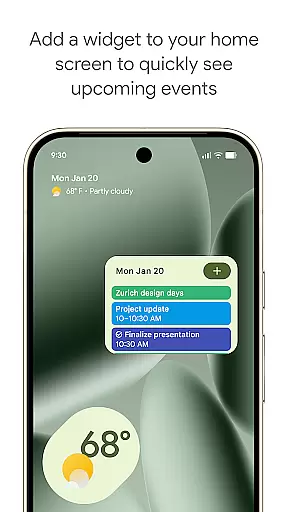
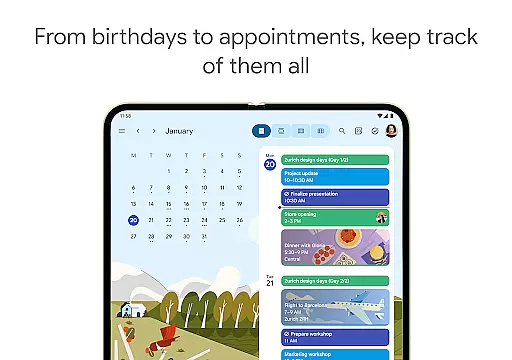
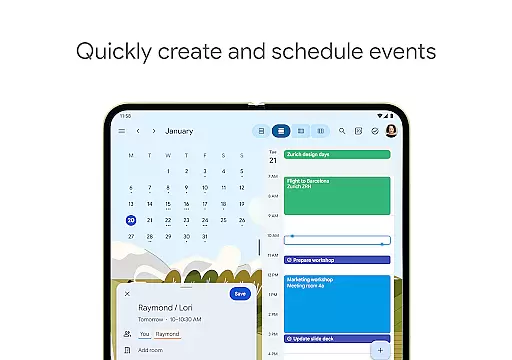
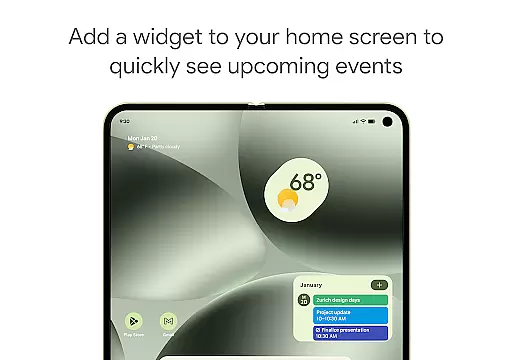
Google Calendar is the official calendar app designed for Android phones, tablets, and Wear OS devices. It helps users stay organized and plan their day efficiently. The app offers easy event creation, supports multiple calendars, and provides customizable views. With features like widgets and task management, it ensures you make the most of your day.
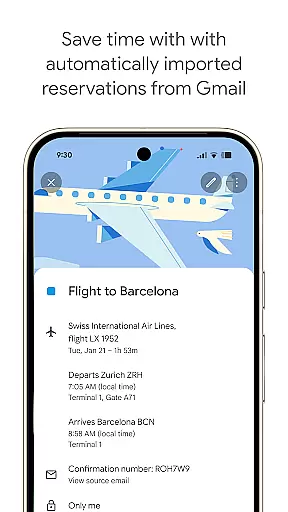
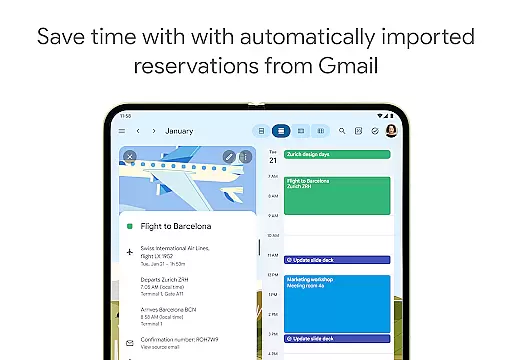
One of the standout functionalities of Google Calendar is its ability to automatically add events from Gmail, such as flight details, hotel bookings, and restaurant reservations. This seamless integration extends to other Google services, making it a versatile tool for both personal and professional use. Whether you're managing your schedule on-the-go with a Wear OS device or coordinating with a team via Google Workspace, Google Calendar keeps everyone connected and informed.
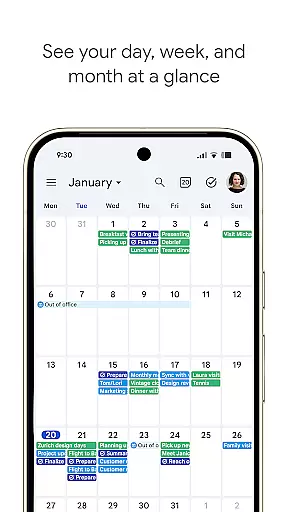
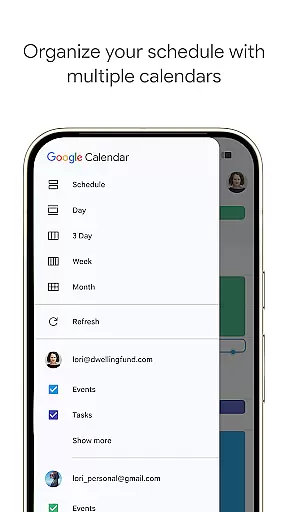
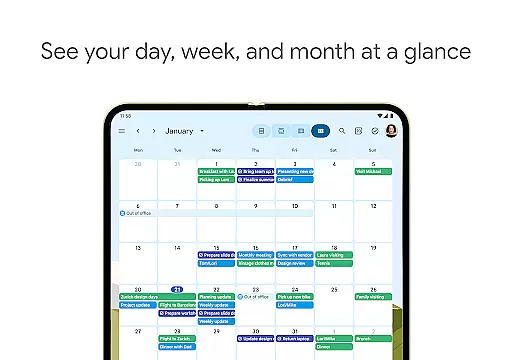
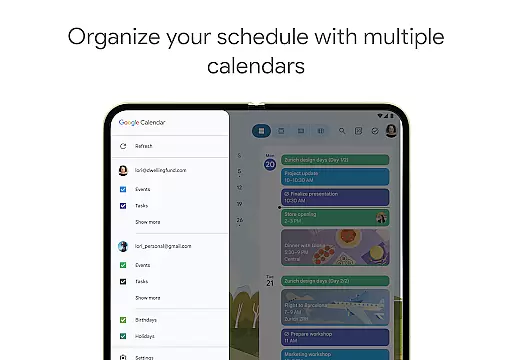
Google Calendar boasts an array of features that cater to various planning needs. Users can easily switch between different views such as month, week, and day, allowing for flexible scheduling. The app also supports shared calendars, enabling family, friends, and colleagues to view, add, or modify events collaboratively.
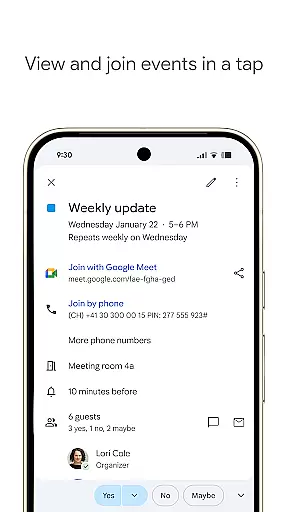
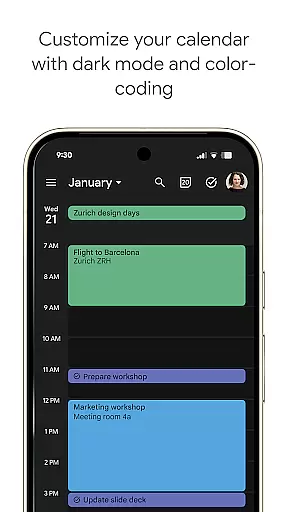
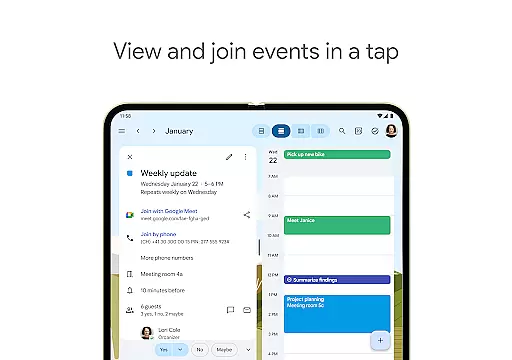
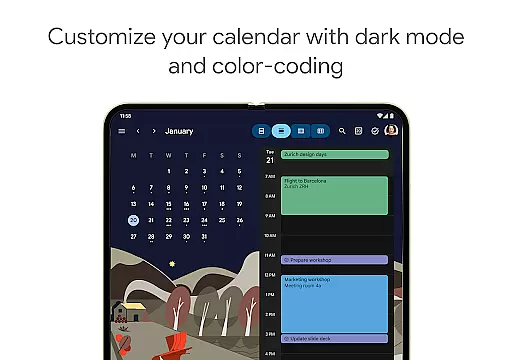
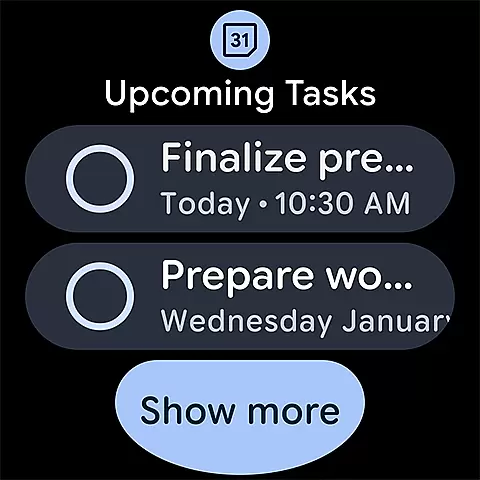
Task management is seamlessly integrated into the calendar interface, helping users stay on top of their to-do lists. Personalization options include light or dark mode and color-coded events, enhancing user experience. Additionally, Google Calendar is part of Google Workspace, which means users can connect, create, and collaborate across all Google tools. Features like adding Google Meet video calls to events and viewing layered calendars in a single view are particularly beneficial for hybrid work environments.
Companion app integration is essential for users who want a seamless experience across multiple devices. Google Calendar excels in this area by ensuring that your events, tasks, and settings are synchronized effortlessly between your Android phone, tablet, and Wear OS device. This synchronization allows you to start planning on one device and continue on another without missing any details.
The app achieves this through real-time data syncing when you're logged into the same Google account. Whether you're at your desk or on the go, all your calendar information remains up-to-date and consistent. This feature is particularly beneficial for professionals and students who need to manage their schedules dynamically throughout the day.
Users benefit from this integration by having a unified view of their commitments, regardless of the device they are using. The ability to access shared calendars, create events, and manage tasks from anywhere ensures that you never miss an important appointment or deadline. This cohesive ecosystem enhances productivity and keeps you organized in both personal and professional settings.
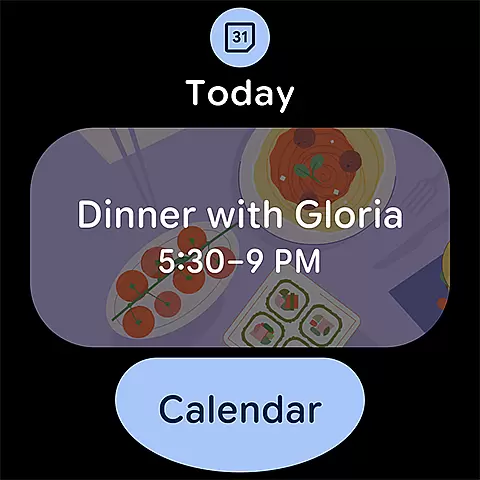
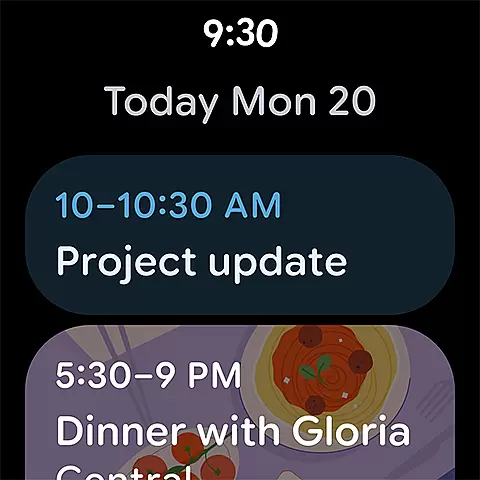
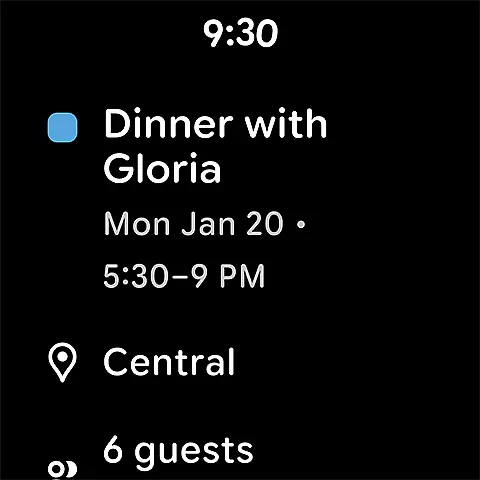
For users with Wear OS devices, compatibility with essential apps like Google Calendar is crucial. Google Calendar offers robust support for Wear OS, ensuring that you can view and manage your schedule directly from your smartwatch. This compatibility includes features such as tiles and complications, which provide quick access to your upcoming events and tasks without needing to open the full app.
The integration extends beyond just viewing events. You can receive notifications for upcoming appointments, add new events, and even check your agenda for the day, all from your wrist. This functionality is designed to keep you informed and efficient, even when you're away from your phone or computer.
This level of device compatibility ensures that users can stay connected to their schedules no matter where they are or what they are doing. By leveraging Wear OS capabilities, Google Calendar enhances the wearable experience, making it easier than ever to keep track of your day while on the move. This seamless interaction between devices underscores Google's commitment to creating a cohesive and user-friendly ecosystem.
User-friendly interface
Seamless Gmail integration
Supports multiple devices
Collaborative features
Robust security measures
Limited offline functionality
Requires Google account
Occasional sync issues
Basic task management
Ads in free version

Highly customizable hybrid watch face for Wear OS, perfect for everyday use.
 4.60
4.60
Christmas - Festive - Christmas Village - Winter - Christmas lights
5.00
Precision analog watch face with 7 complications and style options
4.0
The most customizable minimal watch face. For Wear OS 5.0, API 34+ and later
4.70
Kia Access makes getting your vehicle information easier than ever
4.60
Connect to your Bluelink equipped Hyundai vehicle from your smartphone.
4.50
Reliable phone calls with spam protection, caller ID and more helpful features
4.40
Animated video-game inspired “secret agent” simulation, right on your wrist!
4.20
Daily Weather forecast with 15 weather images for Day & Night plus Big Bold time
4.10
Christmas Theme Watch Face for Wear Os
5.00
Hyperlocal rain alerts by MyRadar using patent-pending technology, radar & more
4.80
Be an elegant and classy secret agent, with this carefully detailed watch face
4.70
The most customizable hybrid watch face. For Wear OS 5.0, API 34+ and later
4.70
Hybrid watch face for Wear OS with customizable complications by Matteo Dini MD
4.70
Deck out your Wear OS Watch face with a beautifully decorated pine wreath!
4.50
Beautiful artistic animated digital watch face, with a customizable layout!
4.40
A white realistic classic analog watch face with many customization options.
4.40
Calming & relaxing sounds for sleeping and stress relief. Stay focused all day!
4.20
Minimalistic design modern digital watch face.
4.1


User Reviews