
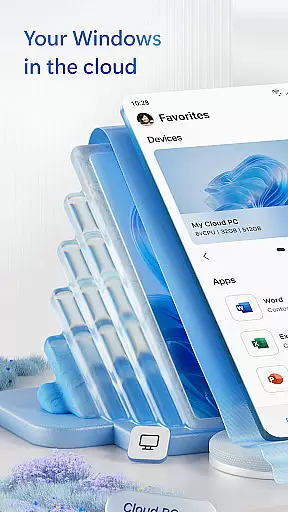
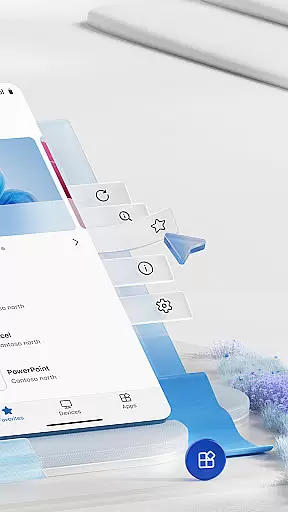
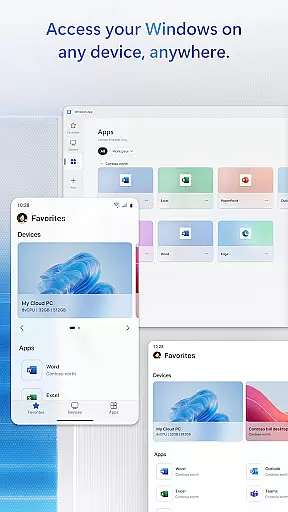
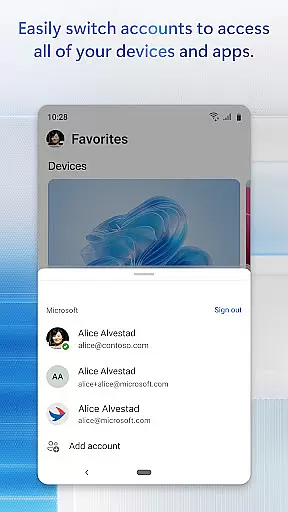
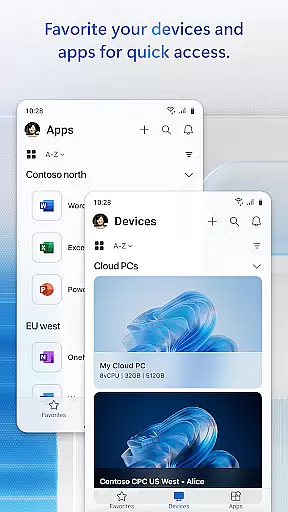
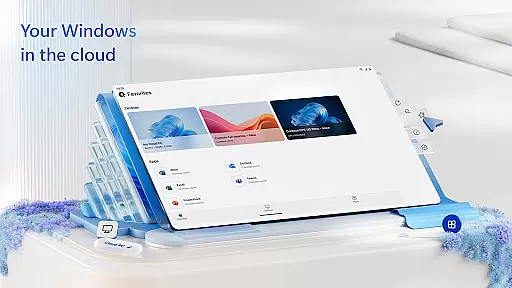
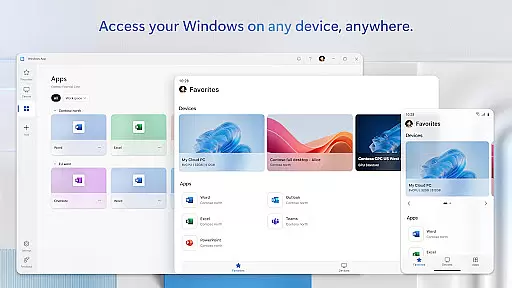
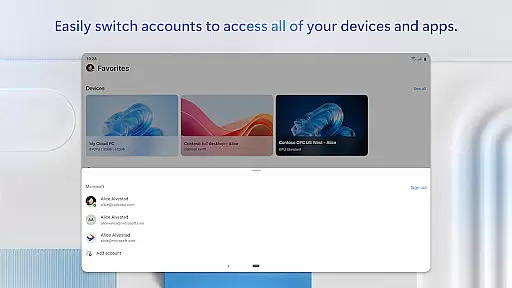
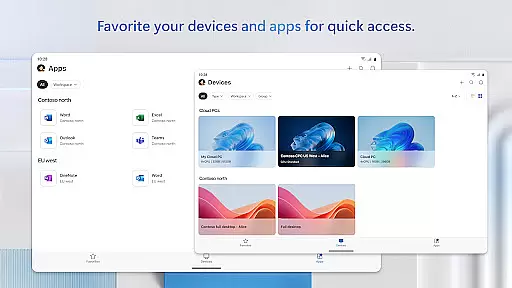
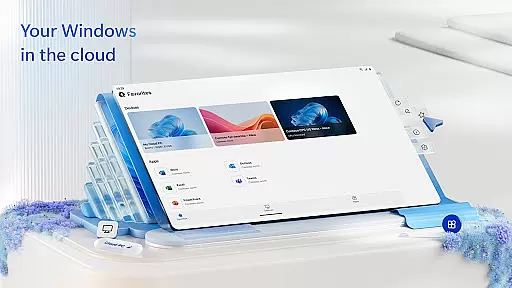
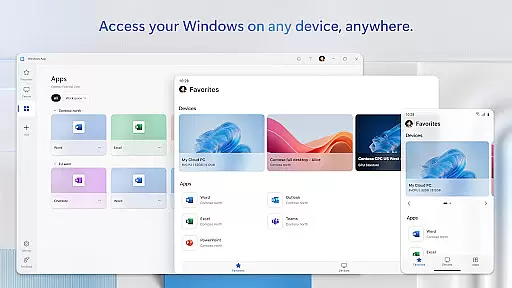
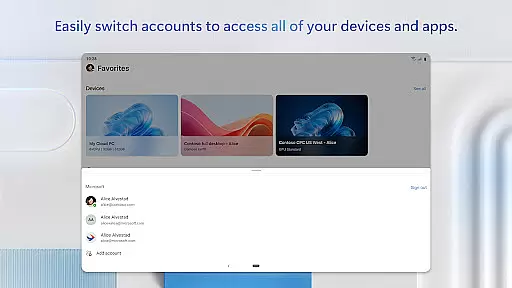
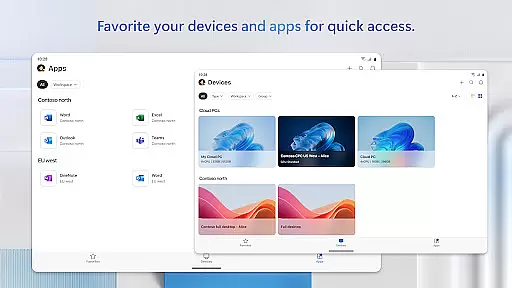
Windows App is a powerful business tool designed to provide secure remote access to various Windows environments. The app enables seamless connections to Azure Virtual Desktop, Windows 365, Microsoft Dev Box, Remote Desktop Services, and remote PCs, ensuring users can work efficiently from anywhere.
This application is optimized for Android devices running version 11 or higher, including tablets, smartphones, VR headsets, and Chromebooks that support apps from the Play Store. By securely connecting to remote Windows experiences, it empowers businesses with flexibility and productivity while maintaining enterprise-grade security.
Windows App offers a comprehensive set of features tailored for remote work scenarios. One of its standout capabilities is the support for multiple remote desktop protocols, allowing users to connect to different Windows services effortlessly. The app ensures high performance with low latency, delivering a smooth user experience even on mobile devices.
Another key feature is its compatibility with a wide range of Android devices, providing versatility for users who switch between smartphones, tablets, and other supported hardware. Additionally, the app integrates advanced security measures to protect sensitive data during remote sessions. These robust functionalities make Windows App an essential tool for modern business operations.
Collaborative work features are essential for modern business applications, enabling teams to work together efficiently regardless of location. Windows App excels in this area by providing secure connections to various remote Windows environments.
The application supports multiple remote desktop services including Azure Virtual Desktop, Windows 365, and Microsoft Dev Box. This allows users to access their workspaces from Android devices, ensuring that team collaboration is not limited by physical location or device type.
With real-time access to remote resources, users can collaborate on documents, share applications, and conduct virtual meetings seamlessly. The ability to connect to different remote services enhances productivity and ensures business continuity.
This feature is particularly valuable for organizations with distributed teams, as it maintains the integrity of collaborative workflows while providing the flexibility to work from anywhere using supported Android devices.
Effective task management is crucial for maintaining productivity in business environments. Windows App offers robust capabilities in this domain by allowing users to organize and prioritize their work across multiple remote desktop platforms.
Through its integration with various remote services like Azure Virtual Desktop and Remote PCs, the application enables users to manage their tasks efficiently. Users can switch between different workspaces and maintain a clear overview of their responsibilities.
The app's support for Android devices running version 11 and above ensures that task management is not confined to traditional office settings. Whether using a smartphone, tablet, or Chromebook, professionals can stay organized and focused on their objectives.
This flexibility in task management contributes significantly to improved time management and enhanced productivity, making Windows App an invaluable tool for modern business operations.
Secure remote access
Wide device compatibility
Supports multiple protocols
Enterprise-grade security
High performance
Limited to Android 11+
No iOS version available
Requires stable internet
Complex setup process
Premium service costs

GoTo Mobile is a simple & secure calling, messaging & meetings solution
 4.80
4.80
Quickly open and manage PDF files on your device.
3.80
FX Plus adds media, networking, and cloud capabilities to FX File Explorer.
4.10
Recover what matters — quickly and easily.
4.70
Use Generative Summary to understand your rental or insurance docs in seconds.
4.70
view, manage, and share every PDF file you have
3.60
Access to Paylocity, empowering employees with information they need 24/7.
4.70
Smarter career moves start here. AI job alerts, insights & the right tools.
4.20
Chat, meet, and collaborate to achieve more together, all in one place on Teams
4.60
Permission Guard is a security app that helps you manage app permissions.
4.80
Create curriculum vitae, a professional cover letter creator and resume designer
4.80
Manage Your Shop
4.70
Your employer must have UKG Ready software configured for Mobile.
4.60
Paychex Flex - Save Time and Stay Connected
4.60
ANDROID'S TOP MOBILE OFFICE - Word, Excel, PowerPoint and PDF at your fingertips
4.50
ADP Mobile Solutions is an employee self service app
4.50
VSD Viewer - Visio Drawings Viewer for Android Preview VSD, VDX, VSDX drawings
4.10
We are a dynamic team of creatives people of design, marketing, web & apps
3.00
viewing and sharing PDFs and other files—anytime, anywhere!
4.0


User Reviews