
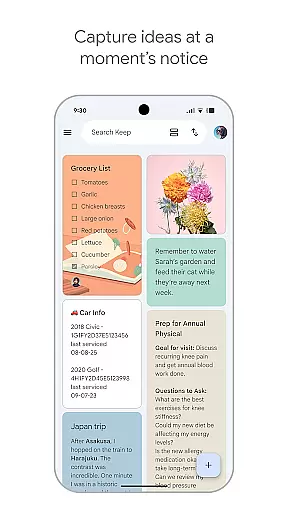
Google Keep is a versatile note-taking application designed specifically for Android Wear and other Android devices. This app allows users to quickly capture thoughts, manage to-do lists, and stay organized through various intuitive features. With advanced security measures, it ensures that all your notes remain private and protected.
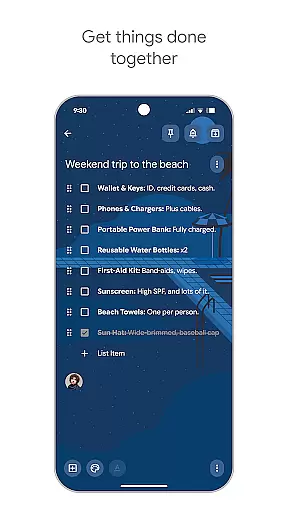
The app supports multiple formats of note-taking including text, voice memos, and photos, making it easy to record ideas whenever inspiration strikes. Its seamless integration with Android Wear provides quick access to notes and reminders directly from your smartwatch. Whether you're managing a grocery list or planning a trip, Google Keep's collaborative features allow you to share and edit notes with friends and family.
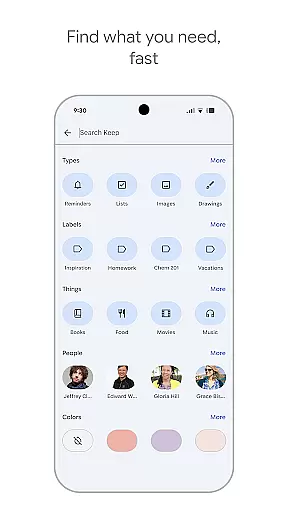
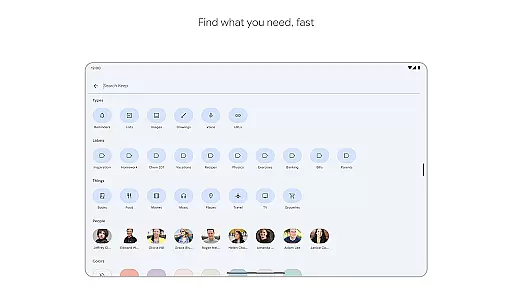
Designed for efficiency, Google Keep helps users find what they need fast by using color coding, labels, and powerful search capabilities. Reminders ensure you never forget important tasks, while cross-device syncing means your notes are always accessible whether on your phone, tablet, or computer.
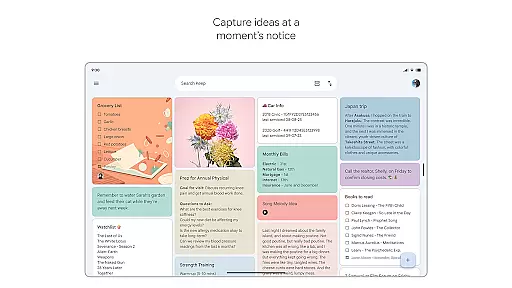
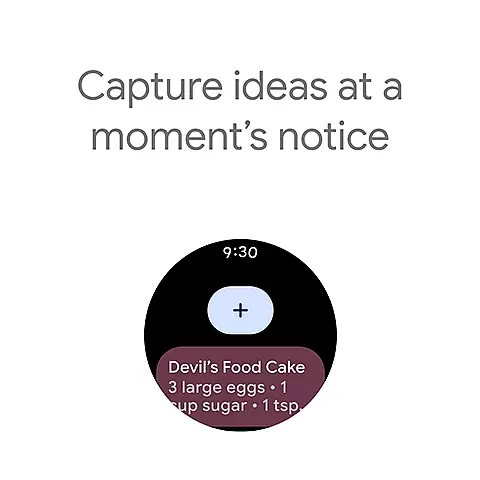
Google Keep offers an impressive array of features tailored for productivity and organization. One standout feature is its ability to capture notes in multiple formats - text, voice, and images. This flexibility allows users to save ideas in the most convenient way possible, whether they're at home or on the go.
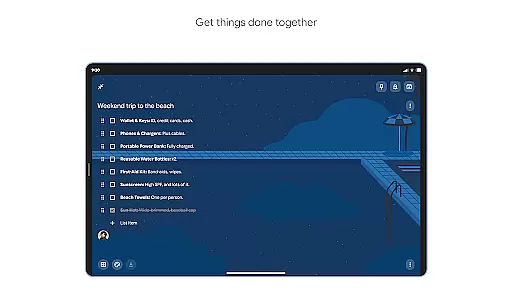
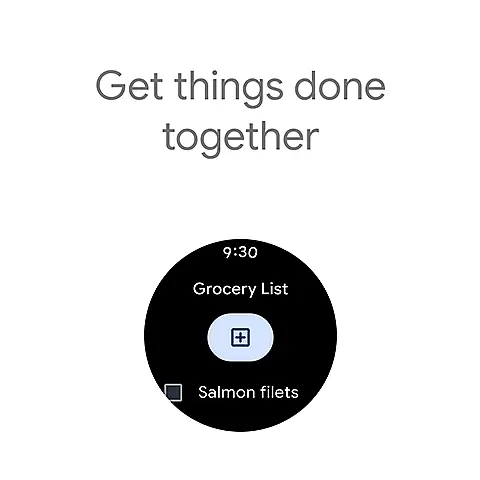
The app's collaboration tools make it simple to share notes with others. You can work together on projects like grocery lists or travel plans, seeing changes in real time. The app also integrates seamlessly with Android Wear, providing quick access to notes through widgets and complications on your smartwatch face.
Organization is made easy with customizable labels, color coding, and pinning options. Users can set location-based and time-based reminders to ensure they never miss important tasks. All these features are backed by Google's robust security infrastructure, protecting your notes across all synced devices.
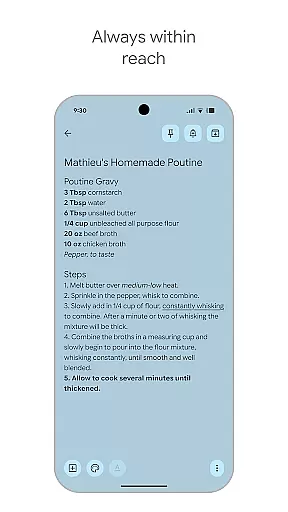
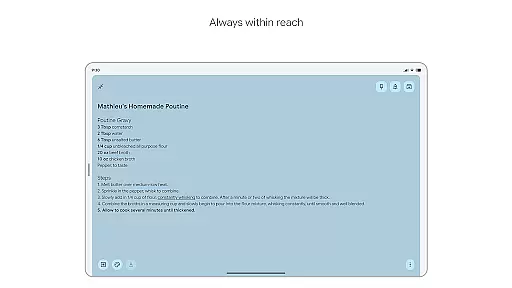
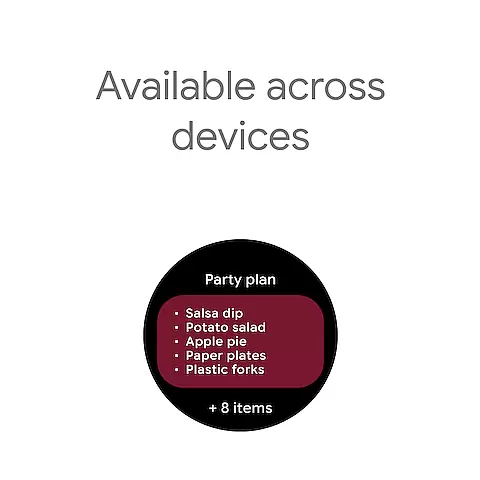
Google Keep offers seamless companion app integration, ensuring that your notes and tasks are always in sync across all your devices. This means you can start a note on your phone and continue editing it on your tablet or computer without any interruptions.
The app's synchronization capabilities extend to Wear OS devices as well, allowing users to access their most important notes directly from their smartwatch. This cross-device functionality is made possible through Google's robust cloud infrastructure, which ensures real-time updates and minimal latency.
With its widget support, Google Keep makes it easy to capture ideas quickly on any device. Users can add widgets to their phone or tablet home screens and use complications on Wear OS to instantly create new notes or access existing ones.
This level of integration provides significant value to users who rely on multiple devices throughout their day. Whether you're switching from your morning commute on a smartphone to an afternoon meeting with your tablet, Google Keep ensures your information is always up-to-date and accessible.
Google Keep demonstrates excellent compatibility with Wear OS devices and various other Android products. The application is optimized for both phone and tablet interfaces while maintaining full functionality across different screen sizes and resolutions.
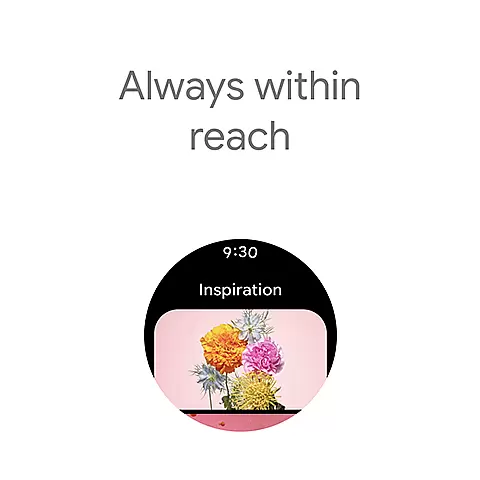
For Wear OS users, Google Keep offers specialized features including tiles and complications that bring essential note-taking capabilities directly to your wrist. These features are designed specifically for quick interactions and optimal readability on smaller smartwatch displays.
The app supports various input methods across devices, from traditional typing on phones and tablets to voice commands and simple taps on Wear OS devices. This flexibility ensures users can capture their thoughts regardless of which device they're using at the moment.
Furthermore, Google Keep maintains consistent performance and feature availability across all compatible devices. This uniform experience means users don't have to learn different interfaces or worry about missing functionality when switching between their phone, tablet, or Wear OS device.
User-friendly interface
Cross-device syncing
Voice memo capability
Real-time collaboration
Advanced security features
Limited formatting options
No end-to-end encryption
Basic drawing tools
Occasional sync issues
Ads in free version

A customizable Christmas watch face for Wear OS with a countdown.
 4.20
4.20
Current temperature, weather hourly, weather radar by the weather forecast app
4.40
Be an elegant and classy secret agent, with this carefully detailed watch face
4.70
Bold, Modern Hybrid Watch Face for Wear OS. 10 Colors, Rich Info Display.
4.30
Stylish digital watch face for Wear OS devices with customizable features
4.3
Your second brain for organizing your life: to-do, calendar, reminder.
4.70
Stay in touch with your friends and family using LINE!
3.40
A white realistic classic analog watch face with many customization options.
4.40
From periods to pregnancy & perimenopause, Flo helps you track it all. Try now.
4.70
The Chevron App allows you to pay for fuel from the comfort of your car!
4.80
Easy Voice Recorder is your everyday companion to record important moments.
4.70
"PER27 Galaxy Digital" is a digital Wear OS watch face designed by PERSONA
4.10
Authentic military-tactical design with ZULU time! Realistic and functional!
3.80
Watch face designed for Thanksgiving Day. 7 Background Styles included.
3.20
Christmas and New Year - Themed Watchface
4.3
Wear Os Watch Face - Animated Snow - Sesonal for Christmas & Winter
4.4
Christmas is near, let's count together the days left until Santa comes
4.4
Analog watch face with 8 complications and expedition styling
4.3
Artistic Digital Watchface
4.5


User Reviews