
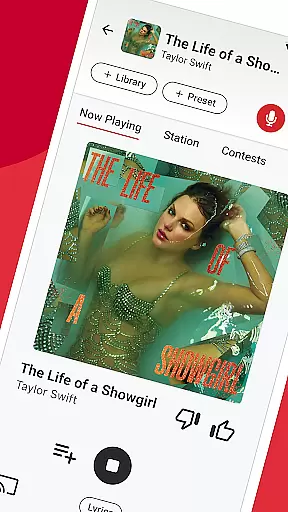

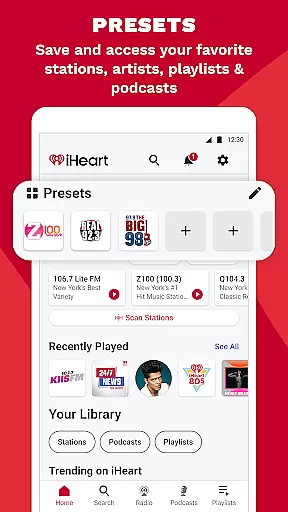
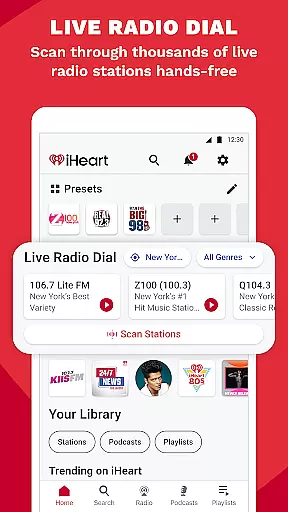
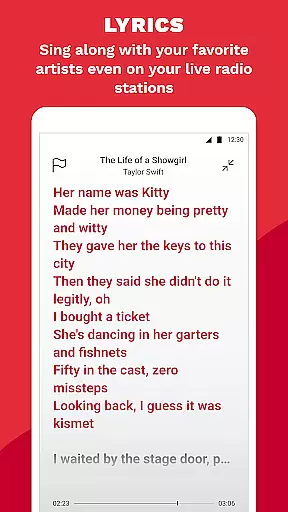
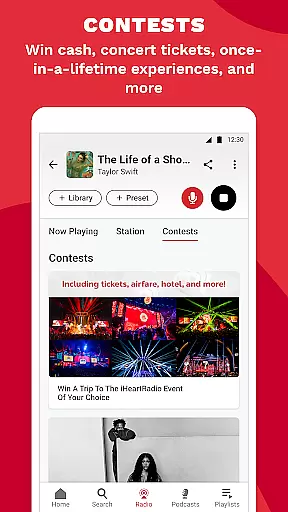
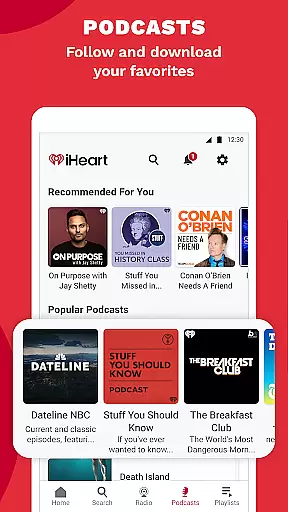
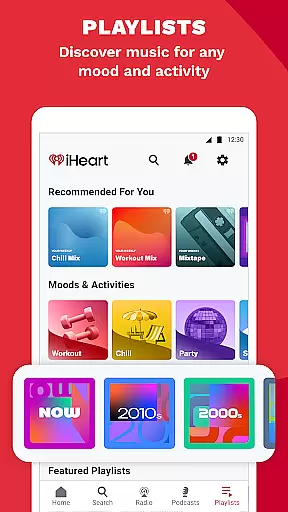
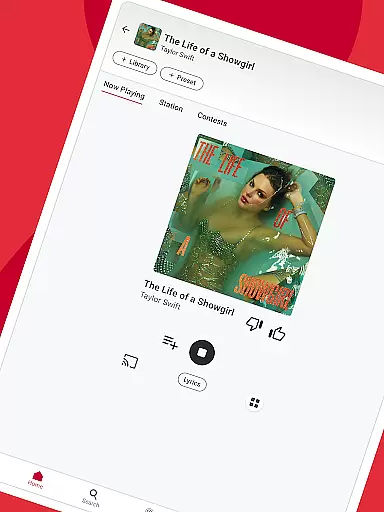
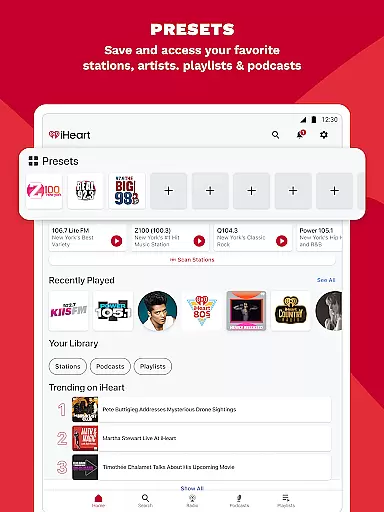
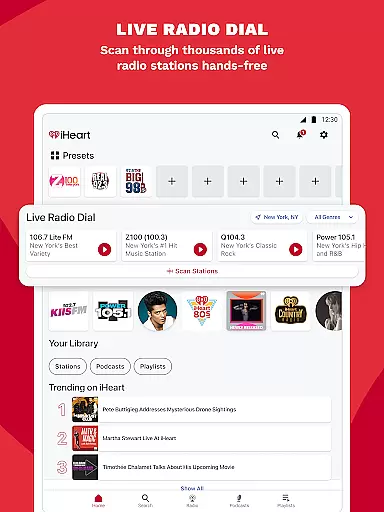
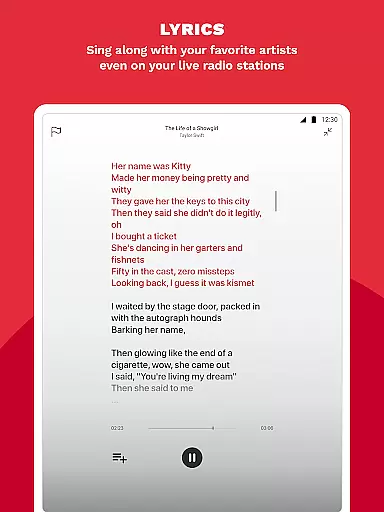
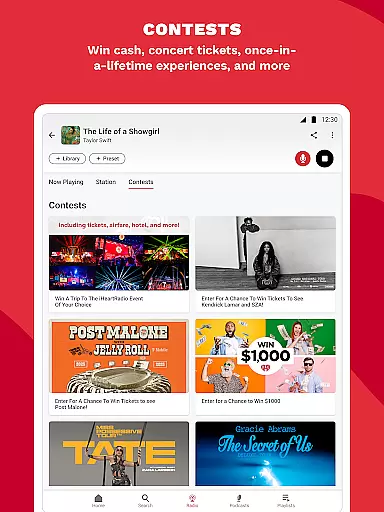
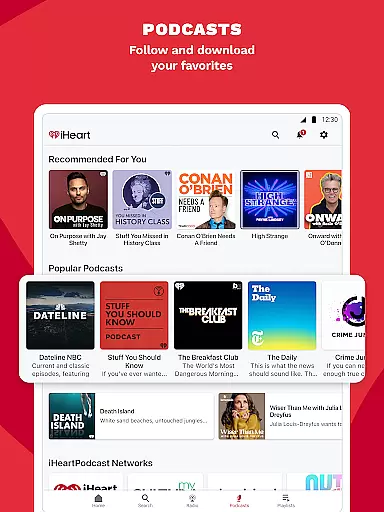
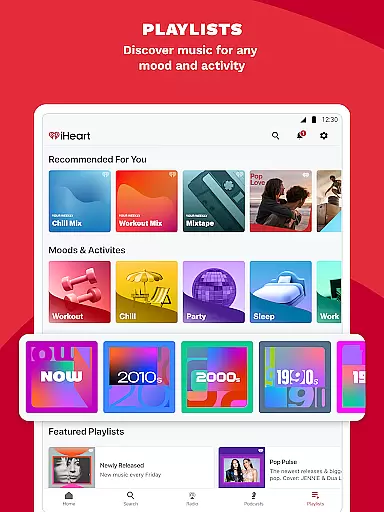
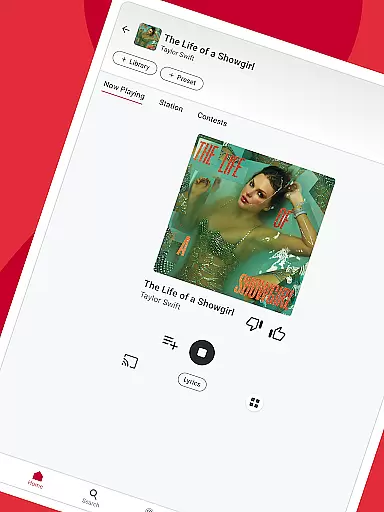
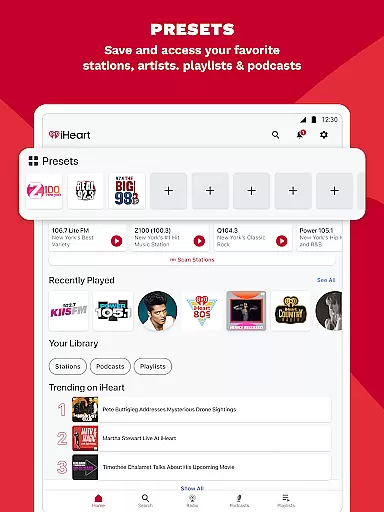
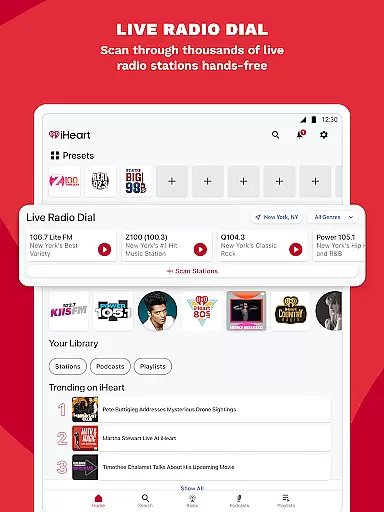
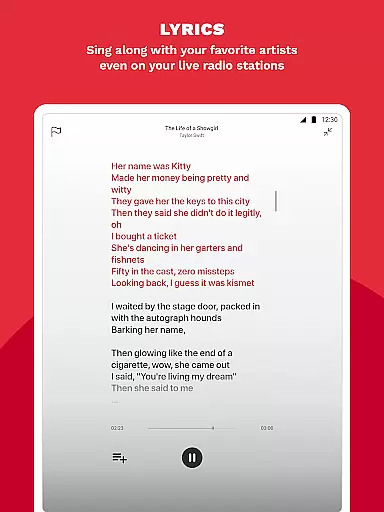
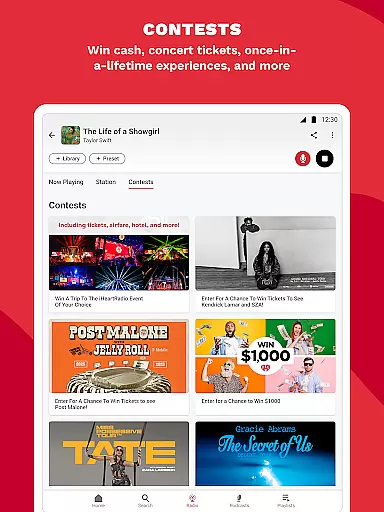
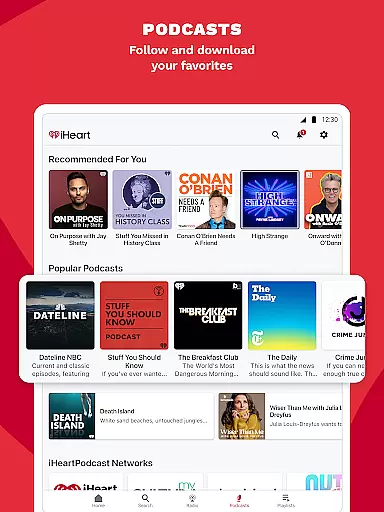
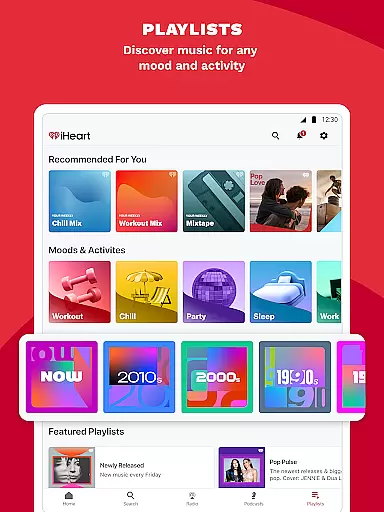
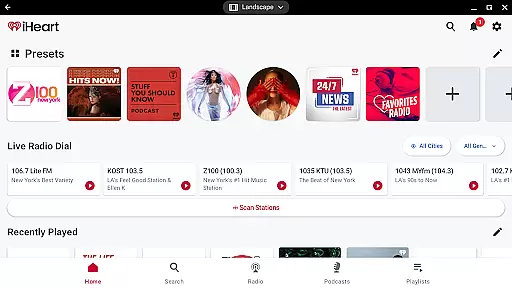
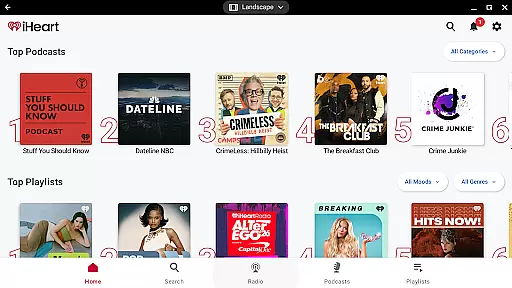
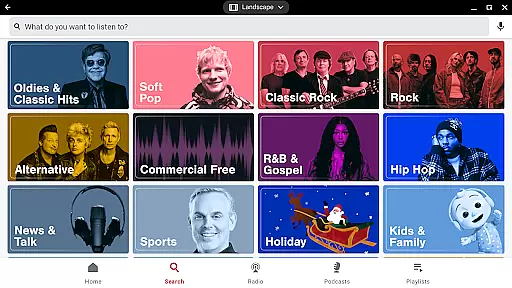
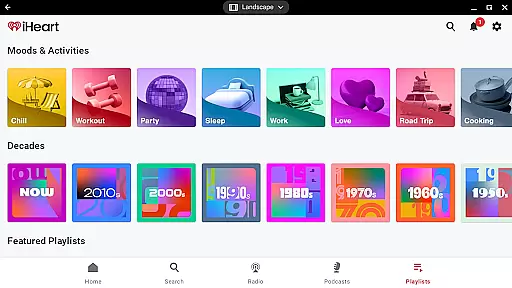
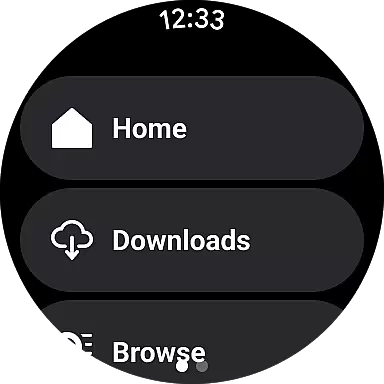
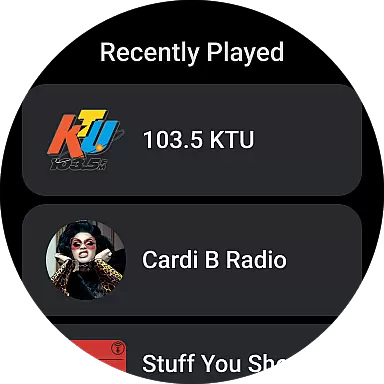
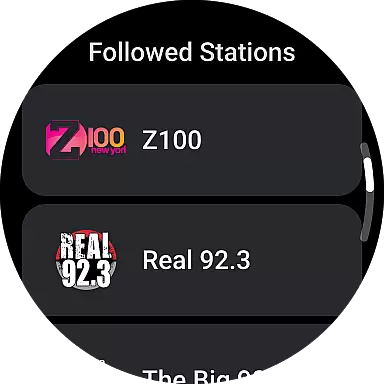
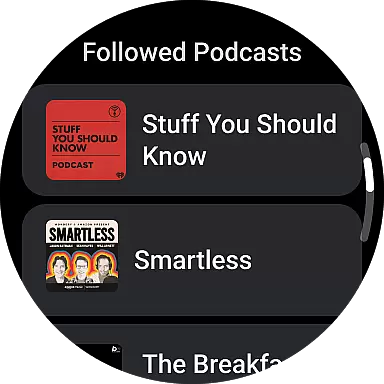
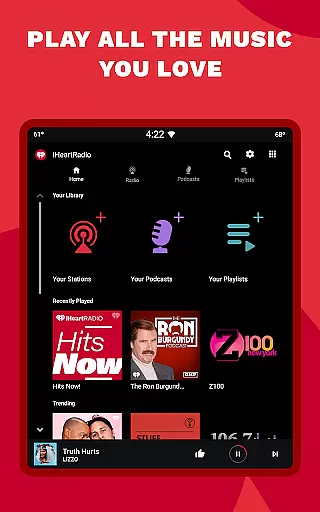
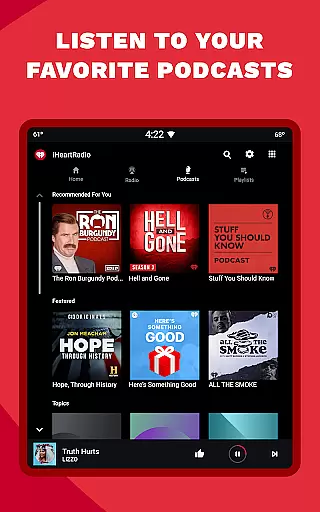
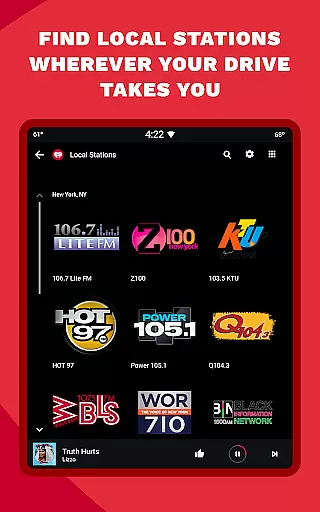
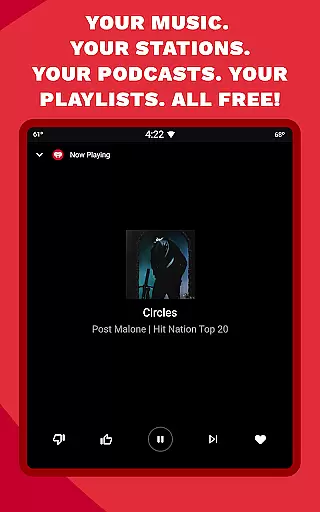
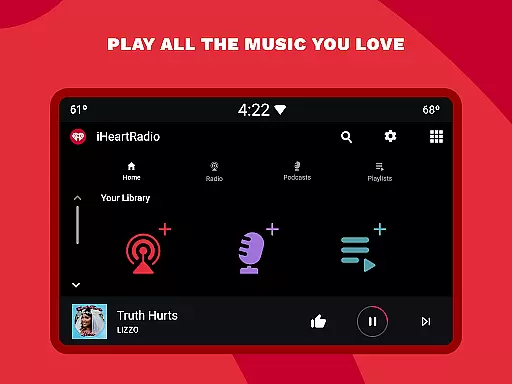
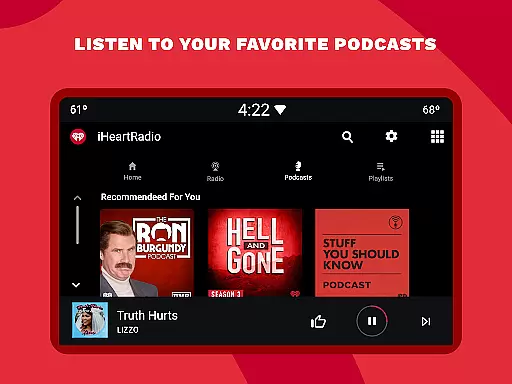
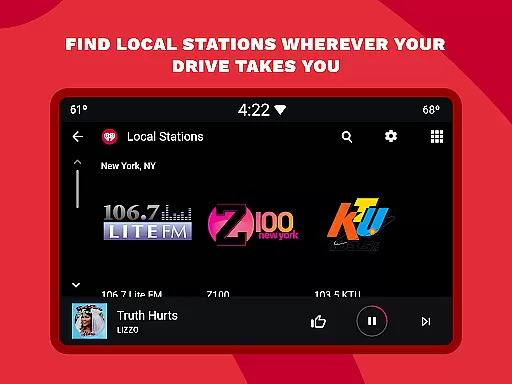
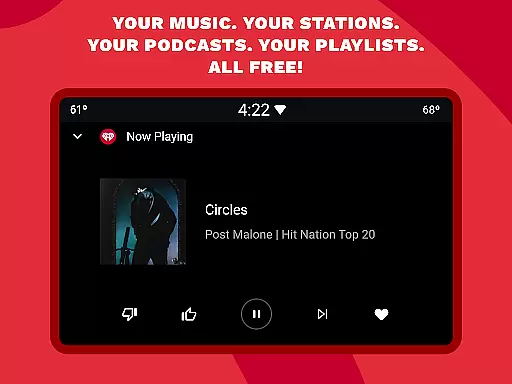
iHeartRadio is a versatile audio app that brings together live radio, on-demand music, podcasts, and sports content in one place. The app offers access to thousands of live radio stations across various genres, including holiday music stations during the festive season. Users can enjoy curated playlists for different moods and activities, stream popular podcasts on diverse topics, and stay updated with live sports commentary.
One standout feature is its seamless integration with Android Auto, making it perfect for travelers who want uninterrupted music on the road. Whether you're into music, news, or sports, iHeartRadio provides an all-in-one solution for your audio entertainment needs, ensuring you have access to your favorite content anytime, anywhere.
iHeartRadio stands out with its comprehensive range of features tailored to different user preferences. For music lovers, the app offers personalized playlists, new music discovery through charts, and curated stations based on favorite artists. Sports enthusiasts can tune into ESPN Radio, Fox Sports Radio, and other networks for live game commentary and sports news.
Podcast listeners will appreciate the extensive library covering topics like true crime, self-improvement, and comedy, with adjustable playback speeds. Additionally, the app supports offline listening and ad-free options through premium subscriptions. These features collectively ensure a customizable and immersive experience, whether you're commuting, working out, or relaxing at home.
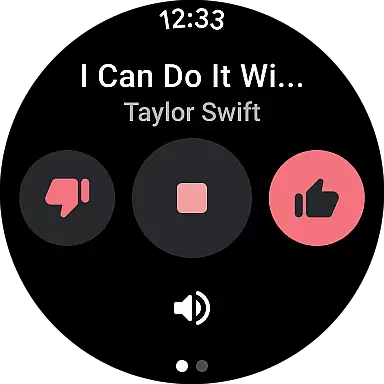
Companion app integration is essential for wearable devices to function seamlessly with smartphones. iHeart ensures that its Android Wear application syncs effortlessly with the main mobile app, providing users with a unified experience across devices.
The synchronization between the iHeart Android Wear app and its smartphone counterpart allows for real-time updates of music, podcasts, and radio stations. This means users can start listening on one device and continue on another without missing a beat, maintaining continuity in their entertainment experience.
Moreover, the companion app integration extends to features such as Talkback mic functionality and sports updates, ensuring that all interactive elements are preserved. Users can engage with radio hosts or get live sports commentary directly from their wearable device.
This level of integration not only enhances user convenience but also enriches the overall utility of the iHeart app ecosystem, making it an indispensable tool for those who value connectivity and accessibility in their digital entertainment platforms.
Ensuring broad device compatibility is crucial for any application targeting the Android Wear platform. iHeart has been optimized to work across a wide range of Wear OS devices, guaranteeing that users can enjoy their favorite content regardless of their specific hardware choice.
The app's compatibility extends to various smartwatches running Wear OS, allowing users to stream music, podcasts, and live sports directly from their wrists. This flexibility empowers users to stay entertained and informed without needing to carry their phones at all times.
In addition to supporting multiple devices, iHeart maintains high standards of performance and reliability. The app undergoes rigorous testing to ensure smooth operation on different screen sizes and resolutions, delivering a consistent user experience.
By prioritizing Wear OS and device compatibility, iHeart demonstrates its commitment to accessibility and user satisfaction, solidifying its position as a leading choice for streaming entertainment on wearable technology.
User-friendly interface
Extensive content library
Offline listening option
Live sports coverage
Customizable playlists
Ads in free version
Limited offline access
Premium subscription cost
Occasional buffering
Complex navigation

Wear Os Watch Face - Animated Snow Effect & Christmas Lights
 4.0
4.0
WTW M17 is a premium and luxurious hybrid watch face
4.70
Christmas - Festive - Christmas Village - Winter - Christmas lights
5.00
Simple Analog-Digital Watchface For Wear OS 3.0 and Up Smartwatches
4.4
The most customizable hybrid watch face. For Wear OS 5.0, API 34+ and later
4.70
Hybrid Vibrant Health Watch Face for Wear OS
4.3
A realistic hybrid watch face with many customization options.
4.60
Your music, your playlists, and more—offline and unlimited.
4.20
Track airplanes and follow flights with our real-time flight tracker
4.50
Deck out your Wear OS Watch face with a beautifully decorated pine wreath!
4.50
Beautiful artistic animated digital watch face, with a customizable layout!
4.40
Reliable phone calls with spam protection, caller ID and more helpful features
4.40
Bold weather Digital watchface with forecast & optional animated background
4.40
Premium hybrid watch face with many customizations for Wear OS devices.
4.40
Locate your family members by GPS phone location tracker everywhere and anytime
4.30
Connect, create, and collaborate with Gmail, part of Google Workspace.
4.10
Your local weather forecast, storm tracker, radar maps & live weather news
3.40
Precision analog watch face with 7 complications and style options
4.3
Analog watch face with 8 complications and expedition styling
4.5


User Reviews