
X Launcher Pro is a premium launcher app designed for Android users who appreciate minimalist flat design and customization freedom. This application transforms the entire appearance and operational experience of your smartphone, offering a visually stunning interface with no ads to interrupt your workflow.
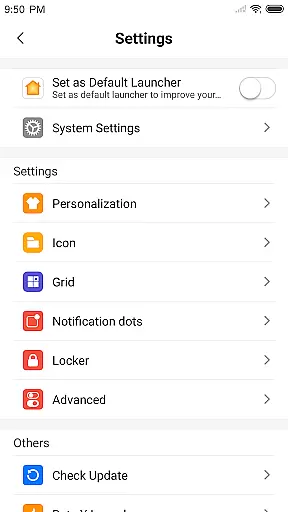
The launcher provides essential features like an App Manager for organizing local apps, a Control Center for quick device settings adjustment, and a Theme Store with various themes and wallpapers. Its customizable options allow users to modify app icons and names, change grid layouts, and even hide specific apps. These capabilities make it particularly suitable for users seeking both aesthetics and functionality in their mobile experience.
With its intuitive design and feature-rich toolkit, X Launcher Pro delivers a smooth and immersive user experience that enhances productivity while maintaining a sleek visual appeal.
X Launcher Pro stands out with its comprehensive set of features tailored to enhance both the look and usability of Android devices. One of its key characteristics is the absence of advertisements, ensuring an uninterrupted and focused user experience.
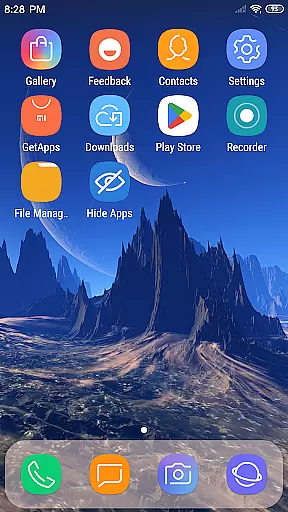
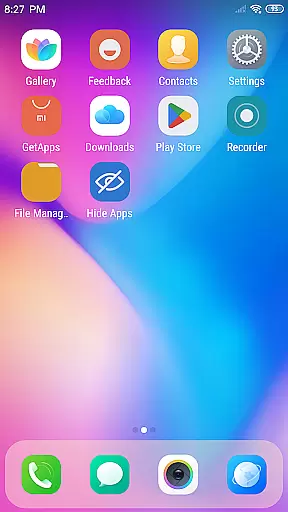
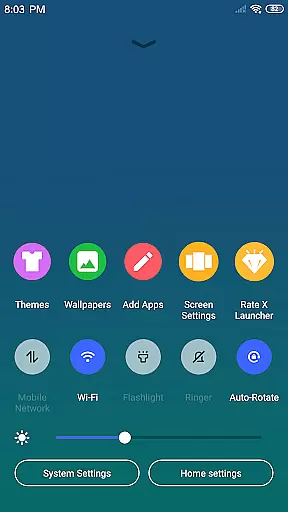
The App Manager function allows users to quickly access and organize their installed applications by simply swiping up. The Control Center, accessible by swiping down, provides shortcuts to frequently used settings such as WiFi, brightness, and volume controls. Additionally, the launcher offers a diverse selection of themes and wallpapers, enabling users to personalize their home screens according to their preferences.
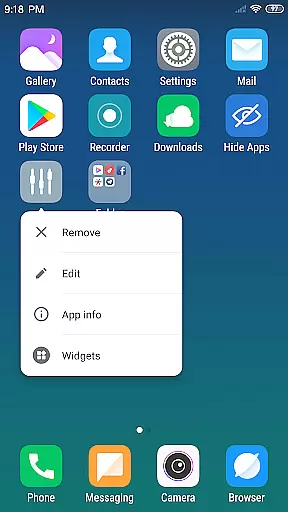
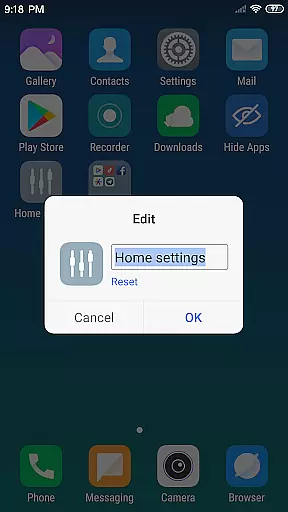
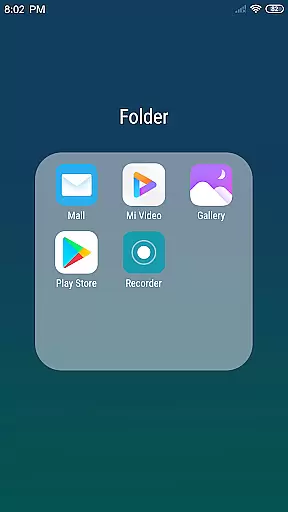
Customization is taken to the next level with options to modify app icons using local images, adjust desktop grid sizes, and create flat-style folders by dragging one app onto another. The ability to hide apps adds another layer of personalization and privacy management. These features collectively contribute to a highly adaptable and user-friendly mobile environment.
In the realm of digital creativity, having a comprehensive suite of tools is paramount. X Launcher Pro rises to the occasion by offering an extensive array of features that cater to your creative needs. With functionalities ranging from App Manager to Control Center, it ensures that you have everything at your disposal.
One of the standout offerings is the Theme Store, which houses a myriad of themes designed to adapt seamlessly to your preferences. This flexibility extends to app icons and names, which can be customized with local images, providing a personalized touch to your device's aesthetic.
The ability to modify the layout by changing the number of rows and columns further exemplifies its versatility. Coupled with a Flat Style Folder feature for efficient organization, X Launcher Pro equips users with all they need to tailor their device exactly as they envision.
A canvas in the digital space refers to the area where creativity unfolds, and format flexibility is key to realizing one's vision. X Launcher Pro embraces this concept wholeheartedly by allowing users unprecedented control over their deviceu2019s appearance and structure.
Users can enjoy the freedom of selecting from latest wallpapers and rich icon libraries, ensuring their device reflects their unique style. The customization doesn't stop there; individuals have the power to alter app icons using local images, which can be cropped to fit perfectly.
Moreover, adjusting the launcheru2019s grid size by changing row and column numbers offers a tailored experience like no other. This level of personalization empowers users to create a digital environment that resonates with their personal workflow and aesthetic preferences.
User-friendly interface
Highly customizable
No intrusive ads
Variety of themes
Efficient app management
Storage permission required
Limited to Android
Premium version cost
Complex for beginners
Occasional bugs

Customizable Outlined Fonts. Watch Face Format. Battery friendly Digital Clock.
 4.20
4.20
Stylish letters, Stylish Keyboard, Symbols, Emojis, Cool nickname
4.40
Meet the magic aı 3d photo generator and smart AI video generator app.
3.20
Create color palette from Image, RGB & RYB Color wheel harmonies, Color Scheme
4.50
The perfect place to start sketching! Use Sketchbook to draw and paint sketches.
4.50
Painting, drawing, & sketching
4.50
Image resizer to resize, crop, rotate, flip, change dpi photo or picture in bulk
4.60
Get creative and make art with your Sesame Friends!
4.00
Retouch photos. Create or edit images. Endless capabilities.
2.70
2D animation studio for Android tablets - unlimited layers, infinite timeline
4.70
Digital, Abstract, Classic - all types of color wheels in one app!
4.60
Turn your drawings into flipbook-style animations with simple creative tools
4.60
Get an overview over all your embroidery threads, projects and more.
4.60
Unleash your drawing and painting potential
4.50
Share the joy of painting with ibis Paint! Drawing anime and manga art.
4.50
800+ Drawing, Painting Lessons App to Practice, Sketch & Paint Art.
4.30
Experience next-gen icons with a modern liquid glass look.
3.60
Transform photos into amazing monochrome dither art with professional algorithms
4.2
Art of Combination Wear OS Watch faces
4.0


User Reviews