
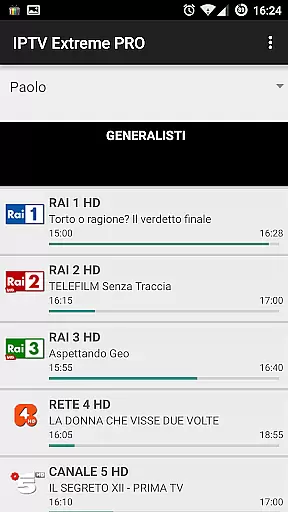
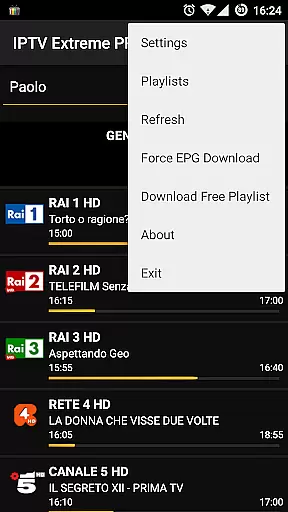
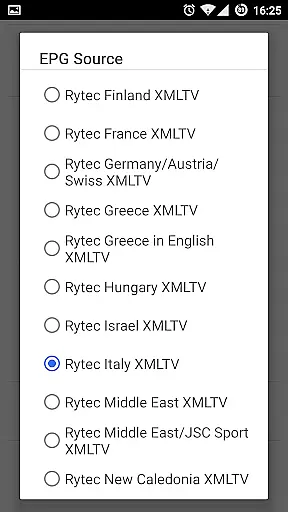
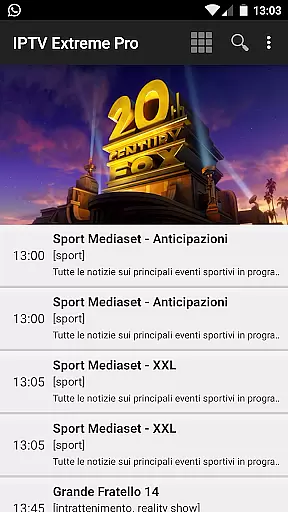
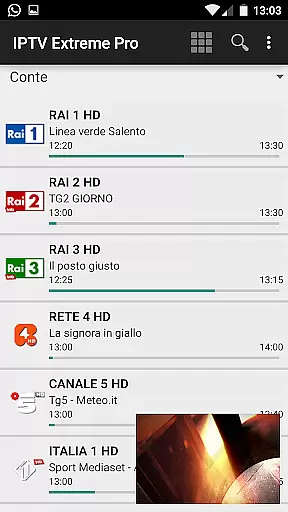


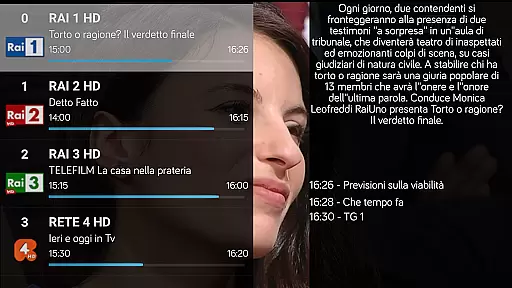
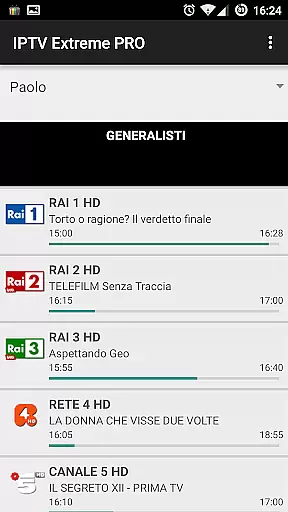
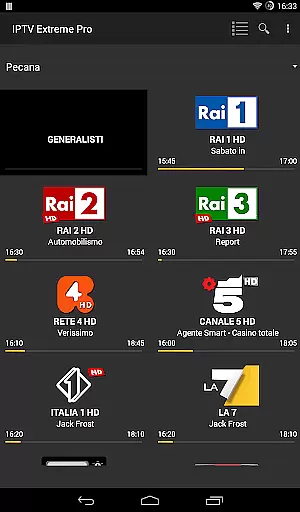
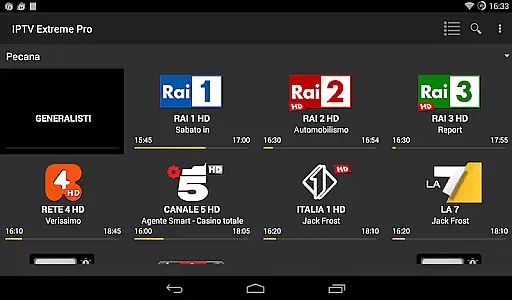


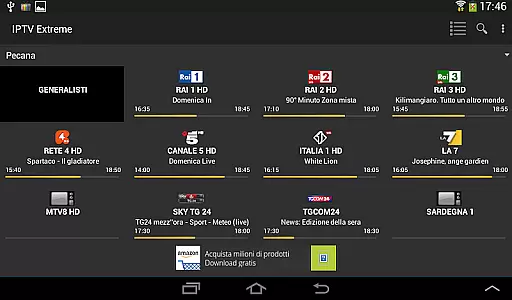

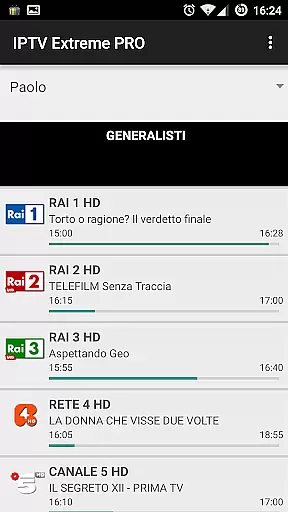
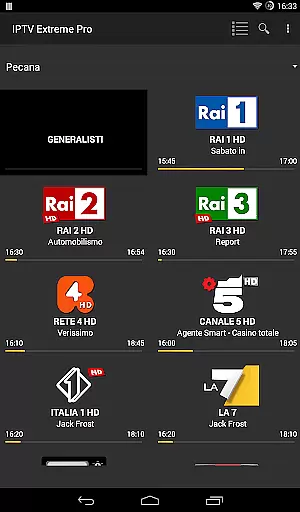
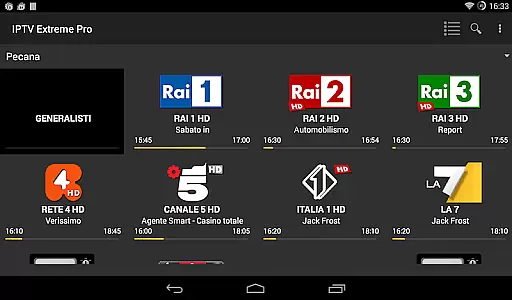

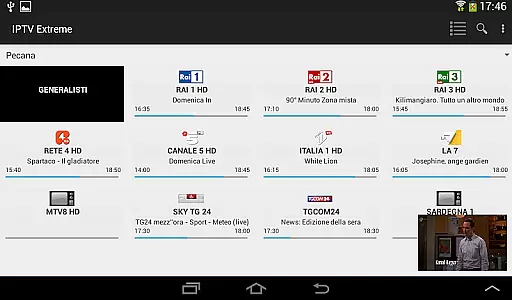


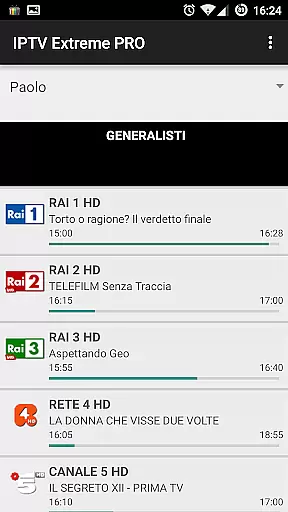
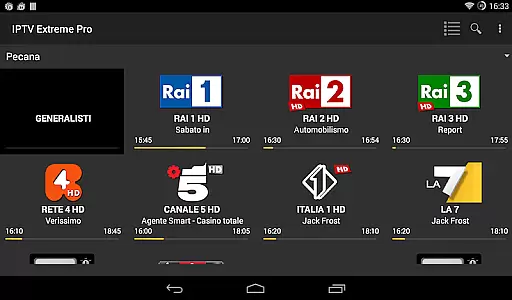

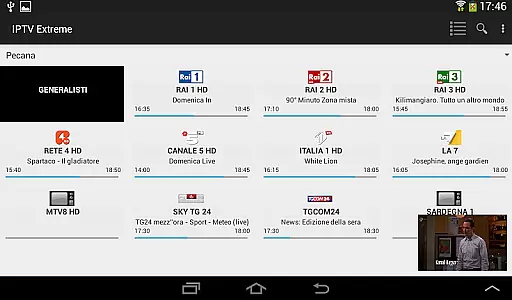


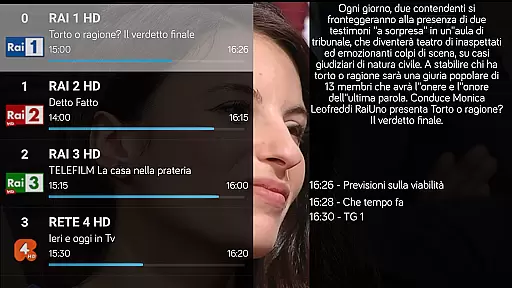
IPTV Extreme Pro is a feature-rich playlist manager designed for users who want to organize and enjoy their IPTV content efficiently. The app offers advanced playback options, including an integrated player with both advanced and light modes, ensuring smooth streaming experiences across devices.
One of the standout features is its extensive support for various formats and functionalities such as M3U playlists, MAG support, and multi-EPG (TV Guide) capabilities. Users can also take advantage of parental controls, Chromecast support, and remote controller compatibility, making it versatile for different household needs. Additionally, the Pro version provides an ad-free experience and more than 10 customizable themes, enhancing user interface personalization.
This application is ideal for tech-savvy individuals looking to manage their IPTV streams legally and efficiently. With options like auto EPG updates, picons support, and the ability to record live streams, IPTV Extreme Pro ensures that users have complete control over their viewing experience while maintaining compliance with legal standards.
IPTV Extreme Pro stands out with its comprehensive set of features tailored for seamless media management. The integrated player supports both advanced and light modes, catering to users with varying performance needs. Chromecast support allows for easy streaming on larger screens, while parental controls ensure safe viewing environments for families.
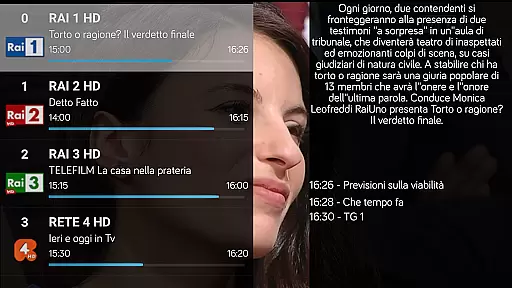
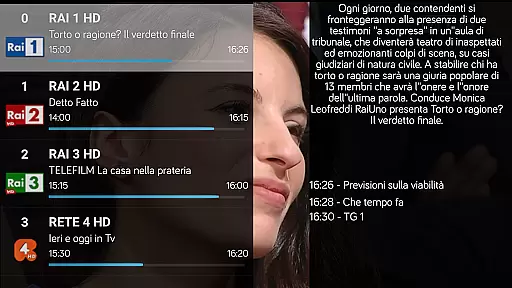
The app's robust playlist management includes M3U playlist support, MAG device compatibility, and multi-EPG functionality. Users can benefit from automatic EPG updates, alias management, and sliding EPG time, providing up-to-date and flexible TV guide information. Furthermore, the ability to download on-demand programs and record live streams adds significant value for those who prefer offline access or need to schedule recordings.
Additional premium features in the Pro version include an ad-free interface and over 10 customizable themes, offering a cleaner and more personalized user experience. These enhancements not only improve usability but also demonstrate the app's commitment to quality and user satisfaction.
Video format compatibility is a crucial feature for any video player application, ensuring that users can enjoy content in various formats without technical hindrances. IPTV Extreme Pro supports M3U playlists and provides an integrated player capable of handling multiple video formats efficiently.
The app's advanced and light player options cater to different user preferences and device capabilities. This flexibility allows seamless playback of live streams and on-demand programs without the need for additional codec installations or format conversions.
Users benefit from the application's comprehensive support for various video formats, including its ability to record live streaming with time limits. The inclusion of MAG support and multi-EPG functionality further enhances the video playback experience across different sources and resolutions.
While IPTV Extreme Pro focuses primarily on video playback and management, it incorporates several intelligent features that enhance the overall user experience. Although not a traditional video editor, the app offers unique functionalities that streamline content management and personalization.
The application's parental control system and EPG alias management demonstrate smart content filtering and organization capabilities. These features allow users to customize their viewing experience while maintaining appropriate content accessibility within households.
Additional AI-powered elements include automatic EPG updates, timer management, and memo functions for TV guide events. The app's ability to search for similar events and manage picons in different sizes showcases its intelligent approach to content presentation and discovery.
Advanced playback options
Parental controls
Chromecast support
Customizable themes
Ad-free experience
No built-in channels
Complex setup
Requires playlists
Premium cost
Limited customer support

Auto video maker with music & exclusive filters. Video editing made simple.
 4.50
4.50
Fast, private downloading, video saving, social media
4.50
Powerful, professional, versatile teleprompter. Developed by an active film crew
4.00
Video Downloader is an utility that can save videos and music from web sites
4.20
Turn your phone into a wireless camera!
4.20
GENRAL PRO - General Pro is the best video player that fully supports all formats.
4.70
Flud is a simple and beautiful BitTorrent client for Android.
4.80
Viddo: Generate Action Figure, AI Anime, AI kiss, AI hug Video from image & text
4.40
Video&Drama Player All Format is a HD video player, music player
3.00
Download Hub, easy and private way to download and enjoy your videos offline
4.80
Find, download, and play torrents with the official BitTorrent® Pro app
4.70
VLC Remote lets you control your VLC Media Player on Mac, PC or Linux.
4.60
Seamlessly connect and control your smart devices, anytime, anywhere with ease.
4.60
IPTV Loader, loads your own Playlist. DOES NOT CONTAIN ANY LIST OR CHANNELS
4.60
Cast to Chromecast, Xbox, Fire Stick, Roku, DLNA, Smart TV & No Feature Limited!
4.50
Make your own Animations, Video and Photo Edits, Visual Effects, and more!
4.00
Watch full episodes of your favorite Cartoon Network and Cartoonito shows!
3.50
This app is an emulator of some specific IPTV boxes
3.50
Download videos easily & play them all in one smart, powerful video manager.
3.40


User Reviews