
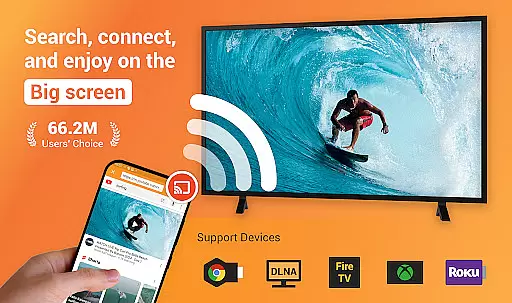
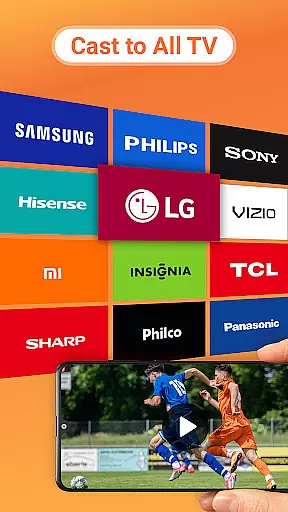
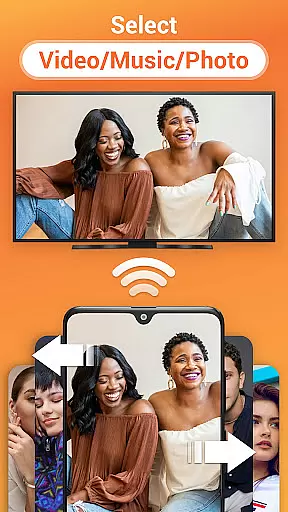
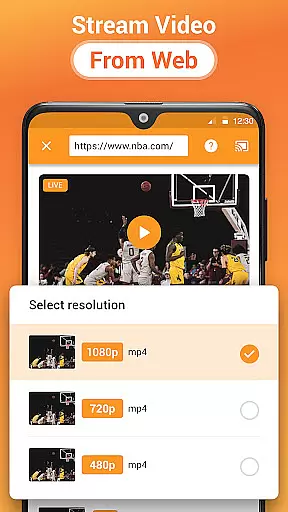
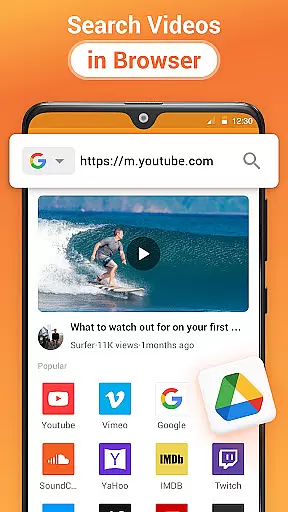
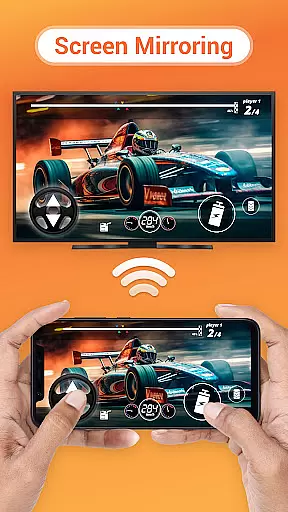
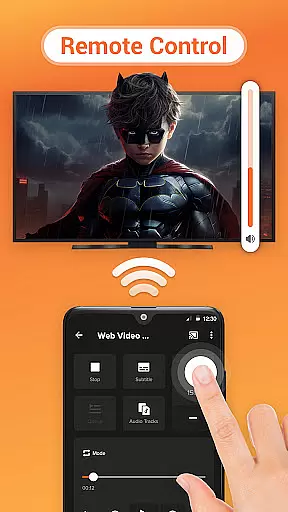
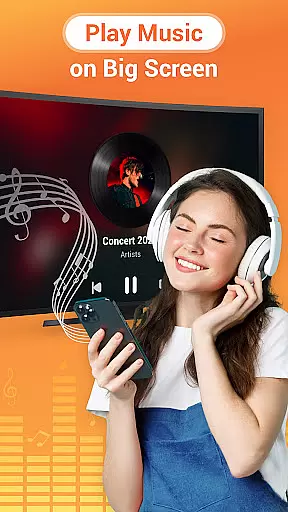
Cast to TV is a versatile media streaming application that allows users to cast online videos, live streams, and local multimedia content including videos, music, and images to various devices such as TVs, Chromecast, Roku, Amazon Fire Stick or Fire TV, Xbox, Apple TV, and other DLNA-enabled devices. The app provides an easy-to-use interface for controlling playback on the TV directly from your phone, offering functions like pause, volume adjustment, forward/rewind, and track navigation.
Beyond its casting capabilities, Cast to TV features a built-in browser for web video casting, supports local playback with advanced options like shuffle, loop, and repeat modes, and automatically identifies media files on your device and SD Card. Whether you're looking to enjoy movies at home or share photos during a gathering, this app ensures seamless streaming experiences across multiple platforms.
Cast to TV stands out with its comprehensive feature set tailored for diverse casting needs. One of its key strengths is the ability to control TV playback directly from your smartphone, providing intuitive controls for pausing, adjusting volume, skipping tracks, and more. This functionality transforms your mobile device into a powerful remote control for any compatible screen.
The app also includes a built-in browser optimized for web video casting, allowing users to stream online content without interruptions. Additionally, it supports casting local files—videos, music, and images—to a wide range of devices, including Chromecast, Roku, Apple TV, and DLNA receivers. With automatic file recognition and support for advanced playback modes, Cast to TV delivers a robust solution for all your media streaming requirements.
Cast to TV, Chromecast & Roku stands out with its extensive video format compatibility, ensuring that users can cast virtually any local video file to their preferred devices without limitations. The app supports a wide array of formats, making it versatile for different user needs.
This application automatically identifies video files on your device and SD Card, streamlining the casting process. Whether you're looking to cast movies, live streams, or personal recordings, the app's broad format support ensures seamless playback without the need for conversion.
Users benefit from the ability to enjoy their content on larger screens, such as smart TVs and streaming devices like Chromecast and Roku, without worrying about format restrictions. This flexibility enhances the viewing experience, allowing users to focus on enjoying their media rather than troubleshooting compatibility issues.
While Cast to TV, Chromecast & Roku primarily focuses on casting and streaming capabilities, it also incorporates AI-powered features that enhance the user experience. These intelligent tools assist in optimizing video playback and stream quality based on the network conditions and device capabilities.
The app's built-in browser for web video casting utilizes AI algorithms to ensure smooth streaming and adaptive bitrate adjustments. This means users can enjoy uninterrupted playback of online videos and live streams, even when network conditions fluctuate.
Additionally, AI-driven enhancements improve the efficiency of media identification and queue management. By intelligently categorizing and prioritizing media files, the app provides a more organized and user-friendly interface. These AI-powered features collectively contribute to a more reliable and enjoyable streaming experience.
User-friendly interface
Wide device compatibility
Advanced playback controls
Seamless local file casting
Integrated web browser
Dependent on Wi-Fi stability
Limited by device codecs
Occasional connectivity issues
No offline mode
Ads in free version

Save photos and videos from social apps in one tap.
 3.60
3.60
HD video & music player - All format support with floating & PIP mode!
3.80
AirMirror is Receiver for Screen Mirroring and Casting from Apple Devices.
3.60
IPTV Player - Watch live TV from m3m & m3u8 playlist, stream IPTV on mobile
3.30
Download videos and play them offline
4.70
Browser for Fire TV to stream webvideos, online movies, livestreams in HD
4.40
Viddo: Generate Action Figure, AI Anime, AI kiss, AI hug Video from image & text
4.40
Video player with 4K & 1080P support, popup play, background play and subtitle.
4.20
Enjoy your favorite videos and channels with the official YouTube app.
3.90
Play ALL formats in 4K & HD. Video downloader, MP3 player, Chromecast & more.
4.80
Pro video editor app for Instagram, edit video with song, AI, effect & slowmo.
4.80
An easy-to-use and all-round screen recorder with audio
4.80
#1 Torrent App on Android ** No Ads Ever + Battery Saver **
4.80
Watch a large amount of high-definition short drama content
4.60
VLC Remote lets you control your VLC Media Player on Mac, PC or Linux.
4.60
Full HD Video mp3 Player, MP4 player play 1080p, File manager, Video Downloader
4.40
VLC for Android is the best open source video and music player, fast and easy!
4.10
Live TV, anywhere in your home
3.80
All in one multi protocols stream receiver for AirPlay, Cast and DLNA.
3.60


User Reviews