
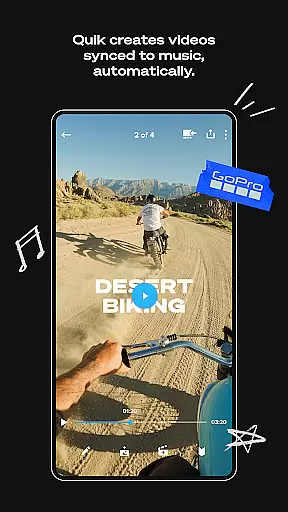
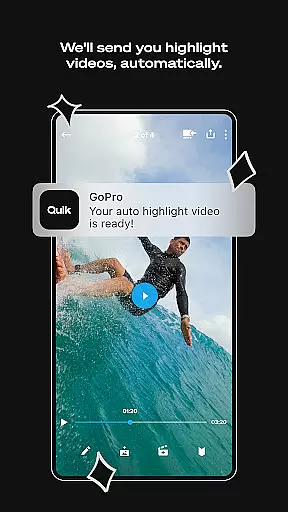
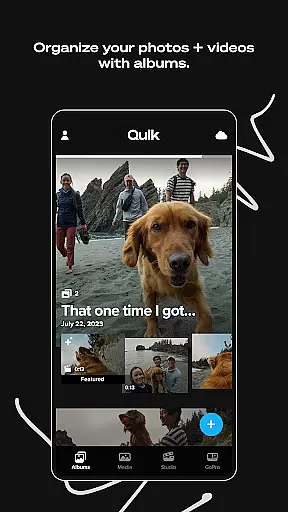
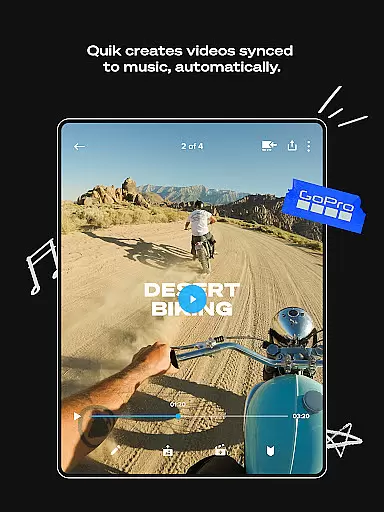
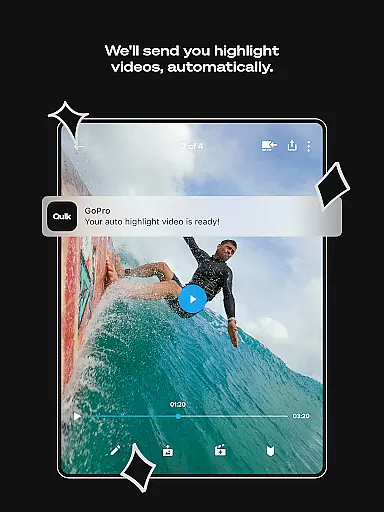
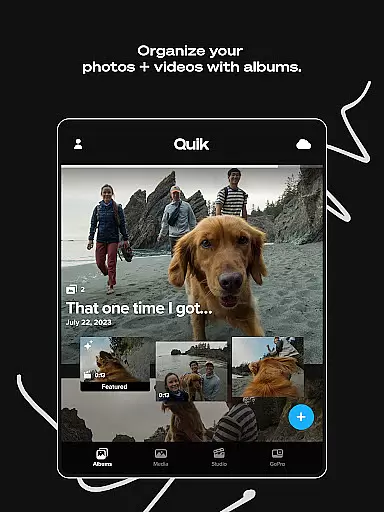
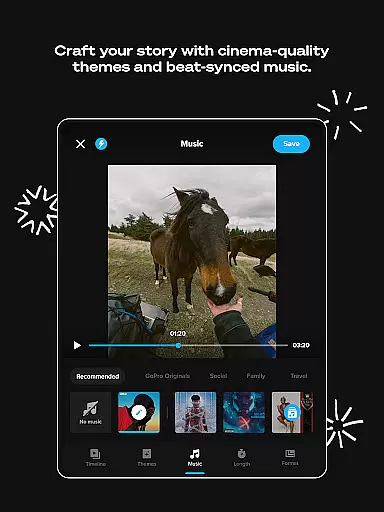
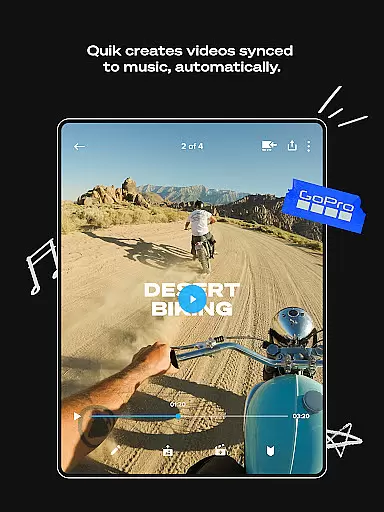
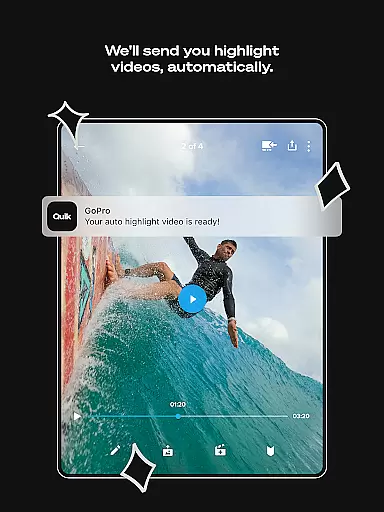
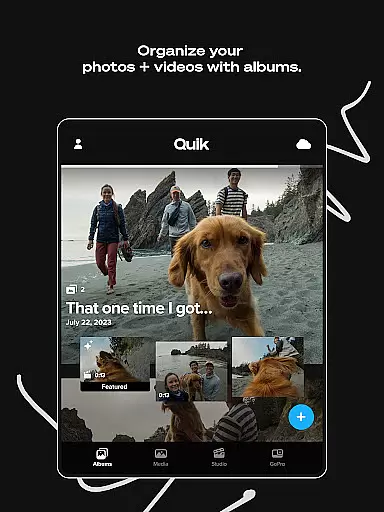
GoPro Quik is a powerful video editing application designed to simplify the process of creating professional-quality videos. The app's standout feature is its automatic highlight video generation, which intelligently selects your best shots, adds music synchronization, transitions, and effects to produce polished shareable videos with minimal effort. Beyond editing, the app offers unlimited cloud storage for GoPro footage at 100% quality through a Premium or Premium+ subscription, ensuring all your media is securely backed up and accessible across devices.
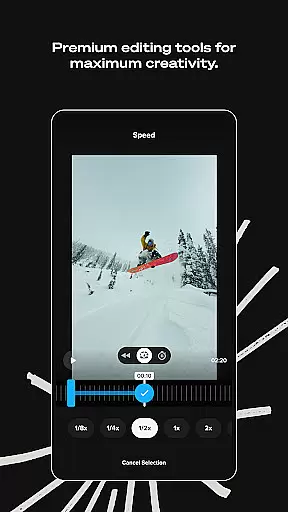
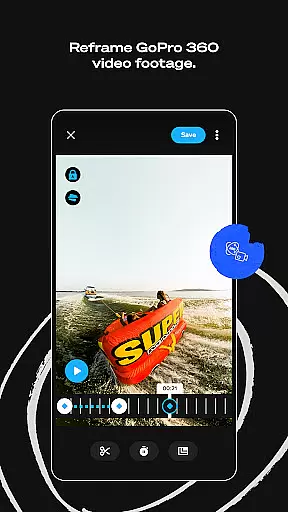
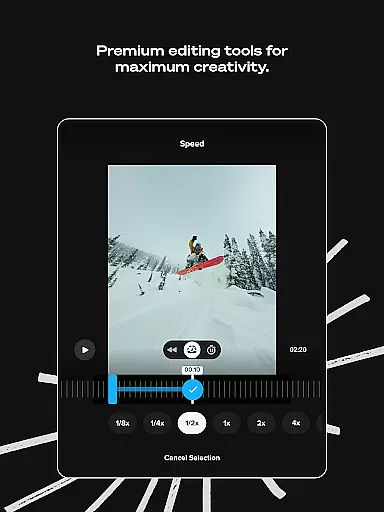
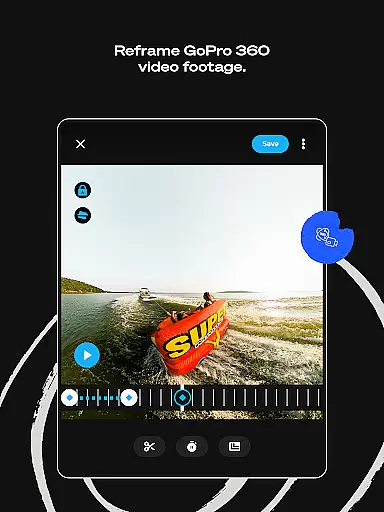
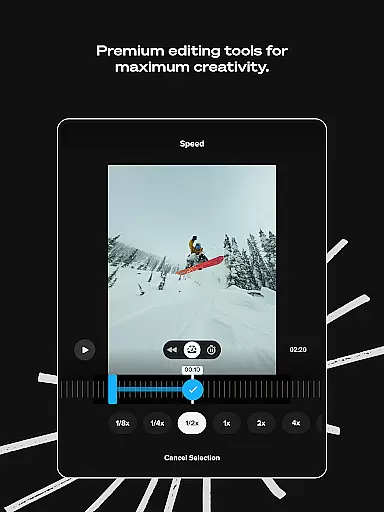
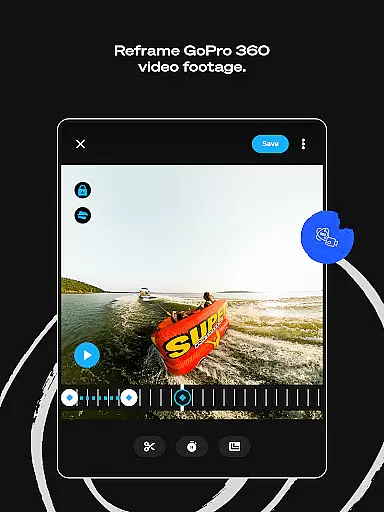
In addition to its core functionality, GoPro Quik provides advanced tools for creative control. Users can experiment with color adjustments, trimming, text overlays, filters, and cinematic themes to enhance their storytelling. A particularly innovative feature is Reframe, which allows users to transform 360-degree footage into traditional video formats while maintaining creative flexibility. These capabilities make the app ideal for content creators who need an efficient yet versatile solution for both mobile and desktop editing environments.
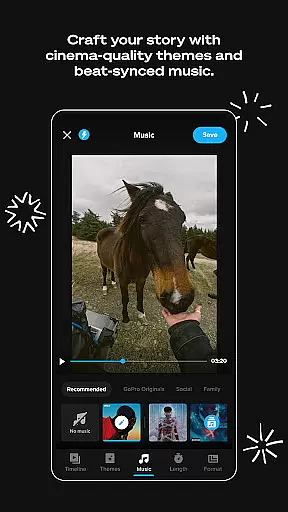
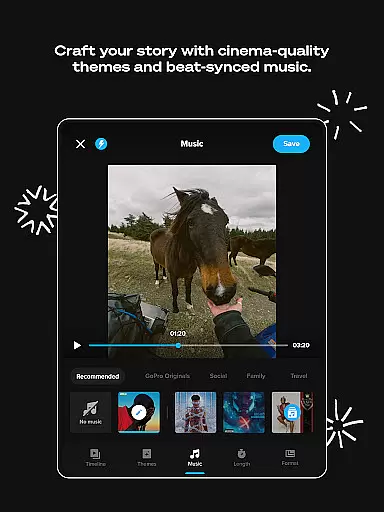
GoPro Quik stands out with its comprehensive suite of features tailored for both casual users and professional editors. One of its key innovations is Automatic Highlight Videos, where the app intelligently identifies the most compelling moments from your footage, syncs them to music beats, and applies seamless transitions to create engaging videos without requiring manual input. This feature is complemented by Beat Sync, which ensures that every edit aligns perfectly with the rhythm of your chosen soundtrack, enhancing the overall impact of your creations.
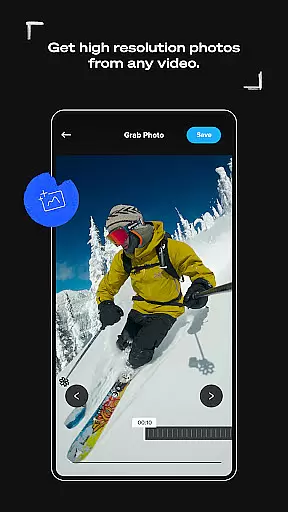
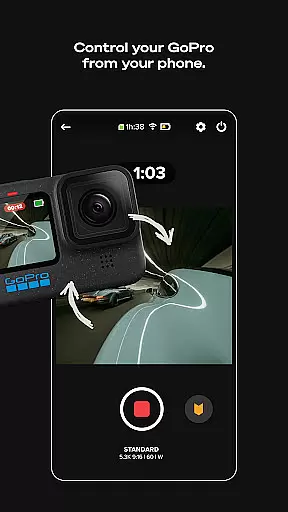
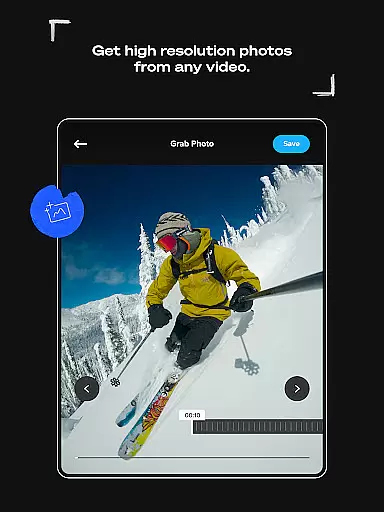
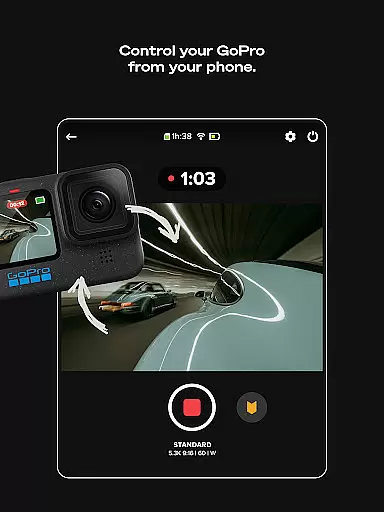
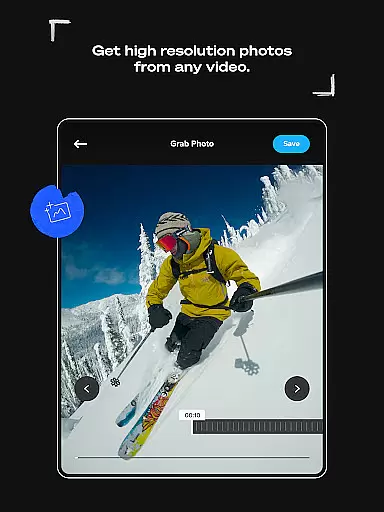
The app also excels in providing premium editing tools such as Frame Grab, which extracts high-resolution stills from videos, and Text Overlays for adding context or captions. Themes and Filters further elevate the visual appeal, offering cinematic transitions and environment-specific optimizations like snow and water presets. Additionally, the Auto Upload and Cross-Device Sync functionality ensures that all your edits are automatically saved to the cloud, allowing you to pick up where you left off on any device. For GoPro camera owners, exclusive features like Auto Detection and Transfer streamline the workflow by enabling fast wired transfers and easy media management.
GoPro Quik supports an extensive range of video formats, ensuring that users can work with footage from various devices without compatibility issues. The app is optimized to handle files from GoPro cameras as well as other camera brands and smartphones.
With a Premium or Premium+ subscription, users gain access to unlimited cloud storage for all their GoPro footage and up to 500GB for content from other sources. This allows creators to store and manage videos in their original format and quality.
The application automatically uploads media into the cloud, providing seamless synchronization across devices. This feature enables users to start editing on one device and continue on another, maintaining consistent format support throughout the process.
Additionally, GoPro Quik's support for 360-degree video content allows users to transform immersive footage into traditional video formats. The Reframe tool makes it easy to experiment with different perspectives and export shareable videos without losing quality.
GoPro Quik incorporates advanced AI-powered editing features that streamline the video creation process. The app automatically identifies compelling moments from users' footage, generating engaging highlight reels complete with music synchronization and professional transitions.
The Beat Sync functionality demonstrates the app's intelligent capabilities by matching clip timing, transitions, and effects to the rhythm of selected music tracks. This creates dynamic, professional-quality edits without requiring manual adjustments.
Through machine learning algorithms, the application suggests optimal cuts and trims while allowing users to refine selections manually. The AI-driven Frame Grab feature enables users to extract high-resolution still images from video clips, expanding creative possibilities.
These smart editing tools are further enhanced by customizable themes, filters, and text overlays, giving users the flexibility to maintain creative control while benefiting from automated suggestions and enhancements.
User-friendly interface
Automatic video editing
Unlimited cloud backup
Premium editing tools
Cross-device synchronization
Paid subscription required
Limited free storage
Advanced features locked
File type restrictions
Country availability issues

HD Video player all format, HD Videos, Cast & Subtitle. No annoying ads.
 4.60
4.60
Save photos and videos from social apps in one tap.
3.60
AirMirror is Receiver for Screen Mirroring and Casting from Apple Devices.
3.60
High-Quality USB Camera Viewer & HDMI Display
4.70
Explore the largest library of free GIFs, Stickers & Memes - or create your own!
3.90
GENRAL PRO - General Pro is the best video player that fully supports all formats.
4.70
The essential companion to your Blue Iris PC software
2.50
Cast movies, tv shows and live streams to Chromecast, Roku, DLNA, Fire TV & more
4.60
Create, Publish & Maximize
4.70
Find, download, and play torrents with the official BitTorrent® Pro app
4.70
Screen recorder with audio to take live videos & Screenshot in high quality!
4.70
Cast Videos from Web Browser, IPTV to Roku, Chromecast, DLNA, Smart TV +more
4.60
IPTV Loader, loads your own Playlist. DOES NOT CONTAIN ANY LIST OR CHANNELS
4.60
Powerful video player with advanced hardware acceleration and subtitle supports
4.20
IPTV-Smarters Player Pro M3U - Watch Live Stream TV Channels with Chromecast
4.00
Kodi media center, a free and open source cross-platform entertainment hub
3.60
A full editing room to accompany your Insta360 cameras and handheld gimbals.
3.30
Mix with Virtual DJ directly from your phone or tablet !
3.10
You can play SWF format file!
2.50


User Reviews