
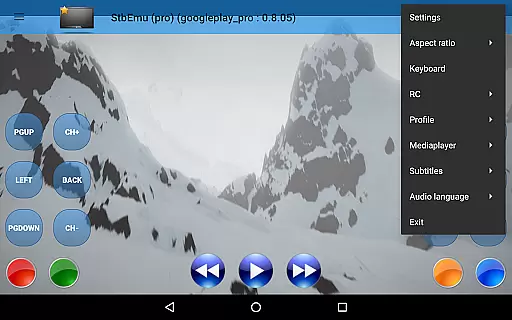
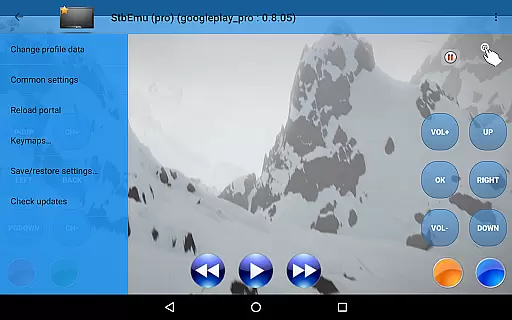
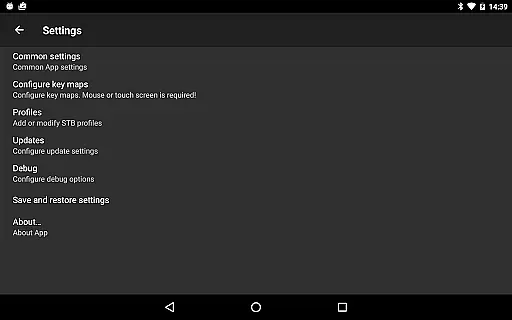
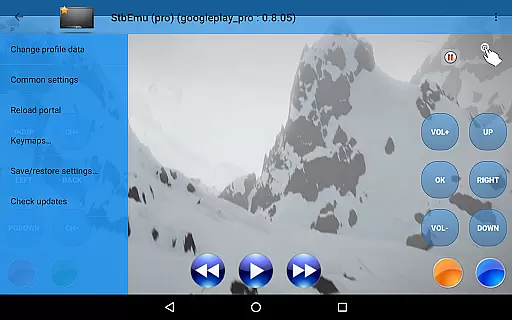
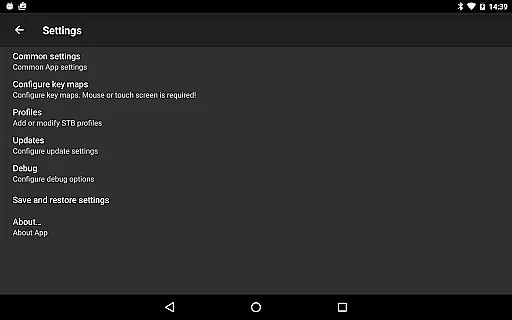
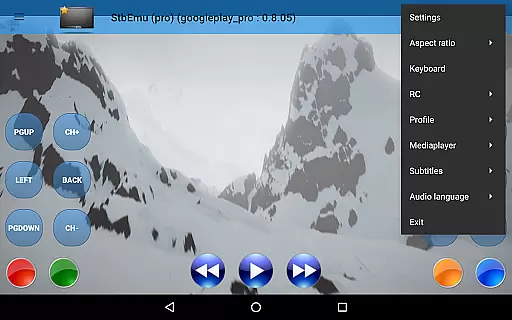
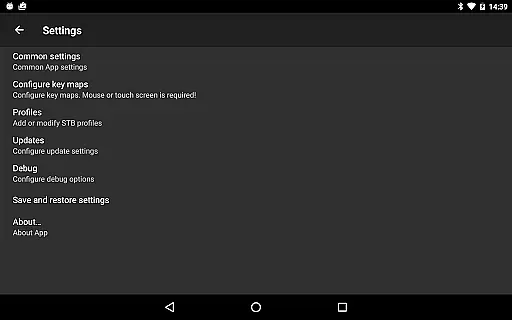
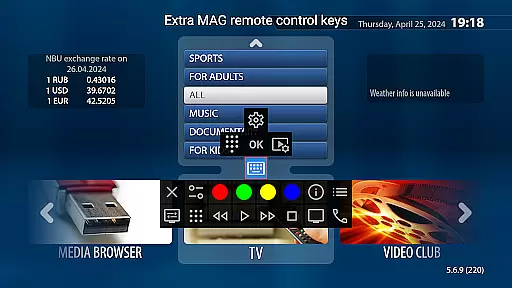
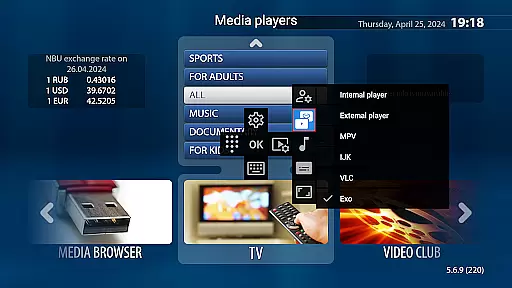
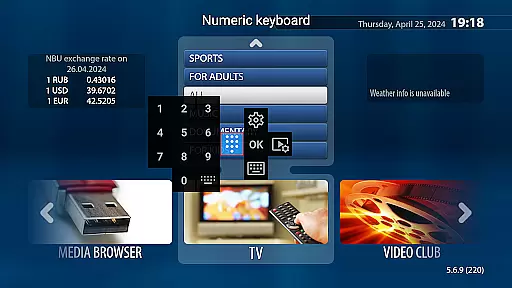
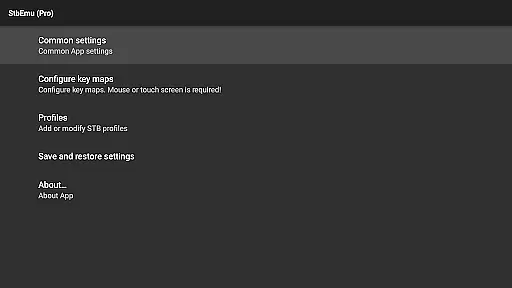
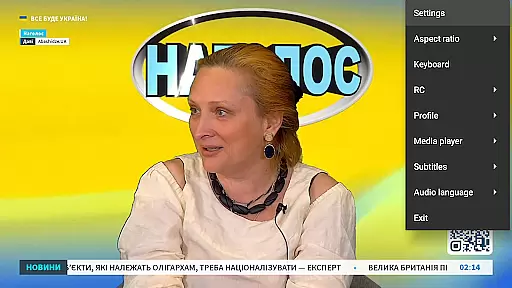
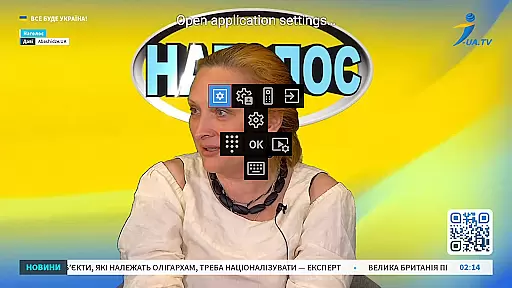

StbEmu (Pro) is a specialized video player application designed for advanced IPTV streaming. This app allows users to configure and connect to their IPTV provider's portal, enabling seamless playback of live TV channels and on-demand content.
With its focus on customization, StbEmu (Pro) offers extensive settings that cater to experienced users who require precise control over their IPTV experience. While it does not support m3u playlists, the app provides a robust platform for accessing IPTV services once properly configured.
Ideal for tech-savvy individuals, this application serves as a powerful tool for enjoying personalized IPTV services on Android devices. Its professional-grade features make it suitable for users seeking a tailored streaming solution.
StbEmu (Pro) stands out with its comprehensive configuration options that allow users to fine-tune their IPTV connections. The app supports various protocols used by IPTV providers, ensuring compatibility with multiple streaming services.
Among its key features is the ability to customize network settings, parental controls, and user interface preferences. These settings enable users to optimize their streaming experience based on their specific requirements and network conditions.
The application also includes advanced debugging tools and logging capabilities, which are particularly useful for troubleshooting connection issues. This feature set makes StbEmu (Pro) a versatile choice for users who demand both flexibility and reliability in their video player applications.
Video format compatibility is a crucial aspect of any video player application, ensuring that users can enjoy content in various formats without technical hindrances. StbEmu (Pro) is designed with this in mind, supporting a wide array of video codecs and containers.
The app's configuration allows it to adapt to different IPTV providers' specific video formats, making it versatile for an optimal viewing experience. By accessing the settings, advanced users can tweak the parameters to match their provider's requirements.
For those who invest time in proper setup, StbEmu (Pro) offers a seamless playback capability across supported formats, enhancing user satisfaction. This flexibility ensures that whether you're streaming standard or high-definition content, the app delivers consistent performance.
While StbEmu (Pro) focuses primarily on IPTV playback, understanding AI-powered editing features within video player applications highlights potential enhancements. These features typically include automated video enhancement, smart trimming, and content-aware editing.
Although StbEmu (Pro) does not explicitly market AI-driven editing tools, its robust customization enables users to optimize video playback settings akin to intelligent editing functions. Users can adjust bitrate, resolution, and other parameters intelligently based on network conditions.
This level of control serves as a foundation for future incorporation of true AI-powered editing capabilities. For now, StbEmu (Pro) empowers users through extensive manual settings, offering a quasi-intelligent editing environment tailored to individual preferences.
Highly customizable settings
Compatible with major IPTV protocols
Advanced debugging tools available
Regular feature updates
Professional-grade performance
Complex setup process
No m3u playlist support
Limited beginner-friendly features
Requires technical knowledge
Potential configuration challenges

The smartest M3U IPTV Player your playlists have ever seen.
 4.5
4.5
Save photos and videos from social apps in one tap.
3.60
This app was created to edit the metadata of music files.
4.20
AirMirror is Receiver for Screen Mirroring and Casting from Apple Devices.
3.60
Video player with powerful streaming playback and various convenient features.
2.10
Download videos easily & play them all in one smart, powerful video manager.
3.40
An easy-to-use and all-round screen recorder with audio
4.80
GENRAL PRO - General Pro is the best video player that fully supports all formats.
4.70
Screen recorder with audio to take live videos & Screenshot in high quality!
4.70
A Simple app to download Video & Music from the Internet.
4.70
A Quick and Pro Video Editor
4.70
Seamlessly connect and control your smart devices, anytime, anywhere with ease.
4.60
Browser + Remote for Roku to stream webvideos, online movies and livestreams
4.60
Add date and time watermark to photos and videos
4.50
Video Downloader is an utility that can save videos and music from web sites
4.20
Video player with 4K & 1080P support, popup play, background play and subtitle.
4.20
All in one multi protocols stream receiver for AirPlay, Cast and DLNA.
3.60
Mix with Virtual DJ directly from your phone or tablet !
3.10
The essential companion to your Blue Iris PC software
2.50


User Reviews