![[KNA003] SHADOW logo](https://cdn.linksharehub.com/ocp/?u=https%3A%2F%2Fl3.fancapitalize.com%2Fimages%2F2025%2F12%2Fed57289588f1b2b2f7d51c4bcafcf7a9.jpg&t=webp)
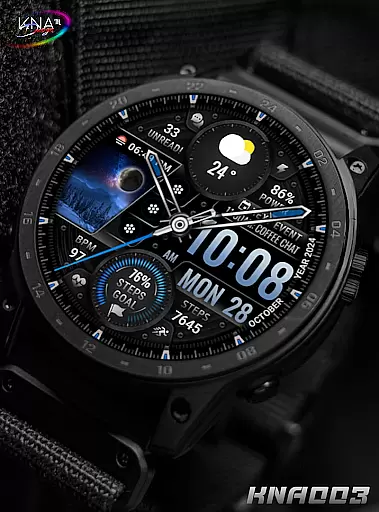
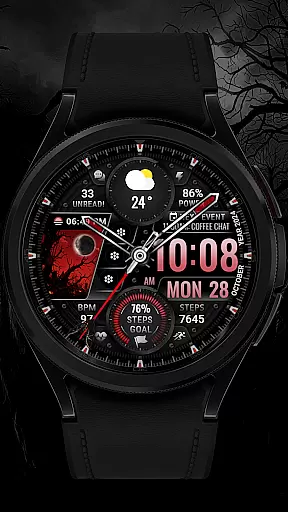
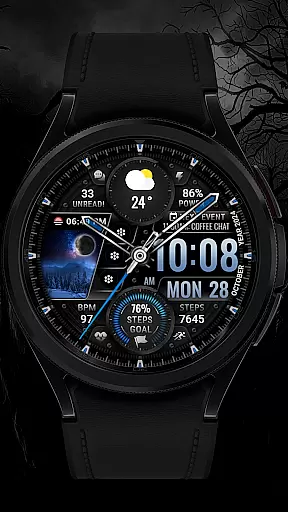
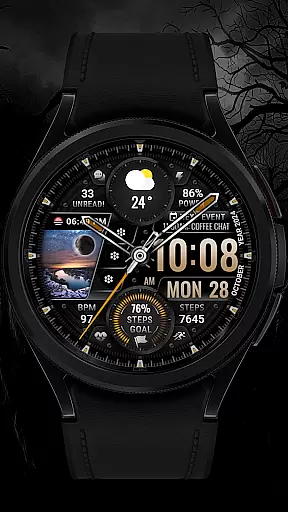
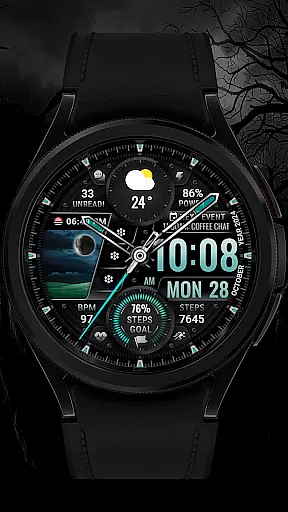
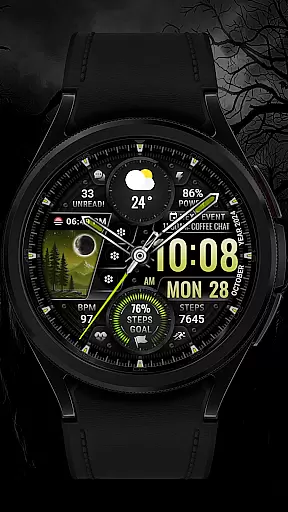
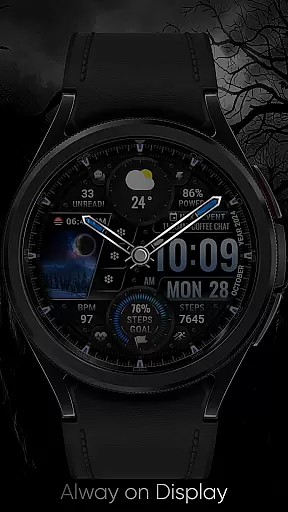
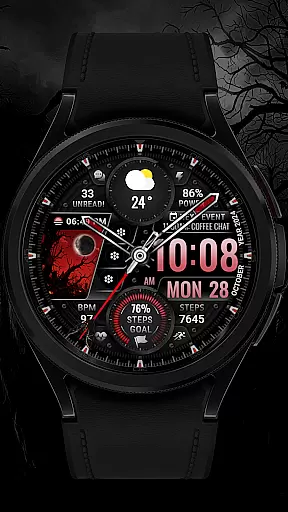
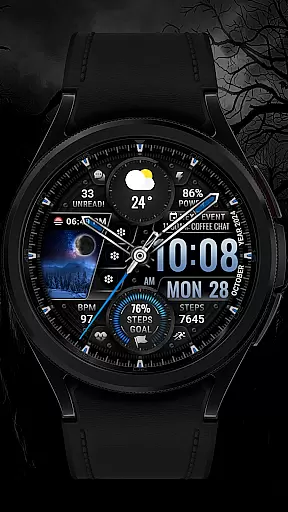
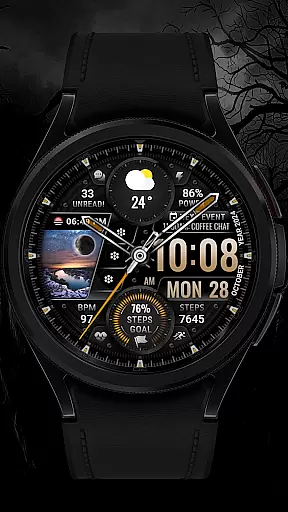
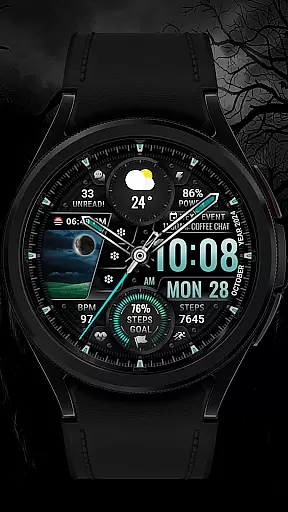
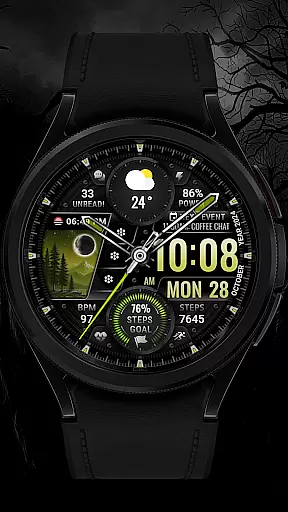
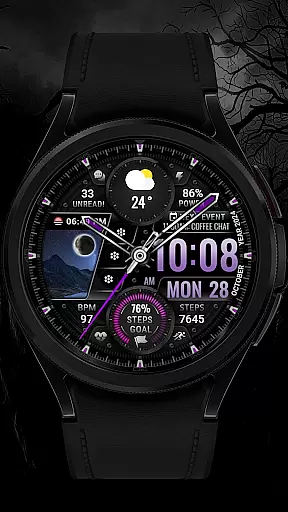
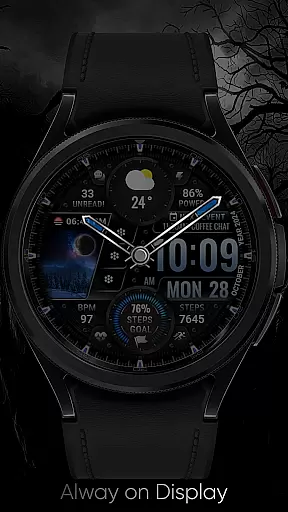
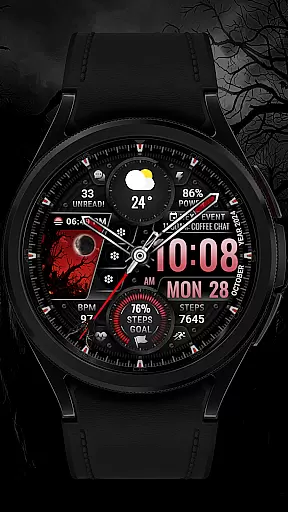
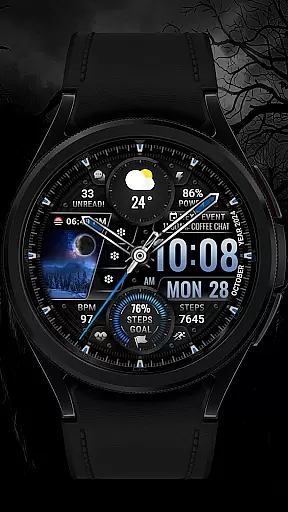
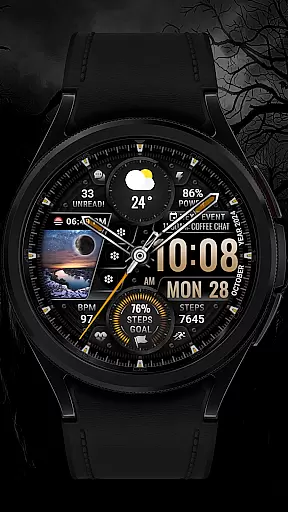
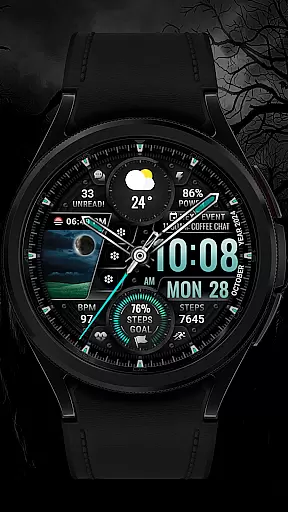
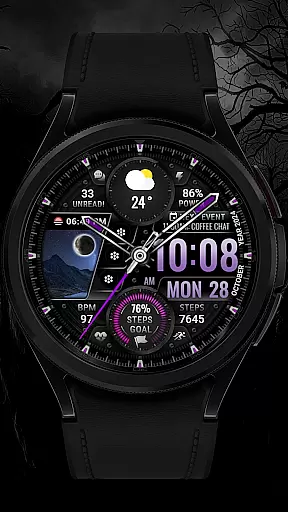
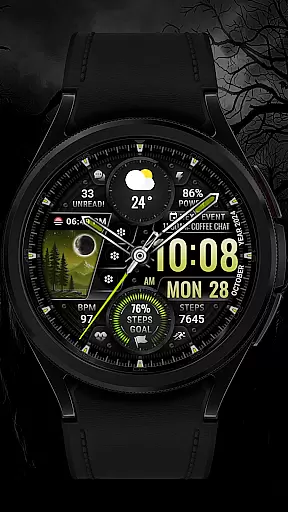
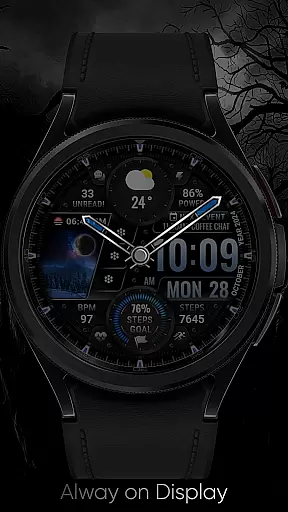
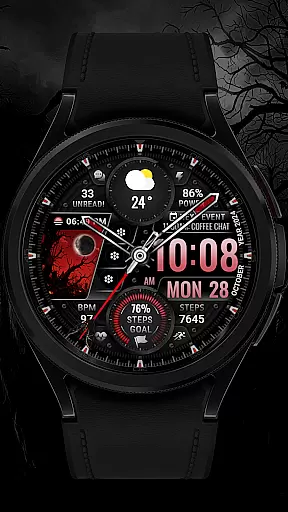
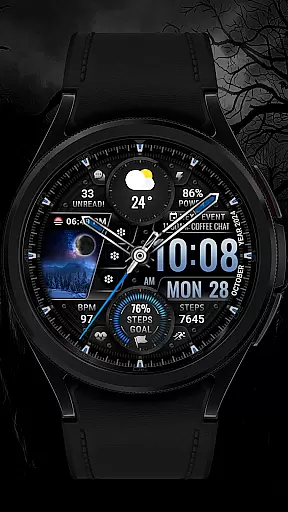
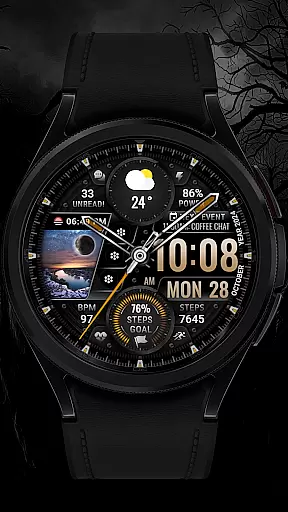
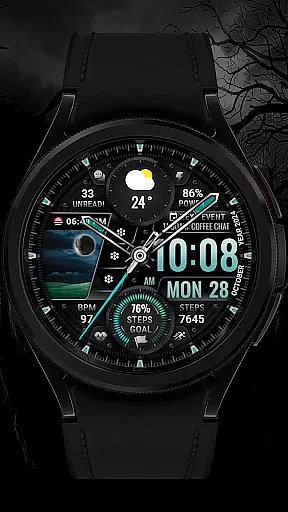
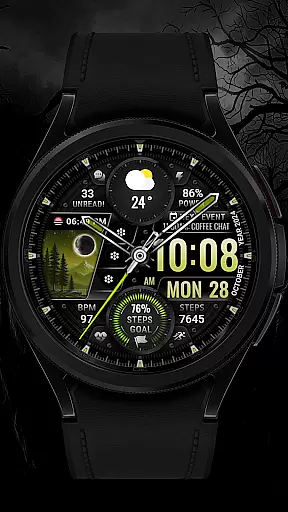
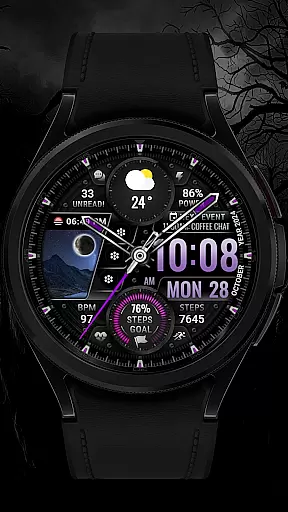
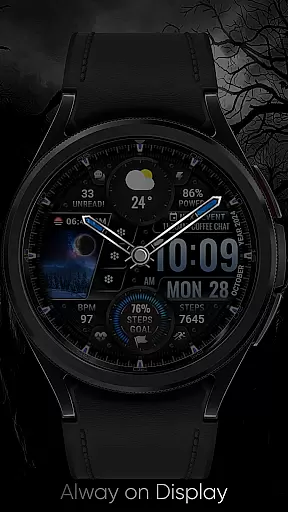
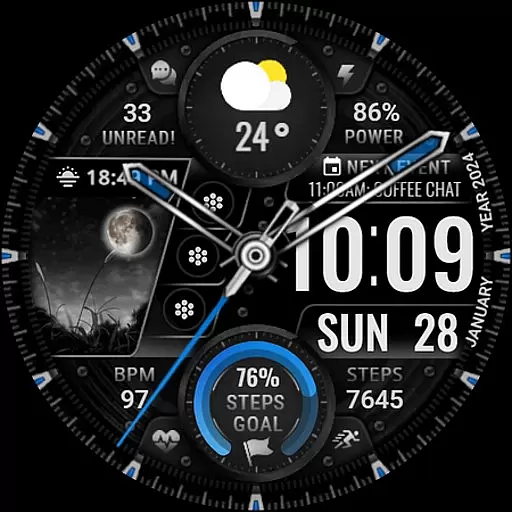
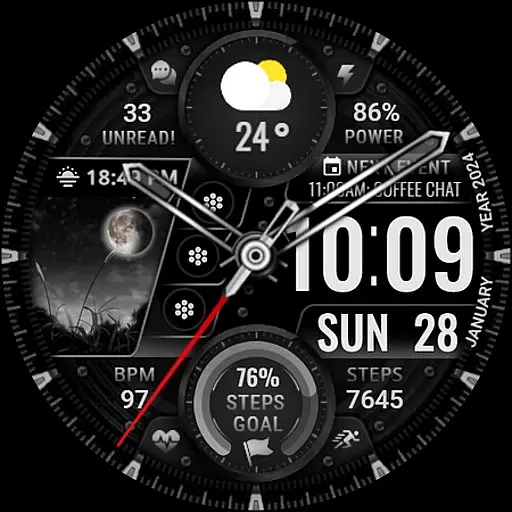
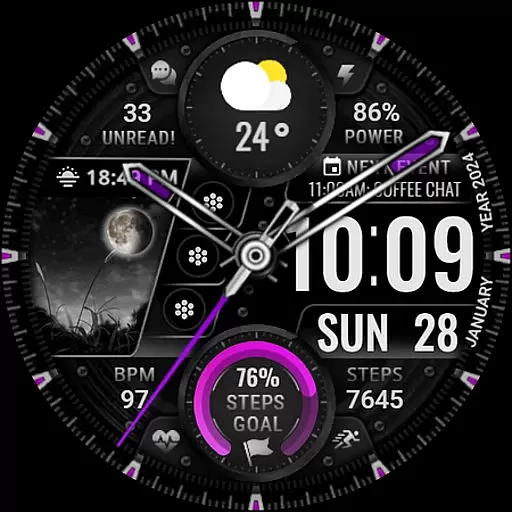
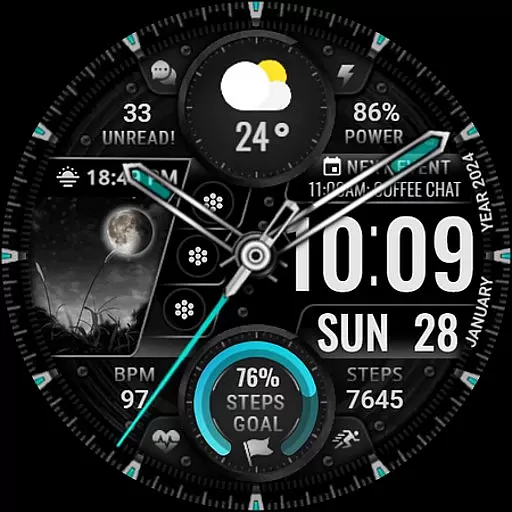
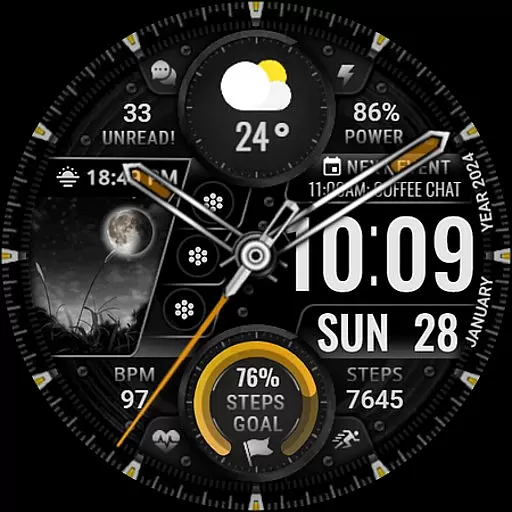
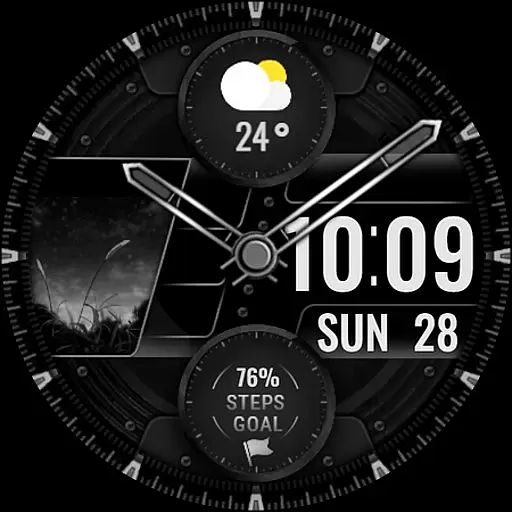
[KNA003] SHADOW is a feature-rich watch face designed specifically for Wear OS devices, offering users a customizable and visually appealing experience. Compatible with API level 30+ devices such as Google Pixel and Galaxy Watch 4, 5, and 6 series, this watch face combines both analog and digital styles to suit various preferences.
With its robust customization options, users can personalize complications, app shortcuts, and color schemes. The interface displays essential information like date, day of the week, steps count, heart rate, battery level, and more, ensuring that users have quick access to their most important data. Its animated background and multiple editable elements make it both functional and stylish.
This watch face is ideal for users seeking a balance between aesthetics and utility on their smartwatches. Whether you're tracking fitness goals or simply monitoring notifications, [KNA003] SHADOW enhances your Wear OS experience by delivering a tailored and efficient interface.
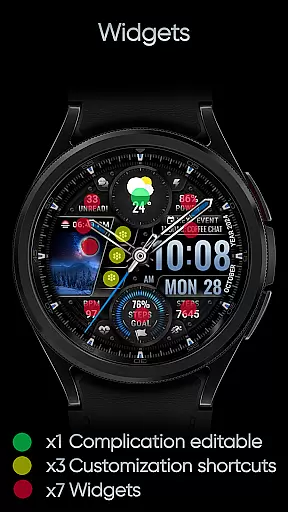
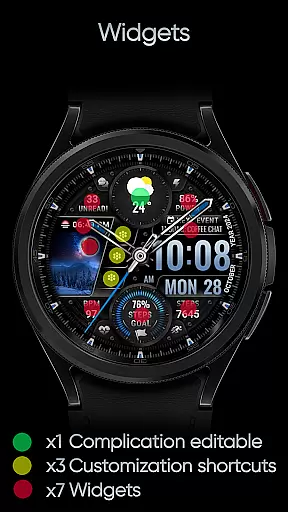
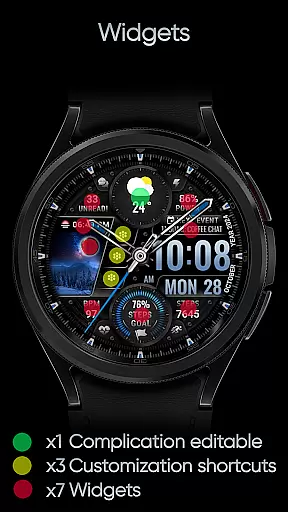
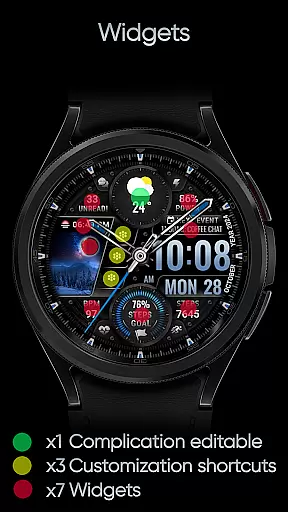
[KNA003] SHADOW stands out with its extensive range of features designed to provide maximum flexibility and functionality. It includes one customizable complication, allowing users to display data such as weather, world clock, or barometer readings. Additionally, three editable app shortcuts enable quick access to frequently used applications directly from the watch face.
The watch face offers five adjustable color settings for the background, clock hands, and step progress indicators, giving users the freedom to match their personal style. Key metrics like steps count, heart rate, battery level, moon phase, unread message count, and upcoming events are displayed prominently, ensuring users stay informed at a glance.
Customization is intuitive and user-friendly. By simply touching and holding the display, users can access the 'Customize' option to modify settings according to their preferences. While some advanced features may not be available on all devices, the overall design ensures broad compatibility and an enhanced user experience across supported models.
In the realm of digital art and design, having a comprehensive suite of creative tools is essential for unleashing an artist's full potential. The [KNA003] SHADOW watch face for Wear OS offers a versatile canvas for personal expression right on your wrist. With features such as analog and digital styles, date, day of the week, and month displays, this app provides foundational elements that any designer would appreciate.
Moreover, the inclusion of one editable complication and three editable app shortcuts allows users to tailor their watch faces with specific data points or applications they frequently use. This level of customization ensures that designers can create a personalized experience that caters to their unique workflow and preferences.
The ability to choose from five colors for the background, clock hand, and steps progress adds another layer of personalization. By integrating health metrics like step count, heart rate, battery level, moon phase, unread message count, and next event indicators, [KNA003] SHADOW becomes more than just a timepiece; it transforms into a dynamic interface that reflects both aesthetic taste and practical needs.
Flexibility in canvas and format options is crucial for artists and designers who wish to explore various creative avenues without being constrained by the medium. The [KNA003] SHADOW watch face demonstrates impressive adaptability through its compatibility with API level 30+ devices, including Google Pixel and Galaxy Watch series, ensuring that a wide range of users can enjoy its features regardless of their device model.
This Wear OS watch face supports extensive customization through simple touch interactions. Users can activate the customization menu by touching and holding the display, then tapping on the customize option. This intuitive process empowers users to modify their watch face easily, adapting it to suit different contexts or moods throughout their day.
Furthermore, the app's support for complications means that creators can incorporate diverse data sources onto their watch face. Whether displaying weather updates, world clocks, or even barometric pressure readings, the [KNA003] SHADOW watch face adapts seamlessly to the user's informational needs while maintaining an elegant appearance. This blend of functionality and style showcases the true essence of canvas and format flexibility within wearable technology.
Highly customizable
Visually appealing design
Wide device compatibility
Intuitive user interface
Comprehensive data display
Limited feature availability on some models
No automatic application after installation
Manual setup required for full functionality
Potential performance issues on older devices
Requires Wear OS; not compatible with other platforms

Discover Cartoon Dream : Unleash Your Creativity with CuttingEdge AI
 4.50
4.50
Premium version of Shimeji-ee app with no ads & no limit active shimeji
4.2
The ultimate tool for creating animations
4.60
Art of Combination Wear OS Watch faces
4.4
Trace, draw, and create art with AR - from memes to masterpieces!
4.30
AI Art Generator transforms your words into AI generated art & paintings.
3.70
2D animation studio for Android tablets - unlimited layers, infinite timeline
4.70
OneUI 8.5 icons ✨ Smooth, modern & based on the latest Play Store design ??
4.10
Create and Design Custom Logos in Seconds with AI-Powered Tools!
4.40
Create stunning art with AI.
4.80
Draw on screen: FP sDraw is a simple and lightweight drawing app
4.70
Get an overview over all your embroidery threads, projects and more.
4.60
Photo blender app to create overlay photos & double exposure.
4.40
Nano Banana AI Image Generator, Anime Filter, AI Portrait, AI Photo Generator
4.30
Sketch, plan, take notes and illustrate on an infinite canvas.
4.20
Easy 3D drawing design maker & creator. Model designing, Sculpting. Create&paint
4.00
Pose and morph realistic male and female models! 3D poser app
3.00
Art of Combination Wear OS Watch faces (for Wear OS 5+ devices)
3.00
Transform photos into amazing monochrome dither art with professional algorithms
4.0


User Reviews