
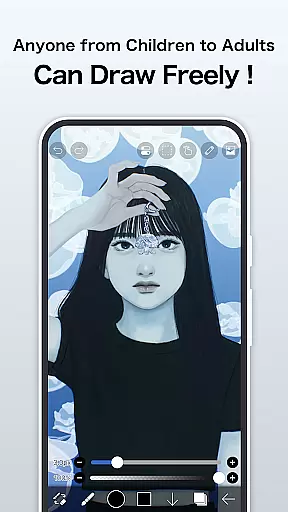
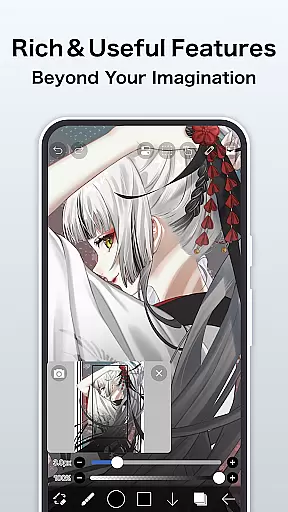
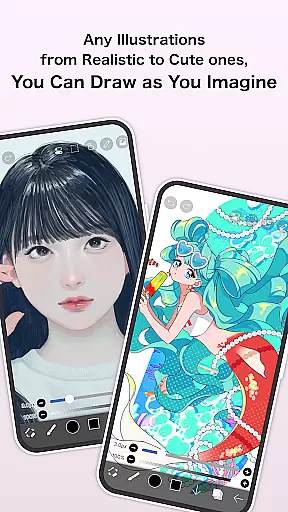
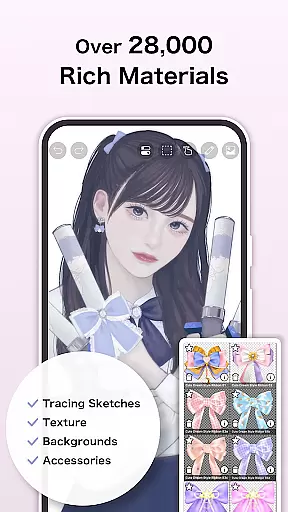
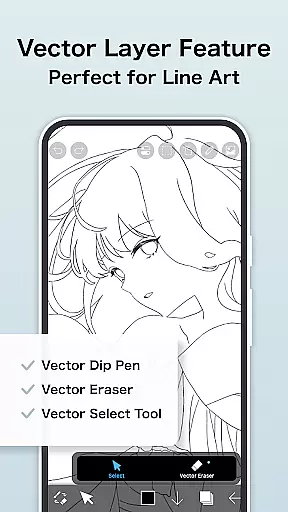
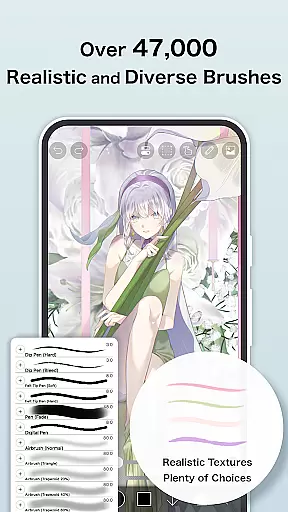
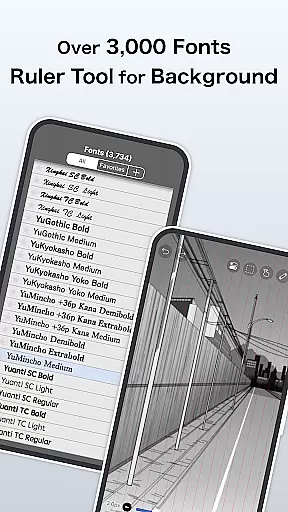
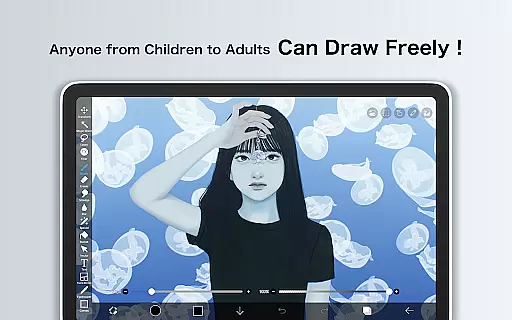
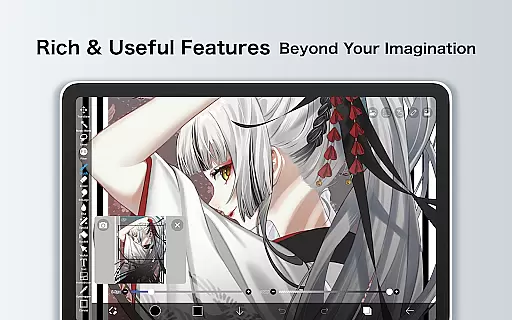
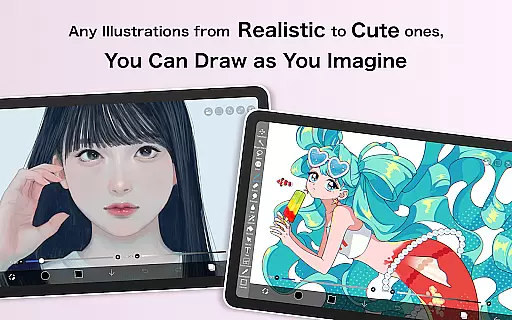
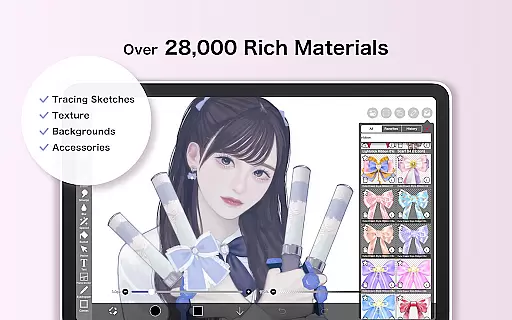
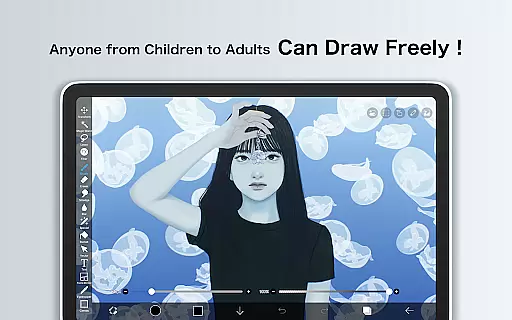
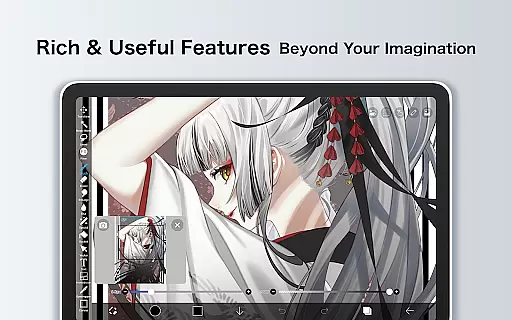
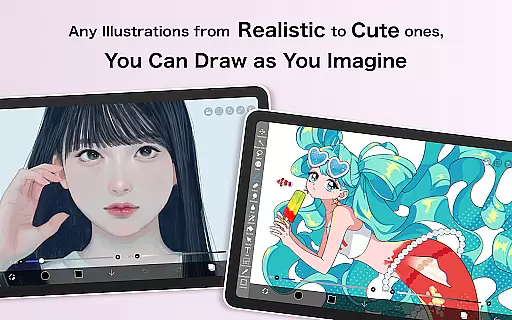
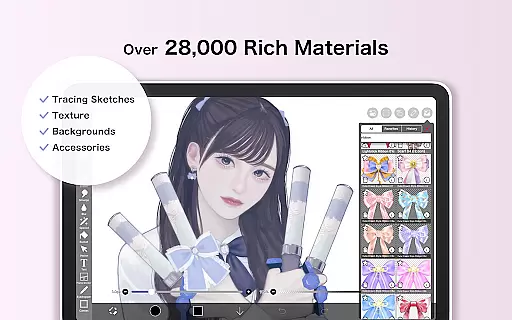
ibis Paint X stands as a premier drawing application, offering an extensive suite of professional-grade tools for artists and hobbyists alike. With over 460 million downloads, this app provides users with access to more than 47000 brushes, 27000 materials, and 2100 fonts, alongside advanced features such as stroke stabilization, animation support, and AI disturbance effects. The app's capabilities are further enhanced by its OpenGL-powered smooth drawing experience at up to 60 fps, making it ideal for detailed artwork.
Beyond just drawing, ibis Paint X fosters a creative community through its social networking service (SNS) feature, allowing users to share their drawing processes and learn from others. Whether you're sketching casually or creating complex digital art pieces, the app caters to various artistic needs across multiple platforms, ensuring that both beginners and professionals can find value in its offerings.
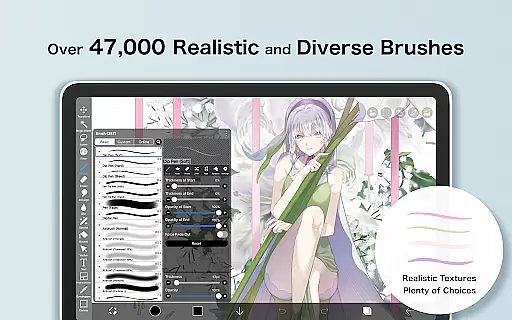
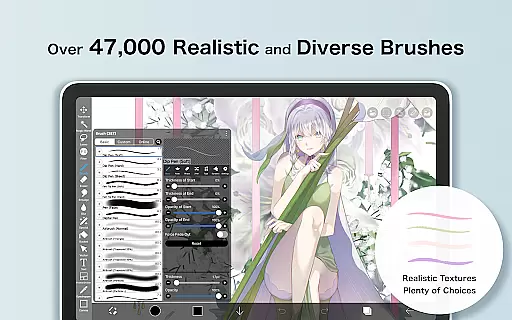
One of the standout aspects of ibis Paint X is its vast array of customization options. Users can choose from thousands of brush types including dip pens, airbrushes, and oil brushes, each providing a unique texture and style. The layer functionality supports unlimited layers, blending modes like alpha blending and multiplying, and specialized commands for duplicating, rotating, and zooming layers, giving artists unparalleled control over their compositions.
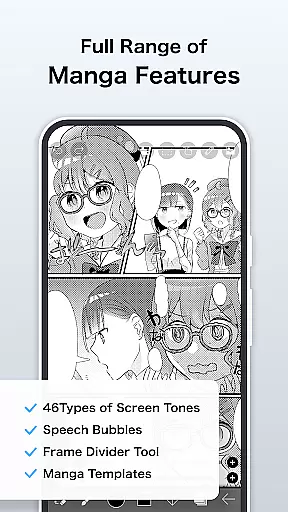
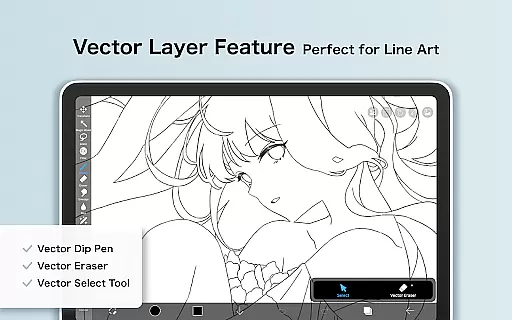
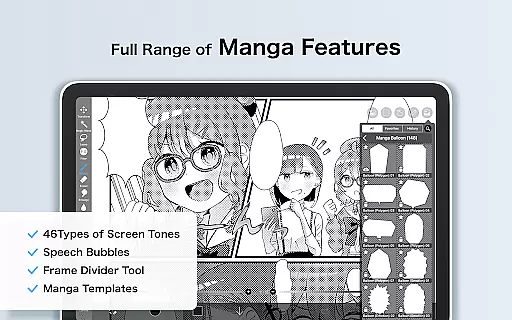
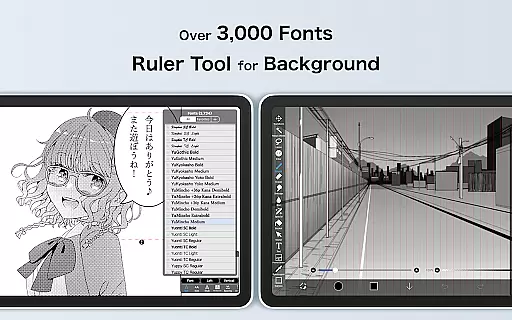
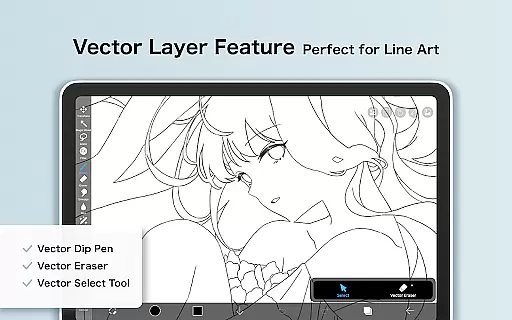
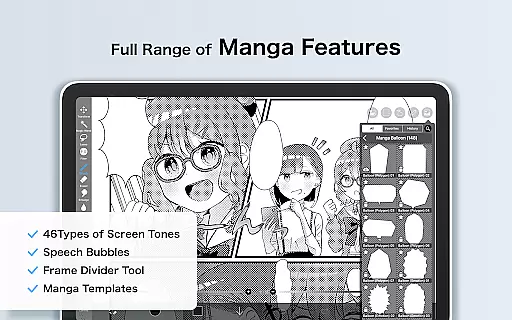
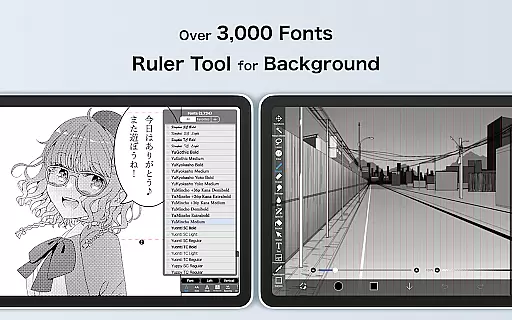
In addition to its robust drawing tools, ibis Paint X includes manga-specific features such as an advanced text tool with vertical and horizontal writing options, font selection, and multi-text functions. For those interested in animation, the app offers frame-by-frame animation creation along with vector tools available through Prime Membership. These comprehensive features ensure that whether you're crafting intricate illustrations or dynamic animations, ibis Paint X delivers the tools necessary to bring your visions to life.
In the realm of digital art, having a comprehensive suite of creative tools is paramount. ibis Paint X stands out by offering over 47000 brushes, which include a variety of types such as dip pens, felt tip pens, and even oil brushes. This vast selection allows artists to emulate traditional mediums and styles or explore new digital techniques.
Layer functionality is another critical aspect where ibis Paint X excels. Artists can work with unlimited layers, each equipped with individual parameters like opacity, blending modes, and unique features such as clipping masks. These capabilities ensure that creators have the freedom and control necessary for complex artwork creation without constraints.
The app also includes manga-specific features, providing an advanced text tool with options for vertical, horizontal, stroke, and font selection. Such specialized tools cater to comic artists and illustrators who require precision and variety in their text, making ibis Paint X not just a painting app but a complete creative suite.
Flexibility in canvas and format options is essential for artists who need to adapt their work for different mediums and platforms. ibis Paint X addresses this need by offering versatile canvas settings, allowing users to customize dimensions and resolutions to suit various project requirements, from social media posts to high-resolution prints.
Moreover, the app supports a wide array of file formats, ensuring compatibility and ease of use across different devices and software. Whether importing assets or exporting final pieces, artists can seamlessly integrate ibis Paint X into their existing workflows without worrying about format limitations.
For those seeking to push creative boundaries, ibis Paint X provides experimental features like AI Disturbance and Vector tools. These innovative functions enable artists to explore new forms of expression and refine their work with cutting-edge technology, all while maintaining the flexibility to adjust canvas properties at any stage of the creative process.
User-friendly interface
Extensive brush library
Advanced layer management
Community sharing options
Professional animation tools
Prime Membership required for advanced features
Advertisements in free version
Steep learning curve for beginners
Limited offline resources
High storage requirements

Floor Plan Creator lets you create, edit and share floor plans.
 4.00
4.00
Create sweet, cool and unique couple avatars easily, in just a few steps!
3.40
Art of Combination Wear OS Watch faces
4.1
Image/ Text to Video Generator
4.40
Sketch, plan, take notes and illustrate on an infinite canvas.
4.20
AI Face Swap, Video Effects Editor, Realtime Morph, Funny Video FX,AI Filters
3.70
Unleash your drawing and painting potential
4.50
Create stunning video, photo & magic from text with FlixAI GPT video generator.
3.10
Art of Combination Wear OS Watch Faces
3.30
See Color, Paint Color
4.90
Passport size photo maker, create ID photo and visa photo in seconds
4.80
Make your phone cooler and have a fantastic experience
4.80
Photo editor for art, avatars, filters & fun transformations.
4.60
Video AI: Revolutionize Your Content Creation with Advanced Video Generation
4.50
Draw, make movies & animate cartoons easily with our 2D animation maker app
4.40
800+ Drawing, Painting Lessons App to Practice, Sketch & Paint Art.
4.30
Create Logos, Tattoos, AI Art & more with our AI Photo Generator & Design Editor
4.20
Turning simple sketches into captivating tales filled with life and motion
3.90
Art of Combination Wear OS Watch Faces
4.3


User Reviews