



Luminar: Photo Editor is a comprehensive mobile photo editing solution designed for both Android and ChromeOS users. This app combines powerful AI-driven tools with an intuitive, interactive interface that responds to touch gestures, making photo editing more engaging and efficient. The app features smart AI enhancements like SkyAI, EnhanceAI, and SkinAI, which allow users to achieve professional-level edits with minimal effort.
With its streamlined design, Luminar offers unparalleled control over photo adjustments through smoothly gliding sliders and spinning dials. It includes advanced features such as RAW file support, precise color editing via Curves, and effortless object removal with Erase. Whether you're enhancing landscapes or retouching portraits, this all-in-one powerhouse provides the tools needed for creative expression. Compatible with devices running Android 11 or later, and ChromeOS with Android Runtime support, Luminar ensures a seamless editing experience across platforms.
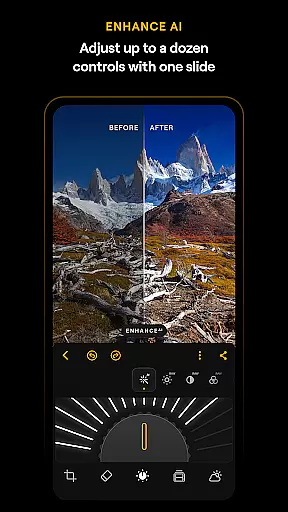
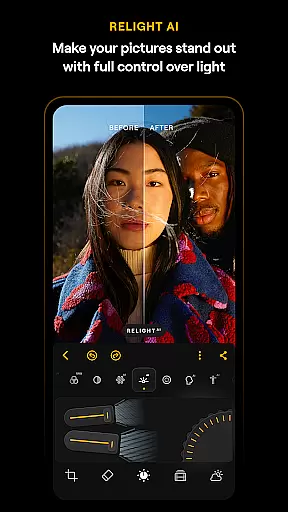
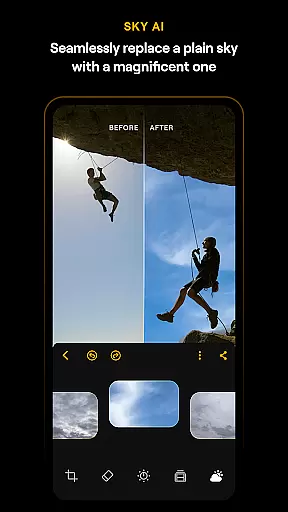
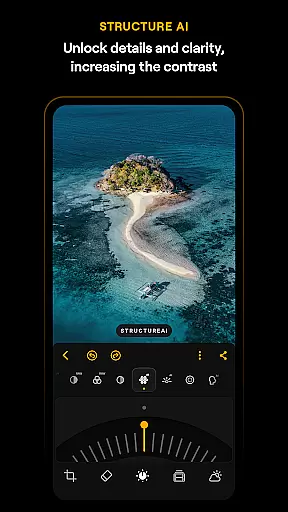
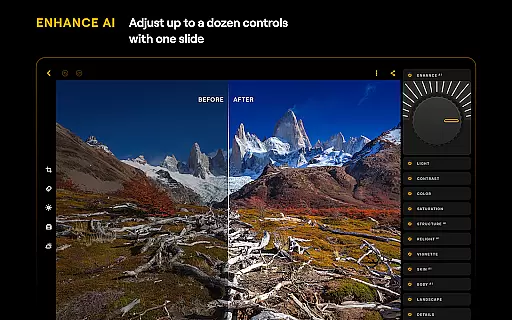
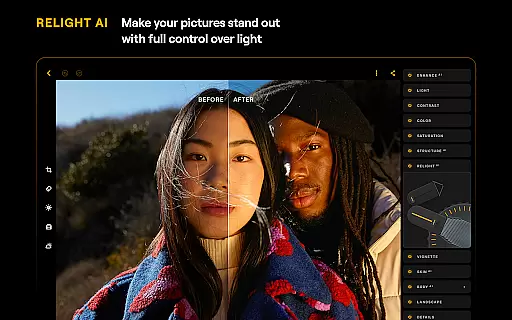
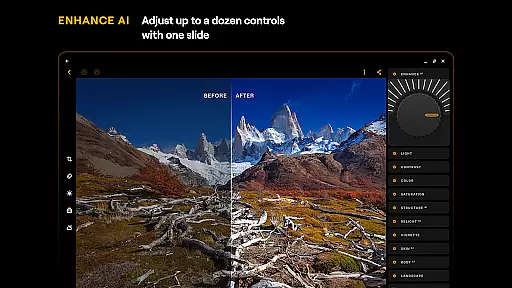
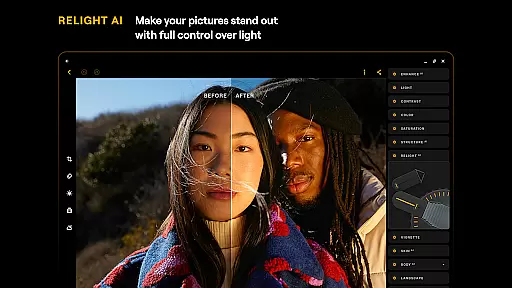
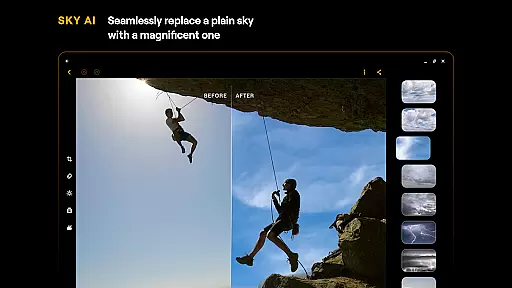
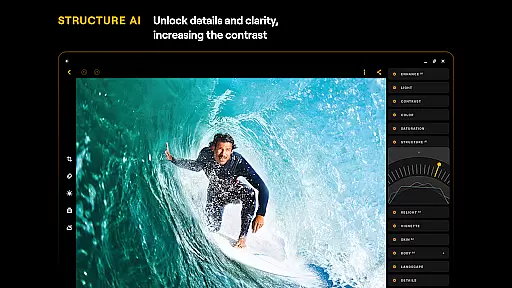
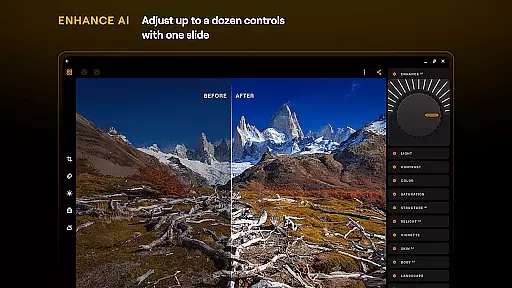
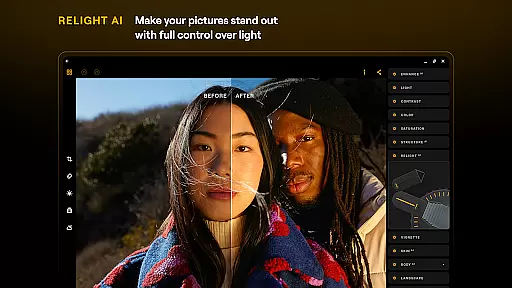
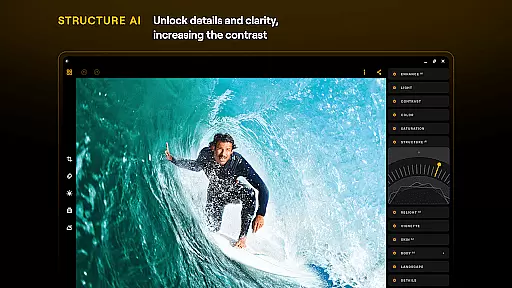
Luminar: Photo Editor stands out with its innovative AI-powered features that cater to both amateur and professional photographers. The app's SkyAI allows users to replace dull skies with vibrant alternatives, while EnhanceAI adjusts color, tone, and clarity with a single slide. StructureAI brings out hidden details, and RelightAI gives users dynamic control over lighting conditions. These AI tools work together to simplify complex editing tasks.
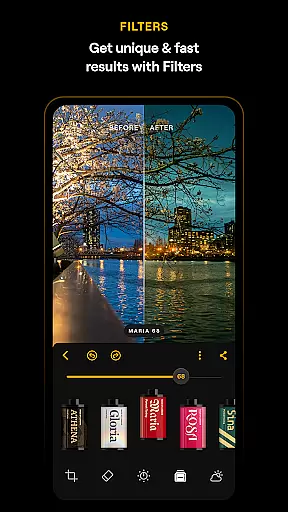
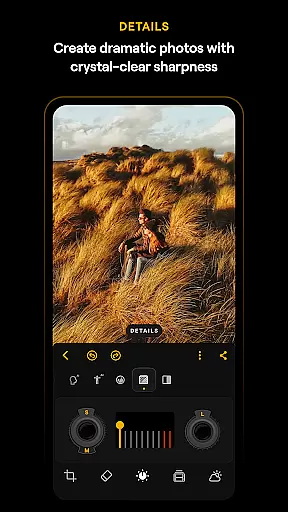
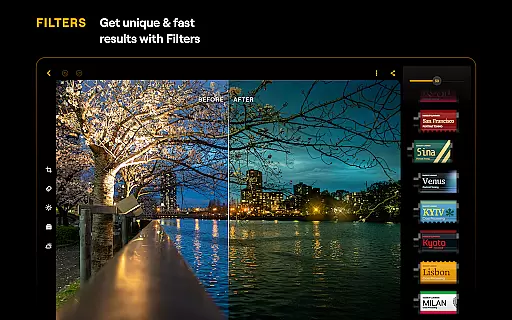
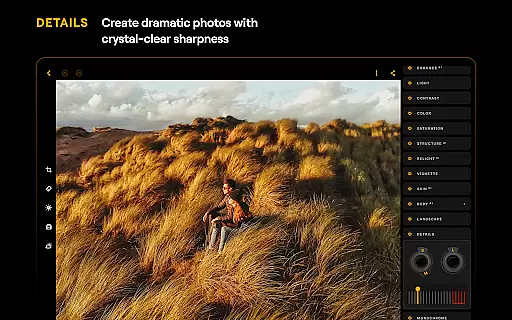
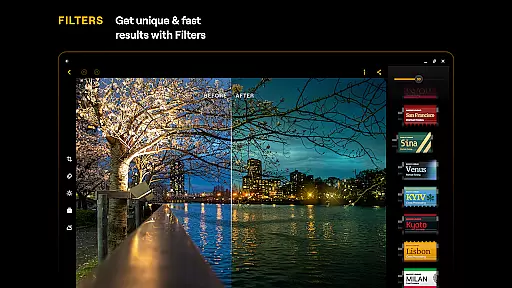
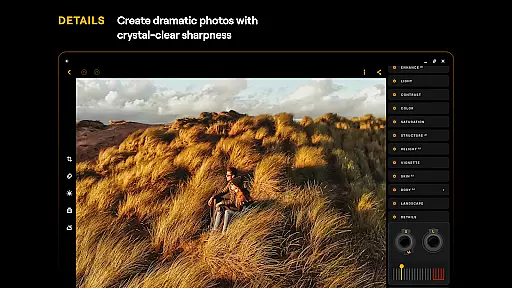
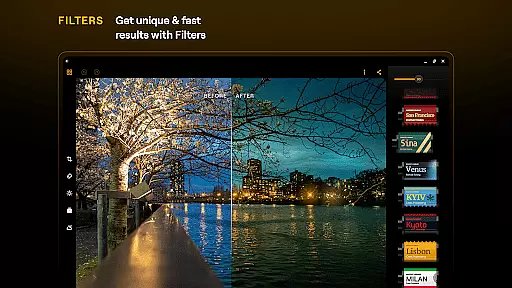
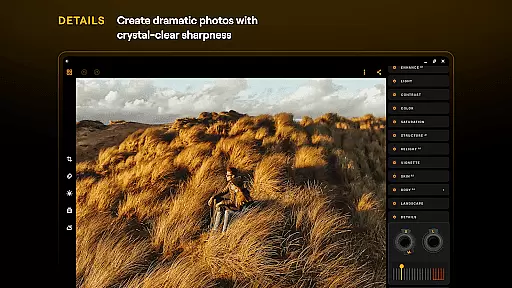
Beyond AI capabilities, Luminar offers traditional editing tools with modern enhancements. Users can fine-tune images using Curves for precise color adjustments or Monochrome for stunning black-and-white conversions. The Details tool enhances image sharpness, while Crop helps achieve perfect composition. With support for RAW files and a diverse collection of photo filters, Luminar provides everything needed for high-quality photo editing on mobile devices.
Real-time capture and preview functionality is essential for ensuring that users can immediately see the results of their photo edits. With Luminar: Photo Editor, this feature allows photographers to visualize changes as they make them, providing instant feedback on adjustments.
The application's interface is designed to respond to user inputs with smoothly gliding sliders and spinning dials. This tactile responsiveness, combined with motion and sound, creates an engaging experience that makes editing more intuitive and enjoyable.
Users benefit from the ability to see how each edit affects the overall image instantly. Whether adjusting lighting, applying filters, or retouching skin, real-time previews ensure that every modification meets their expectations before finalizing the edit.
This immediate feedback loop not only enhances the creative process but also saves time by reducing the need for trial and error. Photographers can experiment with different styles and settings confidently, knowing they will achieve the desired outcome efficiently.
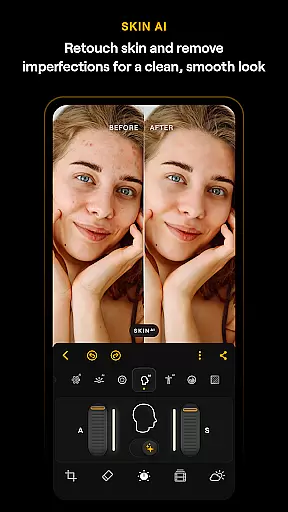
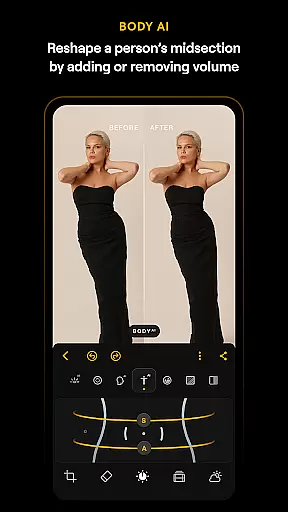
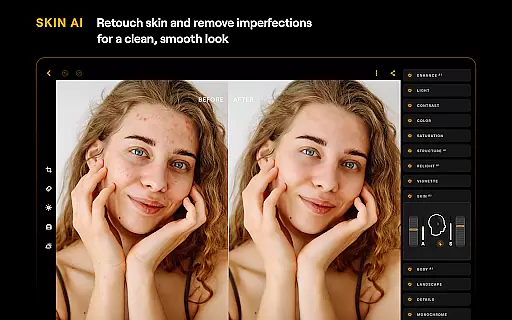
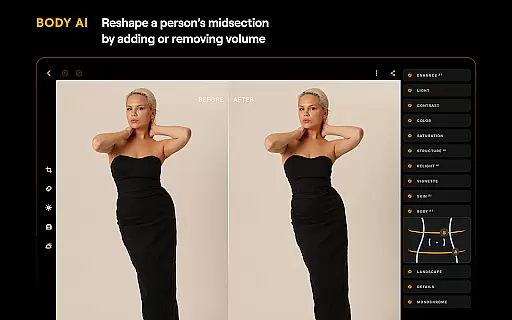
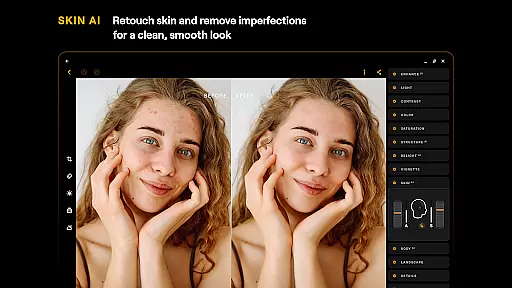
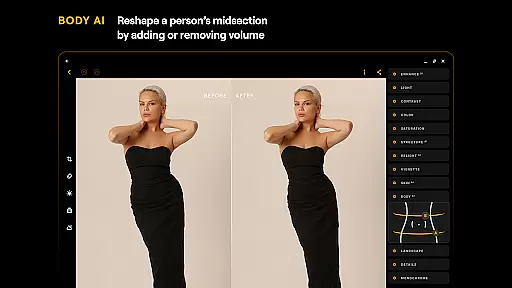
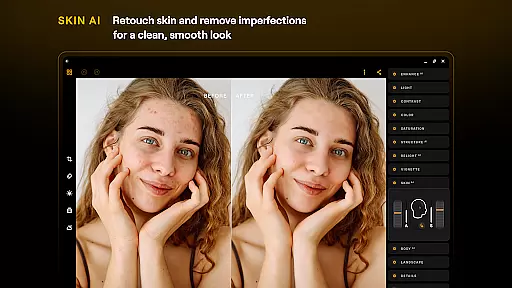
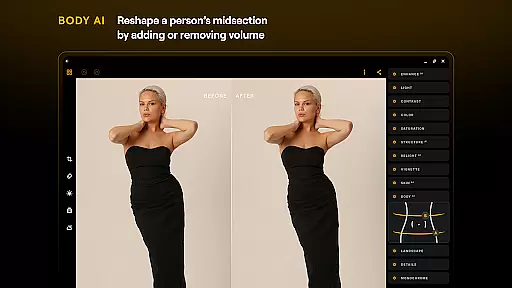
AI-driven beauty and enhancement features are crucial for delivering natural-looking edits without compromising authenticity. Luminar: Photo Editor leverages advanced AI tools like SkinAI and BodyAI to provide realistic retouching options that enhance subjects while maintaining their unique characteristics.
SkinAI automatically smooths skin textures and removes imperfections in a way that looks clean yet genuine. Meanwhile, BodyAI offers subtle reshaping capabilities, allowing users to adjust midsections realistically without creating unnatural distortions.
These smart enhancements empower users to produce professional-quality images effortlessly. By automating complex editing tasks, Luminar enables both beginners and pros to achieve polished results quickly, focusing more on creativity rather than technical details.
Ultimately, these AI-powered tools contribute to a seamless editing experience where enhancements appear organic and true-to-life, elevating the overall quality of photos without sacrificing their original essence.
User-friendly interface
Advanced AI tools
RAW file support
Versatile editing options
Cross-platform compatibility
Paid subscription model
Resource-intensive
Limited free features
Occasional bugs
Steep learning curve

Create funny photos and videos with the popular Time Warp Scan filter.
 4.90
4.90
HD Photo gallery and photo manager to edit, hide private photos, videos & albums
4.1
Edit like a pro with Hypic. Apply filters, AI effects, & magic touch.
4.40
Perfect body tune & face app - photo retouch, makeup, slim body & beautify face.
4.80
Create collages easily! Nice pic collage maker & background eraser for Instagram
4.50
AI photo editor with hair editor, retouch tools, hair color changer & filters!
4.50
Photo editor & gallery. Crop pictures & edit photos offline, no wifi!
4.50
Hair color changer, AI haircut app, fun hair editor and buzz cut filter for all!
3.80
Your Family Calendar + Photos. Manage your Skylight Calendar and Skylight Frame.
4.40
Photo editor: AI filters, photo enhancer, pic collage maker, AI art generator.
4.80
A must-have app for landscape photographers
4.60
Easily create custom gifts, cards, photo books & more on the Shutterfly app!
4.60
Add Watermark - Sign your pictures with a text or logo. Effective, quick, easy!
4.50
Effortlessly organize, view and share your photos & videos with Gallery app!
4.40
Easily stitch panoramas from multiple photos or video.
4.40
Turn your phone into a professional camera - full DSLR manual photography
4.30
Photo editor: face & body editor, beauty cam, filters and quality enhancer.
4.00
Professional quality photo edits with the new Snapseed.
4.00
Application for remote controlling DSLR
3.00


User Reviews