

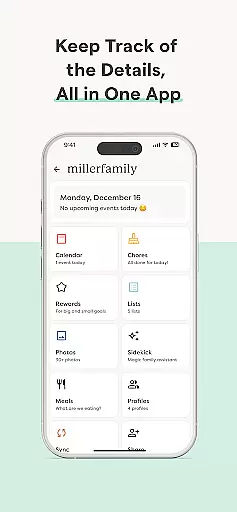

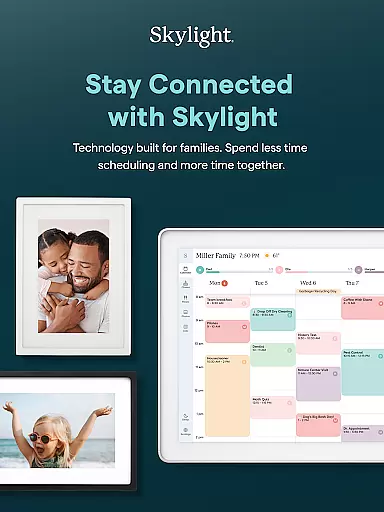

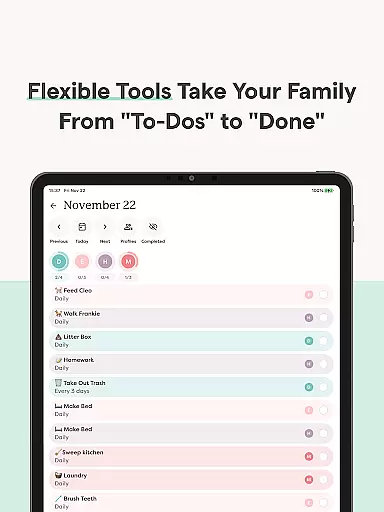
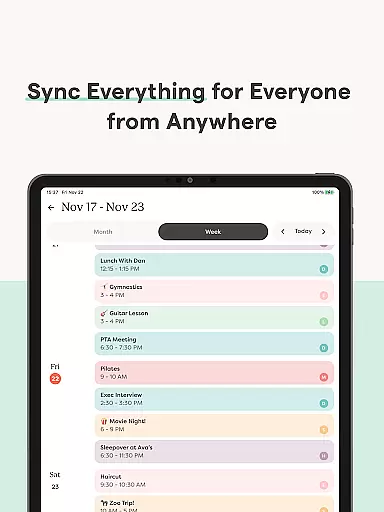
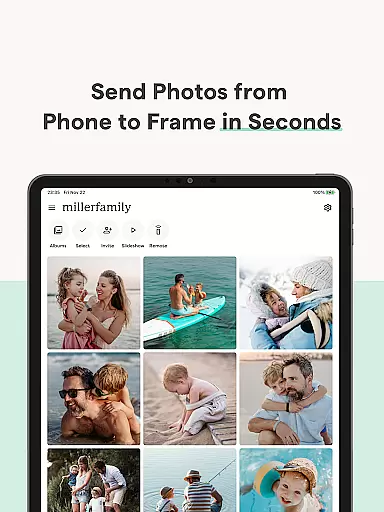
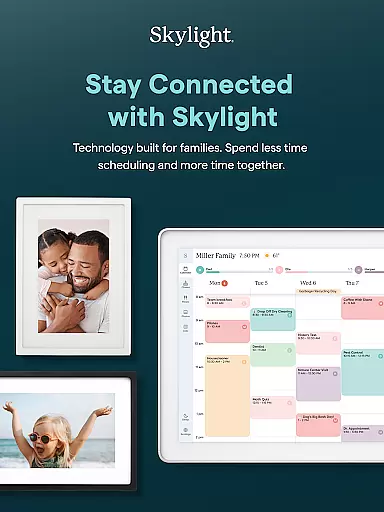

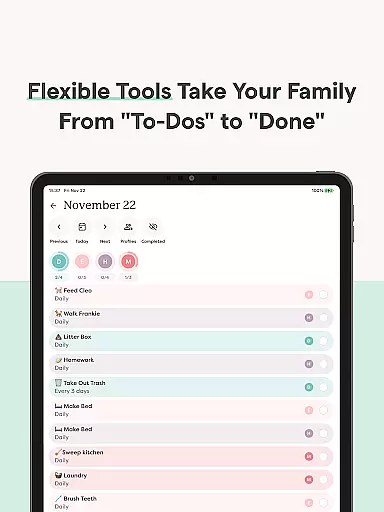
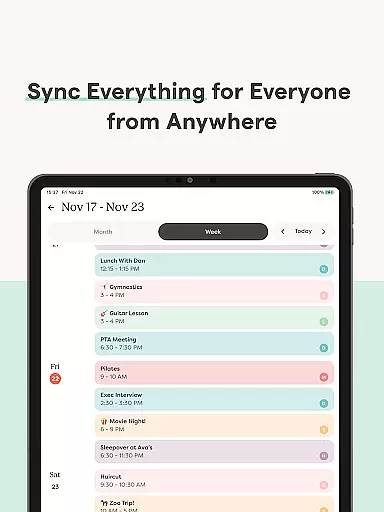
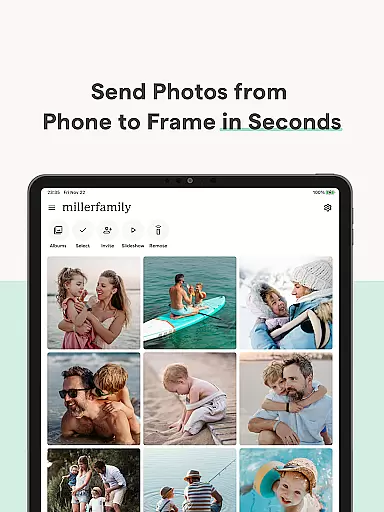
Skylight is a comprehensive family management app designed to centralize your household's schedules, tasks, and memories. This Photography app offers an intuitive platform for syncing calendars, creating routines, and sharing essential lists.
With features like recurring chores, shared grocery lists, and task rewards, Skylight helps families stay organized and connected. The app also supports photo and video uploads for screensavers, making it a versatile tool for both productivity and preserving cherished moments.
Whether you're managing daily tasks or curating family memories, Skylight provides a unified solution that enhances family coordination while keeping your favorite moments on display.
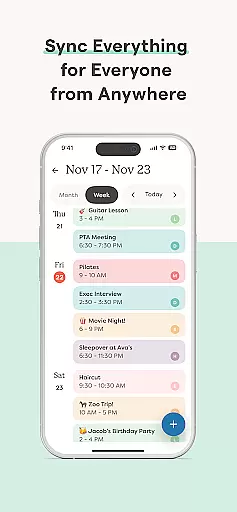
Skylight stands out with its robust feature set tailored for family management. The app allows unlimited calendar syncing and direct event creation, ensuring everyone stays on the same page. Its PLUS features extend functionality by adding recipe books, meal plans, and automatic content imports.
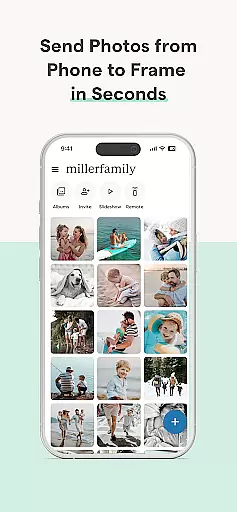
For photography enthusiasts, Skylight Frame offers seamless WiFi connectivity and effortless photo uploads. Users can create unlimited albums with captions and customize displays with uploaded videos. These features make it easy to preserve and share life's special moments.
By combining practical tools for organization with delightful ways to showcase memories, Skylight creates a balanced ecosystem that addresses both functional and emotional needs of modern families.
Real-time capture and preview functionality is essential for ensuring that every photo or video taken meets the user's expectations without delay. Skylight offers seamless integration between its app and the Skylight Frame, allowing users to capture moments and instantly view them on their digital frame.
The app ensures that every snapshot is promptly processed and made available for preview, providing users with the ability to make instant adjustments. This immediate feedback loop enhances the photography experience by eliminating guesswork and ensuring that each captured moment is precisely as desired.
Users benefit from this real-time capability as it streamlines the process of managing visual content. Whether uploading family photos or creating memorable screensavers, the ability to see a live preview ensures that the final product is always up to par.
This feature not only saves time but also significantly improves user satisfaction by offering precise control over the appearance and quality of displayed images. With Skylight, capturing and previewing memories becomes an effortless and gratifying experience.
AI beauty and enhancement features are designed to subtly improve image quality while maintaining a natural look. Skylight leverages advanced AI algorithms to enhance photos uploaded to the Skylight Frame, ensuring they appear vibrant and lifelike without appearing overly edited.
The app provides tools that automatically adjust lighting, color balance, and sharpness, optimizing each photo's appearance. These enhancements are applied intelligently, preserving the authenticity of facial expressions and skin tones, which results in pictures that look naturally stunning.
For users, this means enjoying beautifully enhanced family photos and cherished memories without worrying about artificial alterations. The AI-driven enhancements ensure that every image displayed on the Skylight Frame looks its best, capturing the true essence of each moment.
By focusing on natural enhancement, Skylight delivers a superior user experience where memories are preserved authentically. This approach not only elevates photo quality but also respects the integrity of personal moments shared within families.
User-friendly interface
Comprehensive calendar sync
Task reward system
Unlimited photo storage
Customizable displays
Limited free features
PLUS subscription required
Occasional sync issues
High data usage
Complex setup process

Add Watermark - Sign your pictures with a text or logo. Effective, quick, easy!
 4.50
4.50
Photobooth mini FULL app will allow you to add more fun to your parties
4.00
Virtual makeup, hair filters & body tuner—edit from face to full body!
4.20
Edit like a pro with Hypic. Apply filters, AI effects, & magic touch.
4.40
Gallery Slideshow is slideshow maker app for slideshow from your gallery photos.
3.90
USB Storage Access for Photos, Videos, Music and Documents
3.80
Luminar: Photo Editor - easy picture editing with AI
4.20
live datamoshing
4.00
Discover & download millions of art for The Frame TV or Hisense CanvasTV
4.60
Find time and duration of different sunlight phases at any location
4.90
Photo prints, cards, & gifts at Walgreens. Easy ordering & fast local pickup !
4.80
Easily view, share, delete photos with Gallery.
4.70
Cut and paste photo editor & eraser to customize photos easy and swap faces fun
4.50
Photo editor & gallery. Crop pictures & edit photos offline, no wifi!
4.50
[3DSteroid Pro] is a stereoscopic application for Android.
4.30
Shooting photos and records video easily and efficient with professional Camera
4.30
A light meter for true photographers.
4.20
All-in-One Editor & AI Photo Enhancer, Collage, Cartoonify, Funny Stickers & BGS
4.10
Astrophotography with your smartphone, photo live stacking and much more!
3.90


User Reviews