
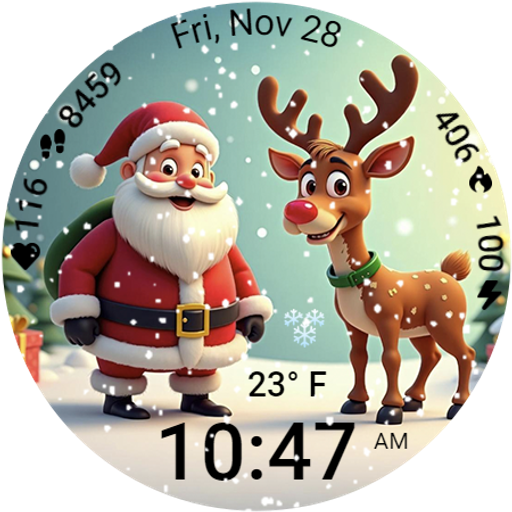
A heartwarming Christmas scene featuring a cute image of Santa and Rudolf
 4.4
4.4
Wear Os Watch Face - Animated Snow Effect & Magic Spark - 6 Scenes
4.10
The most customizable minimal watch face. For Wear OS 5.0, API 34+ and later
4.70
Authentic military-tactical design with ZULU time! Realistic and functional!
3.80
Structured watch face with seven complications and modular UI elements
3.90
Nutrition, Macro tracker: Food, fitness & healthy diet tracking for weight loss
4.60
Find EV charging stations
4.30
Premium hybrid watch face with many customizations for Wear OS devices.
4.40
Spam call blocker and caller ID for automatic call protection!
4.40
Your second brain for organizing your life: to-do, calendar, reminder.
4.70
Highly customizable hybrid watch face for Wear OS, perfect for everyday use.
4.60
Simple, helpful messaging by Google
4.60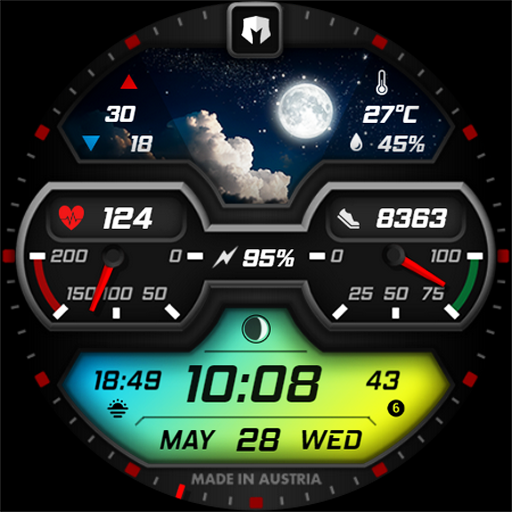
Stylish, Energizing and Modern Watch Face crafted by Dominus Mathias.
4.50
A white realistic classic analog watch face with many customization options.
4.40
Locate your family members by GPS phone location tracker everywhere and anytime
4.30
The #1 source of faces for your smartwatch!
4.00
Professional weather radar and more
3.90
Christmas is near, let's count together the days left until Santa comes
4.3
Simple Analog-Digital Watchface For Wear OS 3.0 and Up Smartwatches
4.2


