
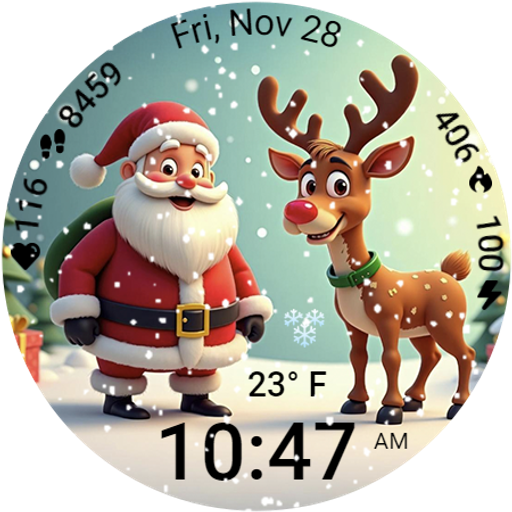
A heartwarming Christmas scene featuring a cute image of Santa and Rudolf
 4.0
4.0
Elegant animated Christmas tree with multiple customization options
4.20
Artistic Digital Watchface
4.0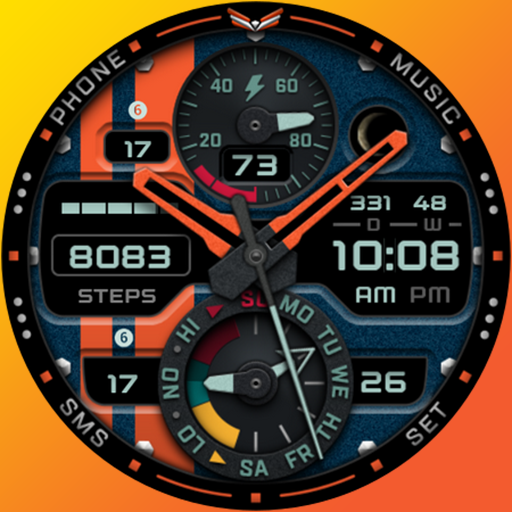
A modern premium sporty hybrid watch face for Wear OS by Ballozi
4.70
Digital, flexibly customizable watch face. For Wear OS 5.0, API 34+ and later.
5.00
The #1 source of faces for your smartwatch!
4.00
A digital watch face that celebrates Christmas.
4.00
Viewer for Wyze/Yi/Eufy/Arlo/ONVIF/RTSP/P2P IP cams w/ adv. features & DIY DVR
4.00
Your local weather forecast, storm tracker, radar maps & live weather news
3.40
Monitor health with the stress test and pulse checker in the heart rate app.
4.60
Deck out your Wear OS Watch face with a beautifully decorated pine wreath!
4.50
Connect to your Bluelink equipped Hyundai vehicle from your smartphone.
4.50
Embrace the holiday spirit with this magical animated watch face!
4.40
Beautiful artistic animated digital watch face, with a customizable layout!
4.40
Digital watch face with big numbers and many customization for Wear OS devices
4.40
The ultimate destination for kids ages 3-8 to explore the Marvel Universe!
4.30
A customizable Christmas watch face for Wear OS with a countdown.
4.20
Analog watch face with 8 complications and expedition styling
4.1
A watch face that fuses motorsport precision with contemporary smartwatch design
4.4


