
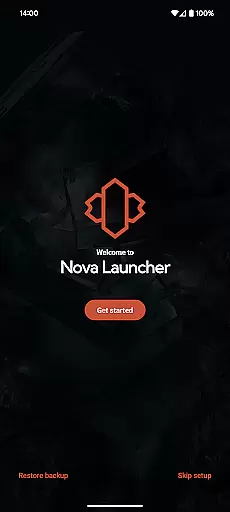
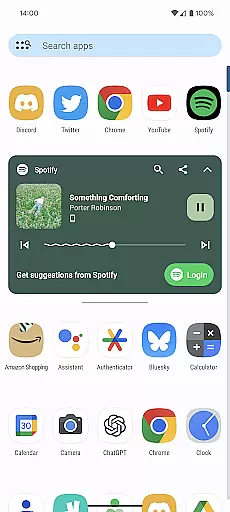
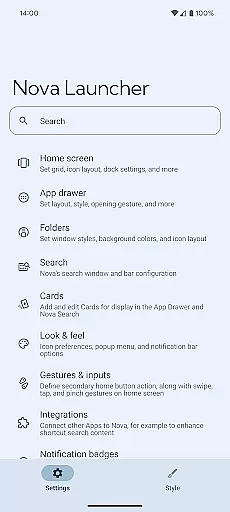
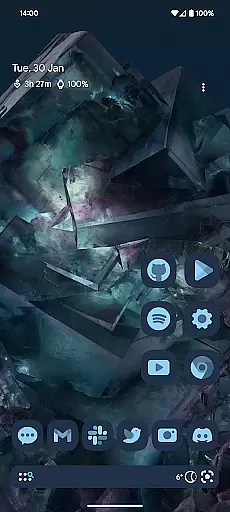
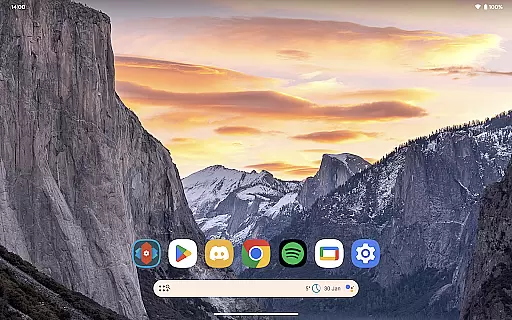
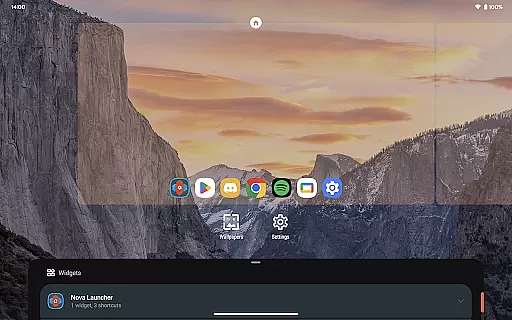
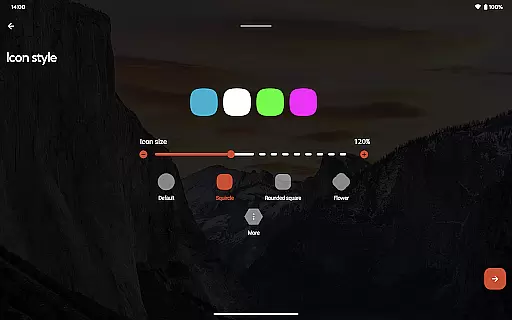
Nova Launcher is a highly customizable home screen replacement for Android devices, offering advanced features to enhance user experience. It allows users to personalize their home screens with custom icons, extensive color options, and flexible layout settings.
The app supports thousands of icon themes and provides precise subgrid positioning for widgets and icons. With powerful search capabilities, backup and restore functions, and optional Nova Launcher Prime features like gestures and app drawer customization, it caters to both casual users and power users seeking complete control over their device's interface.
Nova Launcher stands out with its comprehensive customization options. Users can modify icon shapes, apply Material You colors, and create custom light/dark themes that sync with system settings or personal preferences.
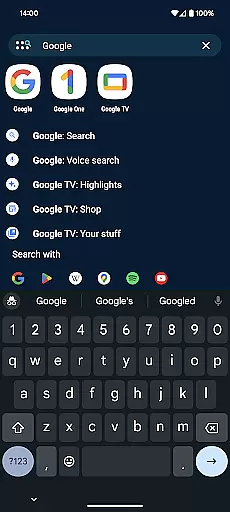
The app's search system integrates multiple content sources including apps, contacts, and web services. The unique subgrid positioning feature allows pixel-perfect placement of icons and widgets. Additional Prime features offer advanced functionalities like gesture controls, app drawer organization, and notification badges, making it the most versatile launcher available.
Nova Launcher stands out in the realm of personalisation by offering an extensive array of customization options that cater to both novice users and tech enthusiasts. The app allows for meticulous adjustments ranging from icon size, label colors, to the positioning of the search bar, ensuring your home screen reflects your personal style and functional preferences.
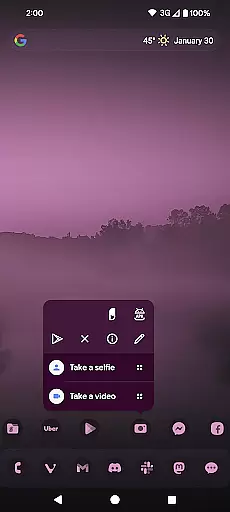
One of the key features is its support for thousands of icon themes available on the Play Store, enabling users to completely transform the look of their device with just a few taps. Beyond this, Nova takes it a step further by allowing users to reshape all icons to a uniform shape of their choice, providing a consistent aesthetic across the board.
The app drawer also introduces innovative customizable cards, delivering essential information right when you need it. This level of personalisation extends to creating custom tabs or folders within the app drawer, granting an ultra-organized feel that enhances productivity and user satisfaction.
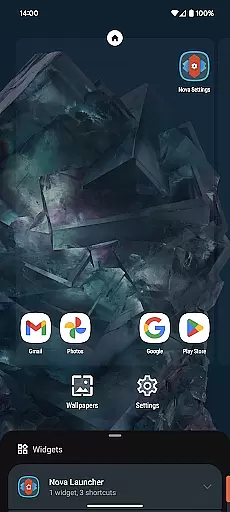
Moreover, Nova's subgrid positioning feature offers unparalleled precision in arranging icons and widgets, making it possible to achieve a layout that's uniquely yours. With these comprehensive customization capabilities, Nova Launcher empowers users to tailor their Android experience like never before.
Theme compatibility is at the heart of Nova Launcher's appeal, seamlessly integrating with a wide range of themes to offer users a cohesive and visually pleasing interface. Whether you prefer the sleek modern lines of Material Design or the vibrant creativity of third-party icon packs, Nova ensures that your chosen theme looks impeccable across your device.
This compatibility extends beyond mere aesthetics; Nova intelligently applies themes to ensure functionality matches form. Users can sync their dark mode settings with system preferences, opt for automatic transitions based on sunrise and sunset, or maintain a permanent setting that suits their lifestyle.
Furthermore, Nova supports personalized color schemes, allowing individuals to infuse their personality into every corner of their home screen. By leveraging Material You colors from the system or selecting unique hues, each user's setup becomes distinctly theirs, enhancing both usability and enjoyment.
With such robust theme compatibility, Nova Launcher not only meets but exceeds expectations, providing a harmonious blend of beauty and practicality that elevates the overall Android experience.
Highly customizable
User-friendly interface
Regular updates
Powerful search
Backup functionality
Prime version paid
Advanced features complex
System permission required
Occasional bugs
Learning curve steep

Ultra realistic high quality analog watch face for Wear OS.
 4.60
4.60
A retro cartoon style watch face and a punch right in the face of the copyright
4.60
Wallpaper HD 4K Live - Thousands of high-quality Anime backgrounds for you.
4.80
Run multiple accounts of the same app on a single device
4.10
Romantic Kiss Stickers App. Start romantic messaging now!
4.30
Launcher OS™ Pro without ads help make your phone simple and pretty
4.30
Your go to Weather App & Home Screen. Get your weather at a swipe of a finger!
3.80
Transform your device in a game console
4.40
Amazing letter fonts in your messages and social statuses
4.70
Winter's Journey: digital watch face for Galaxy Watch & Wear OS
4.80
Sparkle your screen with Glitter Wallpapers For Girls and Cute Backgrounds!
4.80
Dark icon pack based on One 8
4.80
A launcher for Samsung Good Lock and Good Guardians modules without ads
4.70
Stylish Pink Cute Hippo keyboard with 10000+ customized keyboard themes!
4.60
Color phone with cool effects for call screen, flash alert & ringtones music
4.50
Vibrant Adaptive Icons with Material You and Enhanced Monet Colors.
4.50
Unleash Your Creativity and Connect with Loved Ones with Lockscreen Drawing!
4.20
Crystal-clear, square icon provides a sleek and sophisticated visual upgrade
4.00
Adaptive Dot Style IconPack with Light & Dark Theme.
3.70


User Reviews