
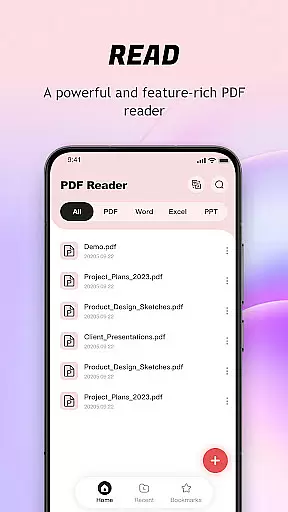
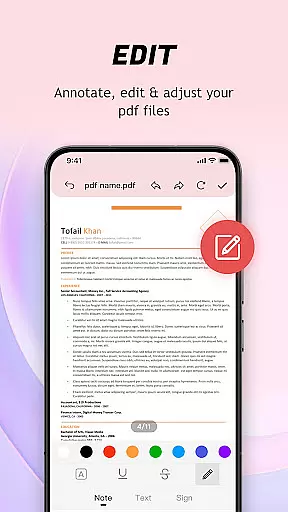
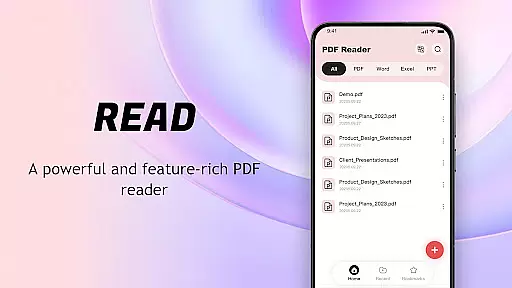
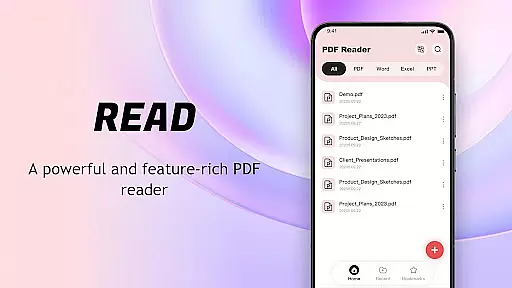
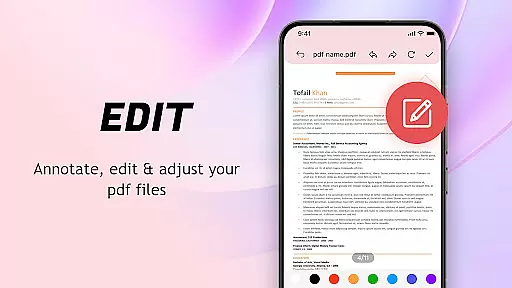
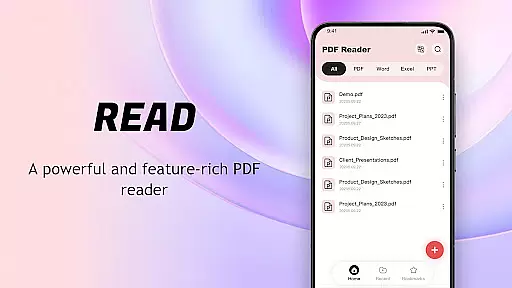
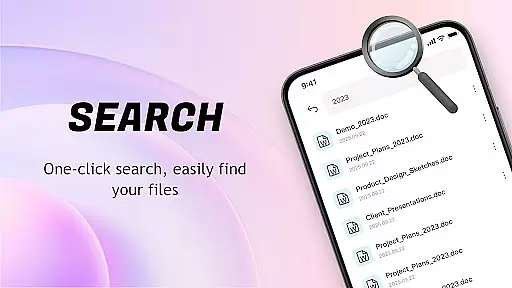
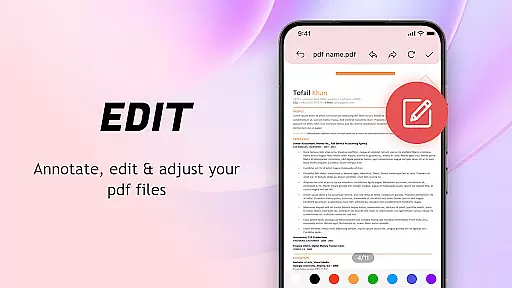
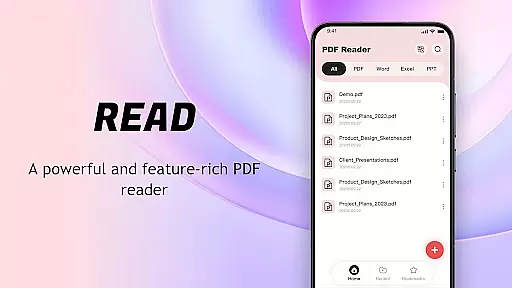
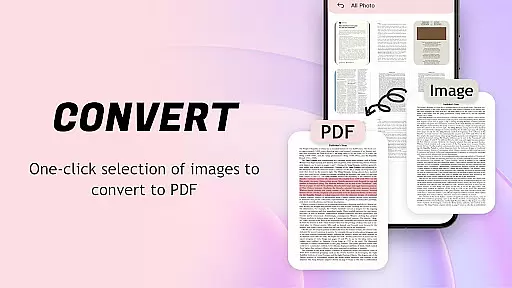
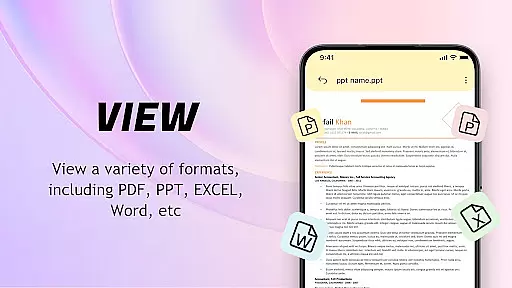
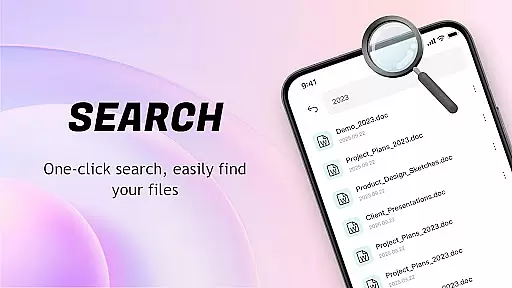
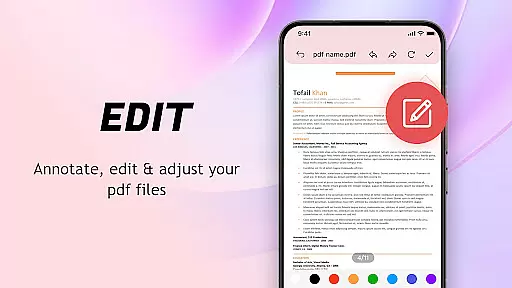
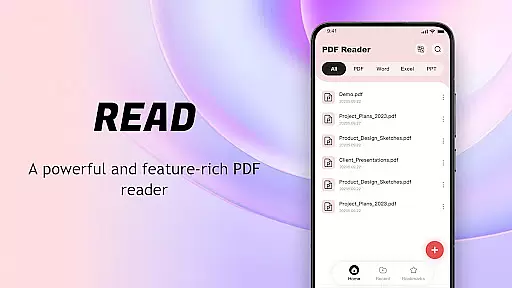
PDF Reader: Easy Fast Viewer is a versatile document management tool designed for efficient PDF handling. This application automatically scans and displays PDF files stored on mobile devices, enabling seamless file organization and quick access to reading materials.
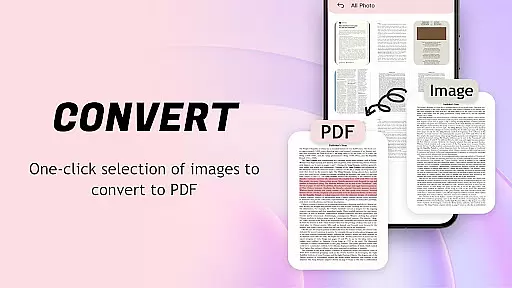
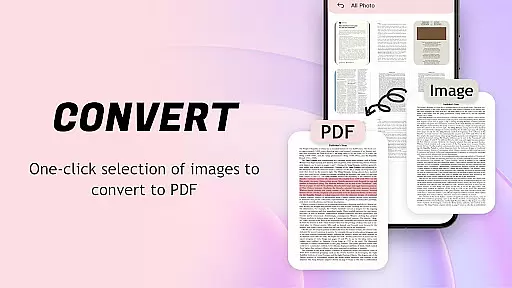
The app supports multiple scrolling modes for smooth page navigation, ensuring clear text and image rendering. It also features an image-to-PDF conversion tool that optimizes layouts for better file sharing. With its recent file display and bookmarking capabilities, users can conveniently manage their documents.
Ideal for professionals and students, this PDF manager enhances productivity by allowing easy file sharing, printing directly from mobile devices, and maintaining uninterrupted reading sessions through background processing.
PDF Reader: Easy Fast Viewer offers a comprehensive set of features for managing PDF documents. The app's automatic document recognition presents a complete file list, while its classification system organizes files by name and creation date.
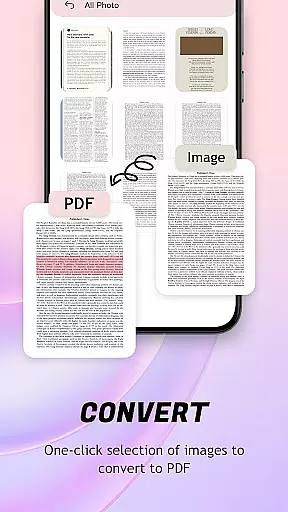
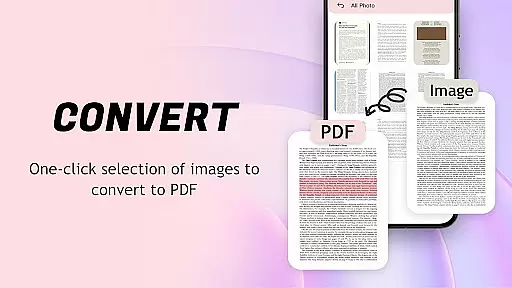
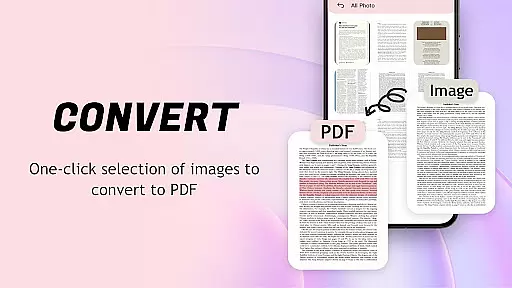
Users can switch between different scrolling modes for optimal viewing experiences. The integrated image-to-PDF converter streamlines file creation with one-click generation and automatic layout optimization.
Advanced document management includes recent file tracking, collection setting, and convenient sharing options. The app maintains reading continuity through background operation, ensuring complex PDFs open smoothly without interruptions.
For a PDF reader application, core function accuracy and effectiveness are crucial to providing a seamless document viewing experience. The app excels in this area by offering automatic identification and smooth presentation of all PDF documents stored on the device.
The software ensures that text and images within files are displayed clearly, regardless of the document's complexity or size. It supports multiple scrolling modes, allowing users to choose their preferred method of navigation through lengthy PDFs.
Users benefit from features such as one-click image-to-PDF conversion with automatic layout optimization, which streamlines file management and sharing processes. This functionality not only saves time but also enhances productivity by simplifying how documents are handled.
With reliable performance for both simple and complex tasks, the application is designed to maintain smooth operation even when processing large files or performing background activities like scanning for new documents. Such stability ensures an uninterrupted reading session every time it's used.
A straightforward and intuitive interface is essential for any tool-based application, including PDF readers. This particular app boasts a lightweight design with easy-to-navigate controls that make getting started effortless for users of all skill levels.
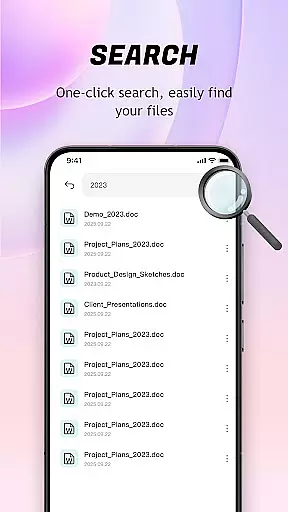
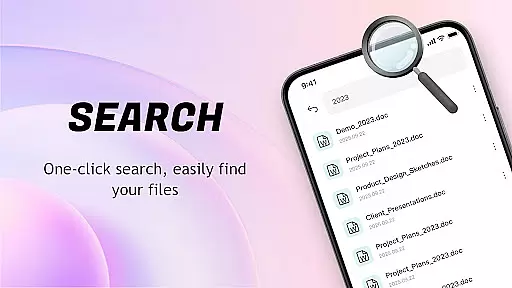
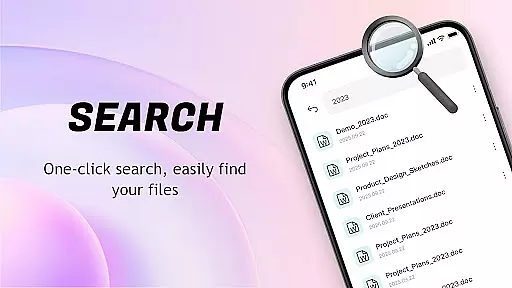
Its user-friendly nature extends to its ability to automatically search and display PDF files on mobile phones, enabling quick access without complicated steps. By presenting recently opened documents in order, it facilitates efficient document management right from the main screen.
Switching between different scrolling modes and viewing content details becomes second nature thanks to the appu2019s logical structure and responsive interactions. These aspects contribute significantly towards creating a hassle-free environment where focus remains on the content rather than the tool itself.
Moreover, additional functionalities such as file deletion, collection settings, and convenient sharing options are integrated seamlessly into the overall layout, ensuring they enhance rather than complicate the user experience. This balance between simplicity and feature richness makes daily use both pleasant and productive.
User-friendly interface
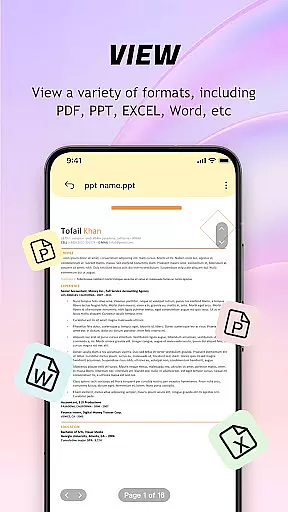
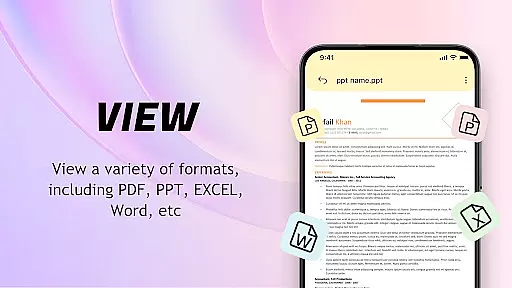
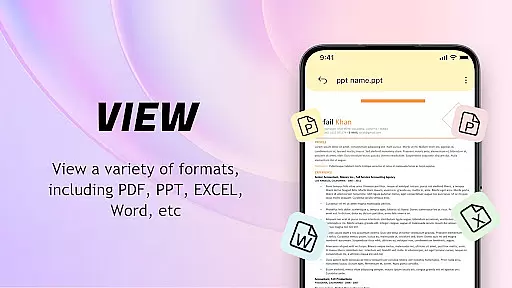
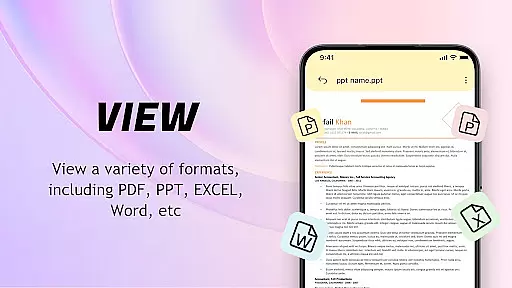
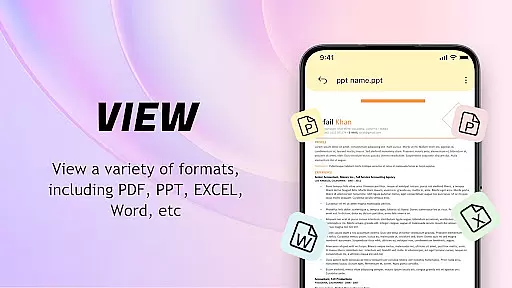
Multi-format compatibility
Efficient file management
Smooth page navigation
Convenient sharing options
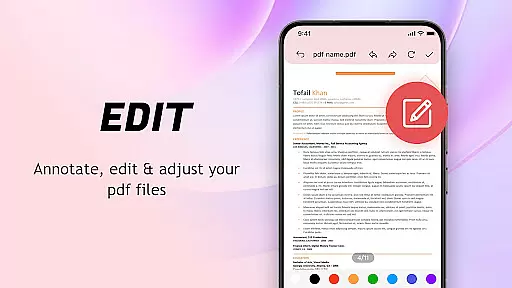
Limited advanced editing
Basic security features
Occasional performance lags
Ads in free version
Large file processing issues

Complete kernel toolbox with features to manage and tweak your rooted device
 4.30
4.30
Safely recover deleted photos, videos, and files with a single easy tap.
3.70
MS-DOS in your pocket. Play old DOS games anywhere you are ;)
4.10
Detect hidden spy camera with advanced scanning {{ Premium version }}
4.00
Navigate with Ease and Style
4.90
View detailed information about your Nissan Leaf the dealer never shows you.
4.10
Play your X-Box games remotely in 1080p with any controller and zero latency
4.60
The Ultimate Flex Drivers Utility App - Convenient Tapping & Block Filters
4.70
Remote Play with FSR upscaling, low latency & full controller support
4.80
Enjoy smooth gameplay with Game Booster
4.90
Connect instantly to a fast, encrypted VPN with one tap
4.60
With videos, electrical calculators, and built-in ebook, Ugly’s has your answer.
4.50
Clean up large files and similar photos, fast and easy to use
4.40
Carry a FTP server in your pocket and avoid USB cables for file transfer
4.20
Signal Strength, Mobile, Wifi, Speed Test, Bad Signals, Cellular, 5G, LTE, 4G
4.20
Screen Mirroring with sound for Samsung TV, LG TV, Sony TV, Smart TV and Browser
4.20
Create your own live wallpaper or check out thousands already made presets
3.90
A powerful, easy-to-use flight computer on your phone or tablet!
3.80
Transfer Files, APK from Phone to Watch & Install.
4.5


User Reviews