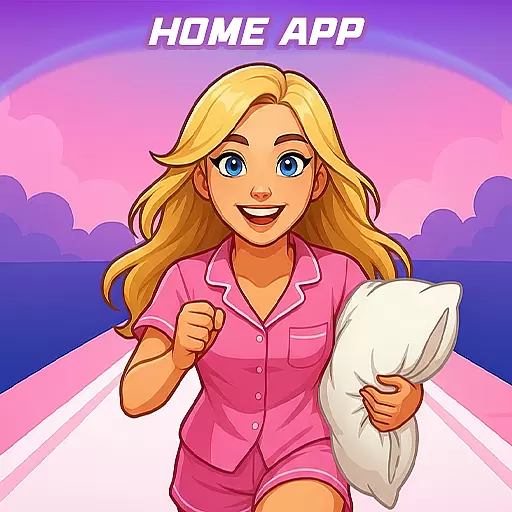
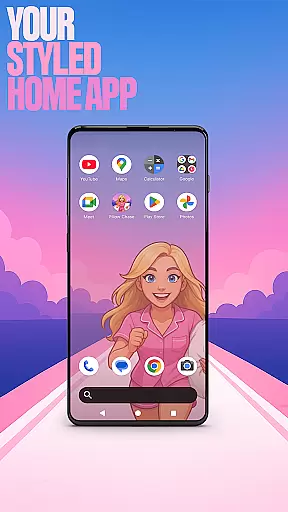

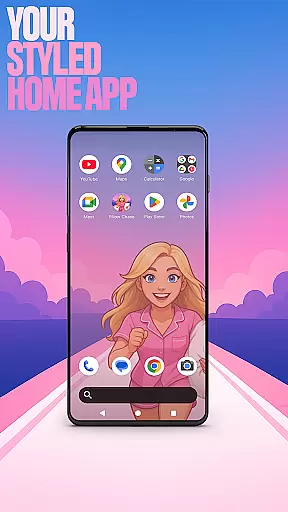

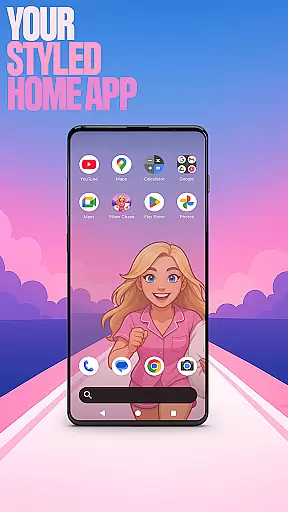

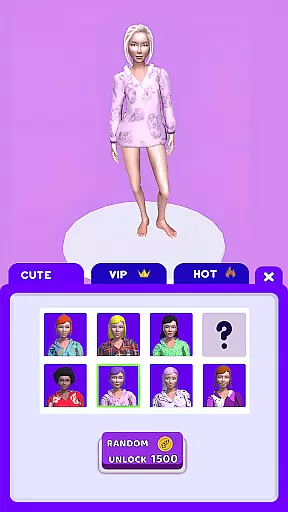
Pillow Chase Home App is a launcher app that allows users to create a personalized home screen experience. With this app, you can fully customize the layout of your home screen, organize apps into folders, and select from various color options. The app offers a fresh style that keeps your device exciting to use every day.
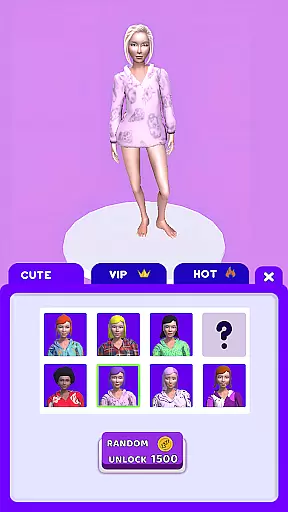
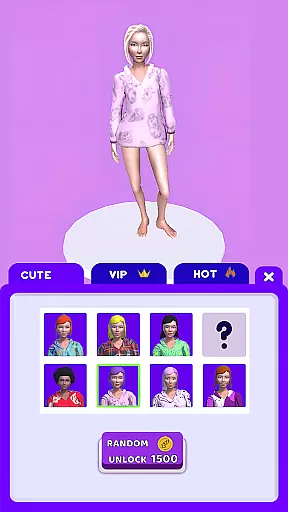
One of the key features is the ability to set Pillow Chase Home App as your default launcher through the 'Default home app' settings. You can easily switch back to your previous launcher at any time. Additionally, it includes a fun game called Pillow Chase, where you run, dodge obstacles, and collect pillows for quick entertainment.
This app is perfect for those who want to personalize their Android device with unique wallpapers, custom icon shapes, gestures, and accent colors while maintaining full control over their private apps.
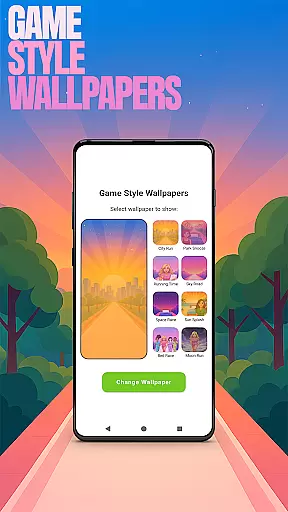
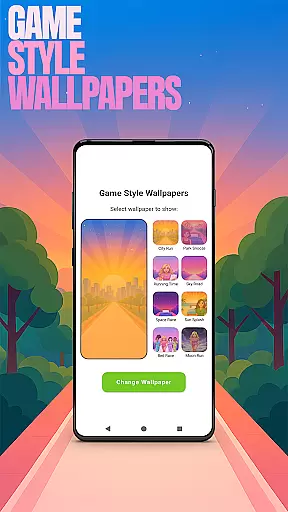
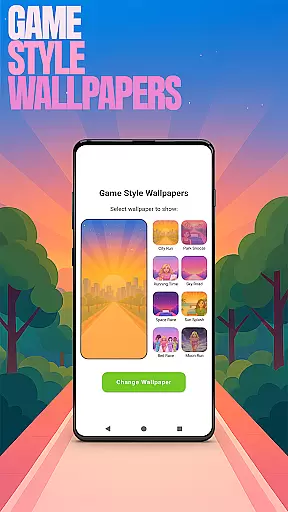
Pillow Chase Home App provides an array of customization features that make personalizing your device both easy and enjoyable. Users can access Game Style Wallpapers by long-pressing on the home screen and selecting 'Game Style Wallpapers', adding a playful touch inspired by the Pillow Chase game.
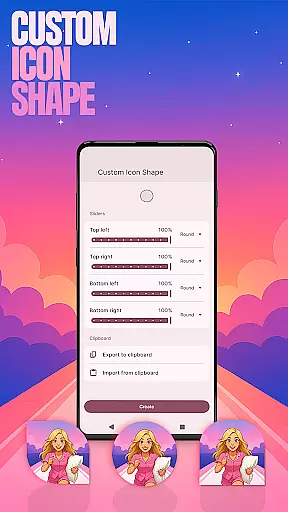
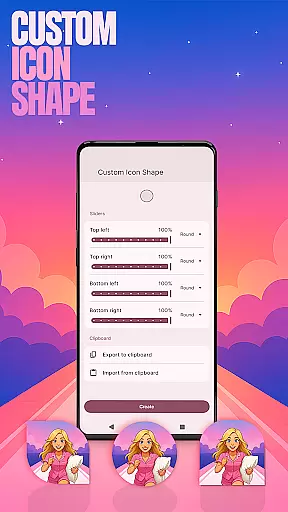
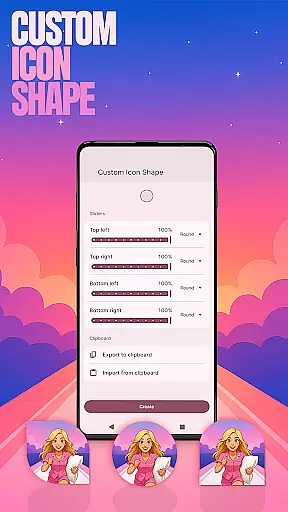
The app also supports Custom Icon Shapes, allowing users to change the look of their icons for a more personalized feel. By navigating to 'Custom Icon Shape' via the home screen menu, users can choose from various fun shapes. Custom Gestures enable quick access to apps or settings with simple swipes or taps, enhancing usability.
For privacy-conscious users, the Hide Apps feature lets you conceal private apps while maintaining full control over them. Through 'Home settings', users can adjust accent colors using presets or custom styles, ensuring their device reflects their personal taste in design.
Customization is at the heart of Pillow Chase Home App, offering users a wide array of options to personalize their home screen. This app allows for an unprecedented level of personal touch, enabling users to fully customize the layout, create folders, and choose colors that resonate with their style.
The app's customization extends to icon shapes, gestures, and even the accent color of the device, providing a comprehensive suite of tools for personalization. Users can access these features by long-pressing on the home screen, revealing a pop-up menu that leads to various customization settings.
With Pillow Chase Home App, users can enjoy unique wallpapers inspired by the Pillow Chase game, custom gestures for quick access to apps or settings, and the ability to hide apps for privacy. These features ensure that each user's home screen is not only visually distinctive but also tailored to their functional needs.
Pillow Chase Home App excels in theme compatibility, ensuring that all customizations are seamlessly integrated into the user's device. Whether it's through selecting presets or creating a unique look, the app maintains visual consistency across the board.
Users have the freedom to switch back to their previous launcher anytime, without affecting their former home screen layout. This flexibility guarantees that any changes made within Pillow Chase Home App are reversible, offering peace of mind when experimenting with new themes.
The app's dedication to compatibility means that whether you're adjusting your accent color or hiding private apps, every modification enhances your device's aesthetics while preserving its usability. With Pillow Chase Home App, achieving a personalized yet cohesive device appearance has never been easier.
Highly customizable
User-friendly interface
Fun gaming integration
Privacy-focused features
Vibrant design options
May overwhelm new users
Limited iOS compatibility
Requires manual updates
Some features need premium access
Occasional performance lags

Stunningly Different look with Line Icons and Neon Colors
 4.60
4.60
Bring adorable pets to life on your screen. Playful, interactive and full of fun
4.60
Turn your lock screen into fun with smile live wallpapers & animated wallpapers!
2.50
Shimeji adds cute animated characters to your screen, lively and fun.
4.70
Interactive Miniature Painting Catalogue
3.30
Ultimate Gallery Lock App - Hide Pictures, Videos and Lock Apps Instantly!
4.60
Unique Fonts, typefaces and stylish text. Fonts for Instagram, Whatsapp & others
4.20
300+ Beautifully crafted widgets inspired by OneUI.
4.60
Handcrafted pixel art icons, widgets & wallpapers
4.60
350+ widgets with a premium glass-style finish, perfect for home & lock screens.
4.70
Ultra realistic high quality analog watch face for Wear OS.
4.60
Add cute Shimeji pets to screen, interact with them and relax with cute motions
4.60
Zip lock screen with magic wallpaper to decorate your phone with fun zipper lock
4.60
3D, live, and moving wallpapers & themes in 4K and HD for your device.
4.50
Color phone with cool effects for call screen, flash alert & ringtones music
4.50
Transform your device in a game console
4.40
Adult video chat, dating, making friends, random matching
4.20
Your go to Weather App & Home Screen. Get your weather at a swipe of a finger!
3.80
⭐ OneUI inspired Fluffy Icon Pack – Soft. Stylish. Standout. ⭐
4.5


User Reviews