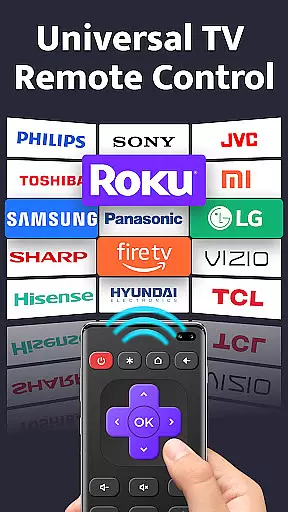
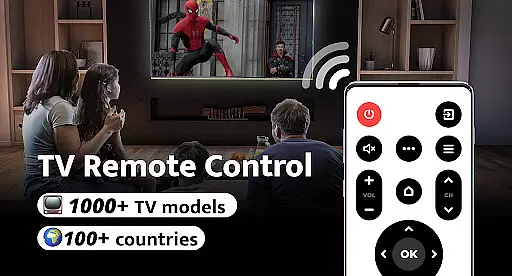
Remote Control for TV is a universal remote control application designed to replace traditional TV remotes across 1000+ TV models and 100+ countries. The app transforms your smartphone into an all-in-one remote, offering complete control over your television experience.
With intuitive features like power control, volume adjustment, channel navigation, and mute options, the app provides seamless interaction with your TV. Whether you're tired of constantly searching for misplaced remotes or dealing with drained batteries, this app offers a reliable solution that simplifies your entertainment setup.
Ideal for modern households, Remote Control for TV ensures convenience and efficiency by consolidating multiple remotes into one easy-to-use interface. Its compatibility with major TV brands makes it a versatile tool for users worldwide.
Remote Control for TV stands out with its comprehensive feature set tailored for effortless TV management. The app includes essential controls such as power on/off, volume adjustments, channel switching, and mute functionality, ensuring full operational capability from your smartphone.
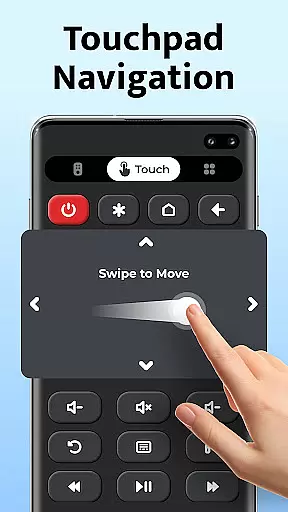
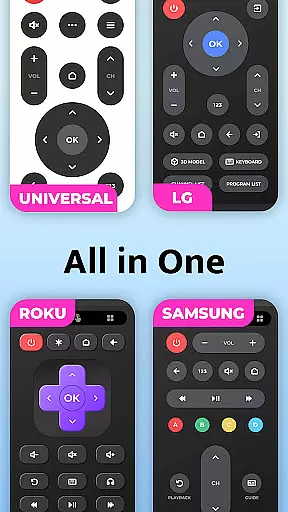
One of the key highlights is its user-friendly interface, which allows quick setup and one-click connectivity to your TV. The app supports all major TV brands including Samsung, LG, Sony, and more, making it adaptable to various household setups. Additionally, advanced navigation controls like up/down/left/right and menu access provide precision in managing your TV settings.
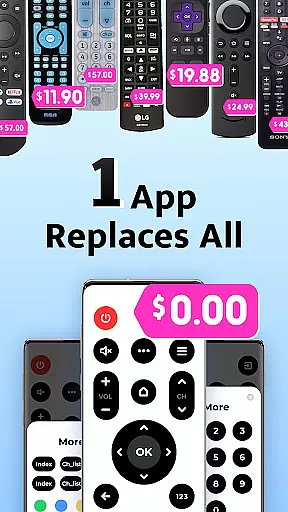
The app's standout advantage lies in its ability to eliminate the need for multiple physical remotes, streamlining the control process while maintaining reliability. This makes it especially valuable for users seeking a clutter-free and efficient entertainment system.
For a universal TV remote control app, core function accuracy and effectiveness are paramount to ensure seamless interaction with various TV models. Remote Control for TV delivers on this front by providing precise infrared signals that match the requirements of over 1000 TV models across 100+ countries.
The app's comprehensive functionality covers all essential TV controls, including power, volume adjustment, mute, channel digits, menu navigation, and more. This extensive support ensures that users can replace their traditional remotes with this all-in-one solution without losing any functionality.
Users benefit from the app's reliable performance, which is designed to be straightforward and effective. With easy setup and one-click connectivity, it offers a hassle-free experience that simplifies their entertainment needs.
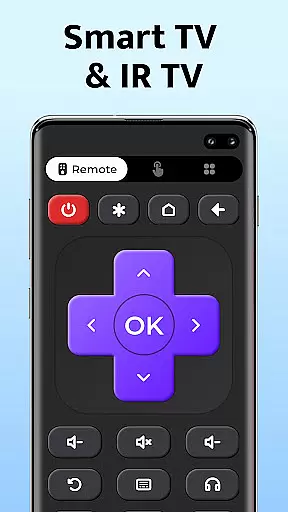
A simple and intuitive interface is crucial for tools like Remote Control for TV, as it ensures that users of all technical backgrounds can operate their devices effortlessly. The app boasts a user-friendly design that allows even those who struggle with technology to easily navigate its features.
Upon opening the app, users are greeted with an uncomplicated layout where each button is clearly labeled and easily accessible. This logical arrangement of controls such as volume up/down, channel switching, and menu navigation makes daily use both efficient and enjoyable.
By focusing on clarity and ease-of-use, Remote Control for TV reduces the learning curve typically associated with new tools. Users can quickly adapt to using their smartphones as universal remotes, enhancing their overall experience while maintaining complete control over their television sets.
User-friendly interface
Wide device compatibility
Quick and easy setup
Comprehensive remote functions
Free to use
Requires built-in IR blaster
Limited to supported devices
No voice command support
Occasional connectivity issues
Brand-specific limitations

Complete kernel toolbox with features to manage and tweak your rooted device
 4.30
4.30
Head tracking for PC sim games such as MSFS 2024 or Elite:Dangerous. No headset!
4.50
App that Recover your pictures, videos or files after you delete them.
4.20
card-reader app
2.20
Mirror your screen to Chromecast and Android TV - Super fast and simple
4.60
The one-and-only remote control for PC, Mac, and Linux
4.70
Play your X-Box games remotely in 1080p with any controller and zero latency
4.60
Pro Emulator is an easy to use game console emulator for a range of consoles.
4.40
Creation, Learning, Entertainment & More — The All-in-One AI Search Engine
4.70
The ultimate tool for network analysis, wifi scanning and problem detection.
4.90
Best leveling tool for your Android device. Hang paintings like a pro.
4.90
NFC Tools can read and write NFC tags.
4.70
App to pay for FUTO Keyboard
4.60
Mirror your screen to Fire TV - Super fast and simple
4.40
Just one-tap to easy translate in any language after calls within seconds.
4.20
Screen Mirroring with sound for Samsung TV, LG TV, Sony TV, Smart TV and Browser
4.20
A convenient photo, video, and file recovery tool.
4.00
Fun lie-detection pranks for friends and parties.
3.80
PDF Reader - Document Viewer: Read, Manage & Organize Your Documents
3.10


User Reviews