
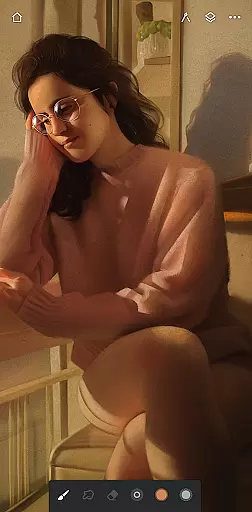
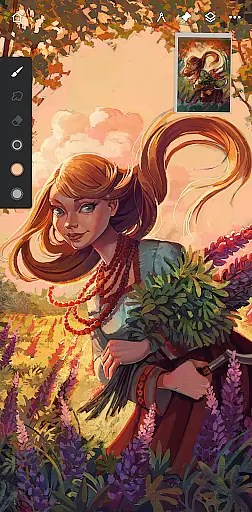
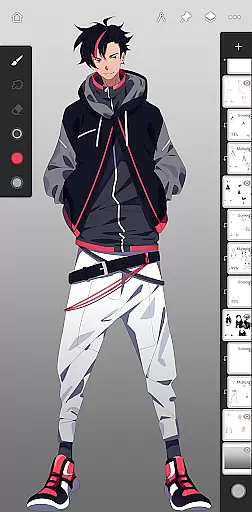
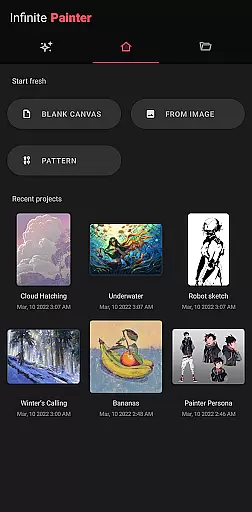
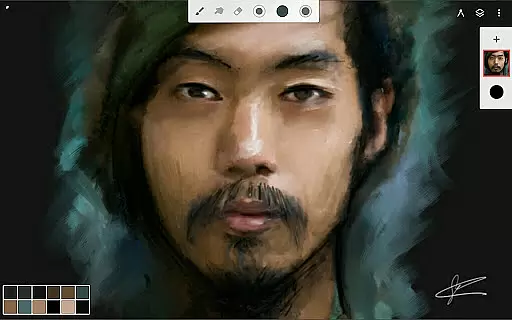
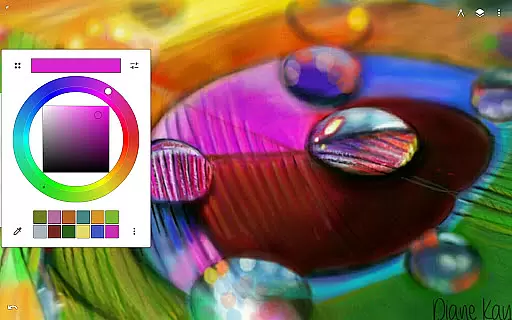
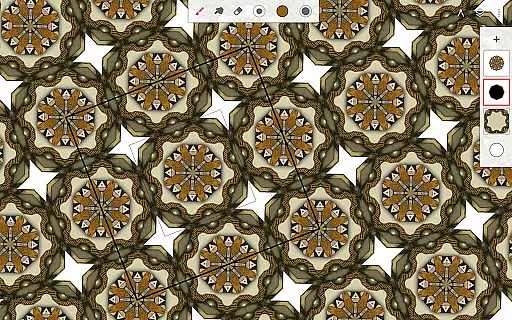
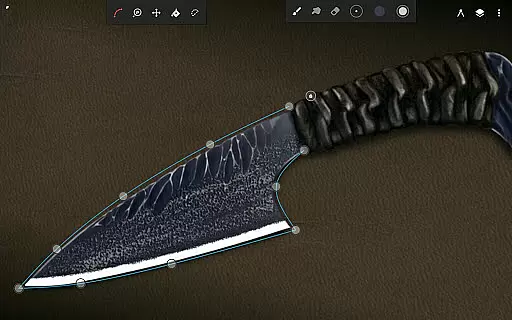
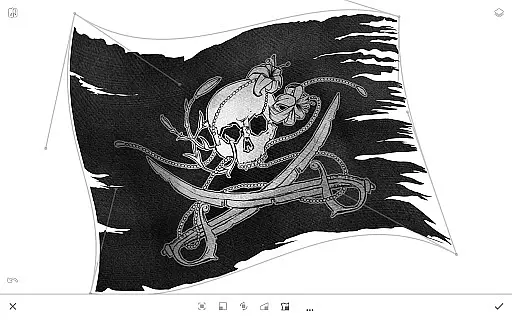
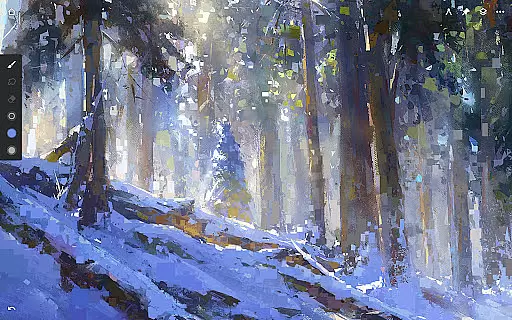
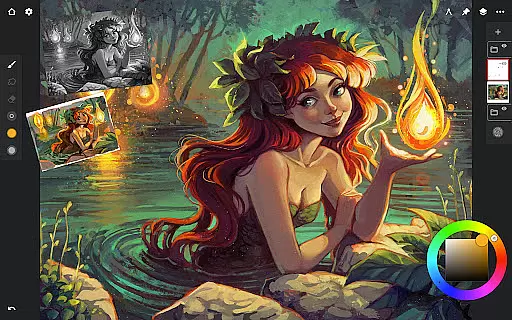
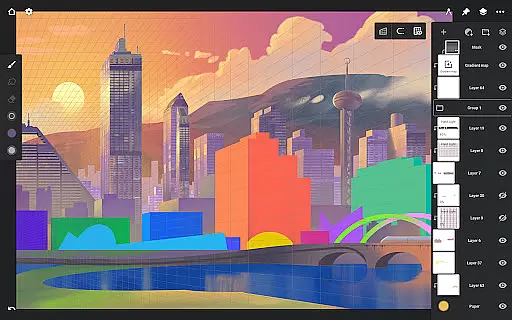
Infinite Painter stands as a premier digital art application, meticulously crafted for artists across all levels. Whether you're sketching as a hobby or pursuing professional artwork, this app delivers an exceptional experience on tablets, phones, and Chromebooks. With millions of users worldwide, it has garnered recognition for its intuitive interface and robust feature set.
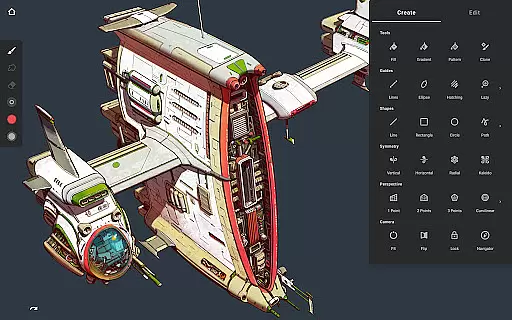
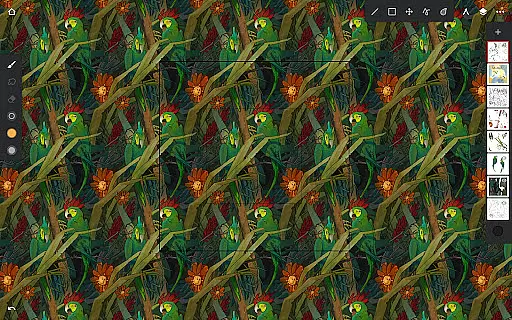
The app boasts an extensive collection of built-in brushes with realistic interactions, customizable settings, and support for stylus devices. Artists can enjoy features like seamless pattern projects, layer support with blend modes, and industry-leading color correction. Infinite Painter also facilitates creative workflows through symmetry tools, perspective guides, and smart shape detection.
Designed to maximize productivity, the app offers a clean workspace with customizable finger functions, quick access tools, and efficient saving/loading processes. Users can share their creations with a growing community and export artwork in various formats including layered PSD files. This makes Infinite Painter not just a tool, but a complete ecosystem for digital artists.
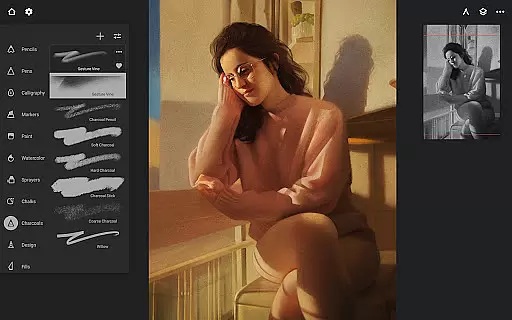
Infinite Painter distinguishes itself through its comprehensive suite of artistic tools. The app provides hundreds of built-in brushes that simulate real-world media, complete with customizable settings for pressure and tilt sensitivity. These brushes can be organized into sets and shared with others, offering unparalleled flexibility for digital painters.
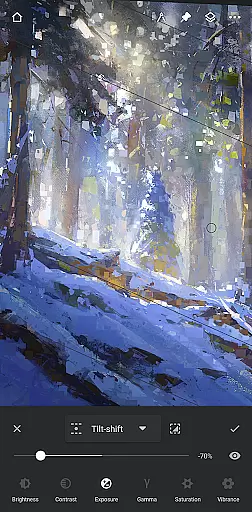
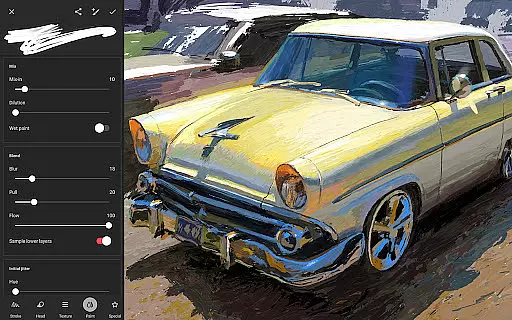
Beyond brushes, the app includes advanced features such as layer support with 30 blend modes, masking tools, and over 40 live filter effects. Artists can work with 64-bit deep color, utilize industry-standard transformations, and create complex patterns using specialized tools. The inclusion of perspective guides and symmetry options empowers users to produce precise and intricate designs.
Workflow enhancements are abundant, from gesture-based canvas control to quick-access panels for brush settings and color selection. Infinite Painter supports importing reference images, searching free-for-commercial-use visuals, and exporting projects in multiple formats. These capabilities ensure that artists can focus on their creativity without being hindered by technical limitations.
Infinite Painter offers an extensive suite of creative tools that cater to both amateur and professional artists. The app includes hundreds of built-in brushes with realistic brush-to-canvas interactions, offering over 100 customizable settings. This allows users to fine-tune their tools to match their artistic style perfectly.
For those who desire precision in their work, the app supports stylus devices with full pressure and tilt functionality. Artists can also apply real-time color adjustments and live effects to any brush stroke, providing a dynamic painting experience. Additionally, the ability to convert brush strokes into editable shapes adds another layer of creative control.
The app doesn't stop at brushes; it encompasses a robust set of features for drawing and sketching too. With symmetry tools, perspective guides, and smart shape detection, Infinite Painter ensures that users have everything they need to bring their visions to life. These comprehensive tools help maintain accuracy and creativity in every project.
Flexibility in canvas and format options is where Infinite Painter truly shines. Users can enjoy a seamless pattern project feature, making repetitive designs effortless. The app supports industry-leading transformations, enabling artists to manipulate their work precisely without losing quality.
Infinite Painter provides a variety of selection and masking tools alongside gradient and pattern fill options. This means artists can target specific areas or layers for edits, ensuring pixel-perfect modifications every time. Moreover, the ability to transform multiple layers simultaneously streamlines complex workflows.
Exporting artwork is versatile as well, with support for formats like JPG, PNG, WEBP, ZIP, layered PSD files, or Painter projects. Whether you're designing for print or digital media, Infinite Painter's flexible canvas and format capabilities ensure your creations are ready for any platform or purpose.
Intuitive user interface
Extensive brush library
Powerful layer management
Advanced color tools
Versatile export options
Limited free features
Pro subscription required
Steep learning curve
Occasional performance issues
Device compatibility varies

Floor Plan Creator lets you create, edit and share floor plans.
 4.00
4.00
Paint with oils and sketch with natural tools on a realistic virtual canvas.
3.80
See Color, Paint Color
4.90
Make your phone cooler and have a fantastic experience
4.80
Unleash Your Creativity with Draw Cartoon - AR Drawing App
4.10
Minecraft & Roblox Clothes
4.70
Retouch photos. Create or edit images. Endless capabilities.
2.70
Create cute cat emojis & PFPs! Fun, custom avatars for cat lovers.
3.70
Just trace a projected picture on paper and color! Draw & Paint with AR drawing
4.40
Learn how to draw with step-by-step tutorials, fun lessons & multiplayer drawing
4.70
Convert image to JPG PNG HEIC PDF, support almost all kinds of image formats
4.70
Castle is social media for creating and playing games!
4.60
Turn your drawings into flipbook-style animations with simple creative tools
4.60
Create neon drawing with magic doodle and fun doodle art effects!
4.50
Remove Background, Magic Eraser, Photo Enhancer, Story Templates, Collage Maker
4.30
Create Logos, Tattoos, AI Art & more with our AI Photo Generator & Design Editor
4.20
Powerful home decoration & house design that allows you to design dream home.
3.80
Create sweet, cool and unique couple avatars easily, in just a few steps!
3.40
Art of Combination Wear OS Watch Faces
3.30


User Reviews