
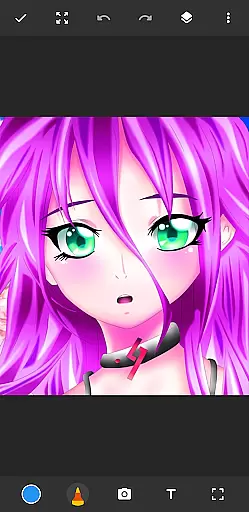
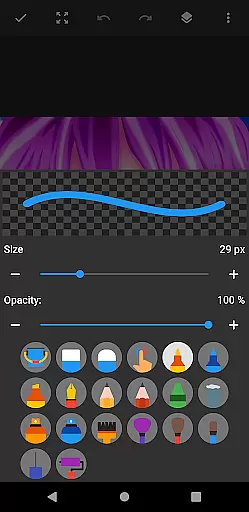
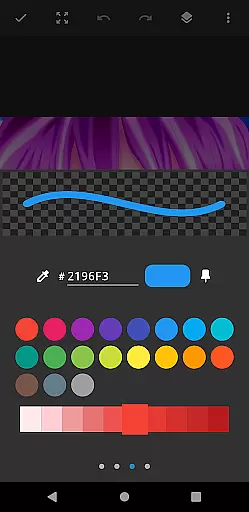
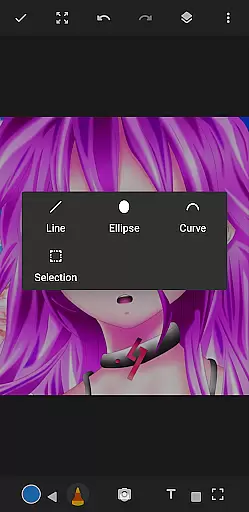
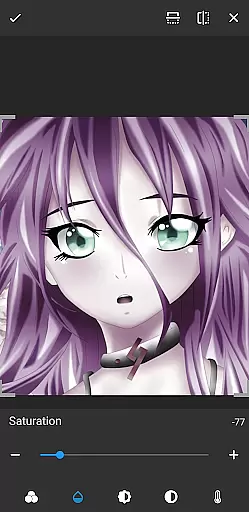
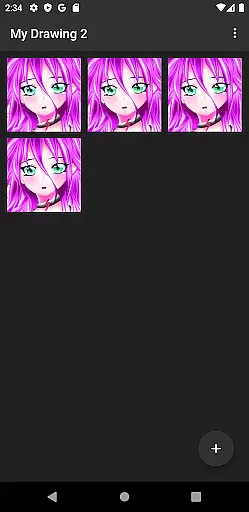
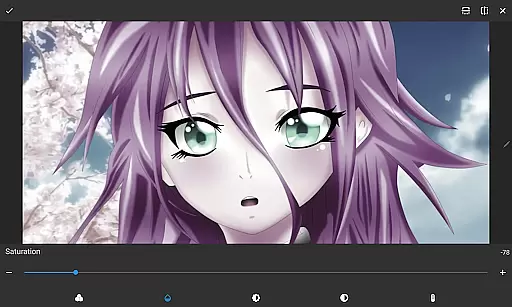
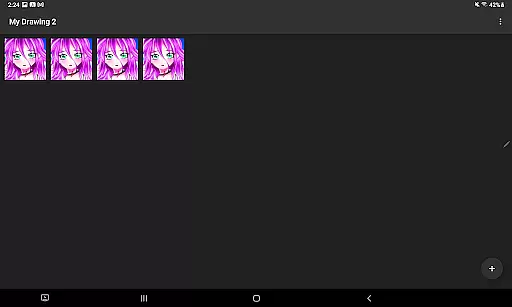
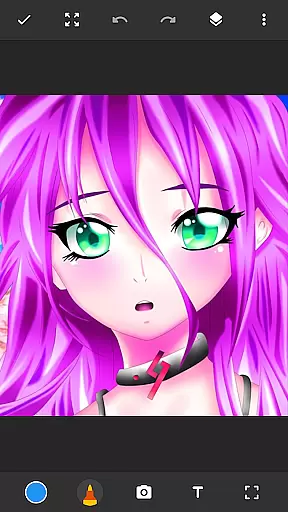
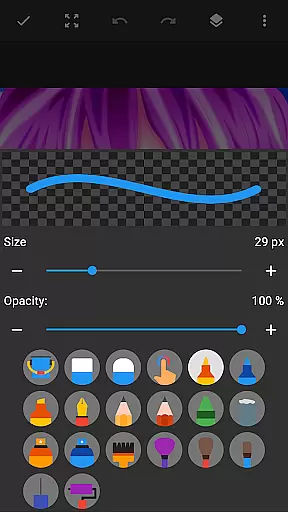
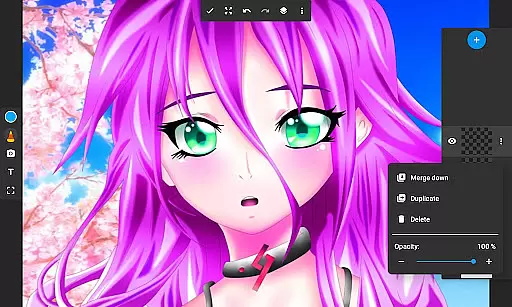
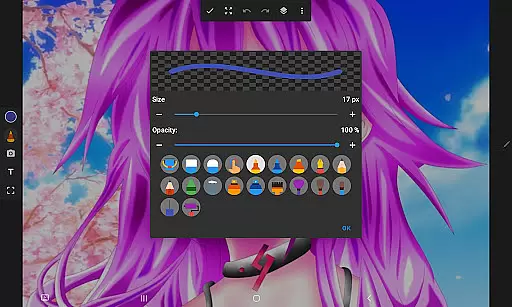
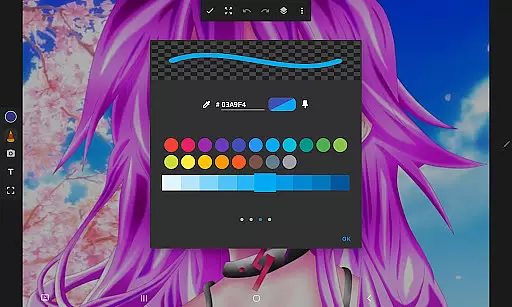
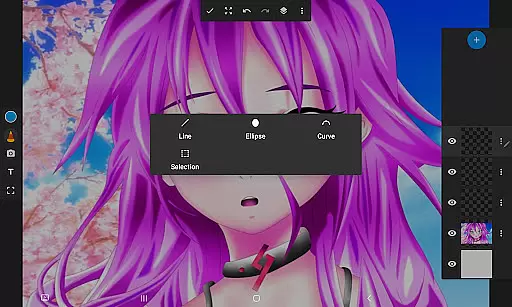
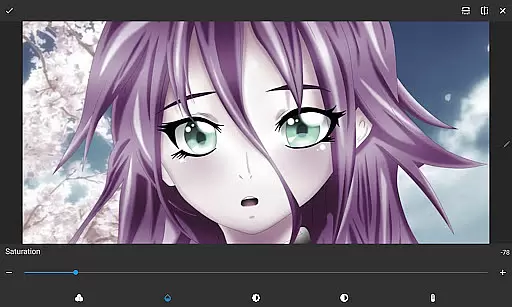
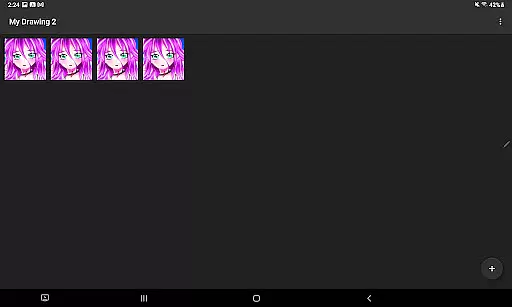
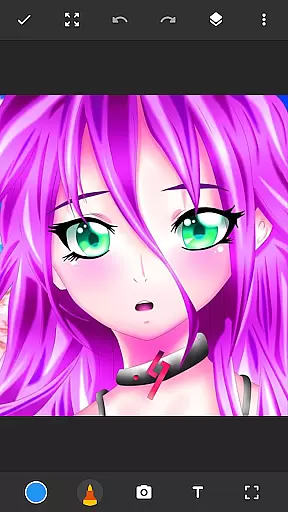
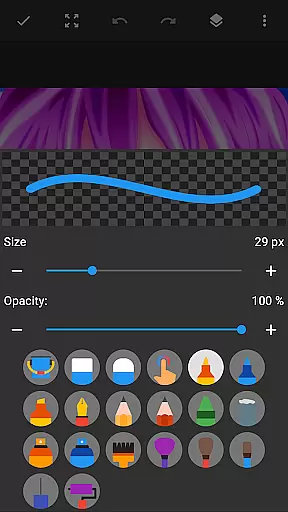
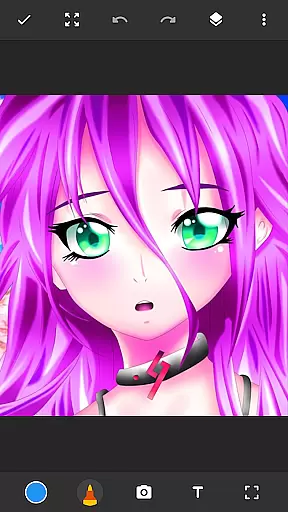
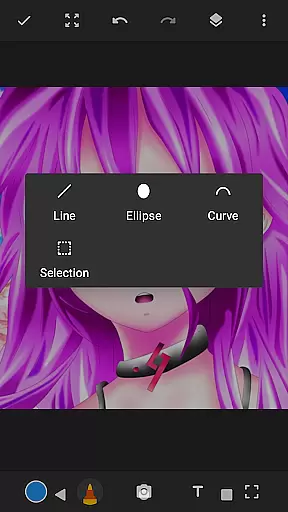
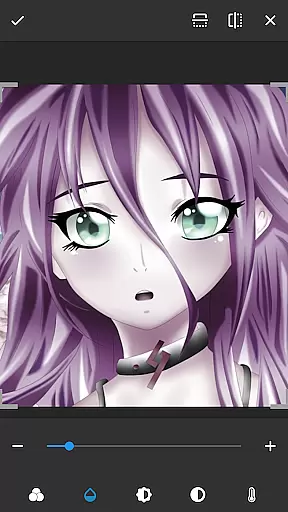
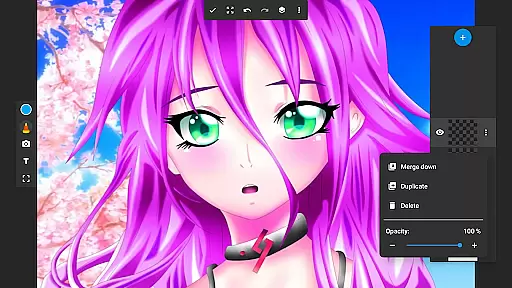
Drawing Pad Lite is a feature-rich digital art application designed for creative minds of all ages. This versatile sketching tool offers an intuitive interface that makes digital drawing accessible to both beginners and experienced artists. Users can explore their creativity through a wide selection of brush types, pencil tools, and vibrant color palettes.
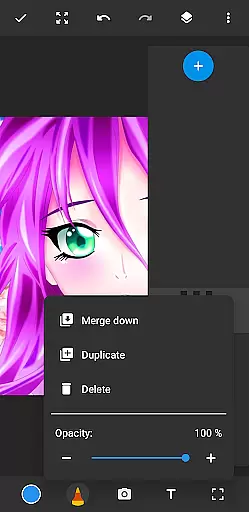
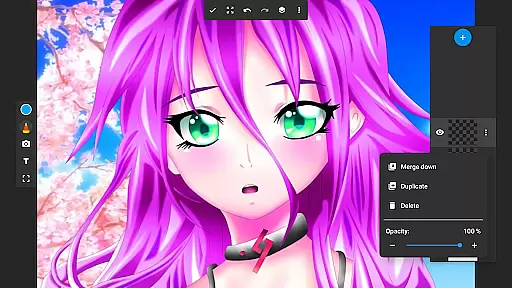
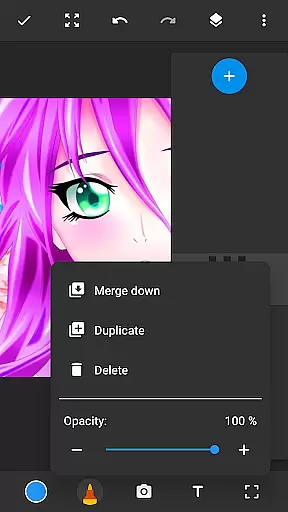
The application stands out with its layer functionality, allowing artists to organize complex artwork and experiment with different effects. Whether you're creating detailed illustrations, casual doodles, or working on photo-based compositions, Drawing Pad Lite provides the necessary tools to bring your artistic vision to life. Its comprehensive set of features makes it suitable for both professional work and casual entertainment.
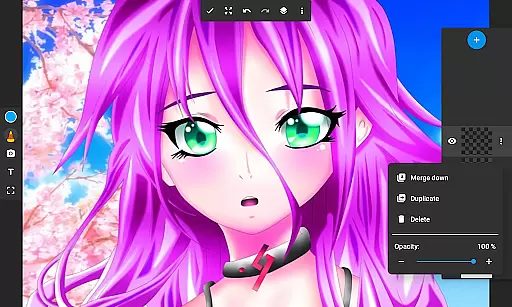
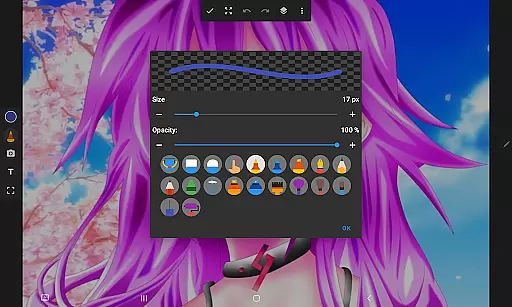
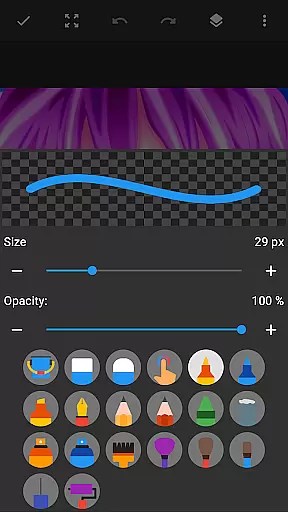
Drawing Pad Lite distinguishes itself through its diverse range of artistic tools and customization options. The application provides multiple brush styles including pencils, pens, and markers, each with adjustable sizes and opacity settings. The unique layer system enables users to separate elements of their artwork, making complex compositions more manageable.
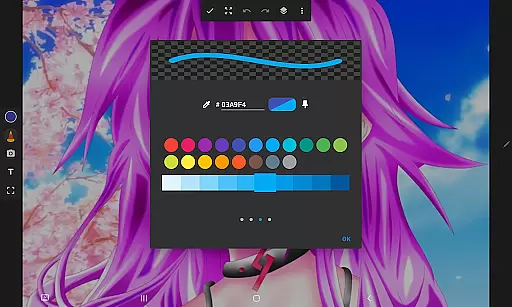
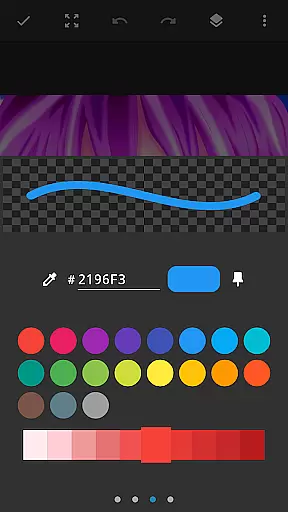
Advanced color management features allow artists to create precise shades and gradients, while the ability to draw directly on photos opens up new creative possibilities. The app's user-friendly interface ensures smooth navigation between tools, and its responsive drawing engine delivers natural-feeling strokes. These features combine to create a professional-grade drawing experience on mobile devices.
In the realm of digital art, having a comprehensive set of creative tools is paramount. Sketchbook Lite - Artbook offers an impressive array of brushstrokes, pencils, pens, and markers, catering to both amateur doodlers and professional artists alike.
The application provides users with diverse selections of brush and pencil types, allowing for varied expressions in their artwork. Sizes and styles are adjustable, ensuring that each stroke can be personalized to fit the artist's vision perfectly.
Moreover, Sketchbook Lite enhances user experience by offering advanced features such as layers. This function enables artists to organize their sketches systematically, experiment with different ideas without affecting the original work, and adjust opacity to achieve desired visual effects.
With these robust drawing capabilities at their fingertips, users can refine their creations until they reach perfection, making Sketchbook Lite not just a sketch pad but a powerful drawing editor.
A versatile canvas is essential for unleashing creativity, and Sketchbook Lite - Artbook excels in providing flexible canvas options. Users can draw on a blank slate or import photos to incorporate into their artwork, expanding the boundaries of traditional sketching.
The app supports various formats, accommodating different artistic needs. Whether itu2019s creating vibrant anime coloring pages, detailed manga illustrations, or expressive paintings, Sketchbook Lite adapts to the artist's preferred style and technique.
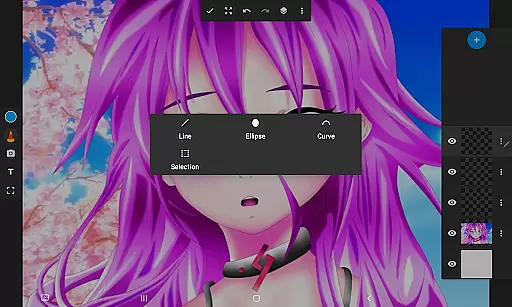
Furthermore, the layer feature adds another dimension to canvas flexibility. Artists can create multiple layers within a single project, rearranging them effortlessly to explore new compositions and achieve complex visual narratives.
This adaptability ensures that every piece of art produced with Sketchbook Lite is unique and personal, empowering users to express their creativity freely and without limitations.
User-friendly interface
Extensive brush options
Vibrant color palette
Layer functionality
Photo drawing capability
Limited free features
Occasional lag
Ads in free version
Steep learning curve
Storage intensive

Premium version of Shimeji-ee app with no ads & no limit active shimeji
 4.4
4.4
Create sweet, cool and unique couple avatars easily, in just a few steps!
3.40
Sketch, plan, take notes and illustrate on an infinite canvas.
4.20
Trace, draw, and create art with AR - from memes to masterpieces!
4.30
Text to Image, Image to Video & AI Chat
4.20
Draw anime easily with AR guidance, sketch templates & trace tools!
3.10
Your AI soulmate — meaningful chats, and unique emotional moments
4.70
Create amazing pictures and unleash your creative genius with AR Drawing Sketch
4.40
All-in-One art, logo & collage maker. Design photos and edit video backgrounds
4.80
Draw, fidget, and spin glow art! Relax and express your creativity with a finger
4.60
Create color palette from Image, RGB & RYB Color wheel harmonies, Color Scheme
4.50
Painting, drawing, & sketching
4.50
AI Tattoo Generator: Create Tattoo Designs & Get Ideas! Ink & Stencil Maker
4.50
Digital Drawing: Draw & Paint
4.10
Turning simple sketches into captivating tales filled with life and motion
3.90
Your homescreen as an elegant glass with customized blur, lighting, and visuals.
3.70
AI Assistant, powered by ChatGPT GPT-4 & GPT-4o. Your intelligent companion.
3.50
Art of Combination Wear OS Watch Faces
3.30
Create stunning video, photo & magic from text with FlixAI GPT video generator.
3.10


User Reviews