

WTW M17 is a premium and luxurious hybrid watch face
 4.70
4.70
Beautiful artistic animated digital watch face, with a customizable layout!
4.40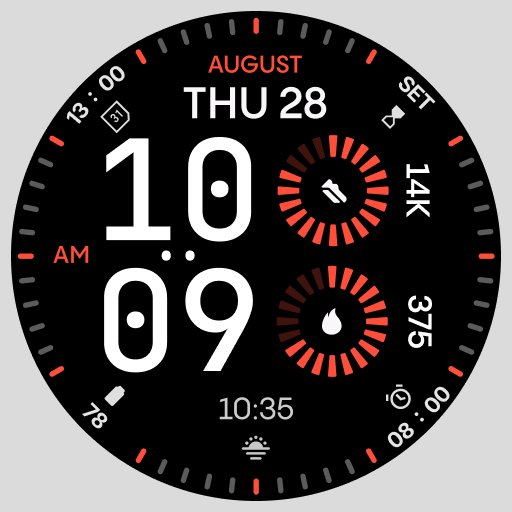
Stunning modern digital watch face with 7 complications and strong contrast
4.4
The most customizable minimal watch face. For Wear OS 5.0, API 34+ and later
4.70
Structured watch face with seven complications and modular UI elements
3.90
Monitor health with the stress test and pulse checker in the heart rate app.
4.60
Funny animated watch face for Thanksgiving
4.2
A modern hybrid informative watch face for Wear OS designed by BALLOZI
4.80
Track airplanes and follow flights with our real-time flight tracker
4.50
The most customizable hybrid watch face. For Wear OS 5.0, API 34+ and later
4.70
Walking app for weight loss: walk & step tracker, pedometer, indoor treadmill
4.60
Highly customizable hybrid watch face for Wear OS, perfect for everyday use.
4.60
Nutrition, Macro tracker: Food, fitness & healthy diet tracking for weight loss
4.60
Connect to your Bluelink equipped Hyundai vehicle from your smartphone.
4.50
Bold, Modern Hybrid Watch Face for Wear OS. 10 Colors, Rich Info Display.
4.30
Let's celebrate Thanksgiving - Wear Os watch face
4.20
Hyper-Realistic Airplane Dashboard Watch Face With 10 Skins and Custom AOD
4.00
Viewer for Wyze/Yi/Eufy/Arlo/ONVIF/RTSP/P2P IP cams w/ adv. features & DIY DVR
4.00
Watch the sharpness of the sky on your wrist..
3.70


