
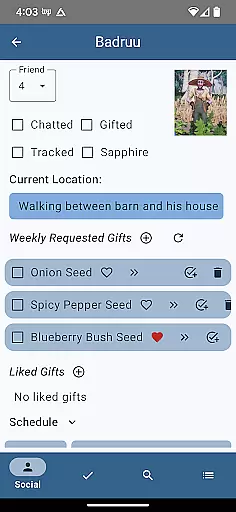
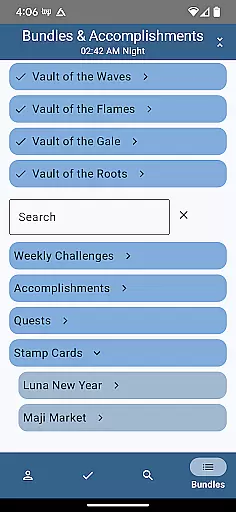
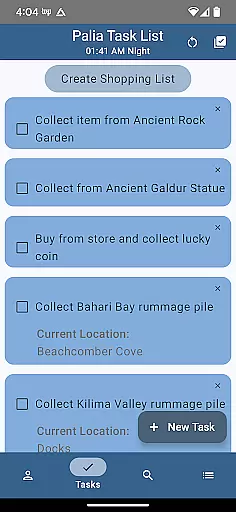
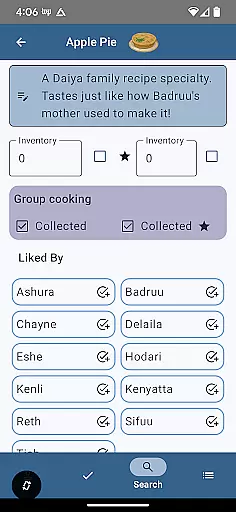
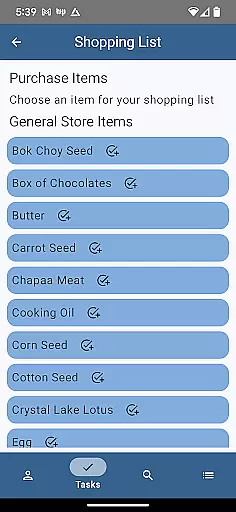
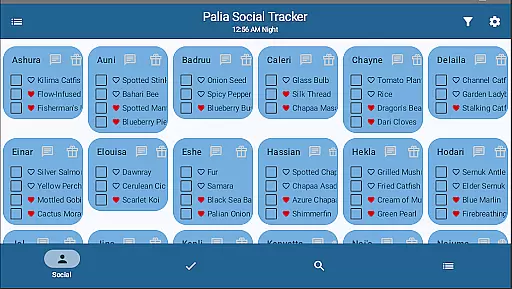
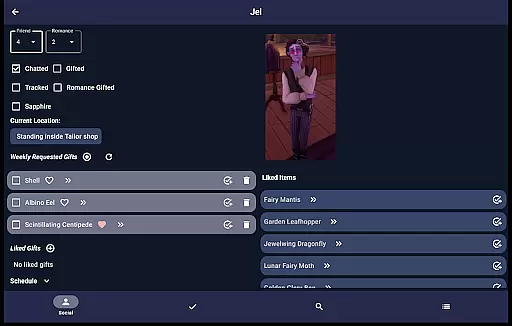
Palia Notebook is a comprehensive offline companion app designed for Palia gamers. It helps players manage daily interactions with villagers, track inventory, create tasks, and monitor in-game processes like preserves and seeds. The app also provides features to check villager schedules, track achievements, and identify villager preferences, all while being ad-free.
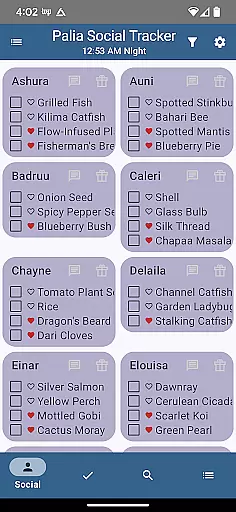
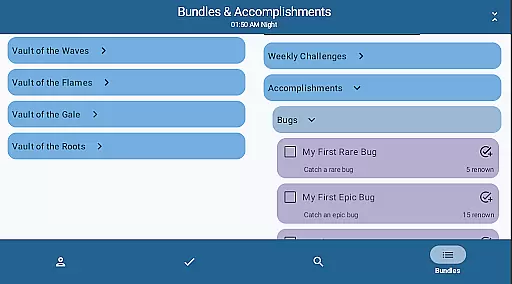
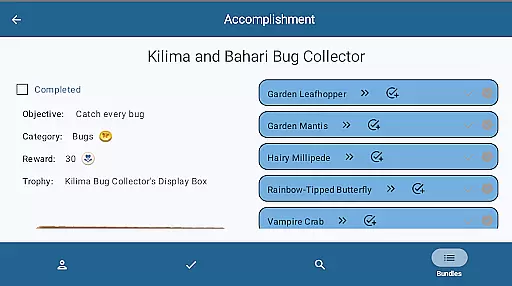
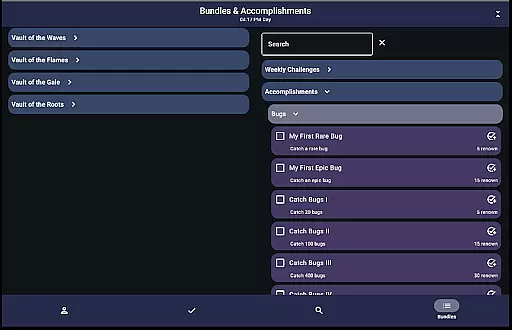
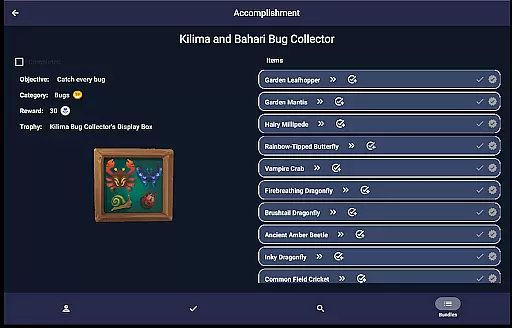
With dedicated screens for Villagers, Social Tracker, Tasks, Items, and Search functionalities, the app offers an organized way to enhance gameplay. Users can optimize item processing for maximum profit, filter furniture by sets, and track bundle or accomplishment progress. This tool proves invaluable for efficiently coordinating in-game activities and maximizing player productivity.
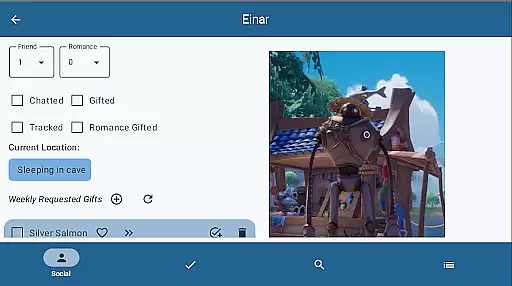
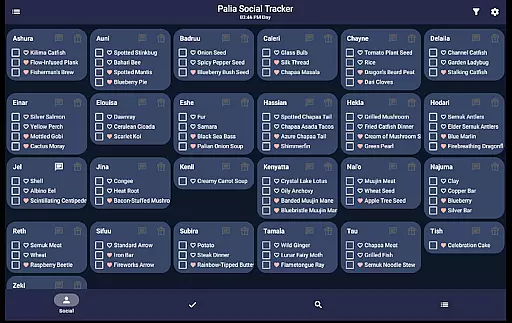
The app boasts diverse features tailored for Palia enthusiasts. The Villager screen updates chat and gift statuses automatically based on game time, allowing users to track interactions seamlessly. The Social Tracker enables filtering and searching for villager-related activities, streamlining social management within the game.
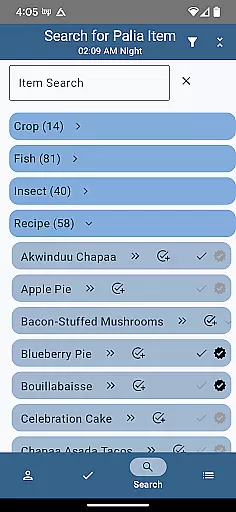
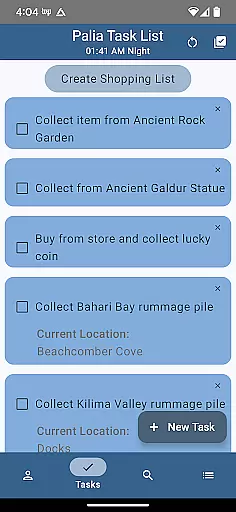
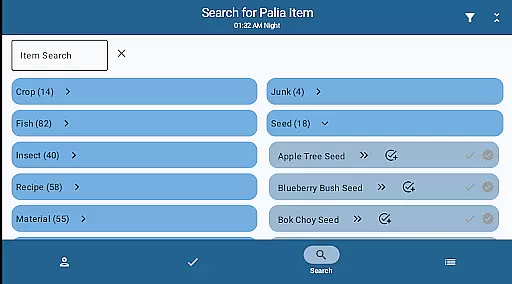
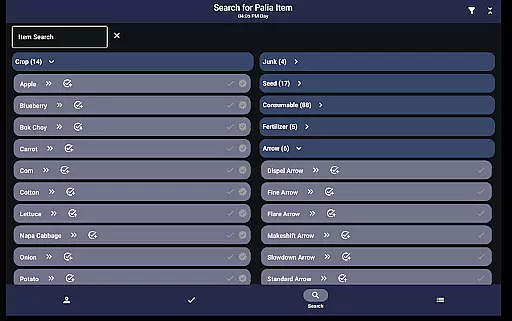
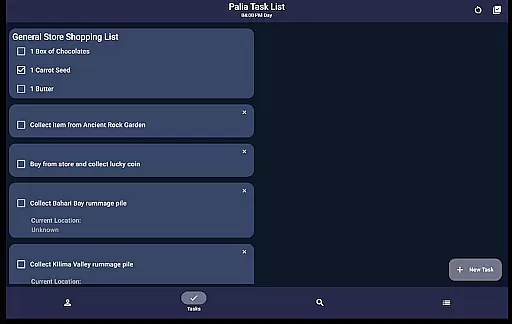
In the Task Edit section, users can link tasks and assign gifts to villagers, creating a structured approach to task management. The Items screen displays item properties and processing values, aiding in optimizing profits. Additionally, the Search functionality lets users browse items by category, location, and time, enhancing strategic planning during gameplay.
Palia Notebook is designed to enhance your gaming experience by providing accurate tracking of villager interactions, inventory management, and task organization. The application meticulously records daily chats, gift-giving, villager schedules, and locations, ensuring that you never miss an important interaction or event within the game.
The app's effectiveness lies in its ability to automatically update villager chat and gift statuses with the game time. This feature ensures that all tracked data remains current and relevant, allowing players to optimize their interactions and build stronger relationships with Palia villagers without having to manually keep track of these details.
Additionally, the Task Edit screen allows for detailed task creation and management. Players can specify required items for tasks, create gifts for specific villagers, and link other tasks as prerequisites. This level of detail in task management helps streamline gameplay, making it easier to achieve objectives efficiently and effectively.
The user interface of Palia Notebook is crafted to ensure a seamless and intuitive user experience. Each screen is dedicated to a specific aspect of the game, such as villager interactions, social tracking, and item management. This focused approach simplifies navigation and allows players to quickly access the information they need without feeling overwhelmed by unnecessary complexity.
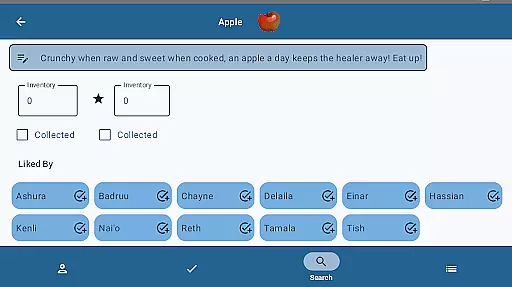
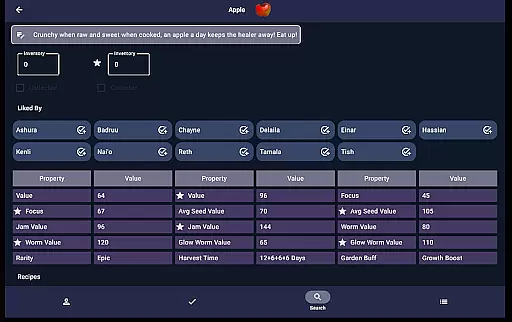
In the Items screen, players can easily check off collected items, input current inventory levels, and view which villagers prefer certain items. The clear presentation of item properties and processing values aids in making informed decisions about resource management and maximizing profits from sales.
Furthermore, the Search screen offers robust filtering options by location, biome, and time, enabling players to find specific items or creatures with ease. Whether searching for fish, bugs, or furniture sets, the app provides an intuitive way to locate desired elements within the game world, enhancing both exploration and home decoration activities.
User-friendly interface
Comprehensive villager tracking
Efficient task management
Profit optimization tools
Offline functionality
Limited to Palia gamers
No iOS version available
Requires manual updates
Third-party development
Feature updates may lag

pdf merge, word to pdf, jpg to pdf, edit pdf, convert to pdf and much more!
 4.20
4.20
Connect instantly to a fast, encrypted VPN with one tap
4.60
HD Video player and downloader for all formats, fast & smooth 4K video playback.
4.60
Carry a FTP server in your pocket and avoid USB cables for file transfer
4.20
App to pay for FUTO Keyboard
4.60
View detailed information about your Nissan Leaf the dealer never shows you.
4.10
Create your own custom widget with endless possibilities
3.90
Protect your device with antivirus, storage cleanup, and system monitoring
4.70
A clean app.
4.50
Bedrock Together: Join any bedrock server on Xbox/PS
4.80
Extremely fast, secure, and protects your privacy
4.80
Small and simple app to Verify Root Access and BusyBox Install!
4.70
Quickly switch to an encrypted DNS server on Android TV
4.50
Button mapper, mouse toggle, sleep timer and a lot of another features
4.50
Forza Tuning Calculator App for Forza Horizon 5, Motorsport and Earlier Titles
4.40
Pro Emulator is an easy to use game console emulator for a range of consoles.
4.40
A recovery soft,it features photo recovery, video recovery, file recovery.
3.40
Clean the junk files on your device
3.40
Undelete and recover your lost or deleted files with DiskDigger!
3.40


User Reviews