
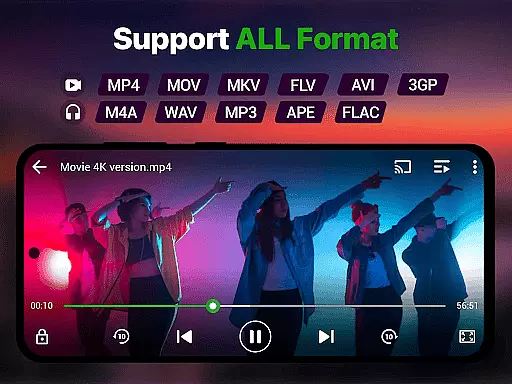
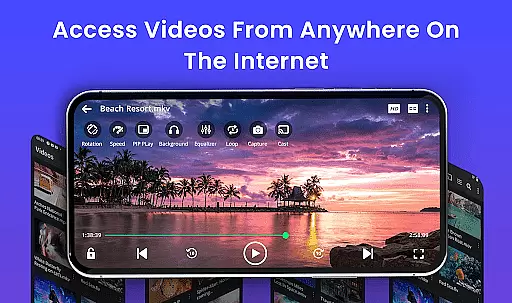
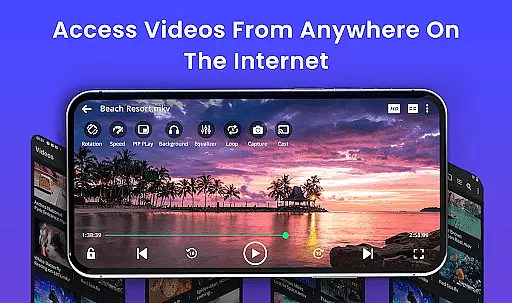
Video Player is a feature-rich application designed for seamless video playback on Android devices. Supporting all major video formats including MP4, MKV, AVI, MOV, and more, it ensures smooth performance even in Ultra HD and 4K resolutions. The app incorporates advanced decoding technology and AI-enhanced rendering to deliver stunning clarity and optimized frame rates, making it ideal for watching movies, tutorials, or managing media libraries.
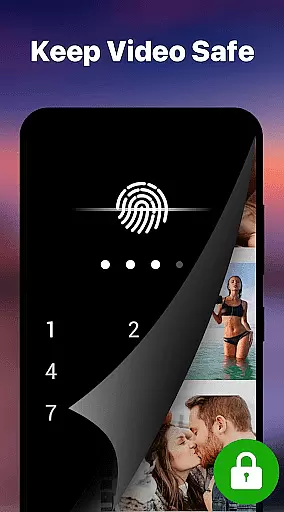
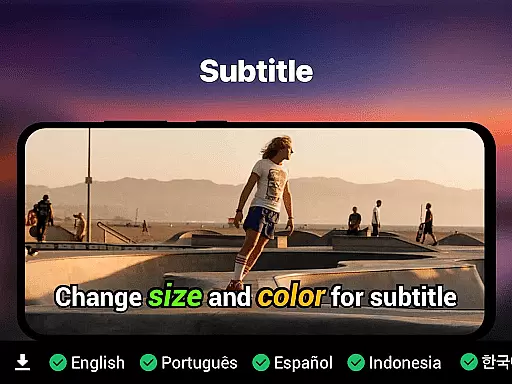
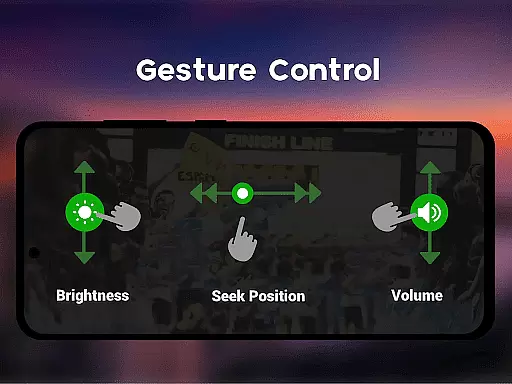
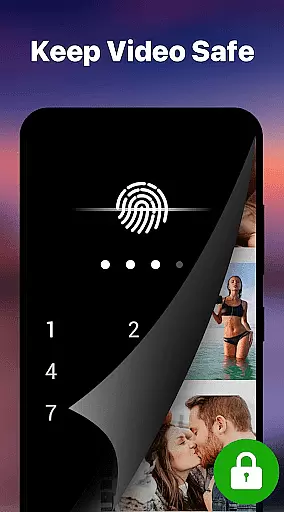
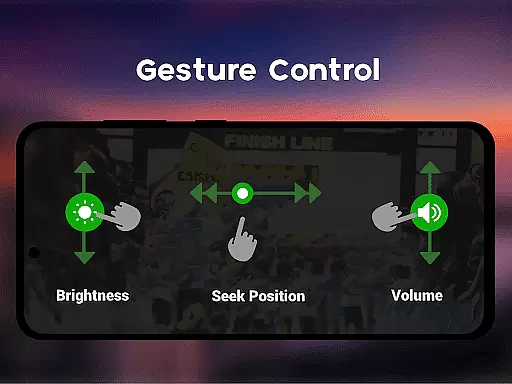
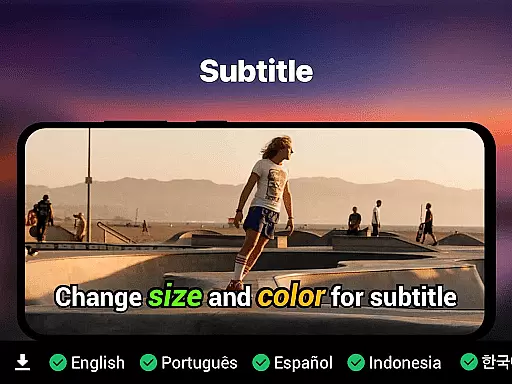
With smart gesture controls, subtitle support, and background play options, this app caters to diverse viewing preferences. Its private folder feature with PIN lock adds an extra layer of security for personal content. Whether streaming from cloud storage or playing local files, Video Player offers a cinema-grade experience tailored for every user.
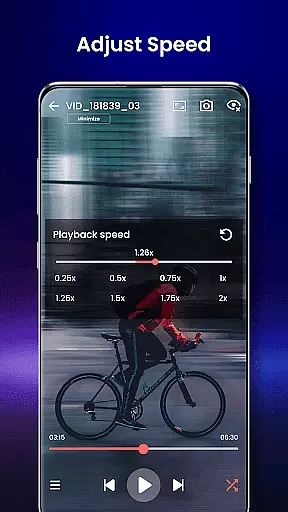
Video Player stands out with its comprehensive feature set tailored for high-quality video playback. It supports multiple video formats such as MP4, MKV, AVI, and WMV, ensuring compatibility across various file types. Advanced functionalities like speed control (0.25x to 4x), night mode, and Chromecast integration enhance the overall user experience.
The app also includes practical tools such as a built-in file manager for organizing videos, resume playback functionality, and subtitle synchronization. With localized language support and customizable themes, users can personalize their interface while enjoying lag-free, high-resolution content on their Android devices.
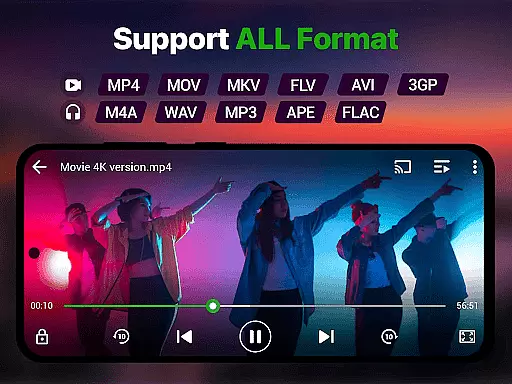
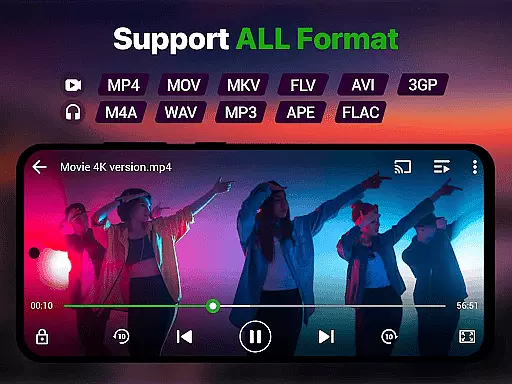
Video format compatibility is a crucial feature for any video player, ensuring that users can play videos in various formats without the need for conversion. Our Video Player app supports an extensive range of video formats including MP4, MKV, AVI, MOV, FLV, 3GP, WMV, and more. This wide compatibility ensures that no matter what type of video file you have, our app will handle it with ease.
The importance of this feature cannot be overstated. With the diversity of video formats available today, having a player that can seamlessly play them all means users won't face the frustration of encountering unsupported files. Our app's advanced decoding technology ensures smooth playback of high-resolution videos, from standard definition to stunning 4K quality.
Users benefit greatly from this comprehensive format support. Whether they are watching movies, recorded clips, or downloaded files, they can enjoy premium video quality with zero lag. The app also includes AI-enhanced rendering, which boosts clarity and optimizes frames for a seamless viewing experience across all supported formats.
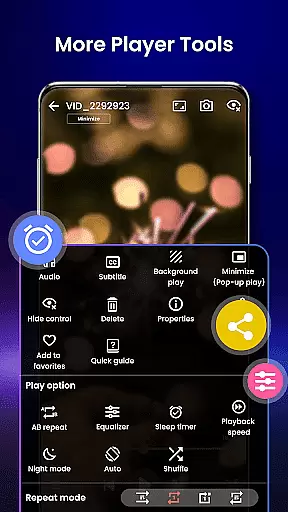
AI-powered editing features represent the cutting-edge of video player technology, providing users with tools that enhance their video viewing and management experience. Our Video Player app incorporates smart gesture controls, speed control, and subtitle support with built-in track detection, making it not just a player but also a versatile tool for video enthusiasts.
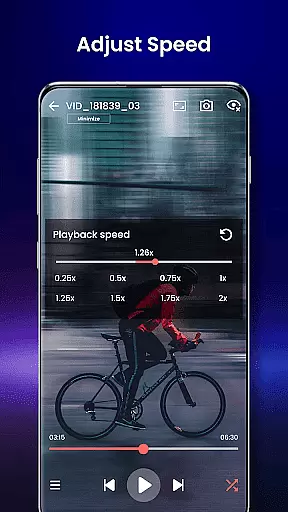
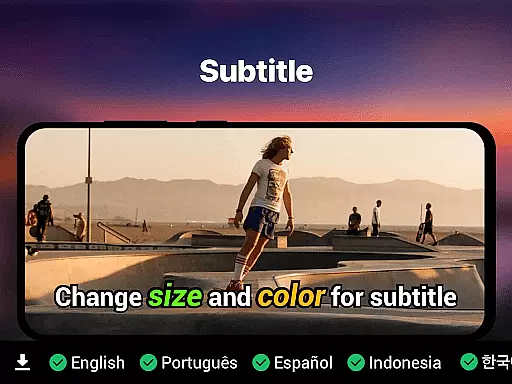
These AI-driven capabilities allow users to manipulate their viewing experience with precision. For instance, speed control enables slow-motion and fast forward playback ranging from 0.25x to 4x, catering to different preferences and needs. Subtitle support covers multiple formats like SRT, SSA, ASS, and VTT, ensuring that language barriers do not hinder enjoyment.
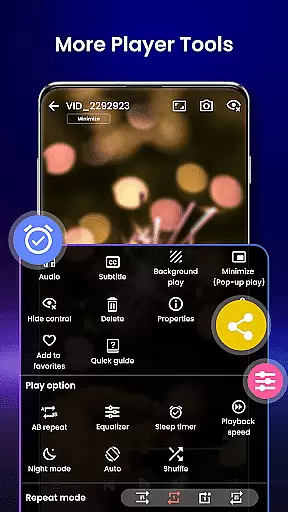
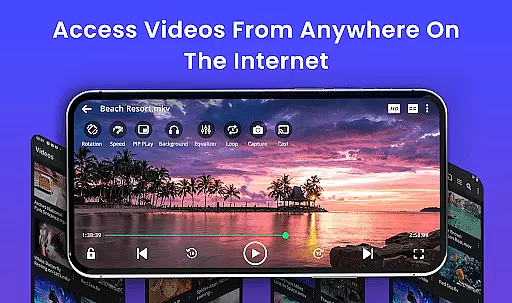
Moreover, the app offers innovative functionalities such as night mode for eye protection, background play, pop-up window mode, and Chromecast support for streaming to TV. These features collectively provide a personalized and comfortable environment for viewers, enhancing both convenience and entertainment value. By integrating these advanced editing features, our app stands out as a top choice for Android users seeking a comprehensive video solution.
Supports all video formats
Ultra HD & 4K playback
Smart gesture controls
Private folder with PIN lock
No ads
Limited to Android
No iOS version
Advanced features may overwhelm new users
Requires significant storage space
Occasional bugs reported

The smartest M3U IPTV Player your playlists have ever seen.
 4.2
4.2
Save photos and videos from social apps in one tap.
3.60
Fast video downloader & private browser. Save HD clips to watch offline.
4.40
Play ALL formats in 4K & HD. Video downloader, MP3 player, Chromecast & more.
4.80
An easy-to-use and all-round screen recorder with audio
4.80
Mix with Virtual DJ directly from your phone or tablet !
3.10
All in one multi protocols stream receiver for AirPlay, Cast and DLNA.
3.60
Flud is a simple and beautiful BitTorrent client for Android.
4.80
Capture the moment and Cut
3.40
Video Trimmer, Video to MP3 Converter. Extract music from video, Easy & Fast.
4.80
Tik & Story Saver-Download ALL social media videos, photos & reels no watermark.
4.80
#1 Torrent App on Android ** No Ads Ever + Battery Saver **
4.80
AI Video Editor with Music, Filter, Slideshow, Effect, Merge & Trim Video.
4.80
Video Player - Unlimited features, 30 days money back guarantee.
4.60
Search & download videos from net with all video downloader, auto-detect & safe.
4.60
Fast & easy HD video downloader for all formats, support 4K playback & download.
4.60
Video Downloader is an utility that can save videos and music from web sites
4.20
Livestream, news, & gaming content. Watch, chat, and upload. Join Rumble today!
3.80
Client application for NextPVR software
3.00


User Reviews