
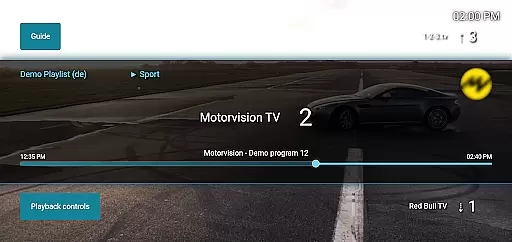
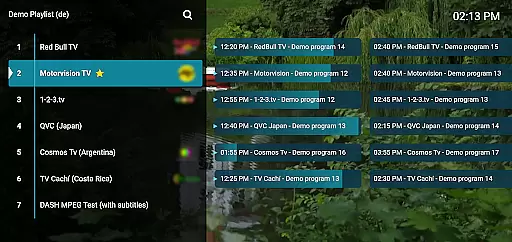
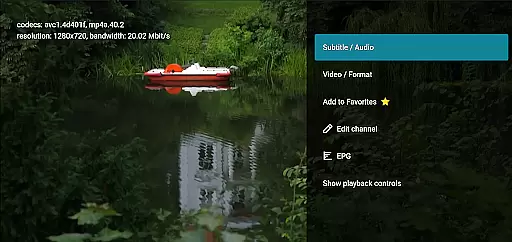
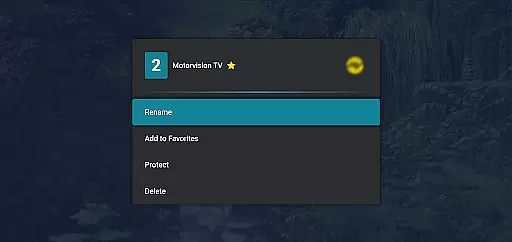
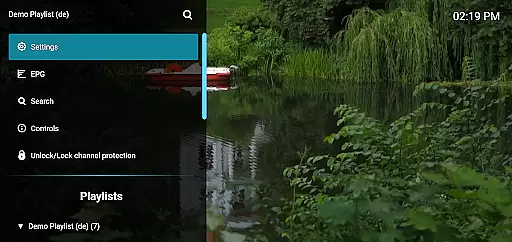
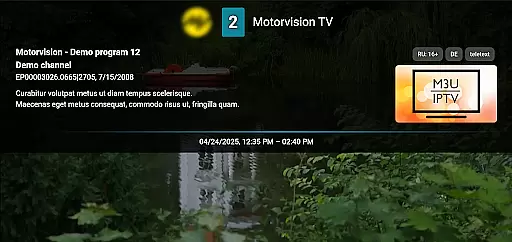
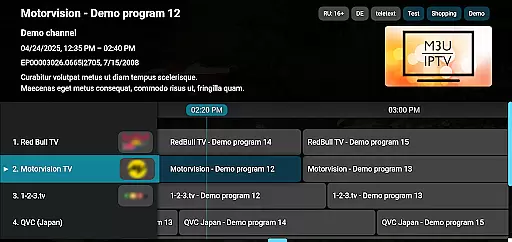
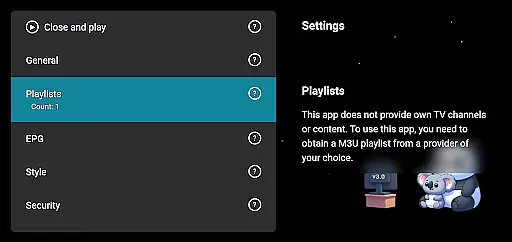
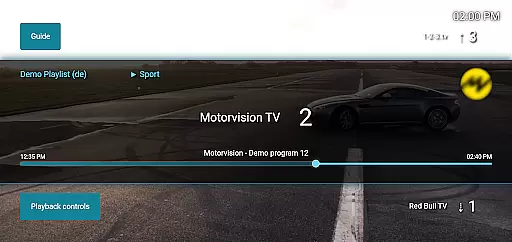
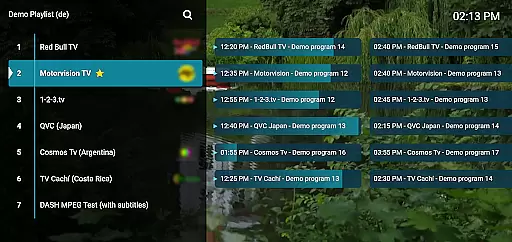
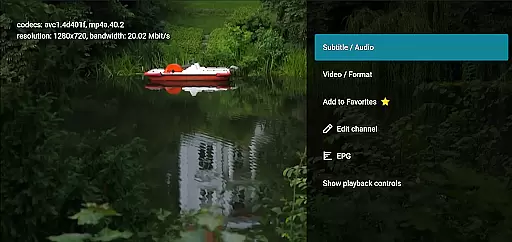
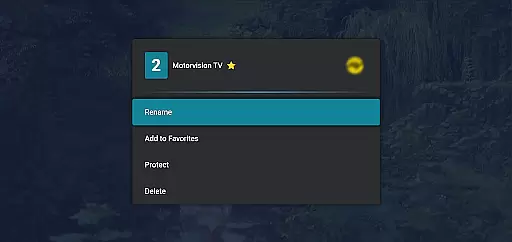
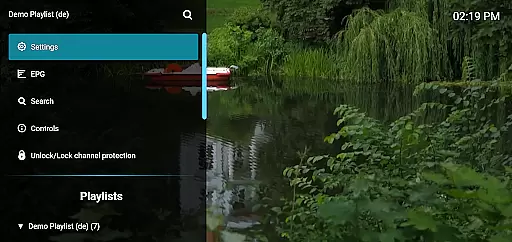
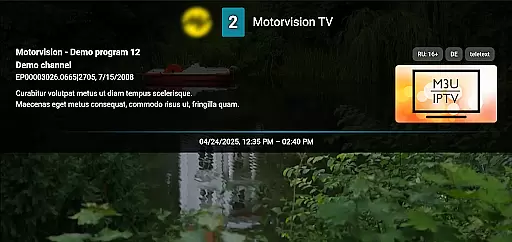
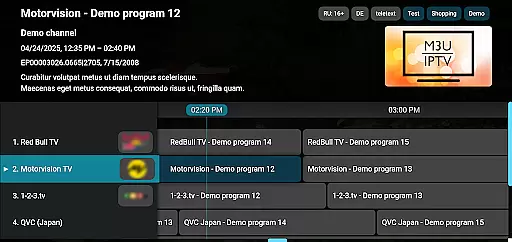
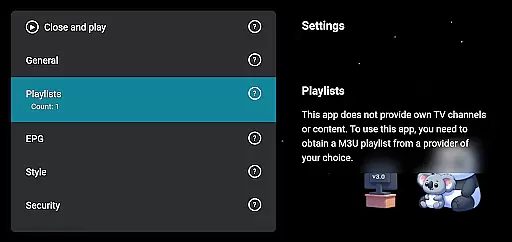
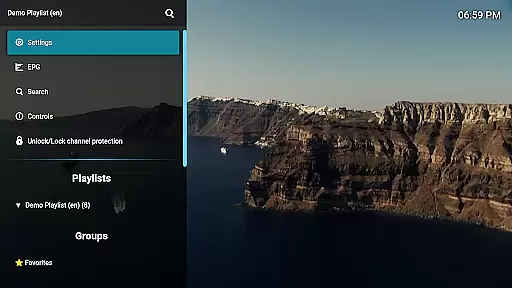
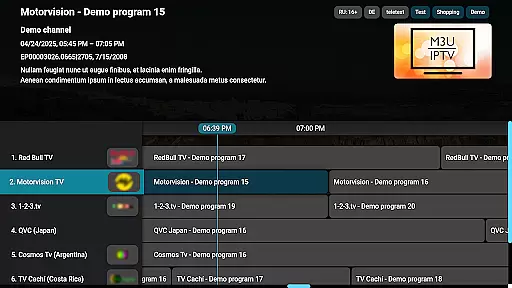
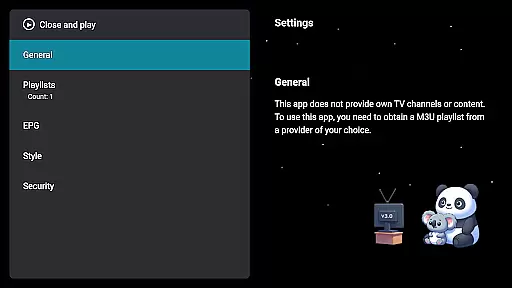
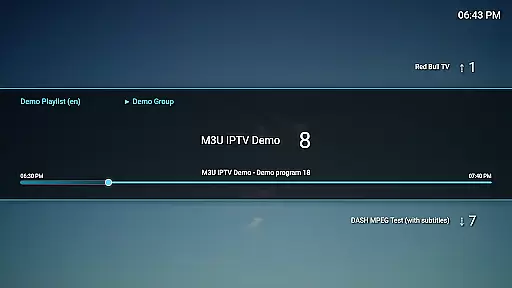
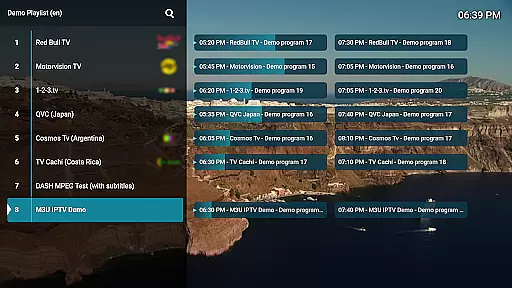
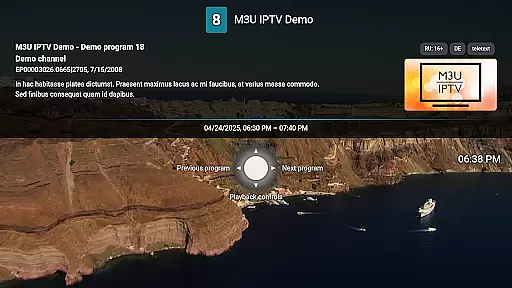
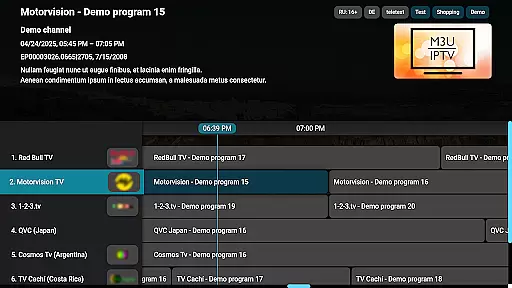
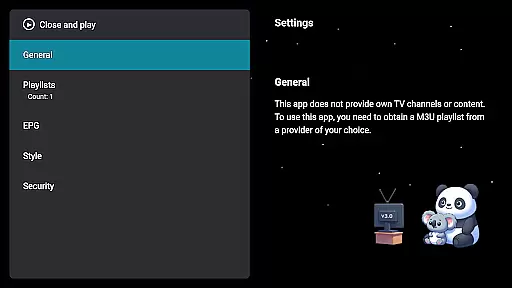
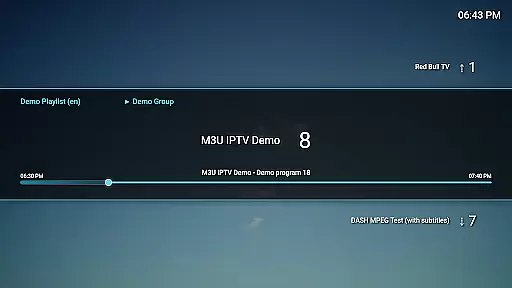
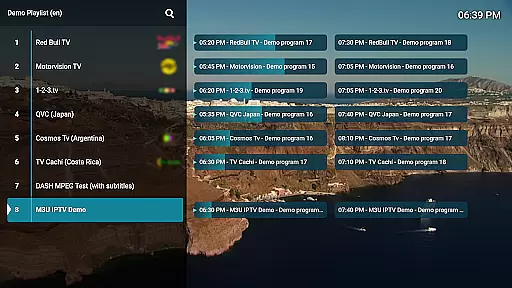
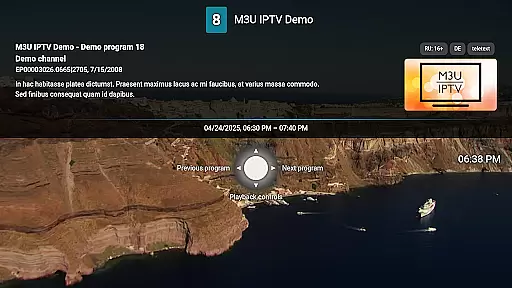
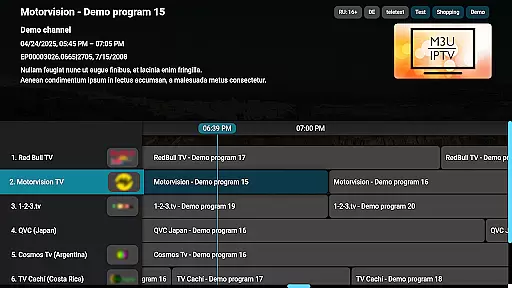
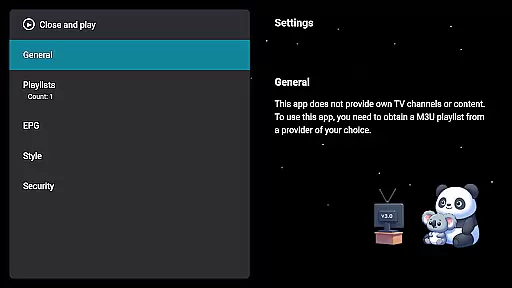
M3U IPTV Premium is a top-tier IPTV player designed for users seeking an ad-free, fully customizable streaming experience. It supports M3U playlists and EPG integration, allowing you to organize and view your own IPTV content with ease.
With advanced features like unlimited playlists, catch-up functionality, and channel protection, this app caters to power users who demand control and flexibility in their viewing experience. The clean interface and enhanced performance make it ideal for both casual viewers and IPTV enthusiasts.
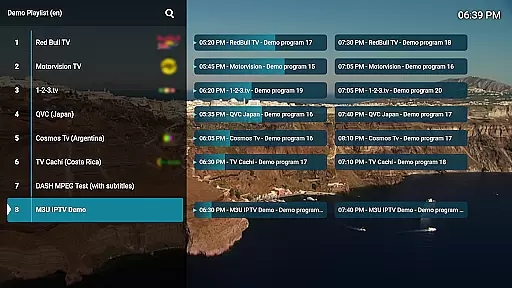
M3U IPTV Premium offers a comprehensive suite of features that elevate the IPTV viewing experience. Enjoy complete control over your playlists, including the ability to add, switch, and edit channels effortlessly.
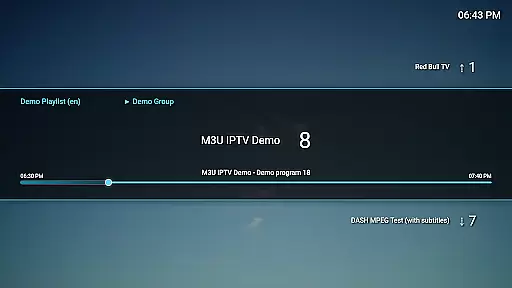
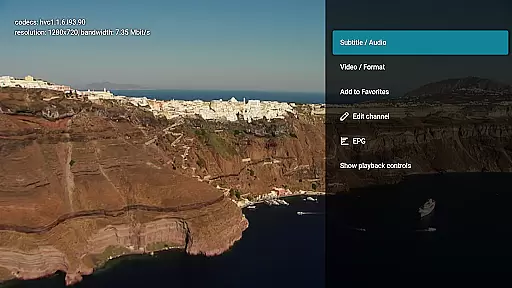
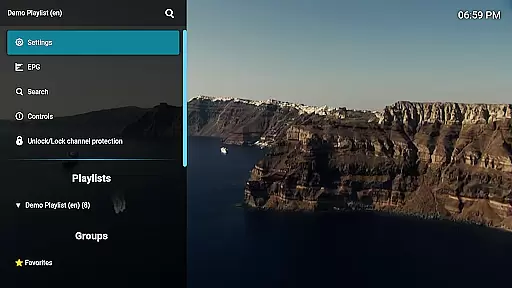
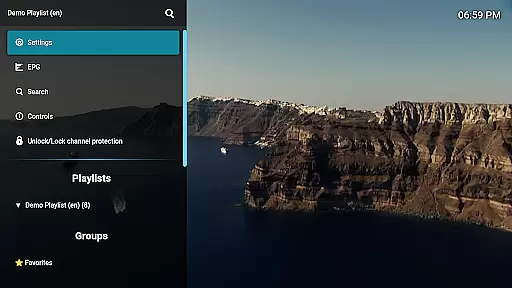
The app provides advanced playback controls, EPG integration for TV schedules, and customizable UI options. With parental controls via channel protection and PIN locking, as well as catch-up functionality for missed content, this premium player ensures a personalized and uninterrupted streaming experience tailored to your preferences.
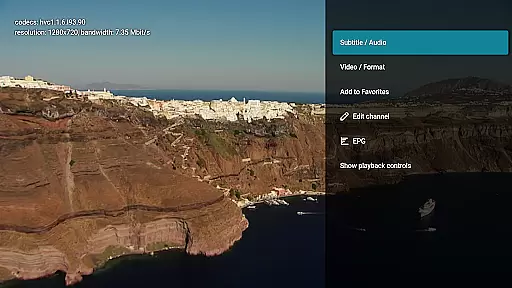
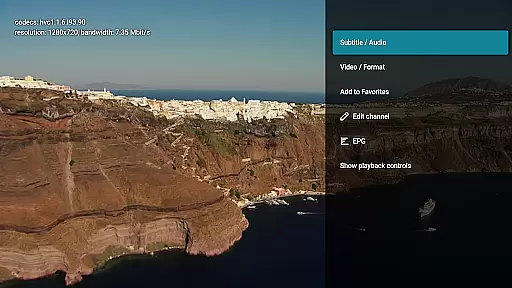
Video format compatibility is a crucial feature for any video player, ensuring that users can enjoy content in various formats without technical hindrances. M3U IPTV Premium excels in this area by supporting an extensive range of video formats commonly used in IPTV streaming.
The application's advanced decoding capabilities allow it to handle both standard and high-definition streams seamlessly. This means you can stream content from different sources without worrying about format issues, providing a smooth and uninterrupted viewing experience.
For users, this translates into the freedom to explore diverse content libraries and playlists. Whether your M3U playlists contain MKV, MP4, or other popular formats, M3U IPTV Premium ensures that all your videos play flawlessly, maintaining the quality and integrity of the original streams.
Ultimately, the app's robust video format compatibility empowers users to focus on enjoying their favorite shows and channels rather than troubleshooting playback problems, making it an essential tool for avid IPTV consumers.
While primarily an IPTV player, M3U IPTV Premium incorporates AI-powered editing features that enhance the overall user experience. These intelligent tools assist users in organizing and customizing their channel lineups with minimal effort.
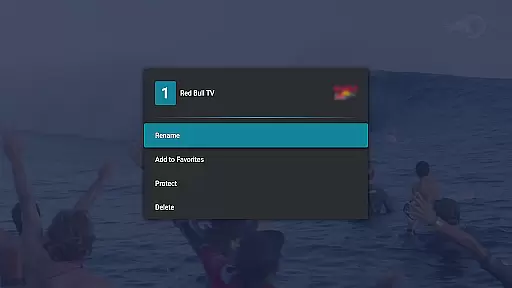
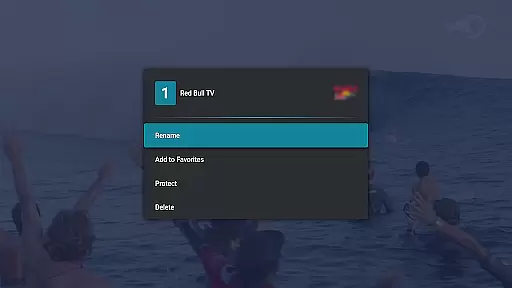
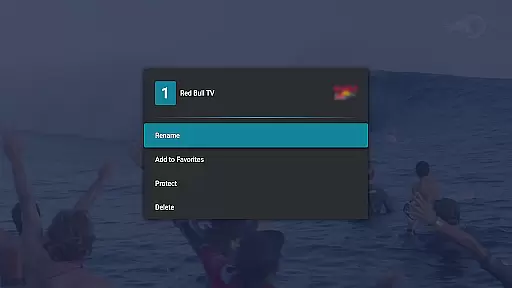
The Channel Editor, enhanced by AI algorithms, allows users to rename, reorder, or remove channels effortlessly. The system suggests optimal arrangements based on viewing habits and preferences, creating a personalized interface that adapts to individual needs.
Additionally, the application's AI capabilities extend to playback optimization. Advanced algorithms analyze stream quality and automatically adjust settings for the best possible viewing experience. This smart feature ensures consistent performance across different network conditions.
These AI-powered enhancements demonstrate how M3U IPTV Premium goes beyond basic playback functionality, offering sophisticated tools that help users create their ideal IPTV environment while maintaining ease of use and efficiency.
Ad-free experience
Unlimited playlists
Customizable UI
Advanced playback controls
Parental controls
No included content
Requires technical knowledge
Premium cost
Limited beginner support
Dependent on user playlists

Client application for NextPVR software
 3.00
3.00
A Quick and Pro Video Editor
4.70
High-Quality USB Camera Viewer & HDMI Display
4.70
Download videos easily & play them all in one smart, powerful video manager.
3.40
All in one HD video downloader & player for multiple formats with full privacy
4.70
Browser + Remote for Roku to stream webvideos, online movies and livestreams
4.60
A Simple app to download Video & Music from the Internet.
4.70
Viddo: Generate Action Figure, AI Anime, AI kiss, AI hug Video from image & text
4.40
VLC for Android is the best open source video and music player, fast and easy!
4.10
Play ALL formats in 4K & HD. Video downloader, MP3 player, Chromecast & more.
4.80
#1 Torrent App on Android ** No Ads Ever + Battery Saver **
4.80
Video Player - Unlimited features, 30 days money back guarantee.
4.60
Snaptubè Video Downloader app allows to download videos and music in Snaptube. .
4.60
Full HD Video mp3 Player, MP4 player play 1080p, File manager, Video Downloader
4.40
Fast & Private Video Downloader App. Save all videos easily from the Internet.
4.40
This app was created to edit the metadata of music files.
4.20
IPTV-Smarters Player Pro M3U - Watch Live Stream TV Channels with Chromecast
4.00
Stream Web Videos to Chromecast, Samsung, LG, Sony, Roku, Fire TV, DLNA + more
4.00
The essential companion to your Blue Iris PC software
2.50


User Reviews