


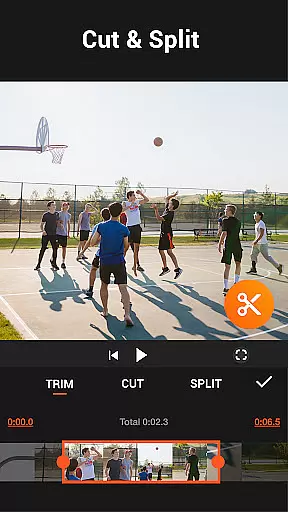
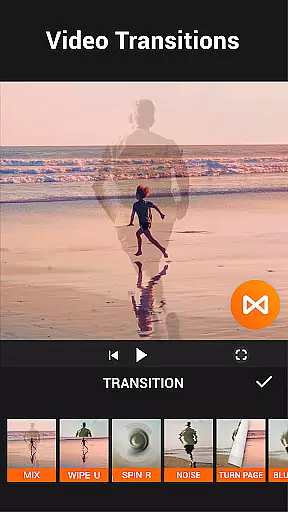

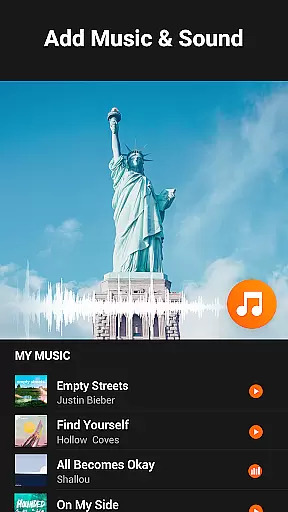
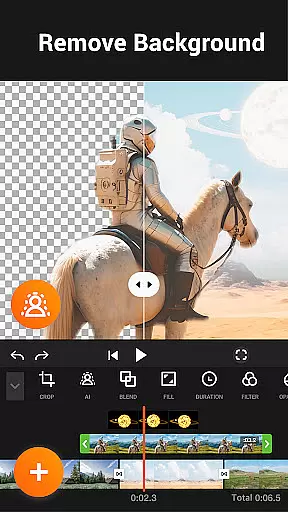
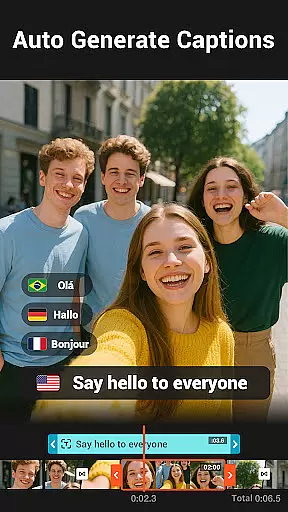
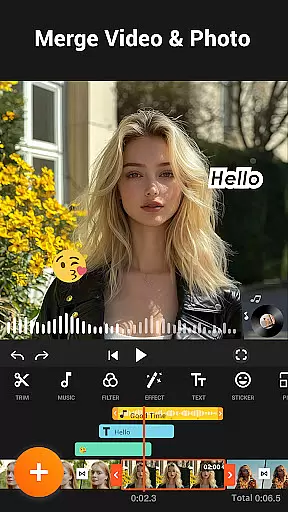
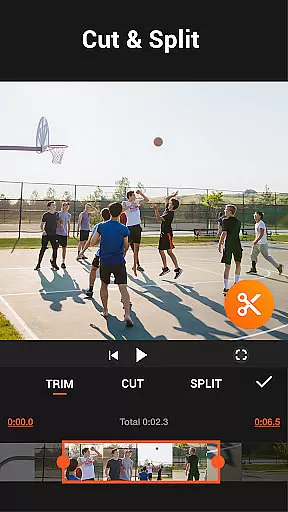
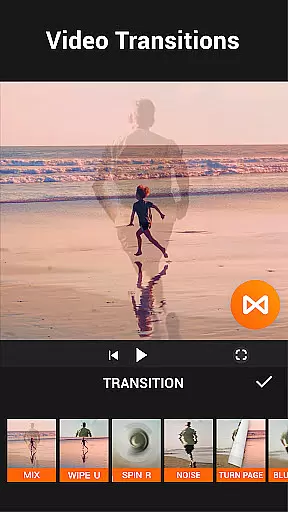

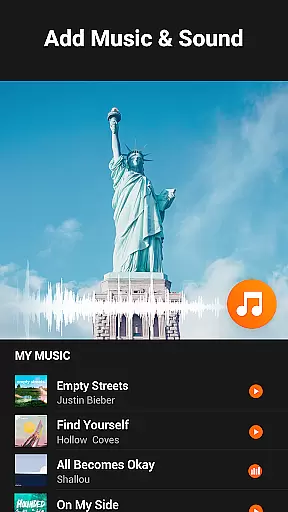
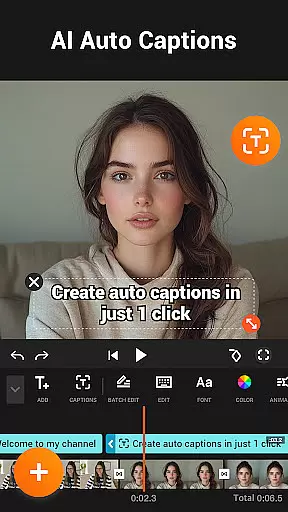
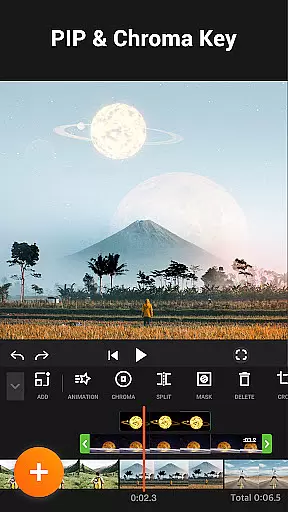

YouCut is a robust video editor and maker tailored for social media content creators. It combines essential editing tools with advanced features like AI-powered captions and background removal, enabling users to craft polished videos effortlessly.
Available as a free app, YouCut supports a wide range of functionalities including video slicing, speed control, and filter application. Whether you're editing YouTube videos or Instagram stories, the app ensures seamless performance with no watermark on final outputs. Its user-friendly design and rich feature set make it ideal for both casual users and professionals seeking efficient editing solutions.
By integrating powerful tools with an accessible interface, YouCut delivers exceptional value for anyone looking to enhance their video content for various platforms.
YouCut stands out as a comprehensive video editing tool designed for both beginners and experienced creators. The app offers an intuitive interface that simplifies complex editing tasks such as trimming, merging, and applying effects.
One of its key strengths is the AI Video Boost feature, which includes auto captions, background removal, and video enhancement. These AI-driven tools allow users to produce high-quality content without needing extensive technical knowledge. Additionally, the app provides precise control over video speed, color adjustments, and aspect ratios, ensuring professional-grade results.
The inclusion of creative features like chroma key editing, slideshow creation, and a vast library of filters makes YouCut a go-to choice for social media enthusiasts. Its ability to export videos without watermarks further enhances its appeal, allowing creators to maintain brand consistency across platforms.
YouCut stands out as a versatile video editor by offering extensive video format compatibility, ensuring that users can work with a wide range of file types without the need for prior conversion. This flexibility is crucial for content creators who deal with various recording devices and platforms.
The app supports high-resolution editing, including 4K video, which makes it suitable for professional projects. Whether you're merging, cutting, or applying effects, YouCut maintains the original quality, providing crisp and clear output regardless of the source format.
Additionally, YouCut's ability to compress videos without significant quality loss allows users to save storage space while keeping their media library organized. The app achieves this by optimizing file sizes for different platforms, making sharing to social media or storing on cloud services more efficient.
By supporting multiple aspect ratios such as 1:1, 16:9, and 3:2, YouCut enables creators to tailor their content for specific platforms like YouTube, Instagram, or TikTok. This ensures that videos display correctly without unwanted cropping or stretching, enhancing the overall viewer experience.
YouCut incorporates advanced AI-powered editing features that streamline the video creation process, making professional-quality edits accessible to users of all skill levels. One standout feature is the AI Video Boost, which includes tools like Auto Captions, enabling creators to automatically generate accurate subtitles for their videos using speech-to-text technology.
The Remove Background tool leverages AI to instantly erase video backgrounds, allowing for creative compositions and green screen effects without the need for complex manual editing. This functionality is particularly beneficial for producing engaging content for social media platforms.
YouCut also enhances video and photo quality with a single tap, utilizing AI algorithms to optimize brightness, contrast, and saturation. This ensures that every frame looks polished and visually appealing, even for novice editors.
Furthermore, the Smooth Slow-Mo feature uses AI to interpolate frames, creating buttery-smooth slow-motion effects that add a cinematic touch to any project. These intelligent tools collectively empower users to produce stunning videos efficiently, setting YouCut apart from traditional video editing apps.
Intuitive UI
AI-powered tools
No watermark
Versatile editing
Free to use
Occasional bugs
Limited free features
Ads between edits
Heavy on storage
Slow rendering

Kodi media center, a free and open source cross-platform entertainment hub
 3.60
3.60
Video Downloader is an utility that can save videos and music from web sites
4.20
Tik & Story Saver-Download ALL social media videos, photos & reels no watermark.
4.80
Cast to Chromecast, Xbox, Fire Stick, Roku, DLNA, Smart TV & No Feature Limited!
4.50
KMPlayer Plus (Divx Codec) officially support Divx codec.
4.30
All in one HD video downloader & player for multiple formats with full privacy
4.70
IPTV Player - Watch live TV from m3m & m3u8 playlist, stream IPTV on mobile
3.30
AI Video Editor:AI Music, Text to Video,Text to Speech,Auto Caption,Video Effect
4.00
Create, Publish & Maximize
4.70
Download videos and play them offline
4.70
Search & download videos from net with all video downloader, auto-detect & safe.
4.60
Browser + Remote for Roku to stream webvideos, online movies and livestreams
4.60
Cast movies, tv shows and live streams to Chromecast, Roku, DLNA, Fire TV & more
4.60
Fast & Private Video Downloader App. Save all videos easily from the Internet.
4.40
Powerful Video Editor & Photo Editing App —— Quick Edits & Stunning Effects!
4.30
This app was created to edit the metadata of music files.
4.20
Make your own Animations, Video and Photo Edits, Visual Effects, and more!
4.00
Watch full episodes of your favorite Cartoon Network and Cartoonito shows!
3.50
The smartest M3U IPTV Player your playlists have ever seen.
4.5


User Reviews