
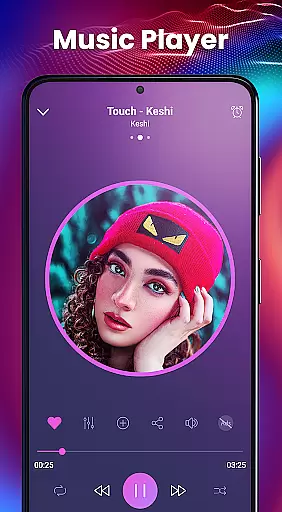
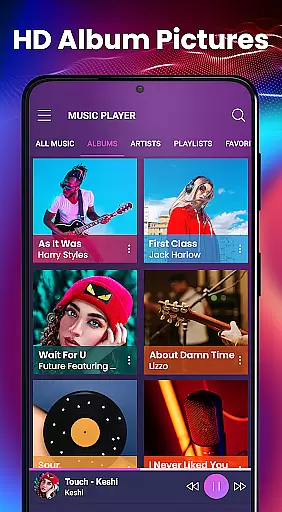
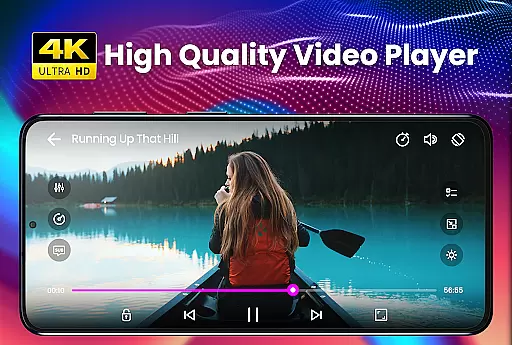
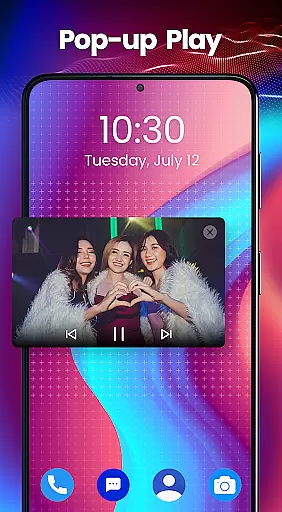
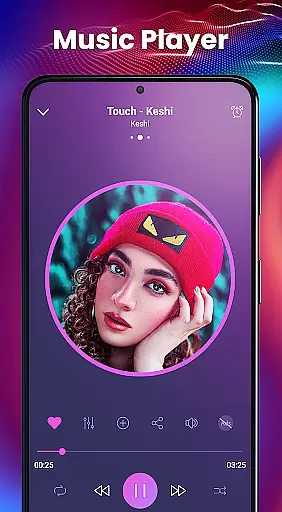
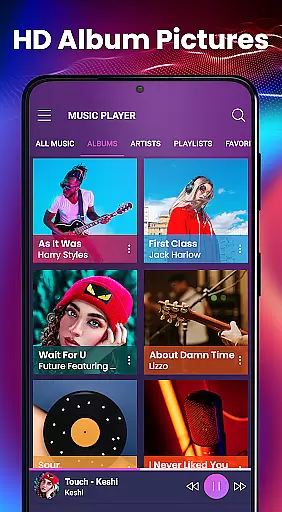
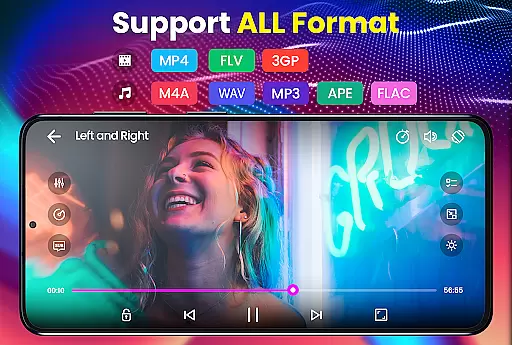
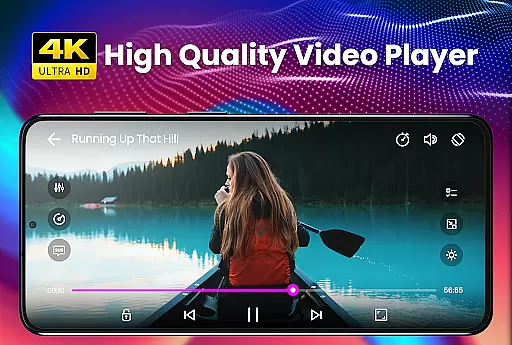
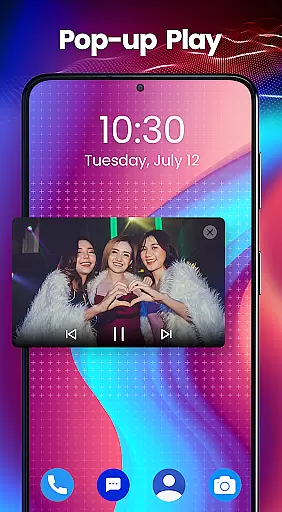
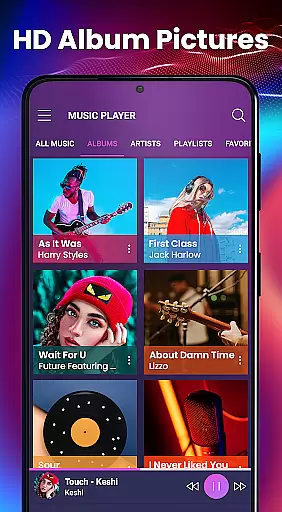
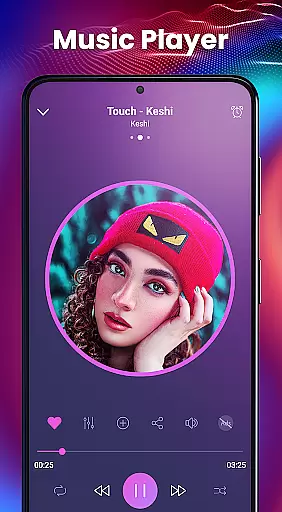
Video Player - PRO Version is a premium video playback application designed for users who demand high-quality media experiences. This professional-grade player supports all major video and audio formats, including HD and 4K resolutions, making it an ideal choice for movie enthusiasts and music lovers alike.
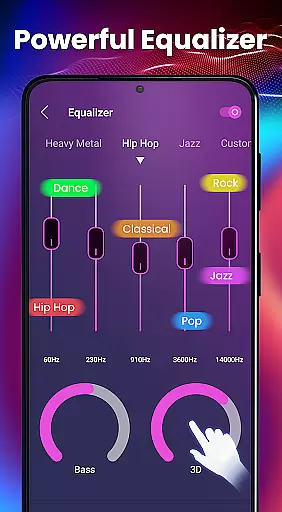
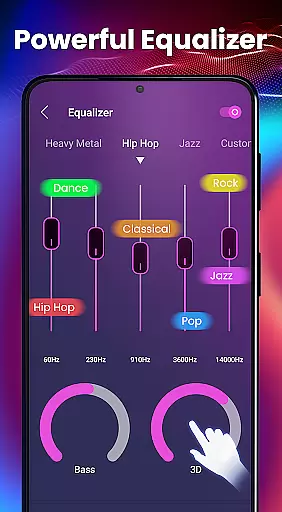
The app stands out with its advanced hardware acceleration capabilities through the new HW+ decoder, ensuring smooth playback even for demanding video files. Its comprehensive subtitle support, including automatic synchronization and multiple subtitle formats, makes it perfect for watching foreign language films or TV series. The built-in equalizer with 3D effects and 10 presets enhances your audio experience, while the kid's lock feature provides peace of mind for parents.
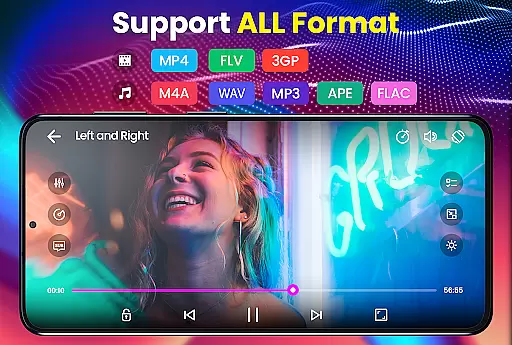
This video player distinguishes itself through several key features that enhance user experience. The app's hardware acceleration technology enables seamless playback of ultra-high-definition content, while its support for over 20 video formats ensures compatibility with virtually any media file you might encounter.
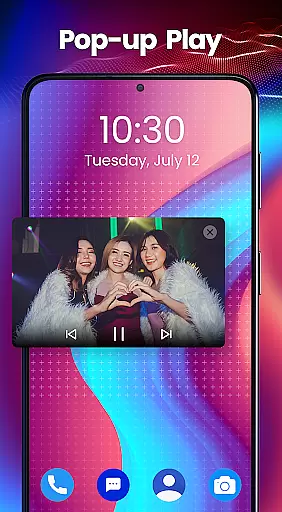
Subtitle functionality is particularly robust, supporting more than 10 different subtitle formats including SubRip, WebVTT, and SubStation Alpha with full styling options. The built-in audio equalizer offers precise control over sound quality, featuring 5 bands, bass boost, and various reverb effects. Additional practical features include background play functionality, folder-based media organization, and a convenient widget for quick access to your favorite media.
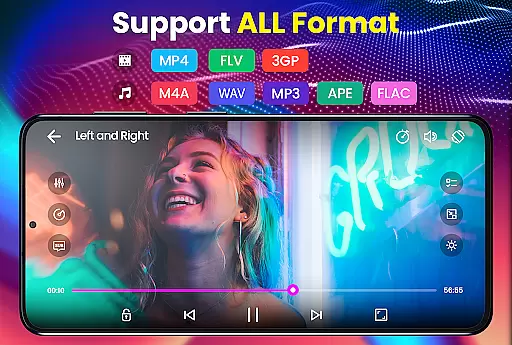
Video Player - PRO Version stands out with its exceptional video format compatibility, ensuring users can play virtually any file type without conversion. The app supports an extensive range of formats including but not limited to AVI, MP4, MKV, and FLV.
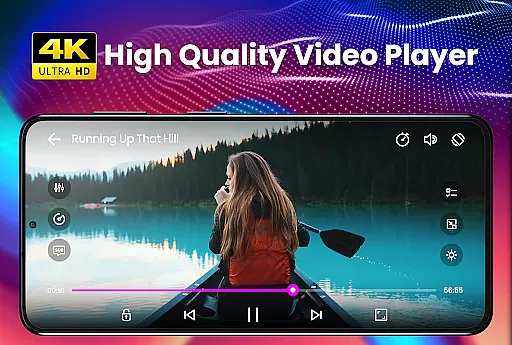
This comprehensive support is powered by advanced hardware acceleration, utilizing the new HW+ decoder. This feature allows for smooth playback of ultra-high-definition videos, including HD and 4K content, making it an ideal choice for users with diverse media libraries.
By accommodating such a wide array of video formats, the application provides a seamless experience across different devices and operating systems. Whether you're watching movies or viewing personal recordings, this player guarantees consistent performance and quality.
While primarily a video player, Video Player - PRO Version incorporates AI-powered features that enhance both playback and basic editing capabilities. The built-in 5 Band Equalizer with Bass Boost and 3D Reverb Effects represents an intelligent approach to audio enhancement.
The application's AI capabilities extend to automatic subtitle synchronization and format adaptation. This smart feature ensures that regardless of your video's original format or embedded subtitles, the player will optimize these elements for the best viewing experience.
Although not a dedicated editing suite, these AI-powered enhancements demonstrate the application's commitment to providing a comprehensive media solution. Users benefit from intelligent playback optimization and basic editing tools, all within a single, efficient package.
Supports all video formats
Advanced equalizer options
Comprehensive subtitle support
Background playback enabled
Kids lock functionality
Premium version only
No free trial available
Requires recent Android
Large app size
Complex for beginners

Connect 2 UVC devices for recording and broadcast video/audio stream
 3.90
3.90
Your media, on your terms.
4.10
Support 1000+ Video Format, Subtitle Download, mp3 & Background Play, Cast On TV
4.60
AirMirror Receiver - Screen mirroring/cast web videos to Android TV by AirPlay.
4.40
Movie maker & video editing app with AI effects and green screen
4.30
Download videos and play them offline
4.70
Browser for Fire TV to stream webvideos, online movies, livestreams in HD
4.40
Create, Publish & Maximize
4.70
Manage your YouTube channel on the go
4.40
Flud is a simple and beautiful BitTorrent client for Android.
4.80
Play ALL formats in 4K & HD. Video downloader, MP3 player, Chromecast & more.
4.80
HD Video player all format, HD Videos, Cast & Subtitle. No annoying ads.
4.60
Viddo: Generate Action Figure, AI Anime, AI kiss, AI hug Video from image & text
4.40
Video player, file manager for all formats, 4K/HD media player supports subtitle
4.30
Create & edit videos with AI
4.30
Make your own Animations, Video and Photo Edits, Visual Effects, and more!
4.00
Cast to Smart TV, Fire TV. Cast video, photo - Fast & Stable!
3.90
Manage your IPTV live channels and VOD playlists (no playlist included)
3.80
The essential companion to your Blue Iris PC software
2.50


User Reviews