
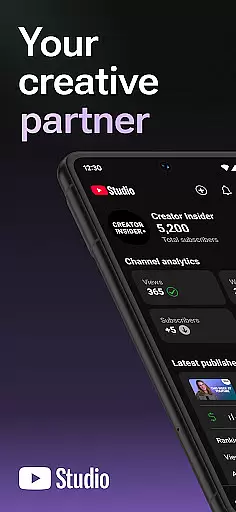
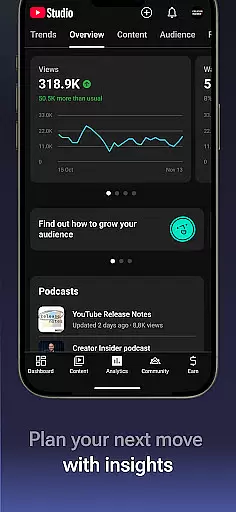
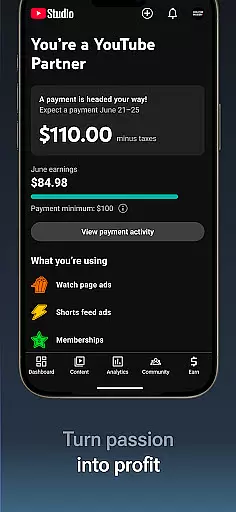

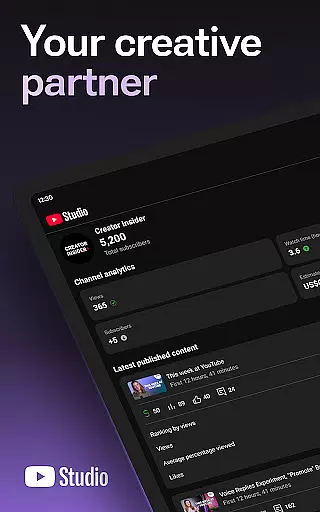
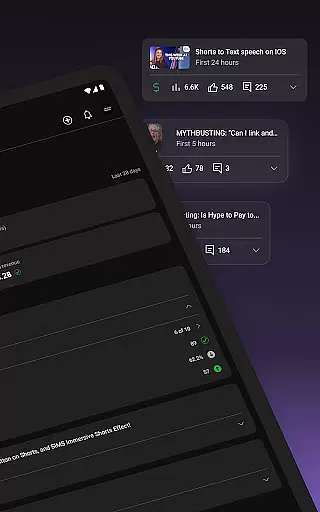
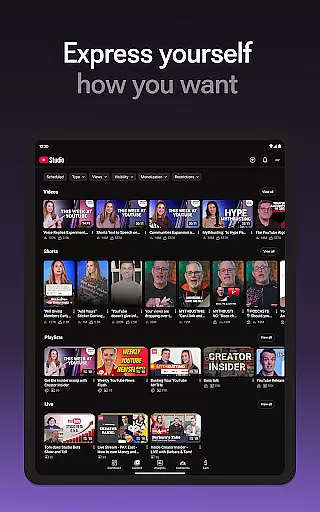

YouTube Studio is the official mobile app designed for content creators to manage their YouTube channels effectively. The app provides a comprehensive suite of tools that allow users to monitor channel performance, engage with their audience, and customize content settings on the go. With its intuitive interface, creators can access detailed analytics, respond to comments, and adjust video details from their mobile devices.
A key feature of YouTube Studio is the Channel Dashboard, which offers a quick snapshot of how your content is performing. This includes metrics on views, watch time, and audience engagement. Additionally, the app enables users to apply for the YouTube Partner Program directly from their phones, helping them monetize their content and grow their channels into sustainable businesses.
Whether you're a beginner or an experienced creator, YouTube Studio ensures you stay connected to your audience and optimize your channel's growth potential. The ability to manage videos, shorts, and livestreams from anywhere makes it an indispensable tool for modern content creators.
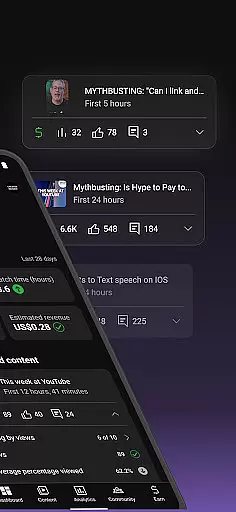
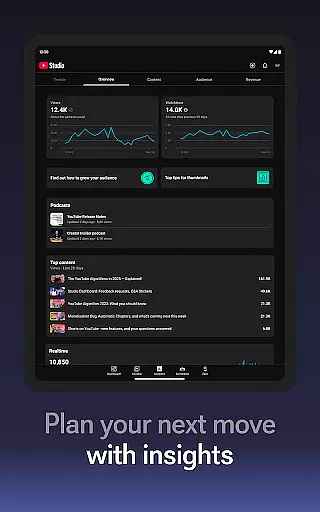
YouTube Studio stands out with its robust set of features tailored specifically for content creators. One of its most notable capabilities is the advanced Analytics dashboard, which provides in-depth insights into channel performance. Users can track metrics such as views, audience retention, and traffic sources, allowing them to make data-driven decisions about their content strategy.
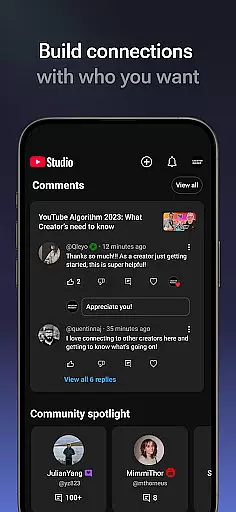
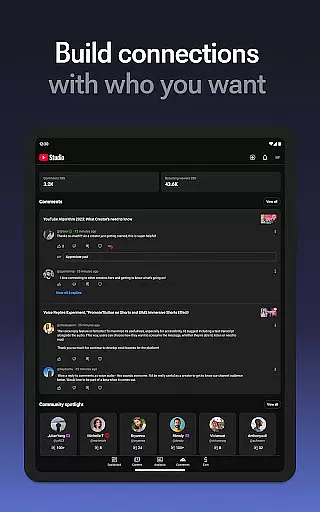
In addition to analytics, YouTube Studio offers powerful community management tools. Creators can sort and filter comments to prioritize important conversations, ensuring they maintain strong relationships with their viewers. The app also allows users to update video titles, descriptions, and tags, giving them full control over how their content is presented.
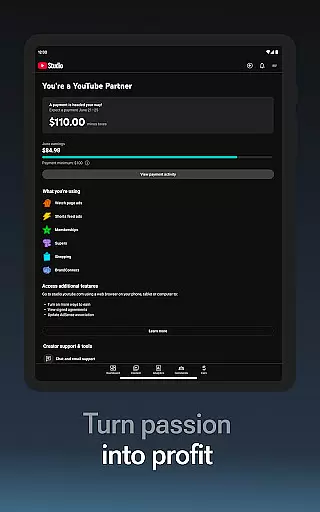
Another standout feature is the ability to apply for the YouTube Partner Program through the app. This opens up opportunities for creators to earn revenue from their videos by enabling ads and accessing other monetization features. With these tools, YouTube Studio empowers creators to build and scale their channels efficiently.
Video format compatibility is a crucial feature for any video player and editor, including YouTube Studio. This app supports a wide range of video formats, ensuring that creators can upload and manage content without worrying about format restrictions.
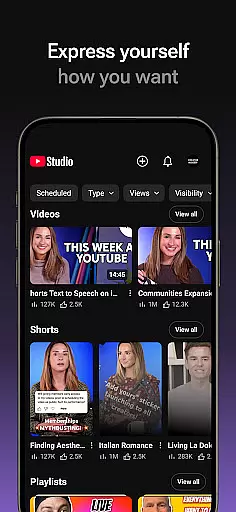
YouTube Studio allows users to update information for individual videos, shorts, and livestreams, which means you can fine-tune details regardless of the original format. This flexibility ensures that creators can focus on their content rather than technical limitations.
The importance of this feature lies in its ability to streamline the content management process. By supporting various formats, YouTube Studio empowers creators to produce diverse content types, from high-quality 4K videos to short-form mobile clips, all within a single platform.
Ultimately, robust video format compatibility enhances user experience by reducing barriers to entry and allowing creators to reach their audience more effectively. This makes YouTube Studio an indispensable tool for modern content creators.
AI-powered editing features represent a significant advancement in video editing technology, and YouTube Studio incorporates these innovations to enhance the creator's workflow. With AI assistance, users can quickly sort and filter comments, making it easier to engage with their community and manage important conversations.
In addition to comment management, YouTube Studio leverages AI to provide detailed analytics. Creators can access performance data for different types of content, gaining insights into viewer behavior and preferences. These analytics help optimize future content strategies and improve overall channel performance.
The integration of AI-powered tools extends to the Channel Dashboard, where users receive a quick overview of their channel's performance. This bird's-eye view enables creators to make informed decisions about content creation and channel management, ultimately leading to better engagement and growth.
By incorporating AI-driven features, YouTube Studio not only simplifies complex tasks but also empowers creators to focus on what matters most u2013 producing high-quality content and building meaningful connections with their audience.
User-friendly interface
Comprehensive analytics
Real-time comment management
Monetization options
Mobile accessibility
Limited customization
Occasional bugs
Ads required for monetization
Advanced features locked
Requires constant updates

You can play SWF format file!
 2.50
2.50
IPTV-Smarters Player Pro M3U - Watch Live Stream TV Channels with Chromecast
4.00
Fast video downloader & private browser. Save HD clips to watch offline.
4.40
Create photo video with music & template. AI video maker for stunning slideshow.
4.60
KMPlayer Plus (Divx Codec) officially support Divx codec.
4.30
Explore the largest library of free GIFs, Stickers & Memes - or create your own!
3.90
Cast to Smart TV, Fire TV. Cast video, photo - Fast & Stable!
3.90
AI Video Editor with Music, Filter, Slideshow, Effect, Merge & Trim Video.
4.80
convenient, safe and fast at Video Downloader & Player
4.60
Tik & Story Saver-Download ALL social media videos, photos & reels no watermark.
4.80
?100% FREE! Download & save videos? safely in this app. All formats supported.
4.60
Watch a large amount of high-definition short drama content
4.60
Support 1000+ Video Format, Subtitle Download, mp3 & Background Play, Cast On TV
4.60
Photo and Music Video Creator into Stunning Videos—Effortlessly
4.40
Powerful video player with advanced hardware acceleration and subtitle supports
4.20
LumaFusion: The Ultimate Storytelling Experience for Video Editing
4.10
Watch full episodes of your favorite Cartoon Network and Cartoonito shows!
3.50
Mix with Virtual DJ directly from your phone or tablet !
3.10
Play and download HD videos from all sources — fast, simple, and all-in-one.
4.0


User Reviews