
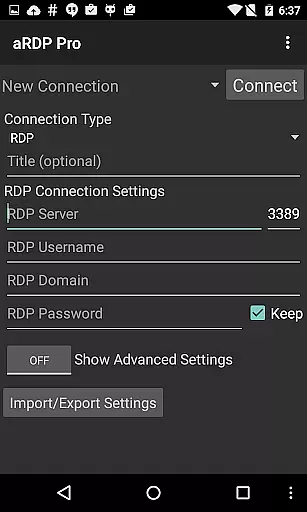
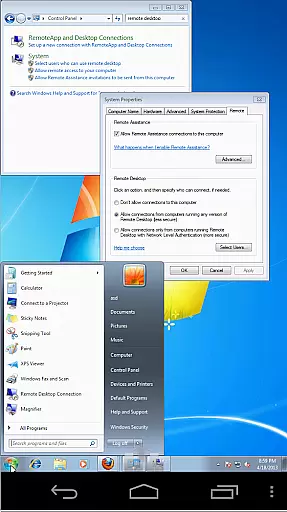
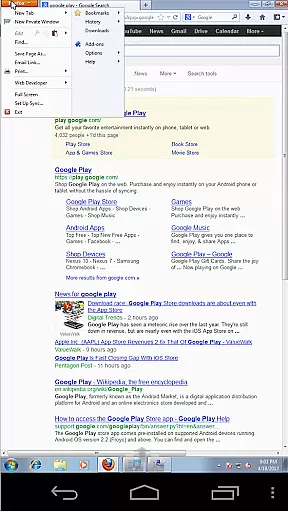
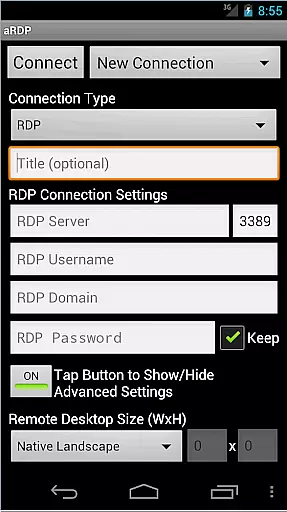
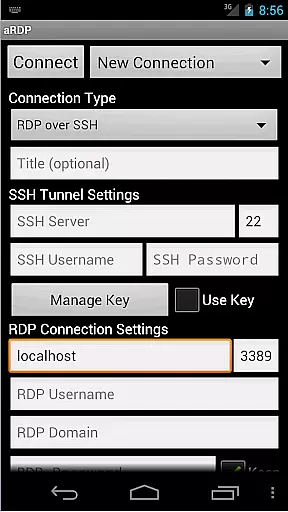
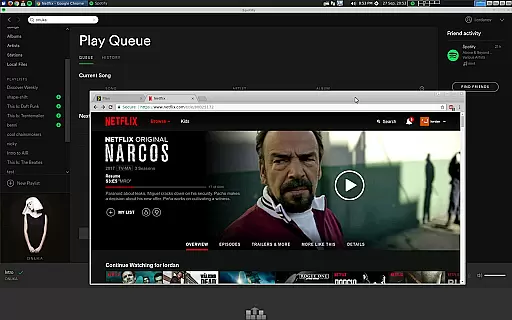
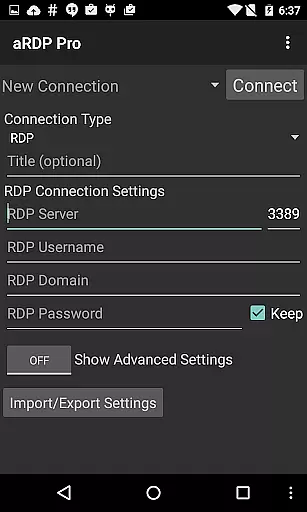
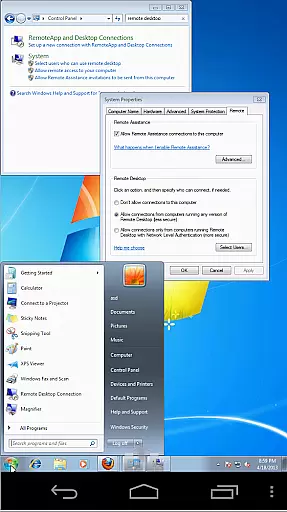
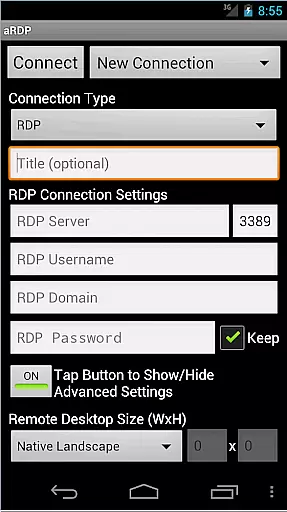
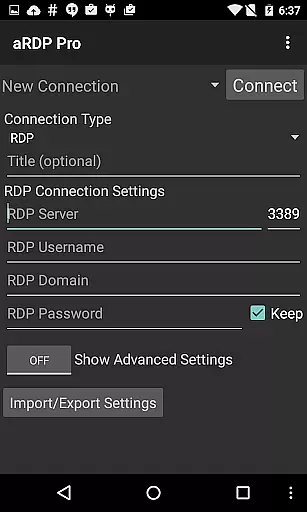
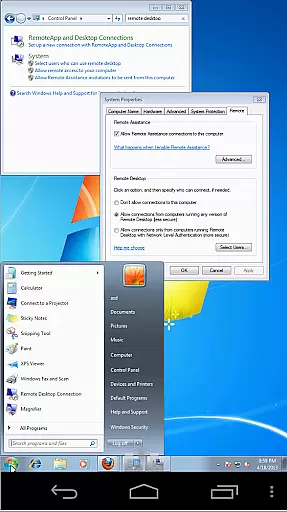
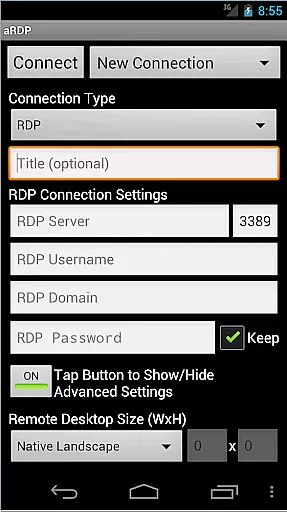
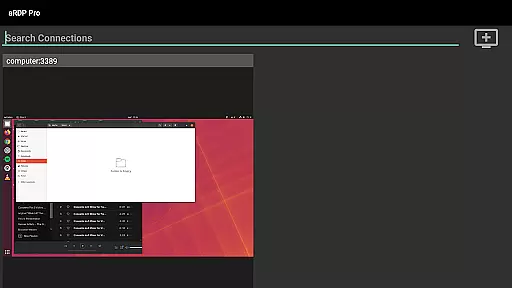
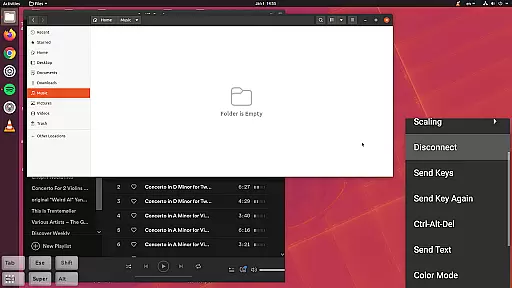
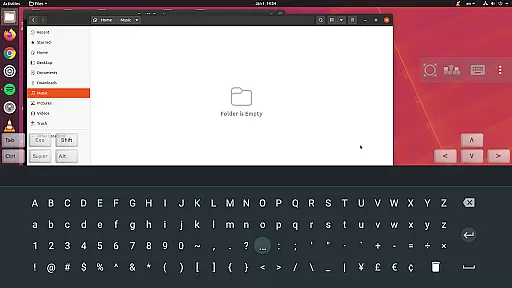
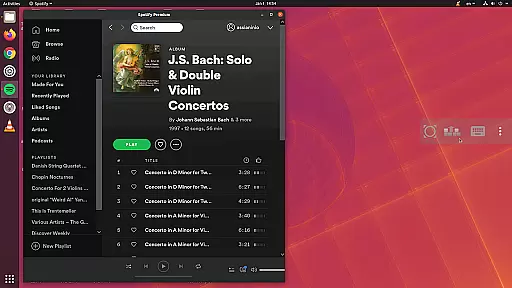
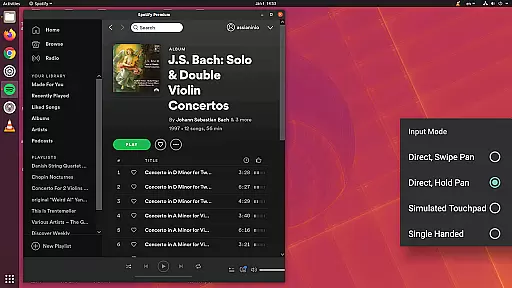
aRDP Pro is a premier open-source Remote Desktop Protocol (RDP) client, offering secure and versatile remote desktop control. It utilizes the robust FreeRDP library to enable users to connect to Windows computers and Linux systems with xrdp installed.
With features like SSH tunneling, sound redirection, and multi-touch controls, it ensures a comprehensive and secure remote access experience. The app supports various input modes, dynamic resolution changes, and offers extensive customization options for session styling.
Ideal for productivity across distances, aRDP Pro facilitates efficient workflows for users needing reliable remote access to their systems from Android devices.
aRDP Pro stands out with its rich feature set tailored for productivity. It provides RDP File support in the Pro version, MFA/2FA SSH authentication, and full Ubuntu 22.04+ compatibility, ensuring secure and flexible connections.
The app includes advanced functionalities such as SDcard redirection, console mode, and multi-language support. Users benefit from innovative input methods including simulated touchpad modes and stowable on-screen keys, enhancing the remote desktop interaction.
Additionally, aRDP Pro optimizes UI for different Android devices, supports Samsung multi-window, and integrates with clipboard for seamless copy-pasting, making remote sessions smooth and efficient.
aRDP Pro excels in core task management by providing users with a comprehensive set of tools to control remote desktops efficiently. The application supports Remote Desktop Protocol (RDP) for Windows and Linux systems, ensuring that you can manage tasks on various operating systems without compatibility issues.
With features like sound redirection, RDP Gateway Support, and SDcard redirection, the app allows seamless interaction with remote machines as if you were physically present. Console mode and fine control over remote desktop session styling further enhance the user's ability to tailor their remote working environment to their specific needs.
The multi-touch controls offer an intuitive way to interact with the remote desktop using tap gestures for different mouse functions, making navigation straightforward and efficient. Additionally, options such as Force Landscape and Immersive Mode help optimize screen real estate, which is crucial when managing complex tasks remotely.
Cross-device synchronization is a standout feature of aRDP Pro, ensuring reliable performance across different platforms. Whether you're switching between an Android smartphone or tablet, the app maintains consistent connectivity and responsiveness, allowing for uninterrupted workflow.
Dynamic resolution changes are supported, enabling users to reconfigure their desktop while connected. This flexibility ensures that no matter what device you use, your experience remains smooth and visually coherent. Full rotation support adds another layer of convenience, adapting to your preferred orientation seamlessly.
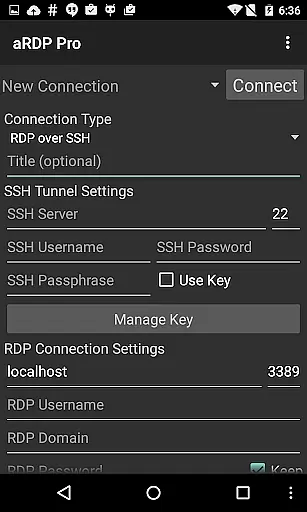
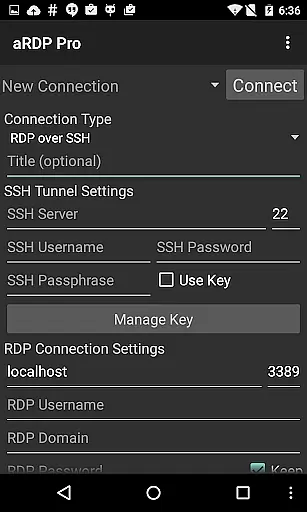
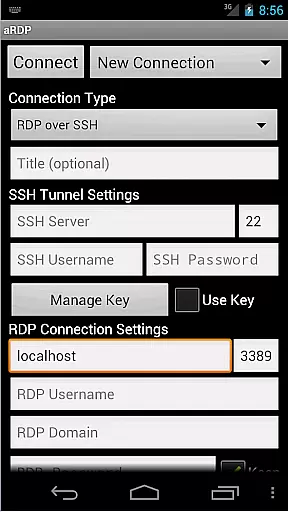
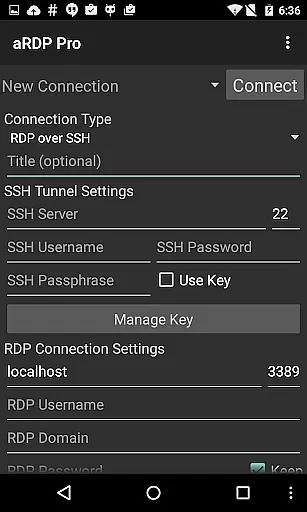
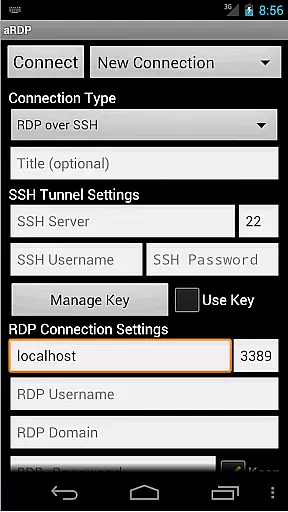
For added security, SSH tunneling provides peace of mind when accessing machines behind firewalls. UI optimizations cater to both smartphones and tablets, offering an adaptive interface that feels native on any screen size. Samsung multi-window support extends this versatility, allowing simultaneous multitasking without compromising performance.
Secure SSH connections
Multi-touch controls
Dynamic resolution changes
Comprehensive session styling
Clipboard integration
No iOS version available
Complex setup for beginners
Limited Windows 10 Home support
Occasional connectivity issues
Advanced features need technical know-how

8 custom complications. Custom Time Fonts. Beautiful color schemes. A++ Design.
 5.00
5.00
We're working to become the best machining app on the market! www.cncdirt.com
4.80
IP Camera Viewer - Android TV : RTSP Surveillance camera viewer for Android TV
4.0
Cloud storage, automatic phone backup, and more.
4.10
Tally and goal counter for Wear OS & mobile
4.50
Access, manage and transfer files on Android, PC, Mac, NAS and cloud storages.
4.30
A Pixel Art watchface inspired by other iconic 90s designs for Wear OS devices!
4.40
Secure your apps with lock screens, use custom themes and different features.
4.40
Intelligent AI Assistant
4.10
Scientific calculator for Android - looks and operates like the real thing!
4.90
The AI assistant that thinks with you - write, code, and solve complex tasks
4.60
Calendar 2023 widget for Android. Appointment scheduler, planner, and reminder
4.60
A simple Whisper AI keyboard for reliable speech transcription and rewording
4.60
When you Focus, so will your Bean in this cozy focus timer
4.30
Make apps & sites with natural language prompts
4.10
Create and edit presentations with Google Slides, part of Google Workspace.
4.00
Access your phone's notifications, calls, apps, photos & texts on your PC
3.90
Experience and share your SolidWorks designs on your Android® phone and tablet.
2.50
The upgraded version of Name Wheel with AI and the power to add your own wheels.
4.4


User Reviews