
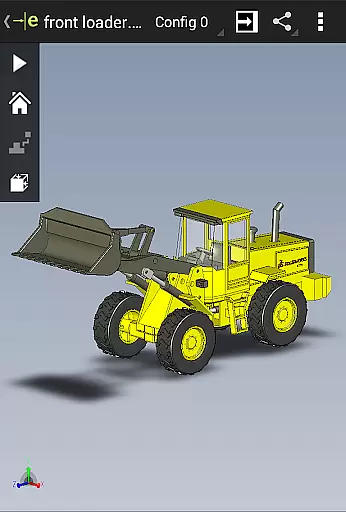
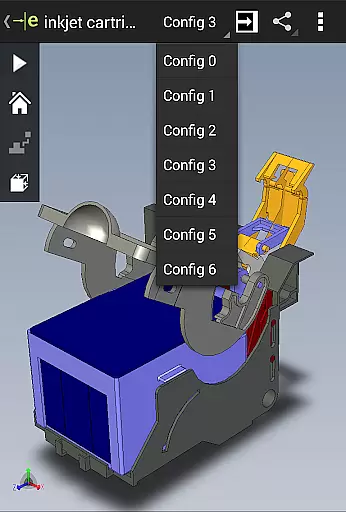
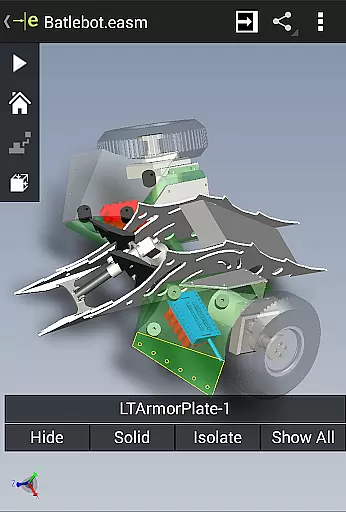
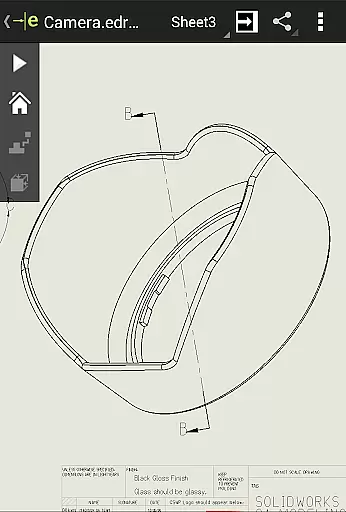
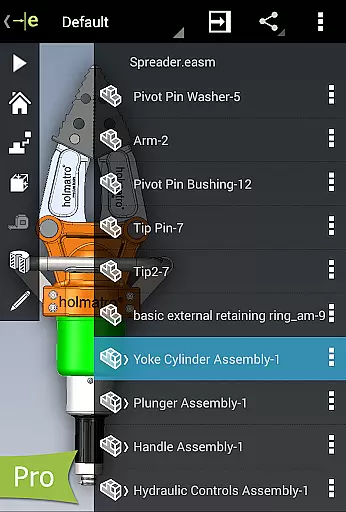
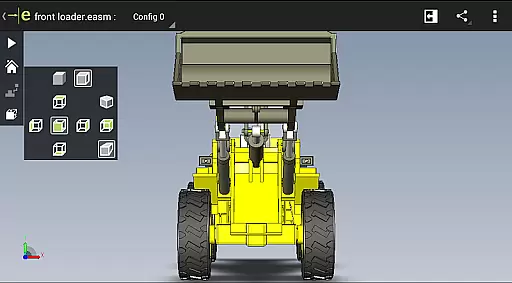
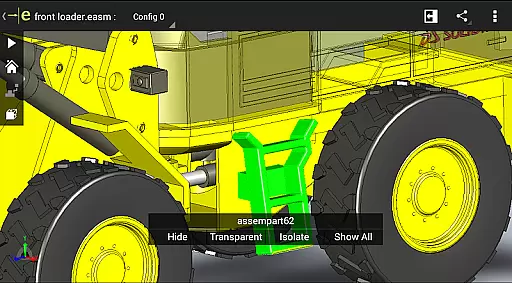
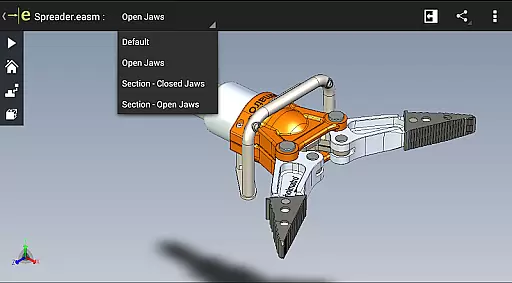
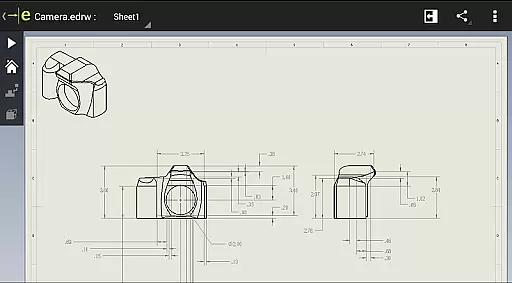
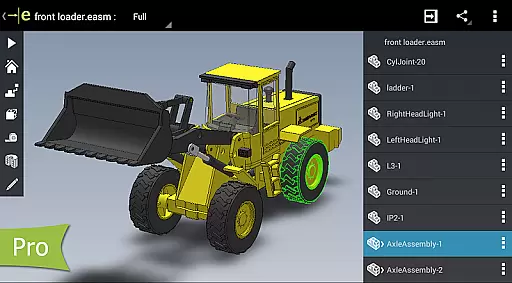
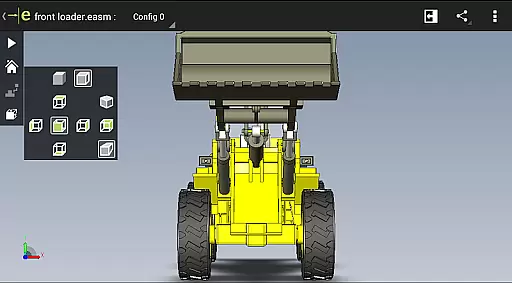
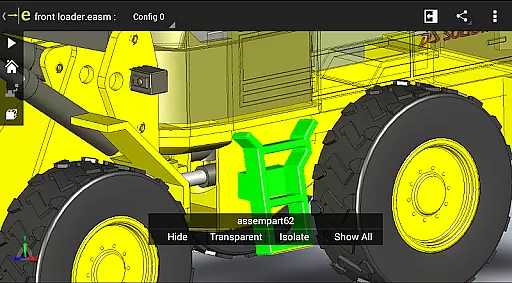
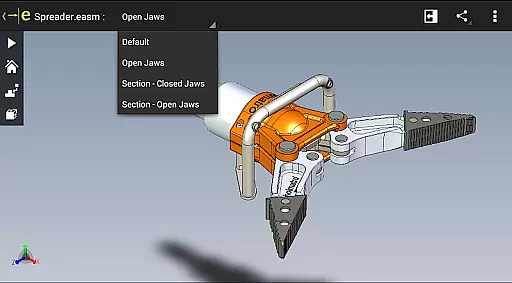
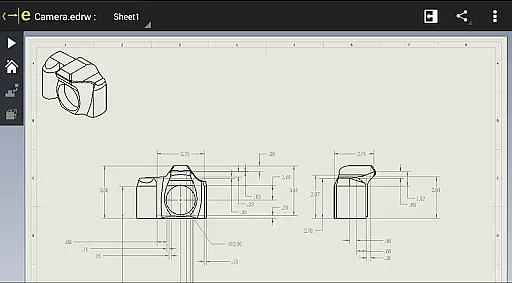
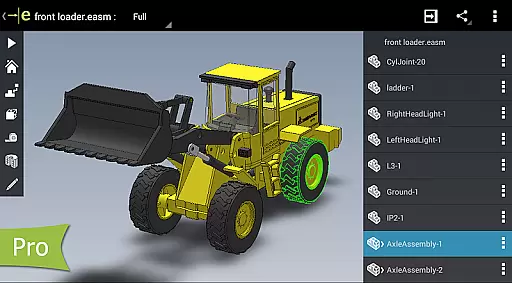
eDrawings is a powerful CAD viewer designed for Android devices, enabling users to view native eDrawings files as well as SolidWorks parts, assemblies, and drawings. This app revolutionizes the way product design information is shared by allowing users to easily load and send files via email, making collaboration seamless even with non-CAD users.
With multi-touch gestures, users can pan, zoom, and rotate models effortlessly. The app supports drawing sheets and exploded views from SolidWorks, providing an intuitive experience for interpreting 2D and 3D designs. Whether you're an engineer or designer, eDrawings enhances your ability to communicate complex designs effectively.
eDrawings offers an intuitive user interface that simplifies the viewing of various file formats, including 3D and 2D CAD data. Users can open files from multiple sources such as email attachments, cloud storage services, and network folders, ensuring flexibility in accessing design files.
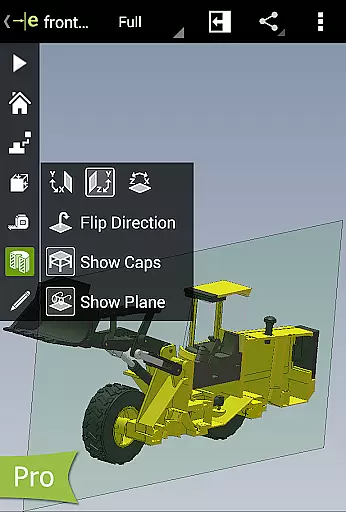
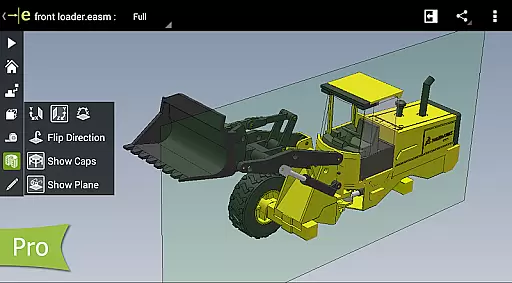
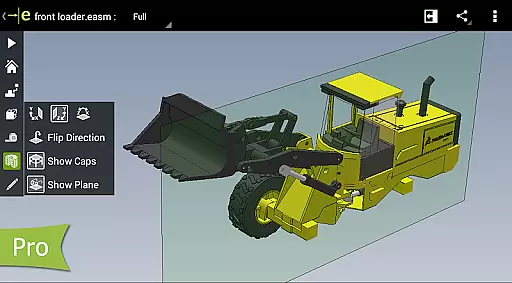
The app allows users to animate standard views, browse drawing sheets, and view designs in full screen. With the Pro version available through in-app purchase, users gain advanced capabilities like measurement tools, dynamic cross-section views, and markup features, enhancing collaboration and review processes significantly.
In the realm of productivity applications, core task management is pivotal for organizing and prioritizing work efficiently. eDrawings excels in this area by offering intuitive tools that streamline the handling of complex CAD tasks.
The app provides a seamless interface for managing 3D and 2D design files, allowing users to effortlessly open, review, and share SolidWorks parts, assemblies, and drawings. Its capability to handle various file formats such as EASM, EPRT, IGES, STEP, DWG, and DXF ensures comprehensive task coverage.
Users benefit from efficient collaboration features, including email-enabled sharing and compatibility with cloud storage services like Dropbox and Google Drive. This facilitates smooth communication among product development teams, even those without CAD expertise.
By upgrading to eDrawings Pro through an in-app purchase, users unlock advanced functionalities such as measurement tools, dynamic cross-section views, and markup capabilities, further enhancing task management efficiency.
Cross-device synchronization is essential for maintaining workflow continuity across different platforms. eDrawings addresses this need by ensuring reliable and consistent access to CAD files on both Android phones and tablets.
The application supports multi-touch gestures for easy navigation, enabling users to pan, zoom, and rotate models with precision. This feature guarantees that interactions remain fluid and responsive, regardless of the device being used.
With the ability to save all markups and annotations directly within the eDrawings file, users can seamlessly transition between devices without losing any critical information. This ensures that reviews and collaborations are not interrupted by device changes.
Furthermore, eDrawings' integration with cloud storage services enhances synchronization reliability, providing users with up-to-date access to their designs from any location. This robust cross-device support empowers professionals to maintain productivity and accuracy in their CAD workflows.
User-friendly interface
Supports multiple file formats
Enhanced collaboration tools
Advanced measurement features
Intuitive navigation controls
Limited free features
In-app purchases required
Occasional performance issues
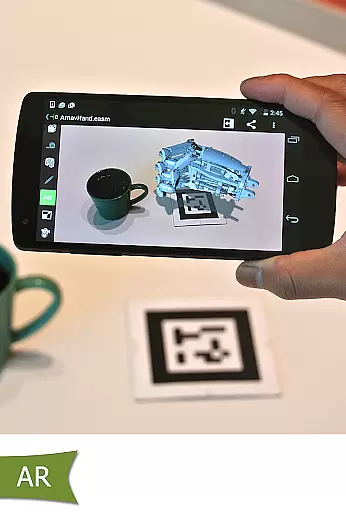
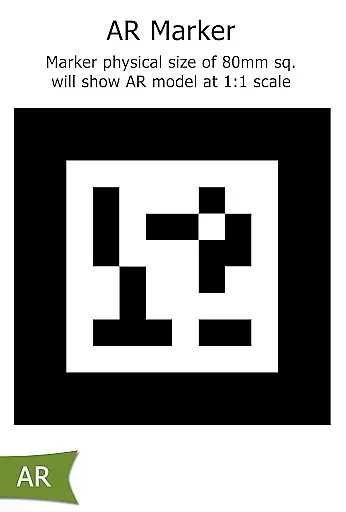
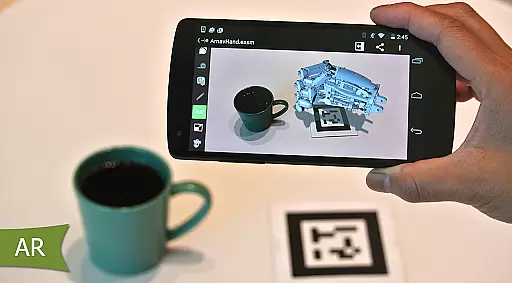
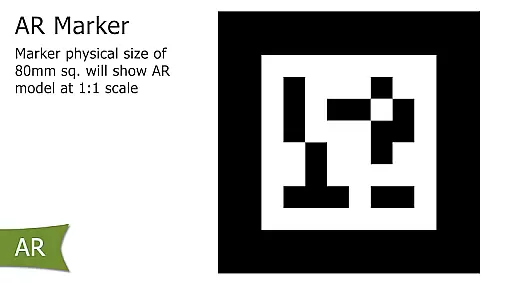
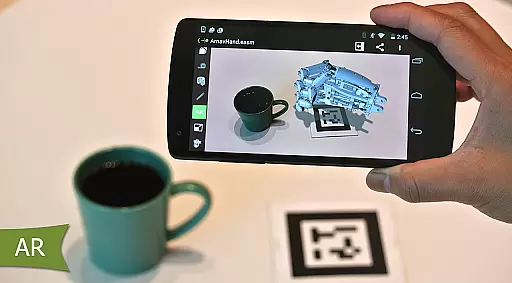
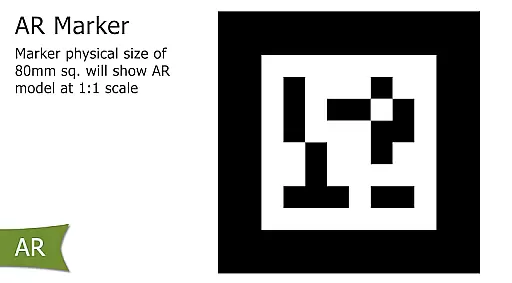
Some AR functionalities limited
Interface may feel cluttered

QuickBooks Workforce lets teams view pay info and track time in one place.
 4.70
4.70
Planet Free VPN - The best Fast Unlimited and Secure VPN Without Logs
4.50
Android Wallet Password Manager
4.80
Todo reminder
4.10
App Lock with fingerprint, password: Lock apps & hide photos with lock screens
4.60
Enjoy classic gameplay with customizable features and retro-style graphics.
4.30
A comprehensive suite of tools designed specifically for Lactation Consultants
4.4
To do list widget with a notebook organizer, checklist, simple shopping list
4.60
Quickly and easily keep track of your work shifts
4.70
We're working to become the best machining app on the market! www.cncdirt.com
4.80
Client for Nextcloud Deck
4.60
Stay on top of your to-dos with Google Tasks, part of Google Workspace.
4.60
CalenGoo is a very flexible and feature-rich calendar app
4.40 4.20
4.20
All in One PDF Reader: Manage, Read and Edit your Documents
4.20
Experience real multitasking on your Android!
4.00
Access your phone's notifications, calls, apps, photos & texts on your PC
3.90
Auto-shutoff Alarm with Sunrise, Sunset & Fixed Options.
3.50
IP Camera Viewer - Android TV : RTSP Surveillance camera viewer for Android TV
4.4


User Reviews