
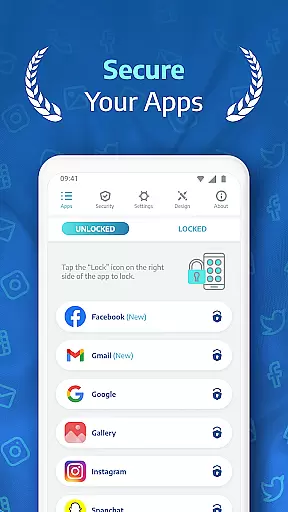
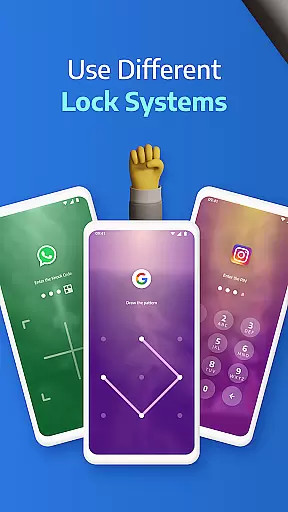
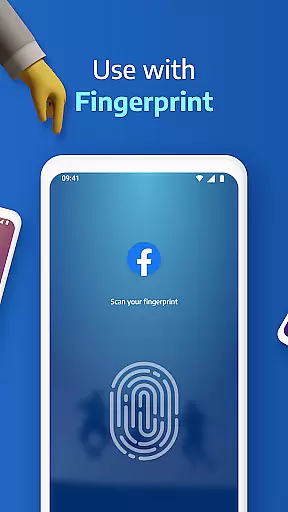
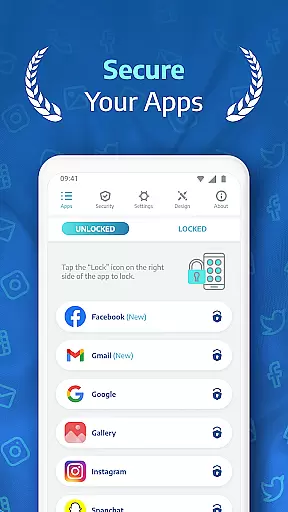
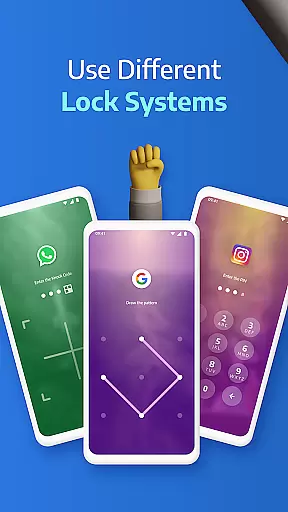
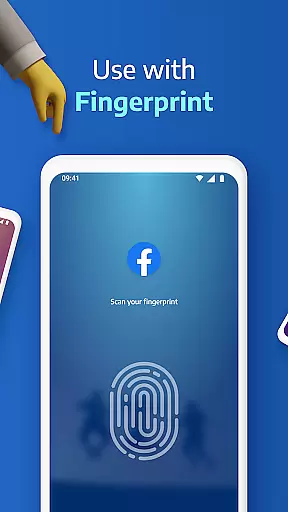
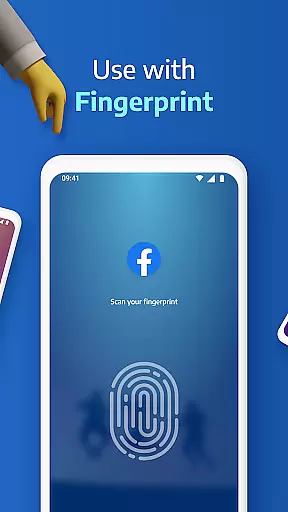
AppLock Pro is a powerful productivity tool designed to safeguard your personal data by locking access to specific apps and media on your device. This app provides multiple layers of security, including PIN, pattern, fingerprint authentication, and even KnockCode for supported devices. With millions of users trusting its fast and reliable performance, AppLock Pro ensures that sensitive information in apps like WhatsApp, Instagram, and Messenger remains private.
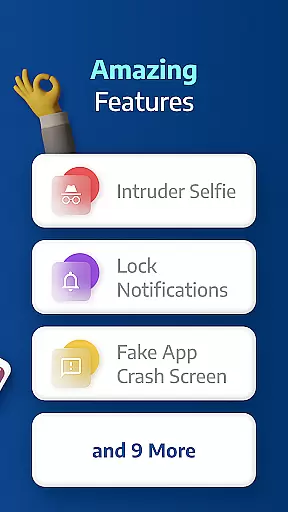
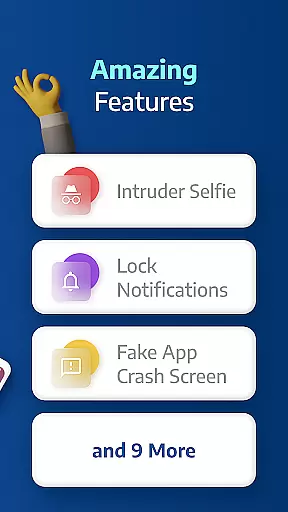
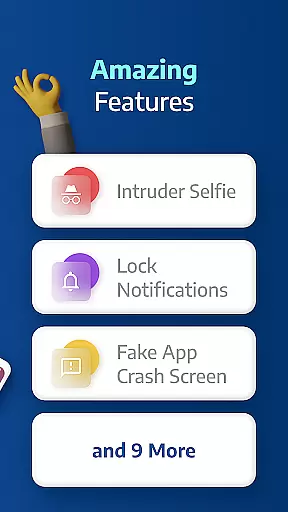
Beyond basic locking features, the app offers advanced functionalities such as spy camera protection, which discreetly captures photos of anyone attempting unauthorized access. It also includes customizable lock screens, auto-relock timers, and fake error messages to deter intruders. Whether you're at work, home, or traveling, AppLock Pro helps maintain your privacy with minimal impact on battery life and system resources.
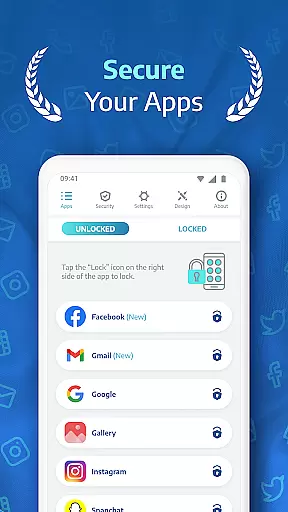
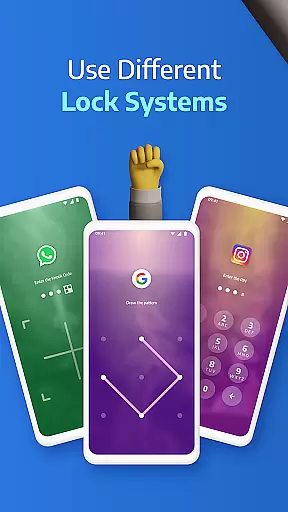
AppLock Pro stands out with its comprehensive suite of security features tailored for modern mobile users. The app allows you to lock virtually any application using various methods such as PIN codes, patterns, fingerprints, or KnockCode. This versatility ensures that you can choose the most convenient yet secure option based on your device's capabilities.
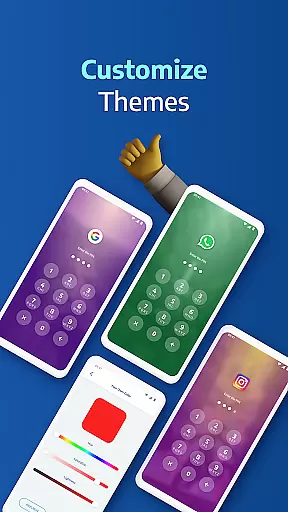
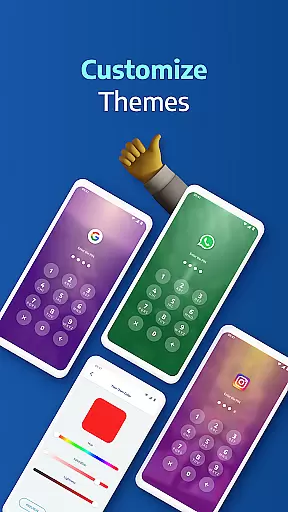
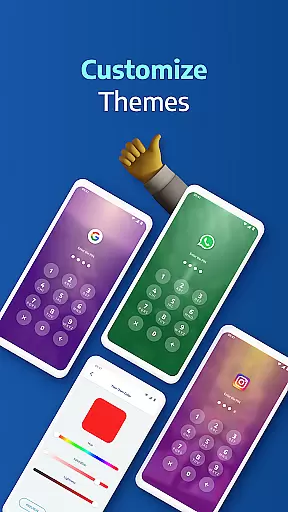
In addition to locking apps, AppLock Pro includes unique features like spy camera functionality, which takes a photo of anyone who enters the wrong password multiple times. The app also supports fake error messages, giving the appearance of a malfunction rather than revealing that an app is locked. Furthermore, it offers customization options such as themes and background images, allowing users to personalize their experience while maintaining top-notch security.
The app is optimized for performance, ensuring minimal battery drain and efficient RAM usage. Features like vibration feedback, new app alerts, and the ability to hide notifications from locked apps make this tool both smart and user-friendly. These thoughtful additions demonstrate AppLock Pro's commitment to providing robust security without compromising usability.
AppLock Pro excels in core task management by offering users a comprehensive suite of security features designed to protect personal data across multiple applications.
The app allows locking of any application using various methods such as PIN, pattern, fingerprint, or KnockCode, ensuring that only authorized access is permitted. This granular control over app access forms the backbone of its task management capabilities.
Furthermore, AppLock Pro incorporates smart settings like auto-relock and lock timers which add layers of convenience without compromising on security. These features enable users to automate their security preferences according to their daily routines.
By integrating these functionalities, AppLock Pro empowers users with efficient and effective management of their digital privacy, making it an indispensable tool for anyone looking to safeguard their sensitive information.
Cross-device synchronization is a critical feature for users managing security across multiple devices, and AppLock Pro addresses this need with reliable and consistent performance.
While direct cross-device sync might not be explicitly detailed, the app ensures reliability through features like spy camera protection and fake error messages that work seamlessly on any supported device. This consistency guarantees that user experience and security measures remain uniform regardless of the device in use.
Additionally, AppLock Pro's lightweight optimization for battery and RAM usage means that its synchronization and overall functionality are smooth and efficient, minimizing delays or discrepancies when implementing security settings across different platforms.
With these robust mechanisms, AppLock Pro assures users of steadfast protection and synchronization reliability, enhancing their productivity by securing their digital environment reliably and efficiently.
Highly secure
User-friendly interface
Customizable lock styles
Lightweight design
Advanced spy features
Premium version required
Permissions needed
Limited free features
Occasional bugs
Device compatibility issues

AI Video AI Image Private LLM AI Browser Llama Gemma Ollama Connect LLM Studio
 4.2
4.2
Client for Nextcloud Deck
4.60
Unlock AutoNotification
4.00
Mega cloud explorer plugin for Solid Explorer
3.80
Android Wallet Password Manager
4.80
Easiest event planning, volunteer signups & parent teacher conference scheduling
2.20
Use powerful, industry-leading AI tools to generate visual charts from any data
4.80
Simple notepad & memo. Take notes, to-do list, shopping list with reminders.
4.80
AT&T Internet customers can use this app to personalize their Wi-Fi network.
4.40
Protect and view your important info on your phone and tablet with eWallet®
4.80
QuickBooks Workforce lets teams view pay info and track time in one place.
4.70
Scan paperwork into PDF/JPG, generate your own e-signature and send fax or email
4.70
The Pro Version of Android's tiniest Notepad app. Just 0.3MB but feature-packed!
4.60
App Lock with fingerprint, password: Lock apps & hide photos with lock screens
4.60
Translate text/voice/photos in 150+ languages. Offline & fast translator app.
4.50
Wake up & get tasks done! Add alarms & reminders on the Clock Launcher.
4.00
* block pre-roll ads, pop-up and forced redirect ads * Samsung certification app
4.00
Remotely view listen control and record cameras.
3.70
Find and delete junk files & block unwanted notifications & manage files
3.70


User Reviews