
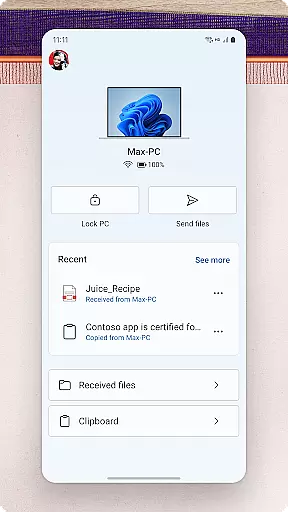
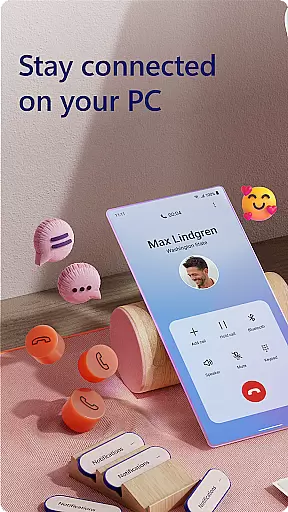
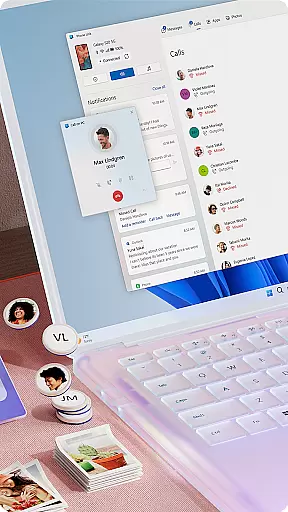
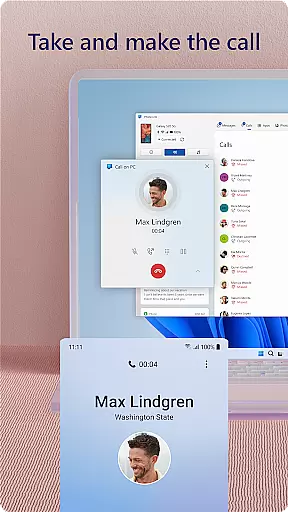
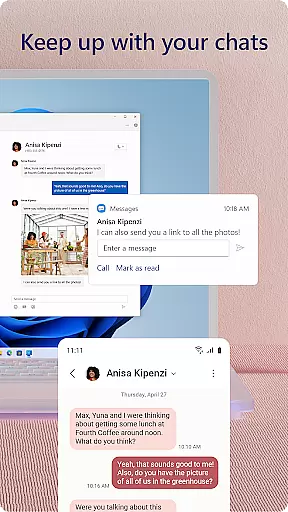
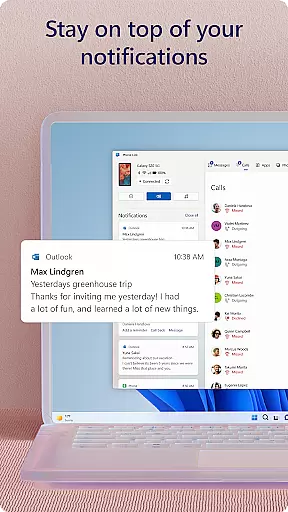
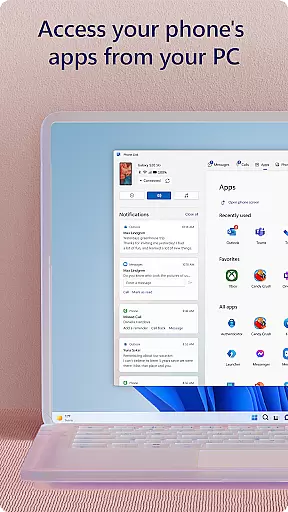
Link to Windows is a productivity-focused application that bridges the gap between your Android phone and Windows PC. This app allows users to seamlessly interact with their mobile devices directly from their computers, enhancing workflow efficiency. Key functionalities include making and receiving calls, managing notifications, and accessing mobile apps on the PC.
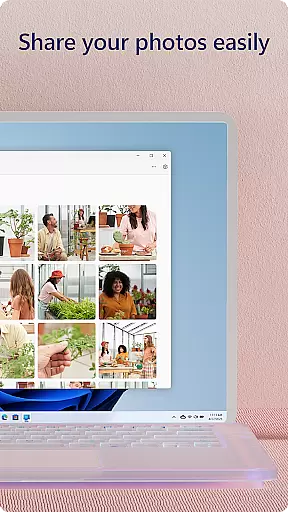
The app supports advanced features like drag-and-drop file sharing, cross-device copy-paste, and instant photo access. These capabilities are further optimized when used with select Microsoft Duo, Samsung, and HONOR phones, offering an integrated experience without needing additional downloads. With its intuitive interface, Link to Windows transforms how users handle multitasking across devices, providing a unified digital workspace.
Link to Windows offers a comprehensive suite of features designed to maximize productivity. The app enables users to make and receive calls directly from their PCs, provided the computer has Bluetooth capability. It also allows for managing Android phone notifications on the PC, ensuring users never miss important alerts while working.
One standout feature is the ability to run favorite mobile apps on the PC, allowing for a more flexible work environment. Additionally, users can read and reply to text messages, drag files between devices, and use the PC's larger screen and peripherals to control their phones. For compatible devices, exclusive functionalities such as Phone screen mirroring and multi-app experiences are available, enhancing usability and convenience.
Core task management is essential for productivity applications, ensuring users can efficiently handle their daily responsibilities. Link to Windows excels in this area by seamlessly integrating your Android phone with your Windows PC, allowing you to manage calls, messages, and notifications directly from your computer.
The app enables multitasking without the constant need to check your phone. You can make and receive calls, respond to text messages, and even interact with mobile apps right from your PC's larger screen. This functionality streamlines task management by consolidating all communication channels into one accessible location.
For users, this means increased productivity and reduced context-switching. The ability to drag and drop files between devices and copy-paste content enhances workflow efficiency. With integrated features like Phone Screen and cross-device copy-paste, compatible devices enjoy an elevated experience that simplifies complex tasks.
Cross-device synchronization reliability ensures that data and actions are consistently mirrored across all user devices. Link to Windows achieves this by creating a robust connection between Android phones and Windows PCs, enabling real-time updates and interactions.
This synchronization extends beyond simple notifications; it encompasses call management, messaging, file sharing, and app usage. Users benefit from instant access to their phoneu2019s content on their PC, eliminating delays associated with manual transfers or email-based sharing.
The app supports advanced capabilities such as controlling phone apps via PC when Accessibility Service is enabled. This reliable sync empowers users to operate more efficiently, leveraging the strengths of both devices simultaneously. Whether transferring photos or managing notifications, Link to Windows provides a dependable bridge that enhances overall device usability.
Seamless device integration
Enhanced multitasking abilities
User-friendly interface design
Advanced cross-platform features
Optimized for select devices
Limited call functionality
Device compatibility issues
Advanced features require specific hardware
Some functions need latest OS versions
Potential privacy concerns

Planet Free VPN - The best Fast Unlimited and Secure VPN Without Logs
 4.50
4.50
The upgraded version of Name Wheel with AI and the power to add your own wheels.
4.0
Find and delete junk files & block unwanted notifications & manage files
3.70
Functional QR scanner and barcode reader that requires little storage space.
4.60
Translate text/voice/photos in 150+ languages. Offline & fast translator app.
4.50
Docker, Kubernetes management over Portainer Mobile
4.40
To do list widget with a notebook organizer, checklist, simple shopping list
4.60
This small app MUST BE INSTALLED after purchase, else license won't work
4.40
Set up, print, and get support—in one place
4.20
Best Tool for the professionals Electrician, Electrical contractors, etc.
4.90
Simple notepad & memo. Take notes, to-do list, shopping list with reminders.
4.80
All document reader, all in one file viewer read PDF, DOCX, XLS, PPT, TXT files.
4.60
Stay on top of your to-dos with Google Tasks, part of Google Workspace.
4.60
A lightweight JSON & XML files creator, editor and viewer (Premium Version)
4.40
Automates browsing any website and notifies you of important changes or events
4.30
Intelligent AI Assistant
4.10
Unlock AutoNotification
4.00
Smart PDF reader & editor to view, organize and manage PDF documents easily.
3.70
Auto-shutoff Alarm with Sunrise, Sunset & Fixed Options.
3.50


User Reviews