
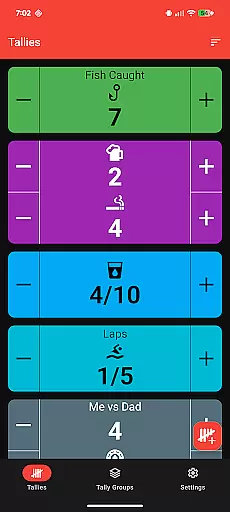
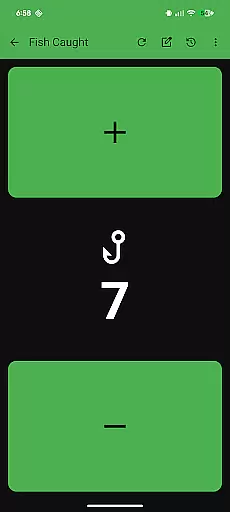
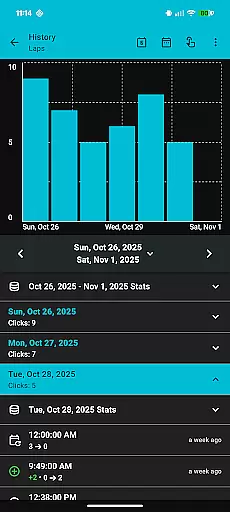
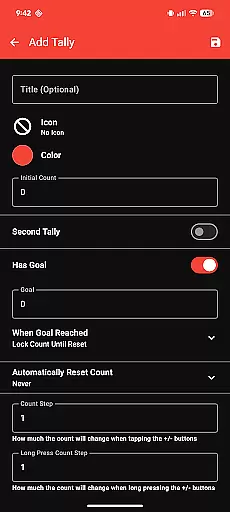
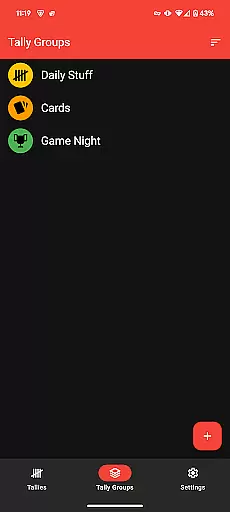
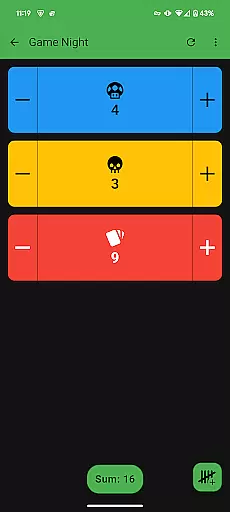
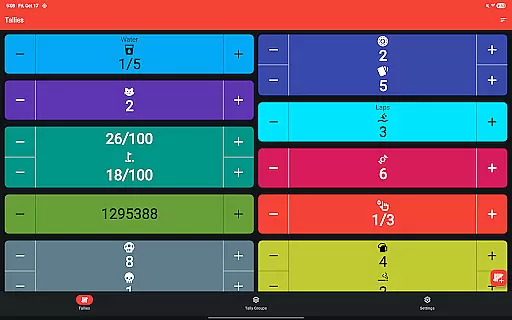
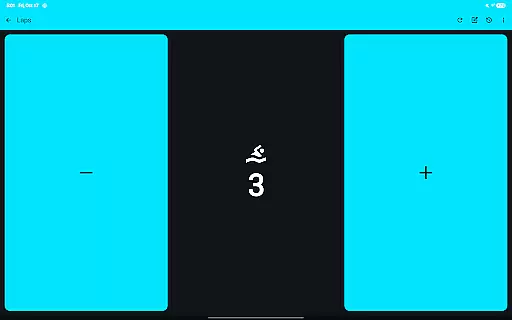
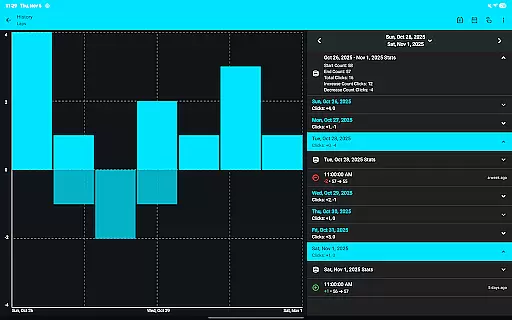
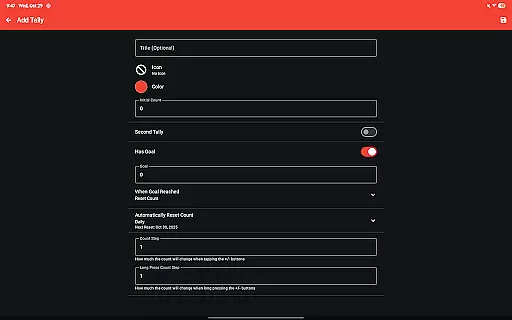
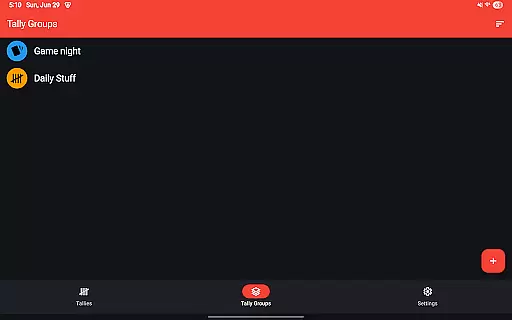
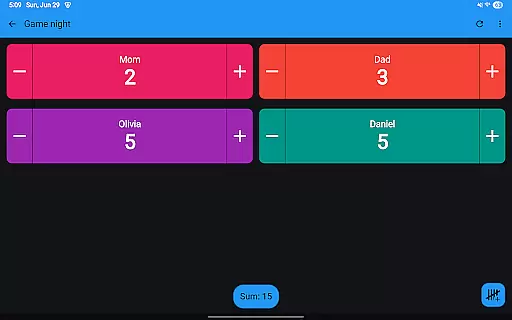
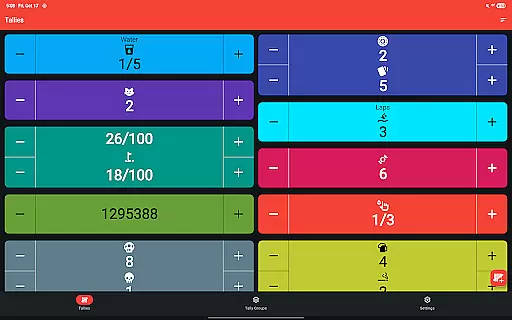
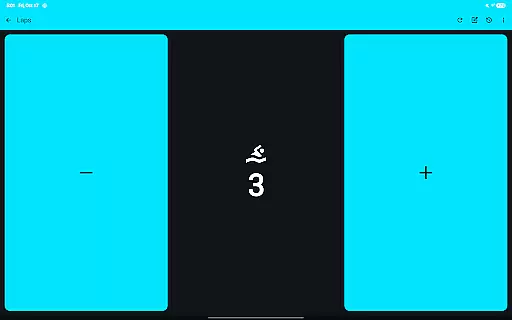
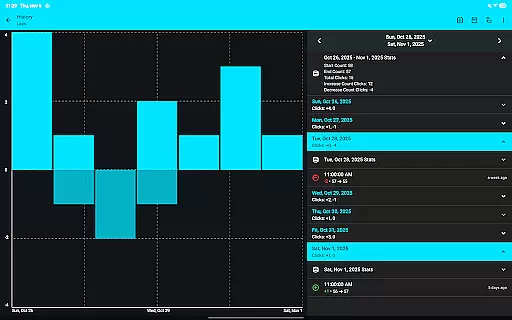
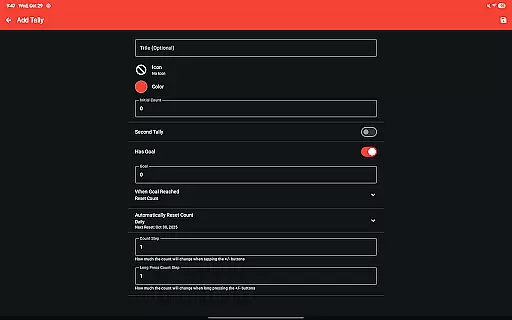
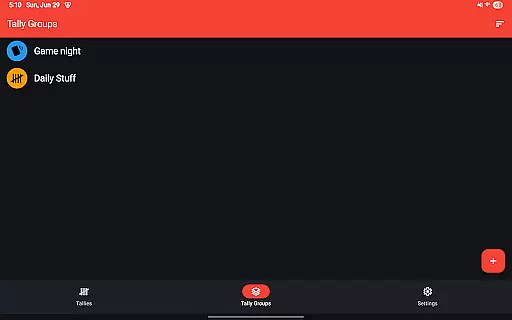
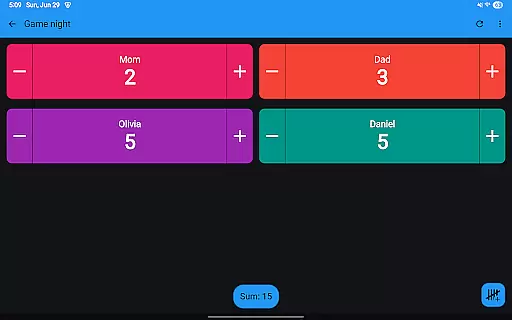
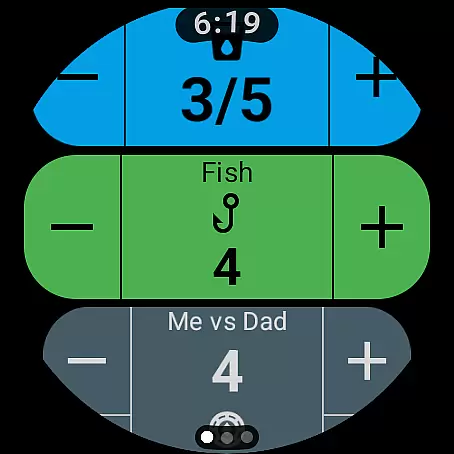
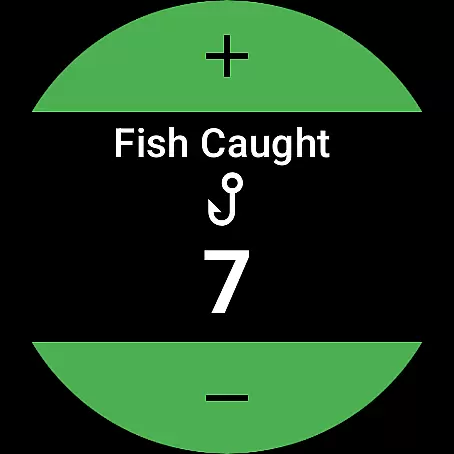
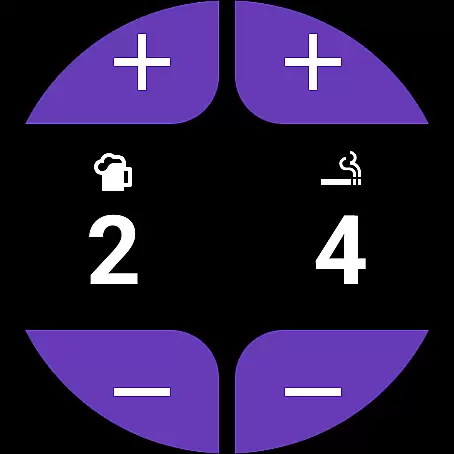
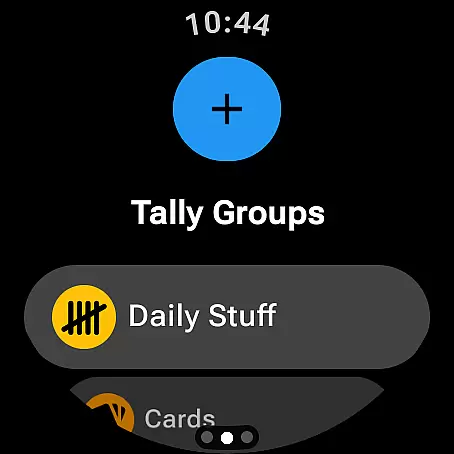
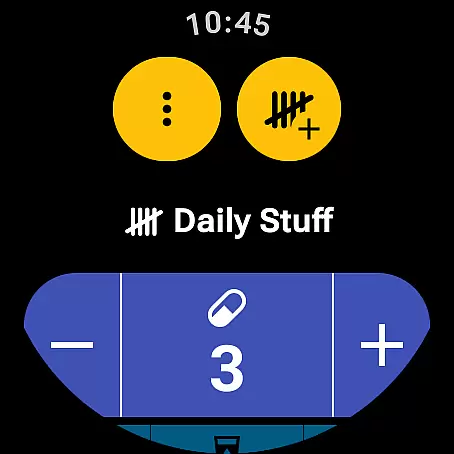
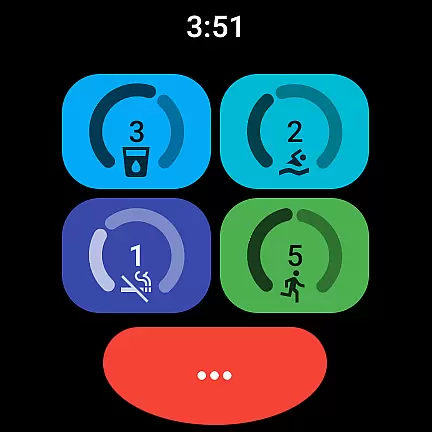
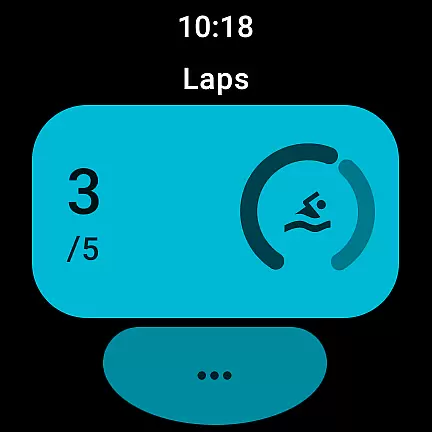
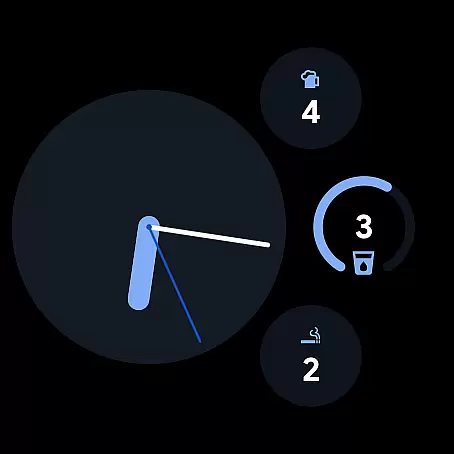
Tallies is a versatile productivity tool designed for both Wear OS and mobile platforms, offering users an efficient way to track counts and achieve goals. The app provides double and single tally counters with ongoing counts, goal tallies that can be locked or reset upon completion, and automatic reset options on daily, weekly, monthly, or yearly intervals. Users can create Tally Groups to monitor combined sums and view detailed histories through multiple graphs and stats on their phones.
With its comprehensive sync capabilities between phone and Wear OS devices, Tallies ensures seamless data management. Watch-specific features include complications and tiles for quick access, while phone users benefit from home screen widgets and floating windows. Exporting tally history as CSV, customizing with over 200 icons, and choosing from multiple theme colors enhance the user experience. This makes Tallies an invaluable tool for anyone needing to maintain precise records in various contexts.
Tallies stands out with its rich feature set tailored for productivity enthusiasts. The app offers double and single tally counters alongside goal tallies, which can be configured to lock or reset automatically when targets are met. Users can opt for automatic resets on predefined intervals such as daily, weekly, monthly, or yearly schedules. Additionally, the app supports Tally Groups, enabling users to aggregate counts and view their sum conveniently.
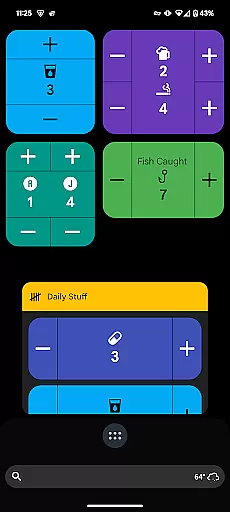
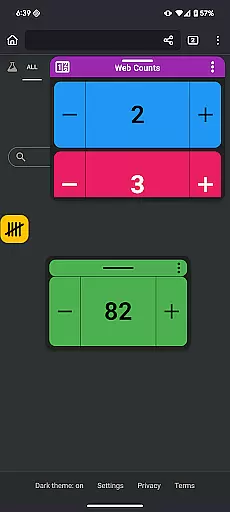
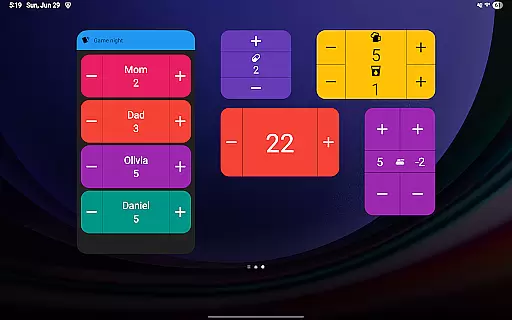
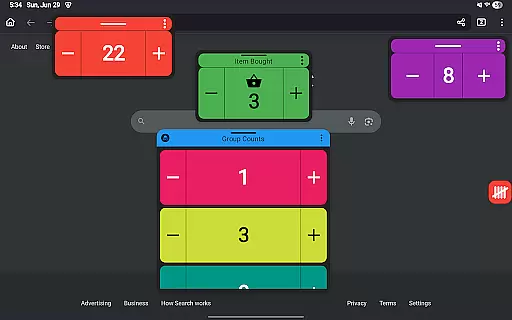
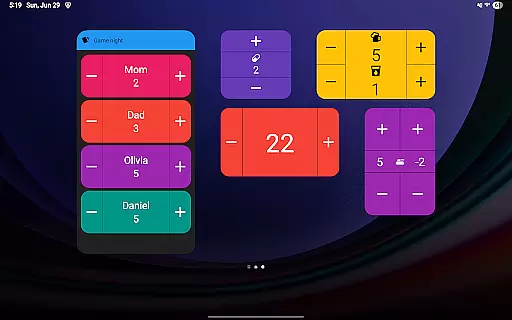
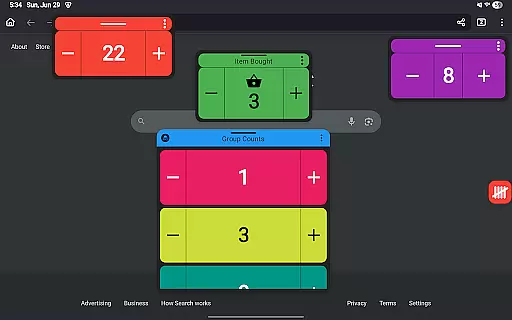
On Wear OS, Tallies provides complications and tiles for easy tracking directly from the watch face. For mobile users, it includes vertical and horizontal tally widgets, list widgets, and group widgets. Advanced functionalities like floating tally windows (for Android 14+), full-screen mode, and volume button controls enhance usability. Sync capabilities ensure data consistency across devices, making Tallies a robust solution for managing counts efficiently in diverse scenarios.
Task management is at the heart of Tallies, designed to streamline productivity for both Wear OS and mobile users. This app offers double and single tally counters, ongoing counts, and goal tallies with flexible options such as locking or resetting the count upon reaching a target. These features ensure that users can manage their tasks effectively without losing track of their progress.
Tallies goes beyond basic counting by providing automatic reset options that can be set to daily, weekly, monthly, or yearly intervals. This functionality allows users to align their task management with personal or professional timelines seamlessly. Additionally, the inclusion of tally groups enables users to organize related tasks, view combined sums, and access detailed histories through synchronized data between devices.
The true value of Tallies lies in its ability to sync data across a user's phone and Wear OS watches, ensuring that no matter where you are, your task information is up-to-date. With an array of customization options including over 200 icons and multiple theme colors, users can tailor their experience to match their preferences. The app also supports exporting tally history as CSV files, making it easy to analyze trends and maintain records outside the app environment.
Cross-device synchronization is crucial for maintaining consistency and reliability in task management applications like Tallies. By installing the app on both phone and Wear OS devices, users benefit from real-time updates that keep all their devices in sync. This seamless integration ensures that whether you're at your desk or on the go, your tally counts remain accurate and up-to-date.
Tallies leverages advanced syncing technology to automatically transfer tally changes from the watch to the phone. This means any adjustments made on one device will reflect instantly on others, providing a cohesive user experience. Users can view tally histories with multiple graphs, selectable intervals, and stats directly on their phones, while wearable-specific features such as complications and tiles offer quick access to critical information right from their wrists.
In addition to robust syncing capabilities, Tallies enhances usability with specialized functionalities tailored for each platform. For instance, Android 14+ users can utilize floating tally windows to display counts over other apps, while watch users enjoy dedicated shortcut tiles and complications. These thoughtful integrations highlight the appu2019s commitment to delivering reliable cross-device performance, empowering users to stay productive regardless of their chosen device.
User-friendly interface
Comprehensive sync options
Versatile tally configurations
Rich customization features
No subscription required
Limited to Android ecosystem
Watch sync requires installation on both devices
Floating window limited to Android 14+
Some features may overwhelm new users
Occasional sync delays reported

Ads Free App! Editor, Hide File, Copy, Move, Delete and Rename.. all facility av
 1.70
1.70
Automates browsing any website and notifies you of important changes or events
4.30
Absolutely the best CNC machinist speed and feed calculator around. fswizard.com
4.60
Secure, fast, open-source, Remote Desktop Client for Windows and Linux with SSH
4.60
Simple and reliable communication between inmates, friends and family
3.20
ID.me Authenticator is a simple and free Two Factor Authentication solution
3.50
The AI assistant that thinks with you - write, code, and solve complex tasks
4.60
Code on-the-go with VScode for Android. Edit,debug and collaborate from mobile!!
3.10
AT&T Internet customers can use this app to personalize their Wi-Fi network.
4.40
Native client for Forgejo and Gitea
5.00
Seamlessly integrate data and reports to build your presentation to impress
4.80
App lock - lock apps with fingerprint, password, pin or pattern, protect privacy
4.70
A simple Whisper AI keyboard for reliable speech transcription and rewording
4.60
CalenGoo is a very flexible and feature-rich calendar app
4.40
All in One PDF Reader: Manage, Read and Edit your Documents
4.20
Intelligent AI Assistant
4.10
Customizable calendar widget for seamless event sync, planning & scheduling.
4.00
Find and delete junk files & block unwanted notifications & manage files
3.70
Easiest event planning, volunteer signups & parent teacher conference scheduling
2.20


User Reviews