
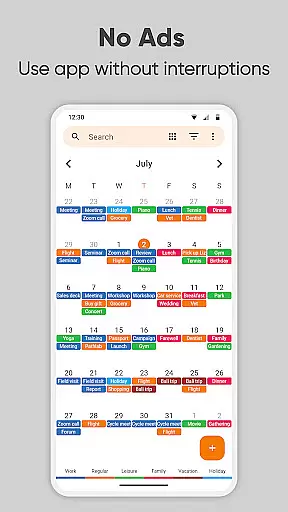
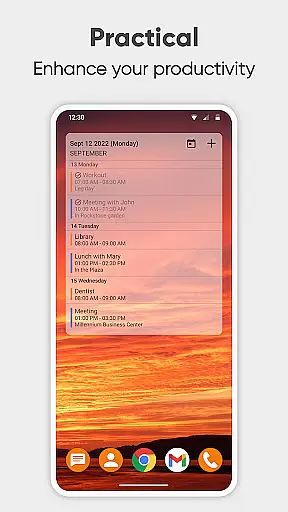
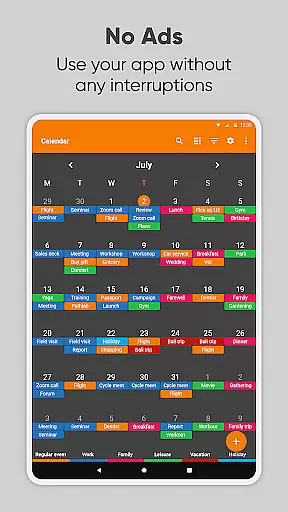
Simple Calendar Pro is a productivity-focused calendar application designed for Android users who value simplicity and customization. This offline monthly calendar app serves as a personal agenda planner, allowing users to organize their schedules without the need for internet access. With support for syncing events via Google Calendar or other CalDAV-compatible services, it ensures seamless integration with existing digital calendars.
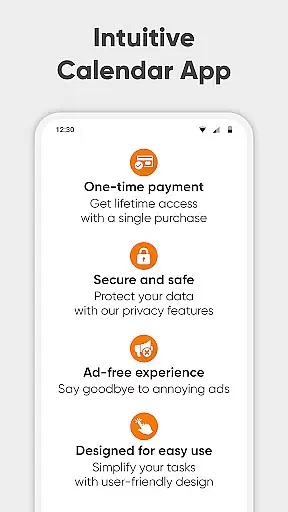
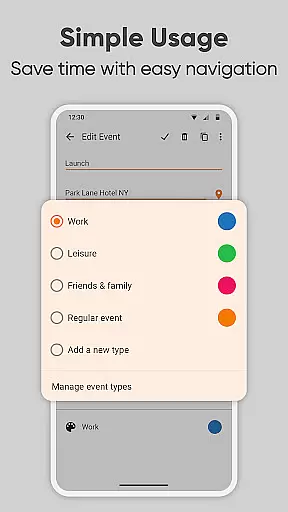
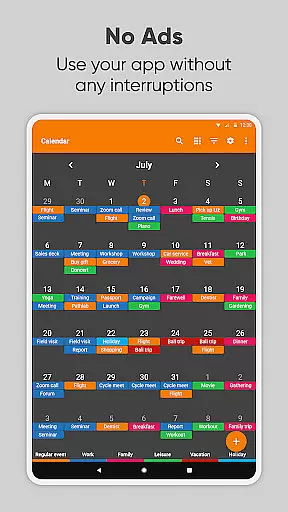
The app's strength lies in its flexibility and privacy-conscious design. Users can manage single and recurring events like birthdays, anniversaries, and appointments with ease. Its highly customizable interface lets you tailor event reminders, notification appearance, and overall visual presentation. Whether you need a work calendar, day planner, or family organizer, Simple Calendar Pro provides the tools to stay organized while maintaining a clean, ad-free environment.
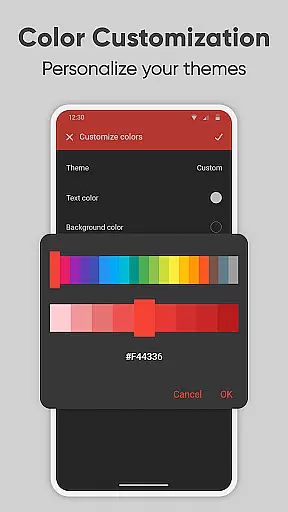
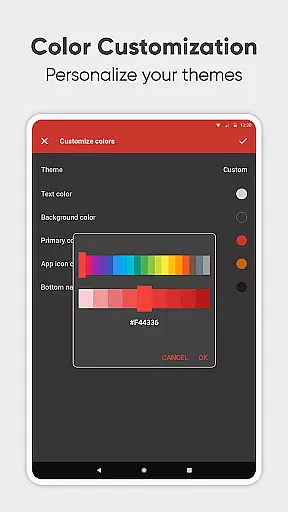
Designed for 2023 and beyond, this schedule planner combines essential features with user-centric design. The app supports .ics file imports/exports, offers flexible event creation with powerful repetition rules, and includes a variety of themes and color options. Its open-source nature and availability in 45+ languages make it an ideal choice for those seeking a transparent, versatile calendar solution that adapts to various productivity needs.
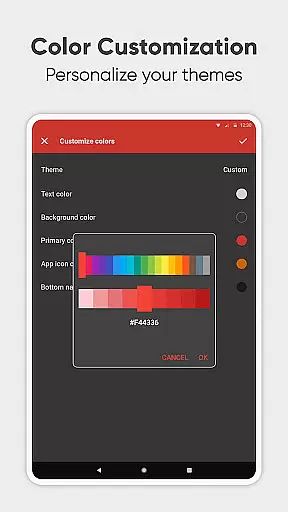
Simple Calendar Pro distinguishes itself through its comprehensive feature set tailored for productivity enthusiasts. The app offers extensive customization options, enabling users to personalize everything from sound notifications to widget appearances. Its support for CalDAV protocol allows seamless synchronization with popular calendar services like Google Calendar, Microsoft Outlook, and Nextcloud, ensuring your schedule stays up-to-date across devices.
One of the standout features is its flexible event management system. Users can create complex recurring events with custom repetition rules, set multiple reminders, and even export their settings to another device using .txt files. The app also supports exporting and importing events via .ics files, making data transfer between different calendar systems effortless. Additionally, its material design interface comes with a default dark theme option, providing both aesthetic appeal and eye comfort during extended use.
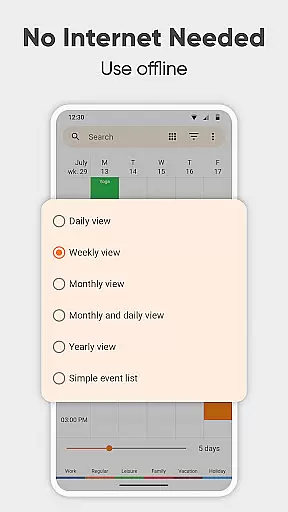
What truly sets Simple Calendar Pro apart is its commitment to user privacy and control. Unlike many other calendar apps, it operates entirely offline, requiring no internet access or unnecessary permissions. This approach not only enhances security but also ensures stable performance regardless of network conditions. The inclusion of a map view for event locations, quick switching between daily/weekly/monthly views, and social sharing capabilities further solidifies its position as a complete productivity solution.
At the heart of Simple Calendar Pro lies its robust core task management system, designed to streamline your daily planning. This feature allows users to effortlessly create, organize, and track events with precision. The app supports both single and recurring events, ensuring that whether it's a one-time meeting or an annual celebration, every important moment is captured.
The flexibility in event creation is remarkable; users can set specific times, durations, and reminders tailored to their needs. With powerful repetition rules, managing regular commitments like weekly meetings or monthly check-ins becomes seamless. Additionally, the ability to sync events via Google Calendar or other CalDAV-supported platforms ensures that your schedule remains consistent across all devices.
Simple Calendar Pro enhances productivity by offering multiple viewing options. Users can switch between daily, weekly, monthly, and yearly views, providing a comprehensive overview of their timetable. This adaptability not only aids in better time management but also empowers users to plan their days more effectively, ensuring they never miss an important appointment or deadline.
Cross-device synchronization is a critical feature of Simple Calendar Pro, ensuring that your schedule remains up-to-date regardless of the device you use. By supporting CalDAV protocol, this app seamlessly integrates with popular calendar services such as Google Calendar, Microsoft Outlook, and Nextcloud. This compatibility guarantees that any changes made on one platform are instantly reflected across all synchronized devices.
The reliability of this synchronization process is bolstered by the app's offline capabilities. Since no internet access is required for basic functionality, users enjoy enhanced privacy, security, and stability. Events can be exported and imported via .ics files, allowing for easy data transfer between different systems without compromising on confidentiality.
Moreover, Simple Calendar Pro offers extensive customization options to tailor the synchronization experience to individual preferences. From adjusting notification settings to personalizing reminder sounds and vibrations, users have complete control over how and when they receive updates. This level of personalization ensures that the app fits seamlessly into any workflow, enhancing both personal and professional organization efforts.
User-friendly interface
Offline functionality
Customizable themes
No ads or popups
Open-source transparency
Limited iOS support
No built-in email
Basic widget options
Manual sync required
Learning curve for setup

The long-awaited modern gallery app for your Nextcloud server
 4.70
4.70
All in one sketching tool. Technical and General drawing. Online Maps support.
3.70
Planet Free VPN - The best Fast Unlimited and Secure VPN Without Logs
4.50
App Lock with fingerprint, password: Lock apps & hide photos with lock screens
4.60
All document reader, all in one file viewer read PDF, DOCX, XLS, PPT, TXT files.
4.60
The ultimate file manager for rooted devices. The original and still the best.
4.00
Experience and share your SolidWorks designs on your Android® phone and tablet.
2.50
Access your phone's notifications, calls, apps, photos & texts on your PC
3.90
AI Chatbot and AI writing assistant powered by ChatGPT.
4.60
To do list widget with a notebook organizer, checklist, simple shopping list
4.60
Tally and goal counter for Wear OS & mobile
4.50
This small app MUST BE INSTALLED after purchase, else license won't work
4.40
A customizable calendar for your Wear OS watch
4.20
Make apps & sites with natural language prompts
4.10
Activate Two Factor Authentication (2FA or Multi OTP), Password manager and more
4.10
Simple and reliable communication between inmates, friends and family
3.20
Code on-the-go with VScode for Android. Edit,debug and collaborate from mobile!!
3.10
Ads Free App! Editor, Hide File, Copy, Move, Delete and Rename.. all facility av
1.70
The upgraded version of Name Wheel with AI and the power to add your own wheels.
4.1


User Reviews