
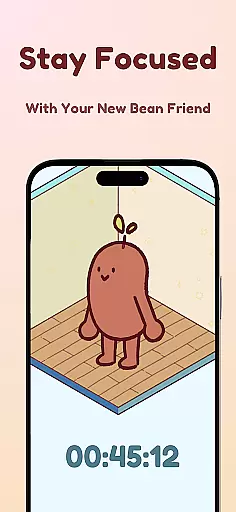
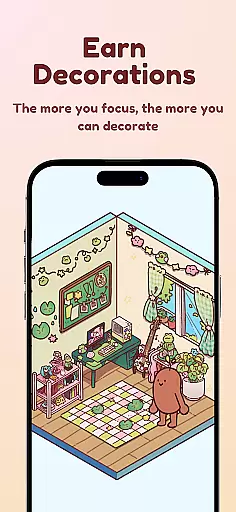

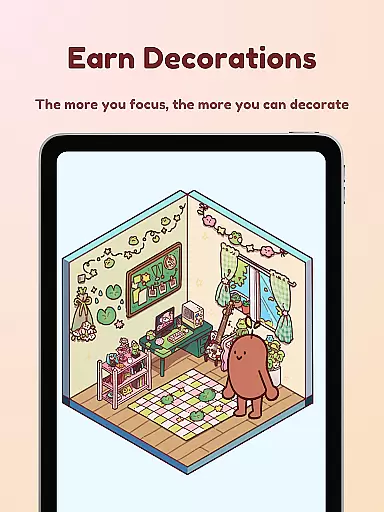
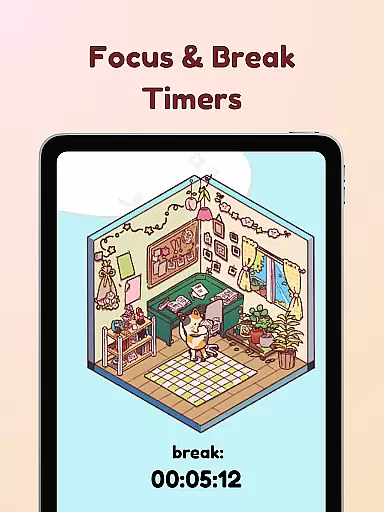
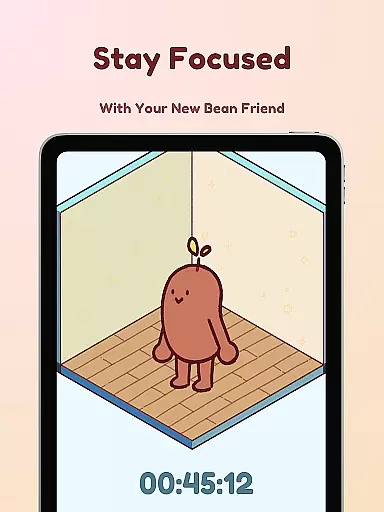
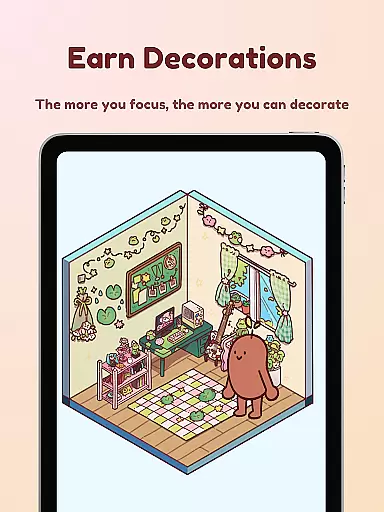
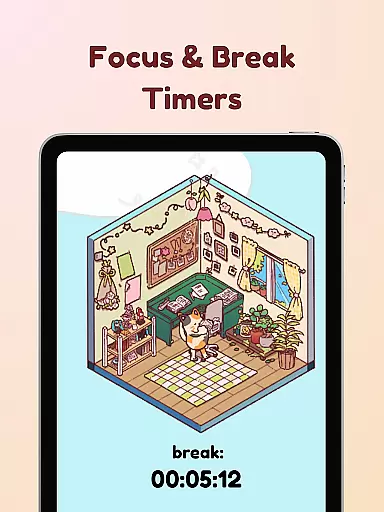
Focus Friend is a productivity app designed to help users maintain focus during work or study sessions through gamification. Created by online educator Hank Green, this app features a unique Bean Friend character that mirrors the user's focus habits. When you stay on task, your Bean Friend stays happy; if you interrupt your session, the Bean becomes sad. Completing focus sessions rewards users with in-app prizes used to decorate the Bean's room. The app is perfect for students and professionals who struggle with maintaining concentration over long periods.
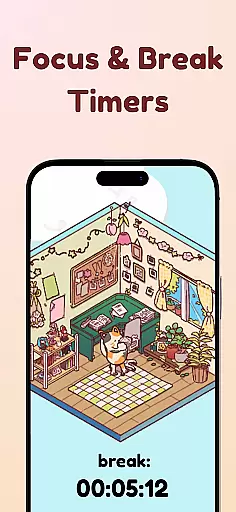
In addition to its core functionality, Focus Friend offers several productivity-enhancing features. These include Live Activity tracking, which allows users to see their timer progress even when their phone is locked, and Deep Focus Mode, which locks distracting apps during focus sessions. The app also incorporates break timers using the Pomodoro technique, helping users balance work and rest effectively. With hundreds of decoration options and various Bean Skins to choose from, Focus Friend combines productivity with personalization, making focus sessions both effective and enjoyable.
Focus Friend stands out among productivity apps due to its innovative approach to maintaining focus. One of its key features is the gamified focus timer, where users interact with a virtual Bean Friend. This character reacts emotionally based on the user's focus behavior, providing positive reinforcement when tasks are completed successfully. The app includes Live Activity functionality, allowing users to track their progress even when their device is locked, ensuring they remain engaged throughout their session.
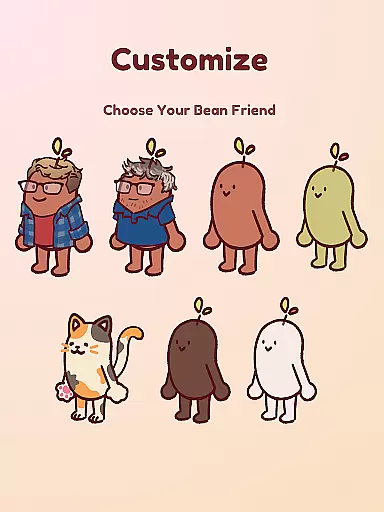
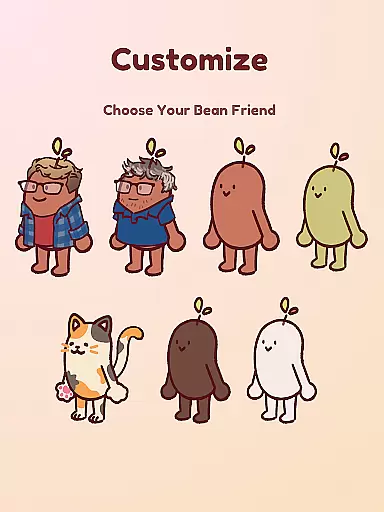
Another notable feature is the Deep Focus Mode, which helps minimize distractions by locking access to other apps during focus sessions. The app also supports the Pomodoro method, encouraging users to take regular breaks and use that time to customize their Bean Friend's environment. With hundreds of decoration options and multiple Bean Skins available, including unique designs like Coffee Bean or even characters resembling Hank and John Green, Focus Friend provides a personalized experience that keeps users motivated while they work or study.
At the heart of Focus Friend lies its robust core task management system, designed to help users structure their work and break sessions effectively. This productivity app leverages the Pomodoro technique, allowing users to set specific focus periods followed by short breaks.
The timer function is seamlessly integrated with a live activity feature that lets you monitor your progress even when your phone is locked. This ensures continuity in your focus sessions and helps maintain workflow without interruptions.
What sets this system apart is its deep focus mode which enables users to lock distracting applications during work sessions. This creates an environment conducive to concentration, helping users achieve more in less time while maintaining mental freshness through structured breaks.
While Focus Friend primarily operates on mobile devices, its cloud-based architecture ensures reliable synchronization across multiple devices. When you complete a focus session on one device, your progress, rewards, and customized settings are automatically updated across all linked devices.
The application maintains consistent state updates, meaning your Bean Friend's emotional status and room decorations remain uniform regardless of which device you're using. This seamless transition between devices encourages users to maintain their productivity streaks throughout the day.
Although currently optimized for mobile use, the developers have implemented industry-standard data protection protocols to ensure that all synchronized information remains secure during transmission between devices and servers.
User-friendly interface
Engaging gamification elements
Effective distraction management
Customizable Bean Friend
Supports Pomodoro technique
Limited free content
Requires constant app usage
May not suit all learning styles
Some features locked behind paywall
Occasional app stability issues

Auto-shutoff Alarm with Sunrise, Sunset & Fixed Options.
 3.50
3.50
A lightweight JSON & XML files creator, editor and viewer (Premium Version)
4.40
Make your handwriting beautiful, even more than pen on paper.
3.60
A comprehensive suite of tools designed specifically for Lactation Consultants
4.4
A Pixel Art watchface inspired by other iconic 90s designs for Wear OS devices!
4.40
This small app MUST BE INSTALLED after purchase, else license won't work
4.40
Ultimate Virtual AI Character for immersive Roleplay Chat. Perfect Companion
3.90
Intelligent AI Assistant
4.10
AT&T Internet customers can use this app to personalize their Wi-Fi network.
4.40
Great calculator for Android named one of USA TODAY's "25 Essential Apps".
4.90
Direct Chat without saving contacts & Dual WA Account on Single Device
4.70
App lock - lock apps with fingerprint, password, pin or pattern, protect privacy
4.70
Stay on top of your to-dos with Google Tasks, part of Google Workspace.
4.60
A simple Whisper AI keyboard for reliable speech transcription and rewording
4.60
Fill, sign & send docs, forms, agreements & contracts via electronic signature.
4.50
Docker, Kubernetes management over Portainer Mobile
4.40
Share files & memories safely. Keep your photos and videos secure.
4.40
Professional calendar app for Google Calendar, MS Outlook & Exchange
4.20
Experience and share your SolidWorks designs on your Android® phone and tablet.
2.50


User Reviews