
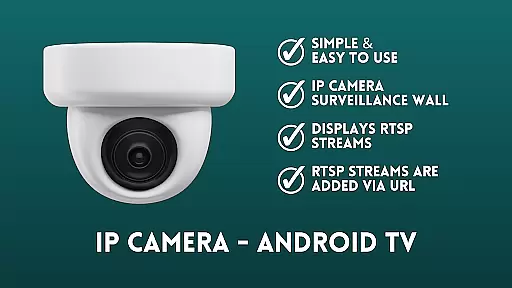
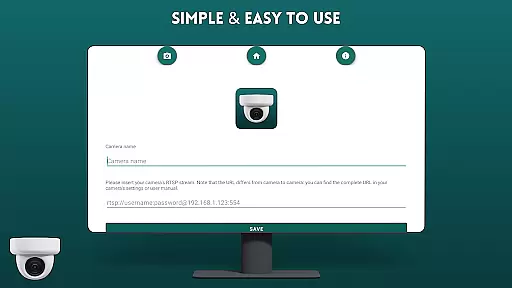
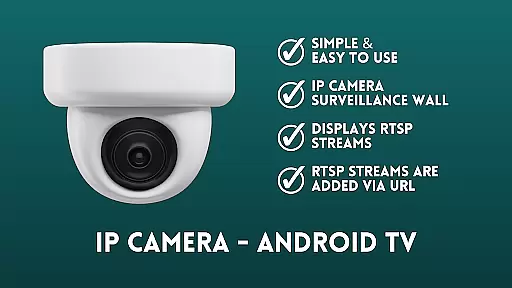
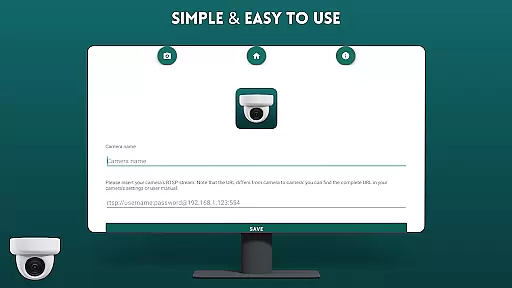
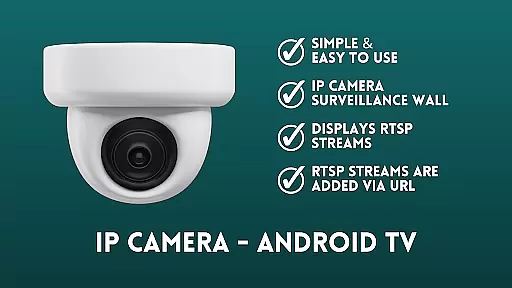
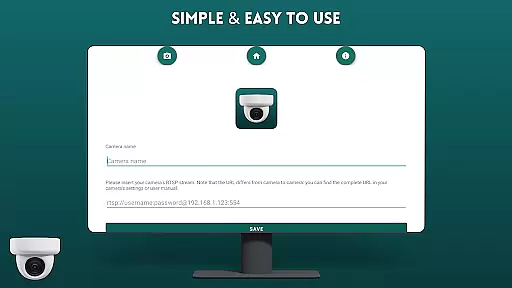
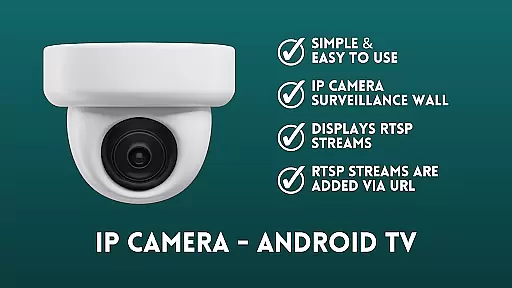
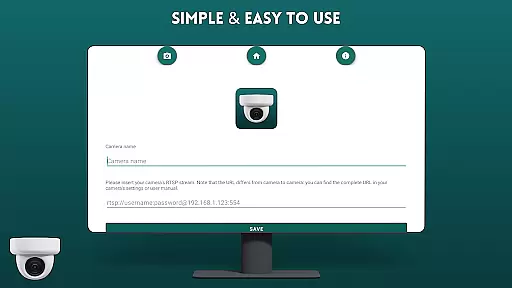
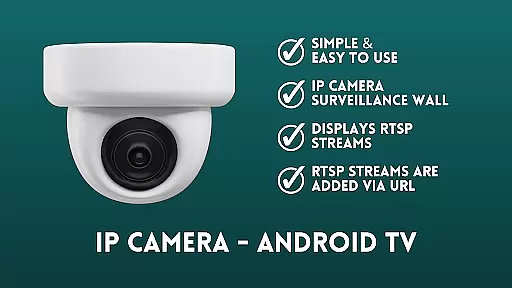
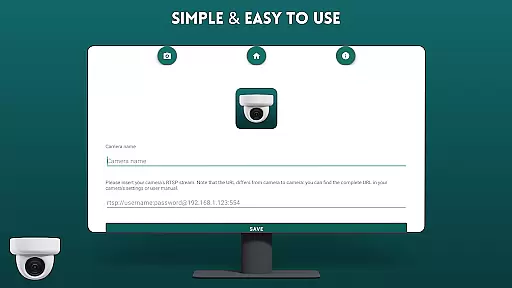
IP Camera Viewer - Android TV is a specialized productivity app designed to streamline IP camera monitoring on Android TV and Google TV platforms. The application supports RTSP streams, allowing users to easily add camera feeds via URL in a classic tile layout.
This app offers a user-friendly interface with simple navigation features, making it an efficient solution for setting up a home or office surveillance system directly on your TV. Its core functionality lies in providing a seamless viewing experience of multiple IP cameras simultaneously, enhancing productivity for security monitoring.
The app's value extends to both personal and professional environments where real-time camera monitoring is essential. Whether you're managing a small business or want to keep an eye on your home, this app provides a practical solution that combines ease of use with reliable performance.
IP Camera Viewer - Android TV stands out with its focused feature set tailored for efficient camera monitoring. The app's primary feature is its ability to display RTSP streams from IP cameras, which are easily added through their respective URLs.
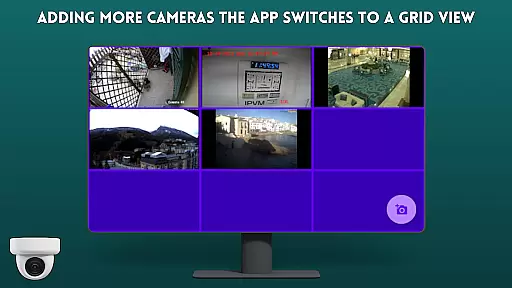
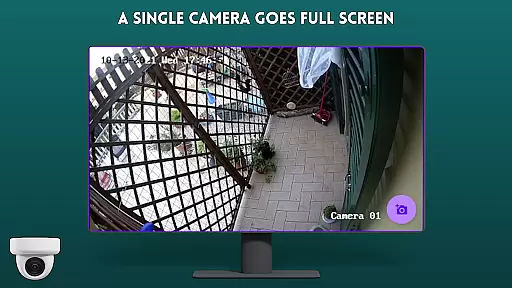
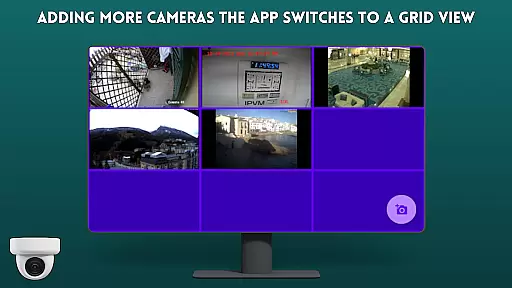
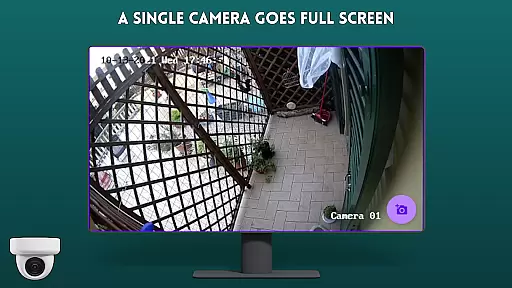
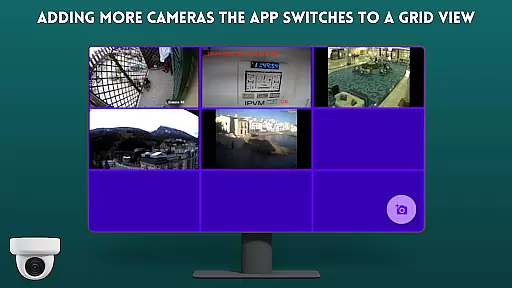
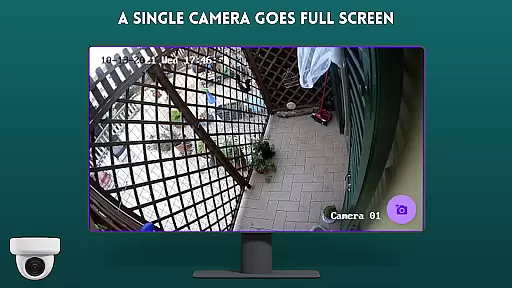
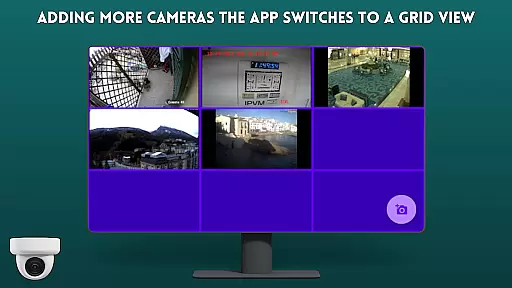
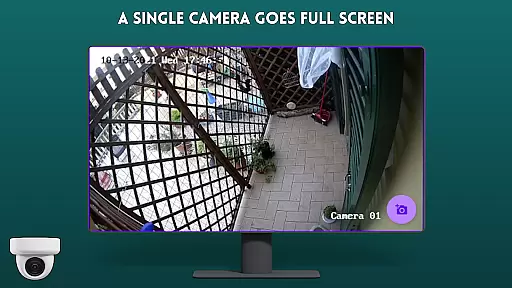
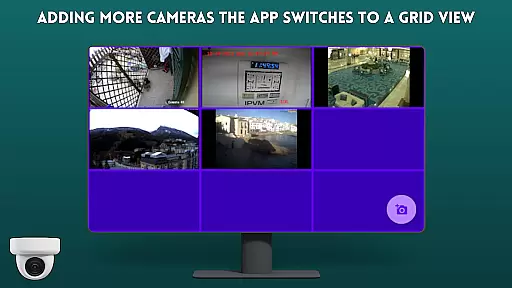
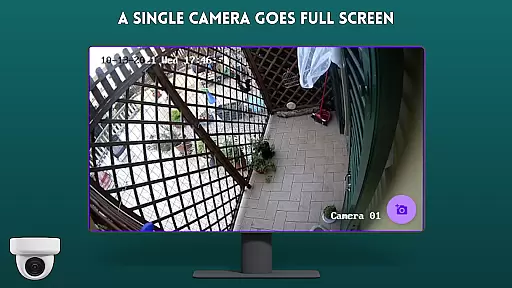
A key advantage of this app is its intuitive surveillance wall functionality. Users can view multiple camera feeds simultaneously in a clean tile configuration, optimizing screen space while maintaining clarity. The app's straightforward design ensures that even those new to IP camera systems can quickly grasp its functionality.
Additional notable features include its optimized performance for Android TV and Google TV platforms, ensuring smooth streaming and minimal latency. The app's open-source nature under GPL-3.0 license also allows for potential customization and improvements by the developer community.
IP Camera Viewer - Android TV excels in core task management by providing a streamlined experience for viewing IP cameras on large screens. The app focuses on simplifying the process of adding and managing multiple camera feeds, making it an efficient tool for surveillance needs.
The application supports RTSP streams, which are added via URL, allowing users to create a personalized surveillance wall. This feature is crucial for users who need to monitor several locations simultaneously without switching between devices or applications.
With its tile configuration layout, users can easily organize and view multiple camera feeds at once. This thoughtful design ensures that all critical video streams are accessible at a glance, enhancing productivity and enabling swift response to any incidents.
By offering simple navigation and an intuitive interface, the app ensures that even those new to IP camera systems can efficiently manage their surveillance tasks. This ease of use ultimately saves time and effort, allowing users to focus on what matters mostu2014keeping their premises secure.
Cross-device synchronization is a vital feature of IP Camera Viewer - Android TV, ensuring that your surveillance setup remains consistent and up-to-date across different devices. This reliability is essential for users who manage security systems from multiple access points.
The app allows seamless integration between Android TV, Google TV, and potentially other smart devices. By maintaining synchronized camera feeds and settings, users can enjoy a uniform experience regardless of the device they use to access their surveillance system.
Real-time updates and stable connectivity ensure that any changes made to camera configurations or layouts are immediately reflected across all linked devices. This synchronization minimizes discrepancies and ensures that all users have access to the most current information.
Ultimately, this reliable cross-device functionality enhances the overall effectiveness of the surveillance system. Users can confidently monitor their properties from any supported device, knowing that their data is consistently synchronized and accurate.
User-friendly interface
RTSP stream support
Easy camera setup
Tile layout display
Open-source code
Limited advanced features
No cloud storage
Basic UI design
TV-only focus
No AI detection

Seamlessly integrate data and reports to build your presentation to impress
 4.80
4.80
The long-awaited modern gallery app for your Nextcloud server
4.70
Native client for Forgejo and Gitea
5.00
Professional calendar app for Google Calendar, MS Outlook & Exchange
4.20
Planet Free VPN - The best Fast Unlimited and Secure VPN Without Logs
4.50
The AI assistant that thinks with you - write, code, and solve complex tasks
4.60
Quickly and easily keep track of your work shifts
4.70
Access your phone's notifications, calls, apps, photos & texts on your PC
3.90
Daily processing of PDF documents.
4.40
A beautiful digital clock with autostart and many other functions
4.70
Secure, fast, open-source, Remote Desktop Client for Windows and Linux with SSH
4.60
Lightweight PDF, Word, Excel reader.
4.60
Fill, sign & send docs, forms, agreements & contracts via electronic signature.
4.50
Secure your apps with lock screens, use custom themes and different features.
4.40 4.20
4.20
Pwnagotchi companion app
4.20
Make apps & sites with natural language prompts
4.10
The ultimate file manager for rooted devices. The original and still the best.
4.00
Take control of your clipboard with Clipper!
3.90


User Reviews