
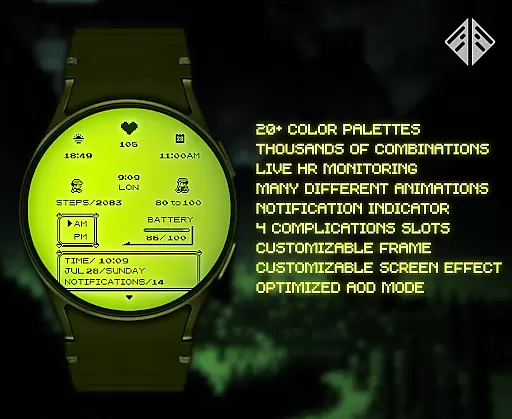
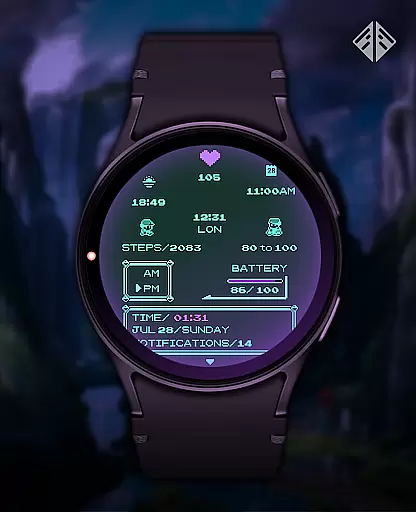
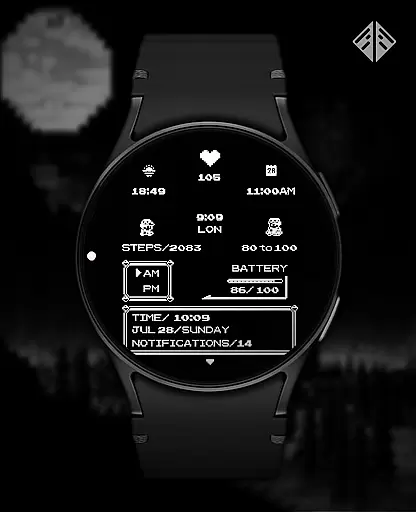
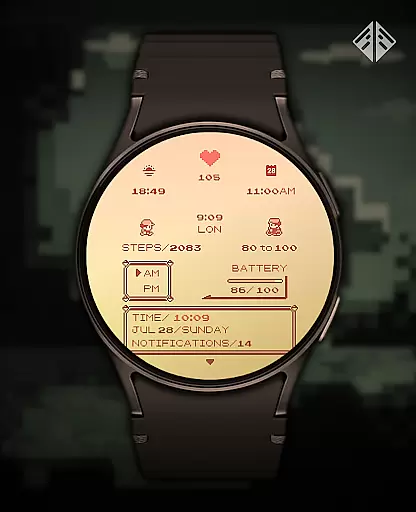
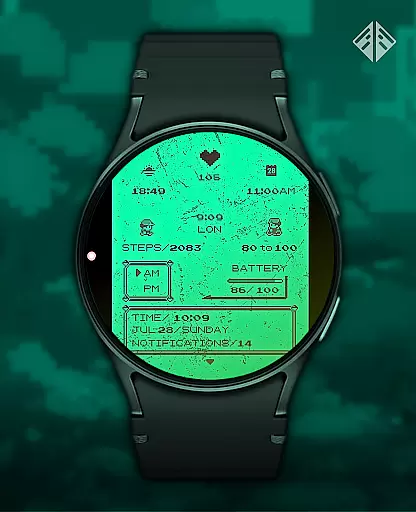
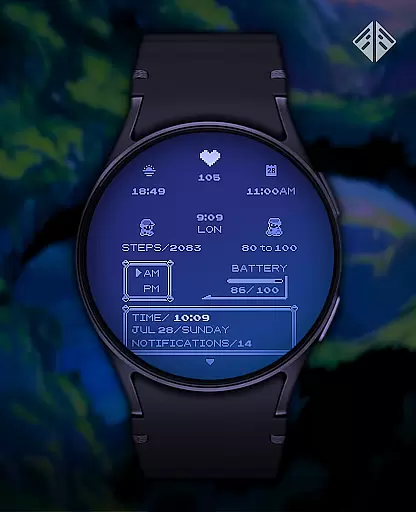
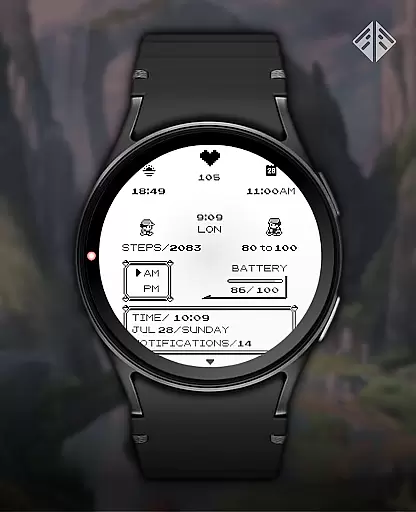
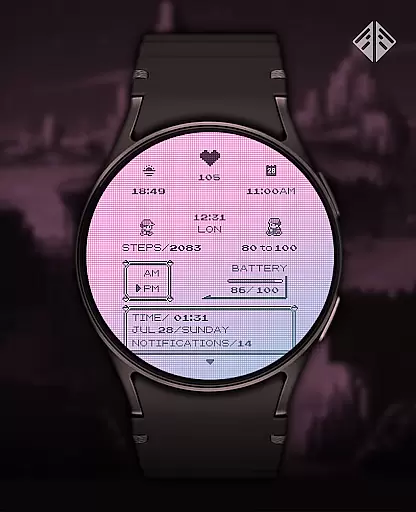
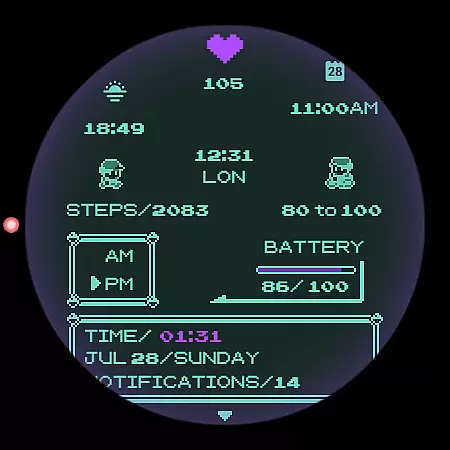
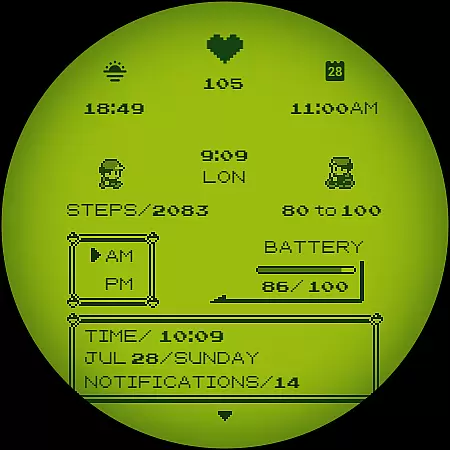
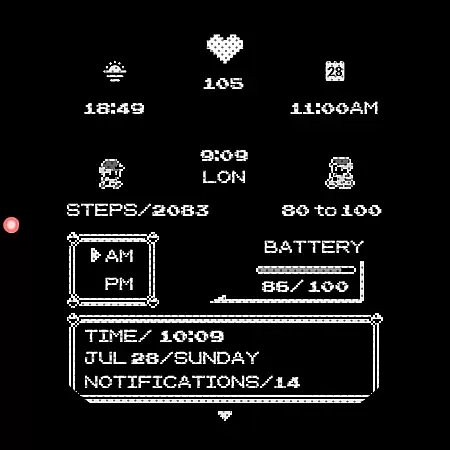
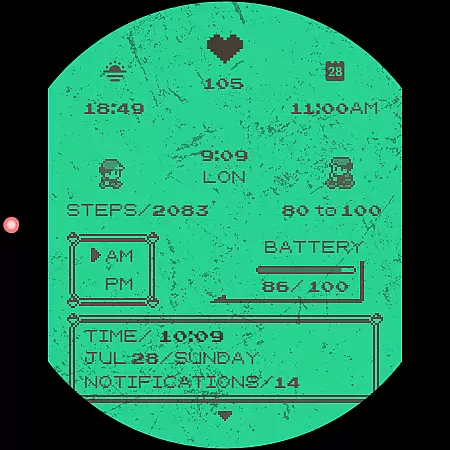
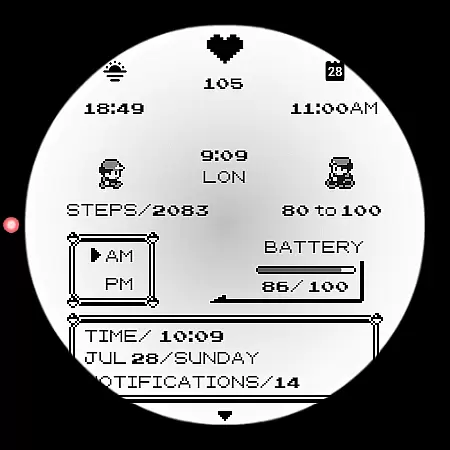
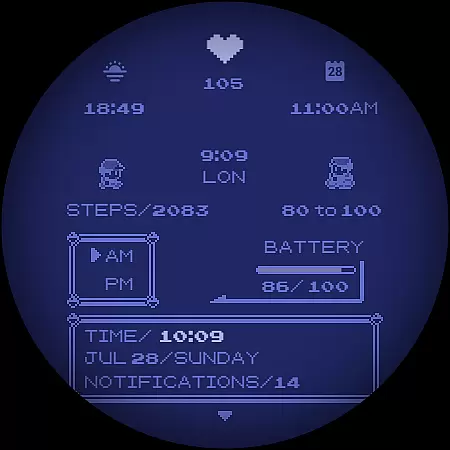
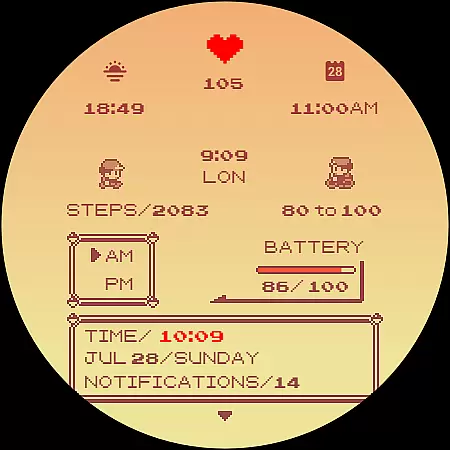
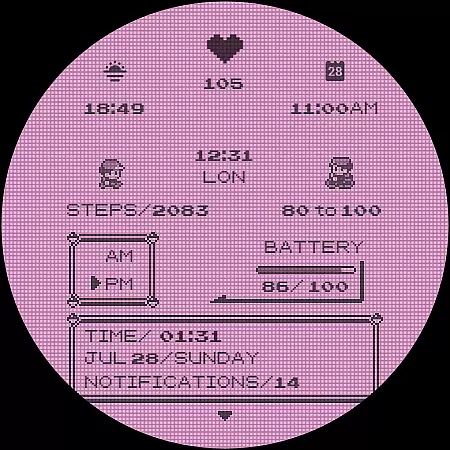
Poke Pixel Retro Watch Face is a pixel art themed watchface designed for Wear OS smartwatches. It offers an animated and highly customizable experience with 30 color schemes and over 1000 possible combinations. The design is inspired by retro consoles and games, providing users with a unique and nostalgic aesthetic.
This watchface supports both 12/24 hours format and auto date format, displaying a lot of information at a glance. Its clean, pixel-perfect style ensures readability while maintaining the charm of classic video games. Users can easily install it through a companion app and customize their watch face to suit personal preferences.
The Poke Pixel Retro Watch Face stands out with its extensive customization options. Users can choose from 30 different color schemes and modify elements like the frame and battery light indicator. With support for 12/24 hour formats and automatic date adjustments, this watchface caters to various user preferences.
One of the key features is the sheer number of customization possibilities, offering more than 1000 combinations. This flexibility allows users to tailor the appearance to match their style or mood. Additionally, the easy-to-use companion app simplifies installation and management, ensuring a seamless experience across compatible devices.
Poke Pixel Retro Watch Face offers a unique approach to core task management by presenting essential information in an intuitive and visually appealing manner. The watch face is designed with productivity in mind, allowing users to customize their experience with over 1000 possible combinations.
With support for both 12 and 24-hour time formats, automatic date adjustments, and various color schemes, this app ensures that users can tailor the display to suit their preferences while maintaining clarity and ease of reading important details at a glance.
The pixel art theme not only brings nostalgia but also enhances legibility through its clean design. Users benefit from having all necessary data such as time, date, battery status, and more displayed prominently on their wrist, streamlining daily tasks without compromising style or functionality.
Cross-device synchronization is a critical feature for any wearable technology, and Poke Pixel Retro Watch Face excels in this area. By utilizing a companion app, it guarantees that updates and settings are reliably synced between the smartphone and smartwatch, providing a seamless user experience across devices.
Installation involves connecting the smartwatch to the smartphone via the companion app, ensuring that once set up, changes made on one device reflect instantly on the other. This process eliminates discrepancies and ensures consistency in how information is presented on different platforms.
Should issues arise during setup or operation, comprehensive support options including FAQs within the description help troubleshoot common problems related to account mismatches or connectivity errors. This robust system empowers users to manage their digital environment confidently, knowing they have reliable tools at hand.
Highly customizable
Vibrant pixel art design
Supports multiple time formats
Unique retro gaming theme
Regular updates and support
Requires Wear OS
Companion app needed
Limited to smartwatch use
Premium pricing
Not suitable for all devices

A Revolutionary All-in-One Artificial Intelligence Tools
 3.80
3.80
Direct Chat without saving contacts & Dual WA Account on Single Device
4.70
The upgraded version of Name Wheel with AI and the power to add your own wheels.
4.3
Absolutely the best CNC machinist speed and feed calculator around. fswizard.com
4.60
CalenGoo is a very flexible and feature-rich calendar app
4.40
Functional QR scanner and barcode reader that requires little storage space.
4.60
Create and edit presentations with Google Slides, part of Google Workspace.
4.00
Calendar 2023 widget for Android. Appointment scheduler, planner, and reminder
4.60
Experience and share your SolidWorks designs on your Android® phone and tablet.
2.50
App lock - lock apps with fingerprint, password, pin or pattern, protect privacy
4.70
Scan paperwork into PDF/JPG, generate your own e-signature and send fax or email
4.70
PDF scanner & converter for files, photos, lottery, QR codes. One swipe away!
4.50
Docker, Kubernetes management over Portainer Mobile
4.40
This small app MUST BE INSTALLED after purchase, else license won't work
4.40
Professional calendar app for Google Calendar, MS Outlook & Exchange
4.20
Pwnagotchi companion app
4.20
Experience real multitasking on your Android!
4.00
Secure, open-source, SPICE and SSH Remote Desktop for QEMU KVM virtual machines
4.00
Ads Free App! Editor, Hide File, Copy, Move, Delete and Rename.. all facility av
1.70


User Reviews