

Christmas - Festive - Christmas Village - Winter - Christmas lights
 5.00
5.00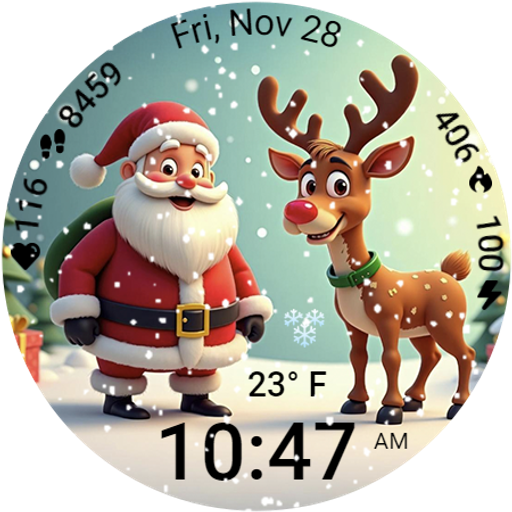
A heartwarming Christmas scene featuring a cute image of Santa and Rudolf
4.0
Deck out your Wear OS Watch face with a beautifully decorated pine wreath!
4.50
Sleek, highly customizable watch face inspired by Galaxy Watch Circle Dashboard.
4.4
Locate your family members by GPS phone location tracker everywhere and anytime
4.30
To-Do List: daily schedule planner, task organizer, to do reminder app, calendar
4.60
Period, ovulation & pregnancy tracker. Fertility insights & menstrual calendar.
4.90
Want to take charge of your health? Let Google Fit help you reach your goals.
3.50
From periods to pregnancy & perimenopause, Flo helps you track it all. Try now.
4.70
A modern hybrid informative watch face for Wear OS designed by BALLOZI
4.80
Your second brain for organizing your life: to-do, calendar, reminder.
4.70
The most customizable hybrid watch face. For Wear OS 5.0, API 34+ and later
4.70
Rose gold watch face with festive lights & customizable features.
4.60
Gym & home workout plans with strength training, exercise tracking, HIIT & more.
4.60
Simple, helpful messaging by Google
4.60
Fast and smart typing with Emojis, GIFs, and more
4.50
A white realistic classic analog watch face with many customization options.
4.40
Analog watch face with 8 complications and expedition styling
4.4
Minimalistic design modern digital watch face.
4.5


