
AR Drawing - Sketchar App is a revolutionary tool in the Art & Design category that combines augmented reality with creative expression. This app allows users to transform their real-world environment into a canvas for drawing and sketching, blending physical spaces with virtual art.
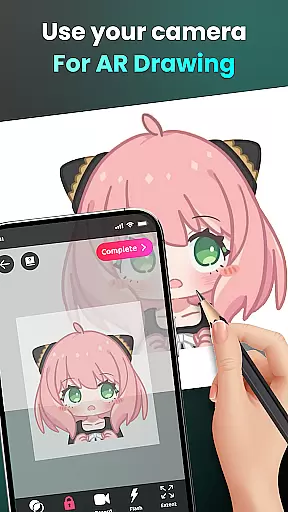
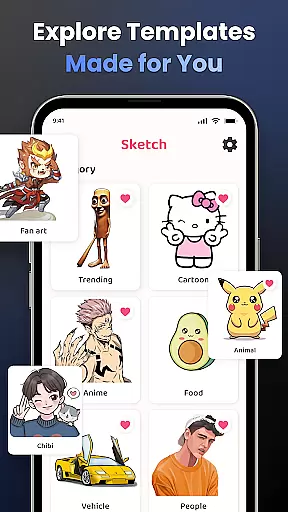
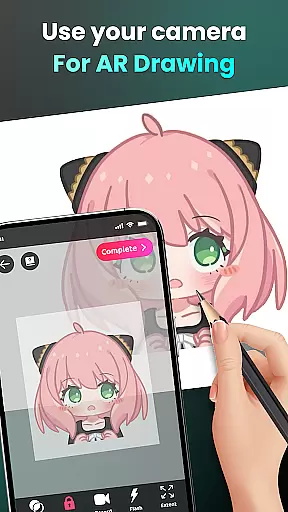
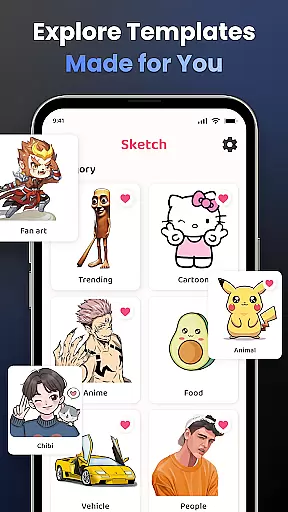
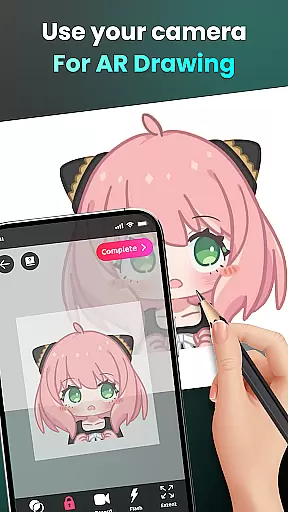
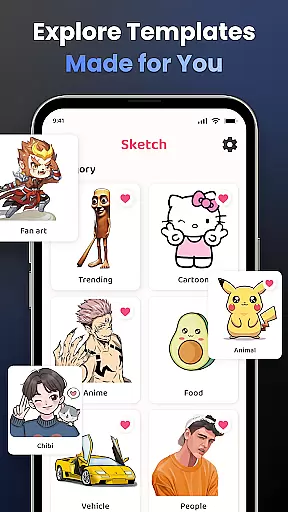
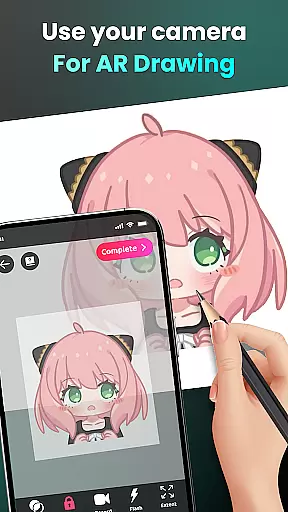
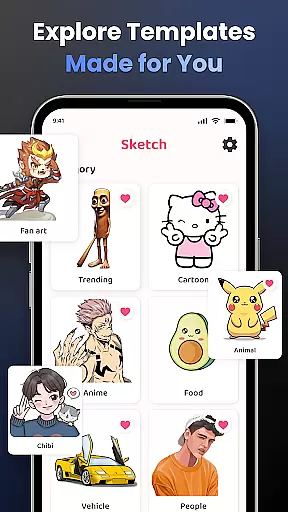
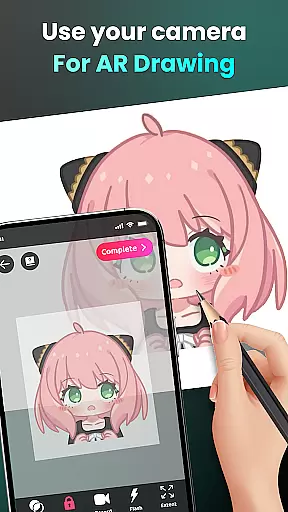
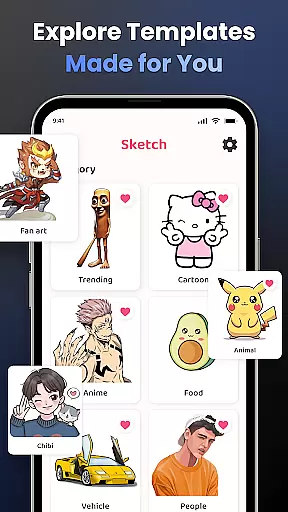
The core functionality includes camera-based drawing, where users can sketch anything they see through their phone's camera. Whether it's characters like Hello Kitty or Pikachu, or complex scenes, the app simplifies the process by converting images into traceable outlines. It also offers lessons for all skill levels, making it ideal for beginners and experienced artists alike.
This app is particularly useful for those who want to learn drawing techniques while experimenting with AR technology. The ability to create and share unique artworks provides both educational and entertainment value, making it a versatile tool for artistic development.
AR Drawing stands out with its diverse feature set tailored for creative professionals and hobbyists. One of its key features is the ability to draw through the camera, allowing users to sketch live scenes or objects in their environment. This feature supports an extensive range of subjects, from anime characters to animals, giving users unlimited creative possibilities.
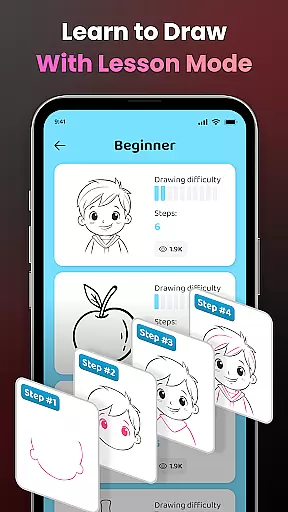
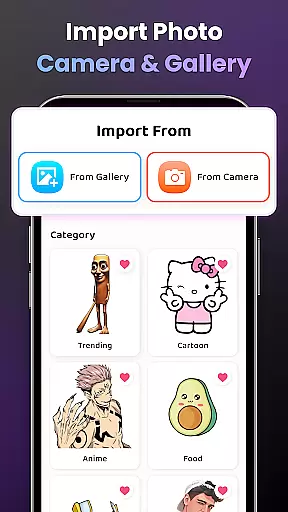
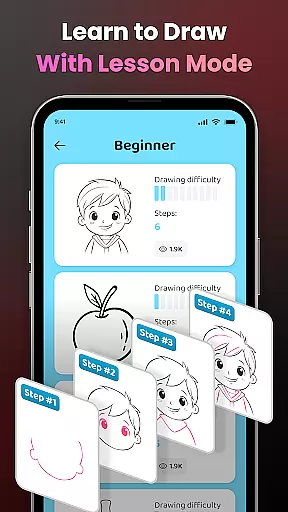
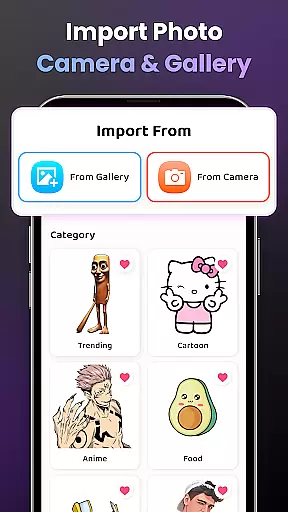
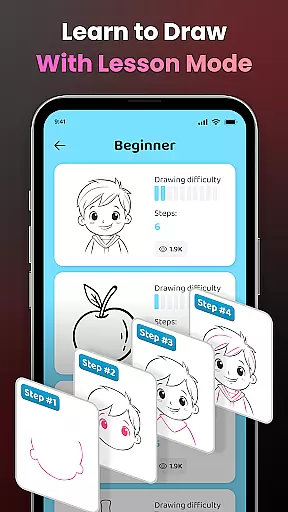
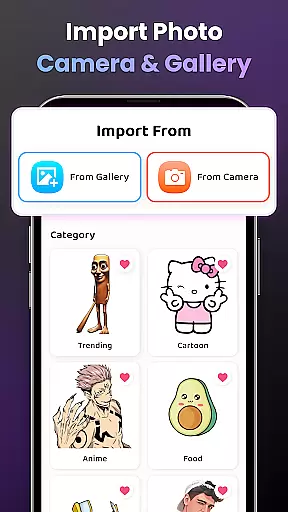
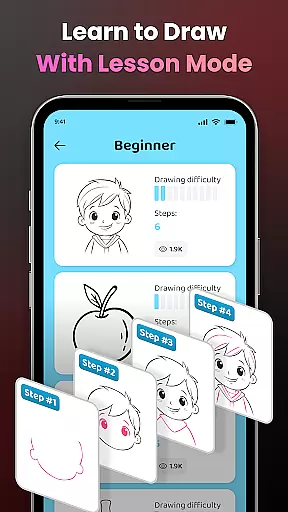
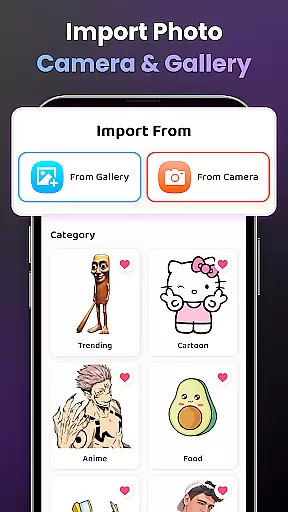
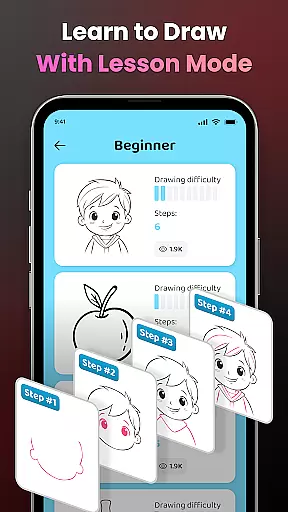
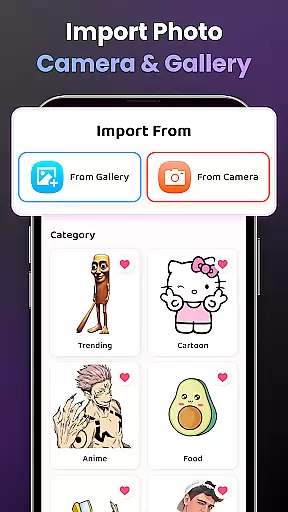
The app also emphasizes learning with structured drawing lessons categorized by difficulty levels. These lessons help users gradually improve their skills while offering tools like opacity adjustment, zoom controls, and flash settings to enhance the drawing experience. Additionally, users can import personal photos and access video tutorials for step-by-step guidance.
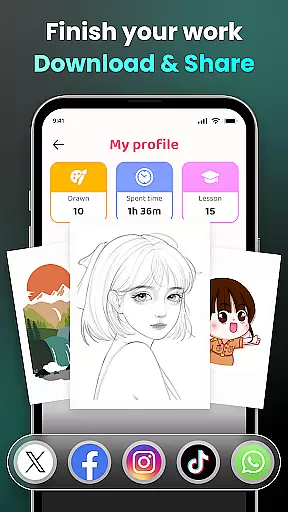
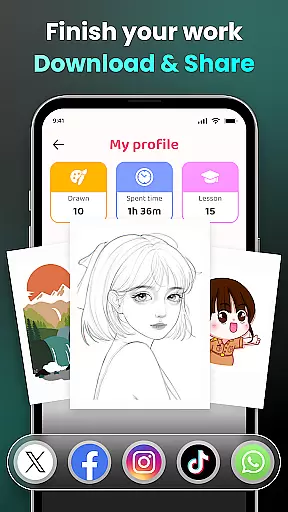
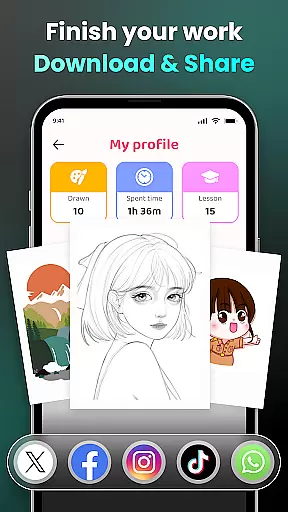
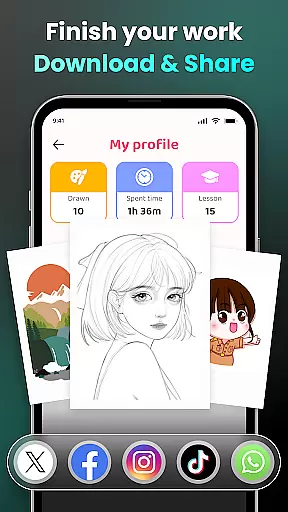
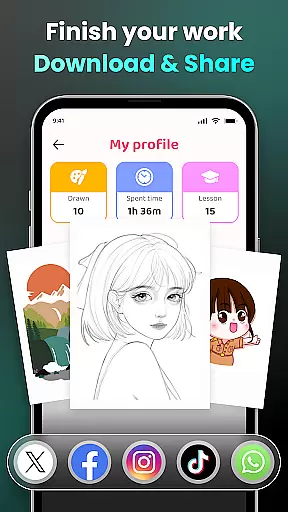
Sharing capabilities further enrich the experience, enabling users to showcase their creations within the app's community or on social media. With personalized profiles, users can track their progress over time, making it not just a drawing tool but also a platform for artistic growth.
In the realm of digital art, having access to comprehensive creative tools is essential for unleashing an artist's full potential. AR Drawing - Sketchar App positions itself as a versatile platform that offers a wide array of features designed to cater to artists at all levels.
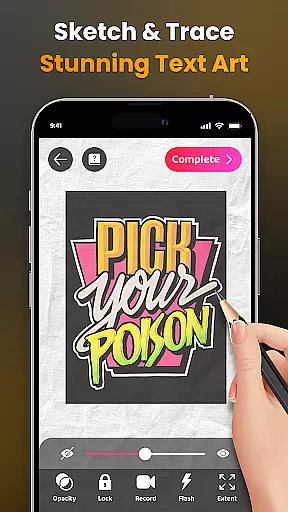
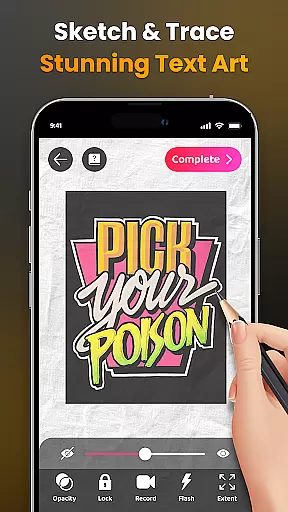
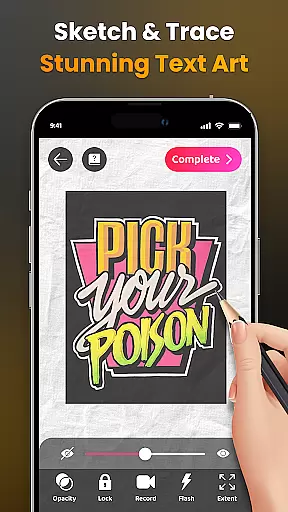
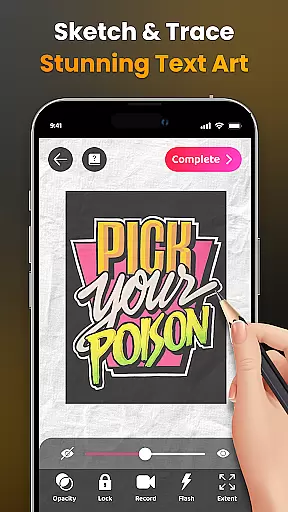
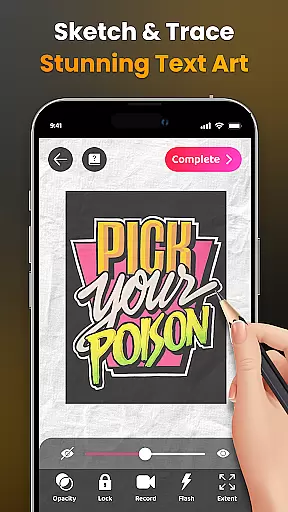
With functionalities ranging from transforming complex photos into simple outlines for tracing, to providing a diverse sample library and the option to import personal photos, this app ensures that your creative process is not limited by the tools at hand. The ability to adjust opacity, record drawing processes, zoom in and out, toggle flash on and off, and extend images, provides users with the flexibility needed for intricate artwork.
For beginners, detailed video tutorials guide them through specific drawings, while advanced users can appreciate the three difficulty levels offering progressively challenging exercises. This blend of accessibility and depth ensures that whether you're sketching beloved characters or exploring various themes like Anime, Cartoon, or Nature, AR Drawing - Sketchar App supports your journey with its robust toolkit.
The flexibility of canvas and format options within an art application can greatly influence the creative workflow and output quality. AR Drawing - Sketchar App recognizes this need and offers adaptable solutions that cater to different artistic expressions and requirements.
Artists using AR Drawing have the freedom to select from an extensive range of samples or import their own images, effectively turning any surface into a personal canvas through augmented reality technology. This feature breaks traditional boundaries, allowing creators to work on unique canvases that suit their vision without being constrained by physical materials.
Moreover, the app facilitates adjustments such as image opacity and size, ensuring optimal display and integration of virtual elements onto real-world surfaces. By enabling users to easily record videos of their drawing process and download them for sharing or review purposes, it further enhances the versatility of output formats available to artists today.
User-friendly interface
Versatile drawing tools
Augmented reality integration
Comprehensive learning modules
Active community support
Requires stable internet
Premium features locked
Steep learning curve
Limited free resources
Device compatibility issues

Discover Cartoon Dream : Unleash Your Creativity with CuttingEdge AI
 4.50
4.50
Design your dream room with AI. Get decor ideas & plan home interiors
3.90
Sketch, plan, take notes and illustrate on an infinite canvas.
4.20
Digital Drawing: Draw & Paint
4.10
Draw glowing spinners, relax, and spin your creative art
4.60
800+ Drawing, Painting Lessons App to Practice, Sketch & Paint Art.
4.30
2D animation studio for Android tablets - unlimited layers, infinite timeline
4.70
Create Logos, Tattoos, AI Art & more with our AI Photo Generator & Design Editor
4.20
An intuitive, high-performance painting app that lets you focus on creating
4.40
Get an overview over all your embroidery threads, projects and more.
4.60
Castle is social media for creating and playing games!
4.60
The perfect place to start sketching! Use Sketchbook to draw and paint sketches.
4.50
Stylish letters, Stylish Keyboard, Symbols, Emojis, Cool nickname
4.40
Nano Banana AI Image Generator, Anime Filter, AI Portrait, AI Photo Generator
4.30
Custom Character Creator & PFP Maker!
4.20
Paint with oils and sketch with natural tools on a realistic virtual canvas.
3.80
Design unique, funny and adorable cat stickers that reflect your own style!
3.80
Apply cartoon, caricature, and portrait effects to make your photos stand out!
3.60
Inky runs Inkscape on Android devices and Chromebooks
2.90


User Reviews