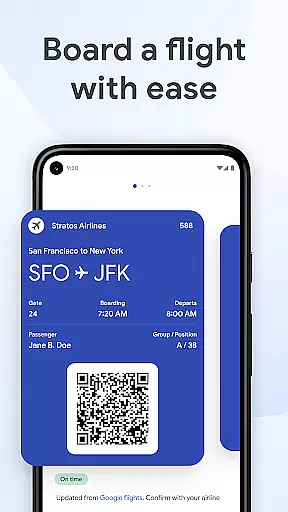
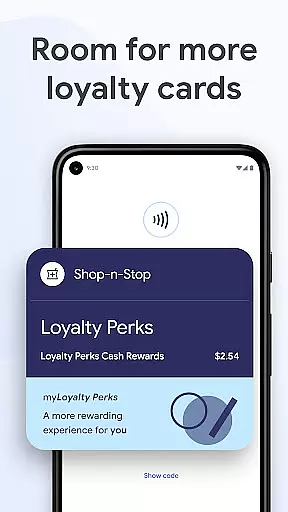
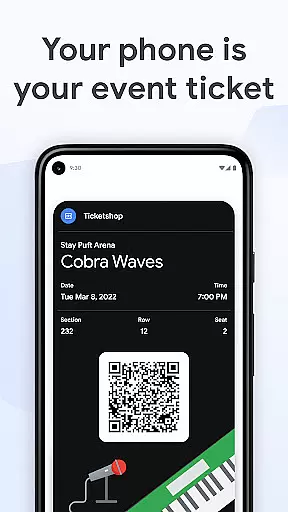
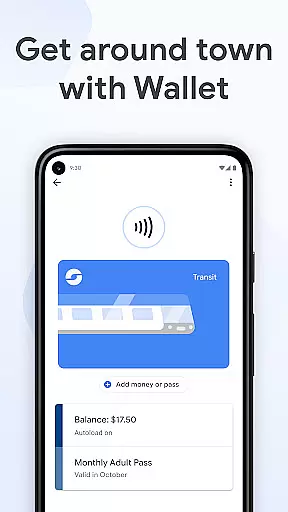
Google Wallet is a versatile digital wallet solution that allows users to conveniently store and access their essential items such as payment cards, tickets, boarding passes, and more. Designed for Android devices running Lollipop 5.0 and above, as well as Wear OS and Fitbit devices, it provides a secure and efficient way to manage everyday transactions. The app's integration with Google ecosystem services ensures users can enjoy seamless experiences across various platforms while maintaining top-notch security standards.
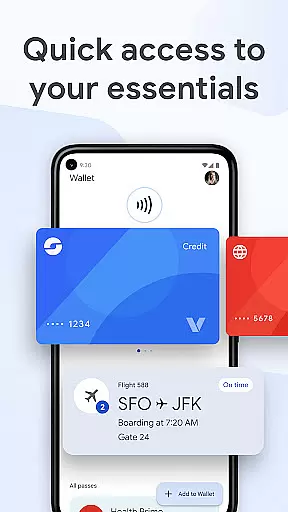
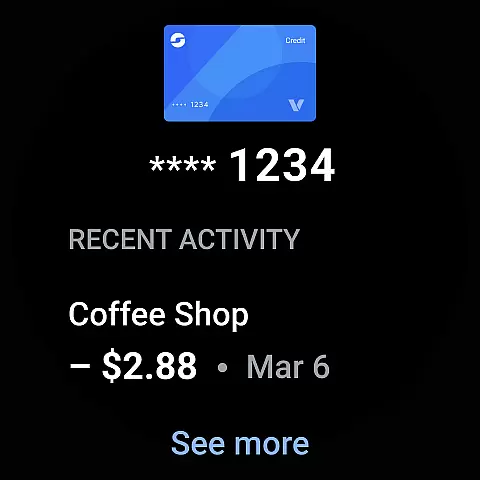
The application shines in its ability to offer multiple quick-access methods, including phone quick settings, the Wallet app itself, and even Google Assistant. This makes retrieving important information fast and effortless. Additionally, helpful features like transaction receipts, location-based suggestions, and real-time updates on flight statuses ensure that users are always informed and prepared, no matter where they are or what they need to do.
One of Google Wallet's standout features is its ability to securely store a wide range of items beyond just payment cards. Users can add transit passes, event tickets, loyalty cards, and even digital car keys and driver's licenses (US only). This versatility makes it an all-in-one solution for various scenarios, from commuting and traveling to shopping and attending events. The app also leverages Google's powerful ecosystem, integrating with services like Google Maps, Calendar, and Search to provide timely and relevant information.
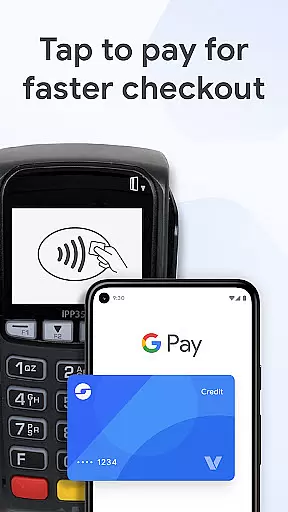
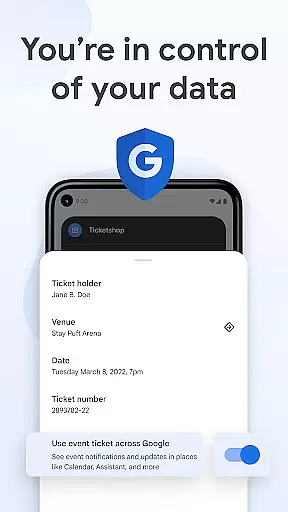
Security is at the core of Google Wallet's design. Advanced Android security features such as 2-Step Verification, Find My Phone, and remote data erasure ensure that users' data remains protected. When making payments, the app uses tokenization technology to safeguard credit card information, ensuring that actual card numbers are never shared with merchants. Furthermore, privacy controls empower users to manage their data sharing preferences, providing peace of mind and control over personal information.
Companion app integration is crucial for wearable devices as it ensures seamless synchronization between the primary device and its wearable counterpart. Google Wallet excels in this area by offering a cohesive experience across Android phones and Wear OS devices.
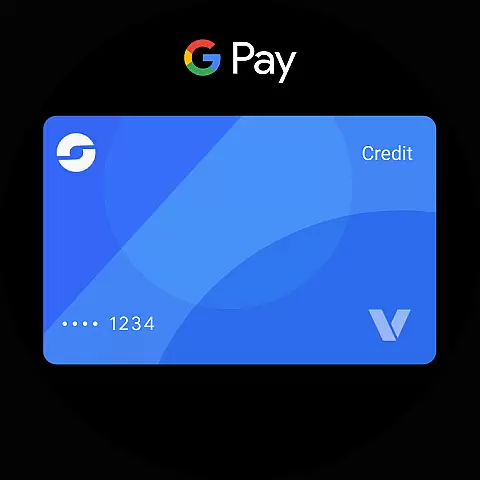
The app allows users to access their essential cards, tickets, and passes directly from their Wear OS watch face through complications. This means you can conveniently make payments or show tickets without needing to take out your phone.
Furthermore, setup is simplified with the ability to import various items saved on Gmail, such as transit passes and loyalty cards, directly into the Wear OS companion app. This creates a unified ecosystem where all your necessary information is readily available, no matter which device you are using.
By maintaining real-time updates and synchronization, Google Wallet ensures that any changes made on one device are immediately reflected on the other, providing users with up-to-date information at all times.
Ensuring compatibility with Wear OS and other devices is vital for apps like Google Wallet, which aim to provide a versatile and accessible user experience. Google Wallet is designed to work seamlessly on all Android phones running Lollipop 5.0 and above, as well as on Wear OS and Fitbit devices.
This broad compatibility means that whether you're using a smartphone or a smartwatch, you can enjoy the convenience of having your digital wallet always at hand. The app takes full advantage of the features offered by Wear OS, allowing quick access to your essentials right from the watch face.
In addition to supporting a wide range of devices, Google Wallet also offers tailored experiences based on the capabilities of each device. For instance, while using a Wear OS device, users can benefit from complications that display relevant information instantly.
Despite the extensive device support, some features may not be available for supervised accounts. However, this does not detract from the overall utility and accessibility provided by Google Wallet across different platforms.
Fast and convenient access
Secure payment processing
Wide range of supported items
Seamless Google integration
Advanced security features
Limited to Android devices
Some features US-only
Requires internet connection
Occasional sync issues
Not all merchants accept

Diet tracker for weight loss - track calories, food and macros. Simple and easy!
 4.70
4.70
A full-featured Amazon Alexa voice assistant that can show you things.
3.70
Digital, flexibly customizable watch face. For Wear OS 5.0, API 34+ and later.
5.00
Digital watch face. For Wear OS devices.
4.40
sleep, alarm, snoring, stress, healing, focus, sound therapy, circadian rhythm
4.10
Hyperlocal rain alerts by MyRadar using patent-pending technology, radar & more
4.80
Bold weather Digital watchface with forecast & optional animated background
4.40
Want to take charge of your health? Let Google Fit help you reach your goals.
3.50
Spam call blocker and caller ID for automatic call protection!
4.40
WTW M17 is a premium and luxurious hybrid watch face
4.70
The most customizable hybrid watch face. For Wear OS 5.0, API 34+ and later
4.70
Kia Access makes getting your vehicle information easier than ever
4.60
Retro digital watch face with customizable colors and a unique lighting effect
4.60
Deck out your Wear OS Watch face with a beautifully decorated pine wreath!
4.50
Stylish, Energizing and Modern Watch Face crafted by Dominus Mathias.
4.50
Locate your family members by GPS phone location tracker everywhere and anytime
4.30
Hyper-Realistic Airplane Dashboard Watch Face With 10 Skins and Custom AOD
4.00
Get helpful reminders, take progress photos and find answers to your questions.
3.90
Funny animated watch face for Thanksgiving
4.0


User Reviews