
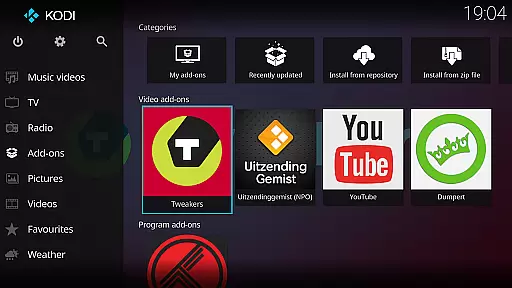
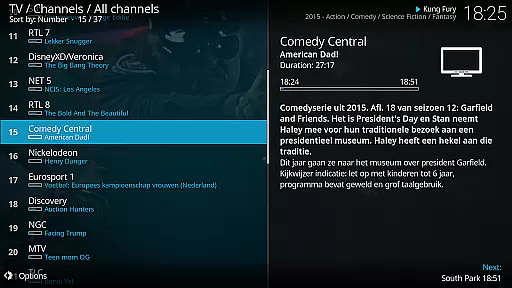
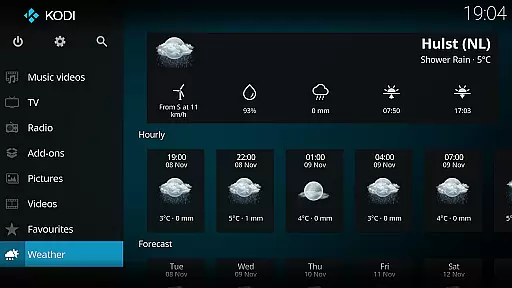
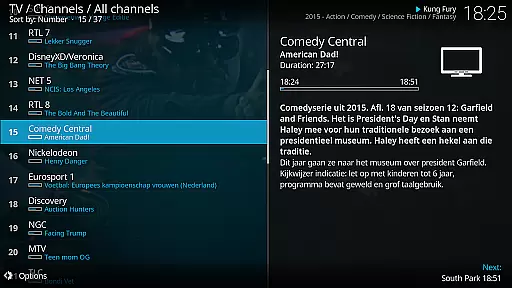
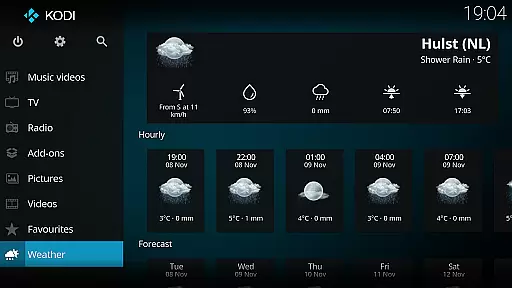
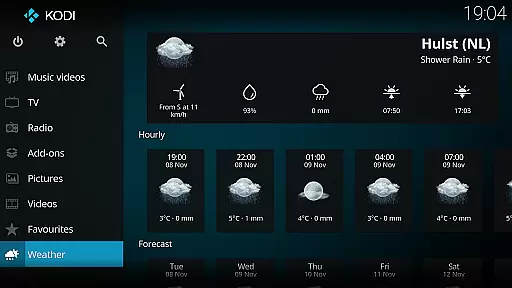
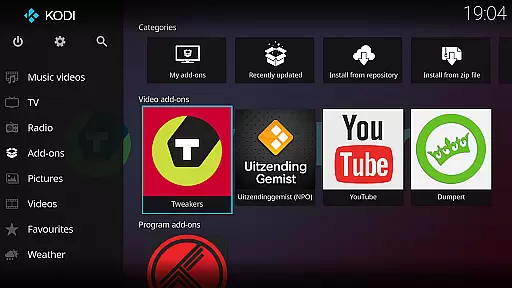
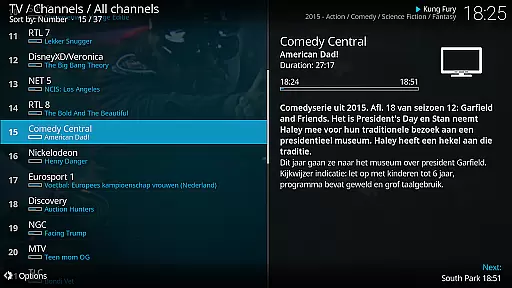
Kodi is an award-winning media player designed for home theater setups. It offers a 10-foot user interface, making it perfect for living-room entertainment. Users can easily browse and play videos, music, podcasts, and view photos from various sources including hard drives, optical discs, local networks, and the internet.
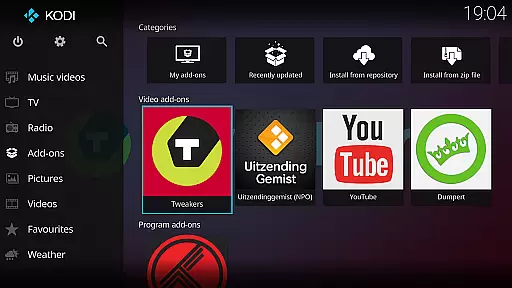
With its open-source nature, Kodi supports third-party plugins that provide access to freely available content online. The software comes with two main skins: Estuary, optimized for speed and ease of use, and Estouchy, enhanced for larger mobile devices. Kodi does not supply any media but serves as a powerful hub for your personal digital media collection.
Kodi stands out with its versatile cross-platform compatibility and customizable user interface. The application supports a wide range of file formats for video, audio, and images, ensuring seamless playback without the need for additional codecs. Its library management system allows users to organize their media efficiently, providing detailed metadata and artwork for a rich viewing experience.
The inclusion of third-party plugins extends Kodi's functionality, enabling access to streaming services and other online content providers. With support for remote controls and customizable skins, users can tailor the interface to suit their preferences. Additionally, Kodi's active community contributes to regular updates and improvements, ensuring the platform remains at the forefront of media center technology.
Video format compatibility is a crucial feature for any media player, ensuring that users can enjoy a wide range of video content without worrying about format restrictions. Kodi excels in this area by supporting an extensive array of video formats, from common ones like MP4 and AVI to more specialized codecs such as MKV and OGG.
The application's powerful decoding capabilities allow it to handle high-definition and even 4K videos with ease, providing smooth playback regardless of the file type. This versatility is made possible through Kodi's integration with advanced multimedia frameworks and its use of open-source technologies.
For users, this means the freedom to play videos from various sources without the need for format conversion or additional plugins. Whether streaming from online platforms, accessing files on a local network, or playing content from external drives, Kodi ensures a seamless experience across different devices and operating systems.
This comprehensive format support not only enhances user convenience but also positions Kodi as a universal solution for home entertainment systems, making it an ideal choice for both casual viewers and media enthusiasts who demand flexibility in their viewing options.
While primarily known for its media playback capabilities, Kodi also incorporates AI-powered editing features that enhance the user's ability to manage and organize their digital media library. These intelligent tools help automatically tag and categorize video content, extract metadata, and generate thumbnail previews, streamlining the media management process.
The system's machine learning algorithms analyze file names, content duration, and other metadata to accurately identify and sort media files. This automated organization saves users significant time and effort, particularly when dealing with large collections of movies or TV series.
Additionally, Kodi's smart playlist creation utilizes AI to suggest relevant content based on viewing habits and preferences. The system learns from user interactions, gradually improving its recommendations and creating more personalized viewing experiences over time.
These AI-driven enhancements demonstrate Kodi's commitment to providing not just a media player, but a complete entertainment hub that adapts to users' needs while maintaining its open-source philosophy and community-driven development approach.
User-friendly interface
Wide format support
Customizable skins
Active community support
Regular updates
No built-in content
Requires technical knowledge
Third-party plugins vary in quality
Not ideal for small screens
Potential legal concerns

Fast, private downloading, video saving, social media
 4.50
4.50
Connect 2 UVC devices for recording and broadcast video/audio stream
3.90
Photo and Music Video Creator into Stunning Videos—Effortlessly
4.40
Watch a large amount of high-definition short drama content
4.60
High-Quality USB Camera Viewer & HDMI Display
4.70
Add date and time watermark to photos and videos
4.50
The essential companion to your Blue Iris PC software
2.50
Viddo: Generate Action Figure, AI Anime, AI kiss, AI hug Video from image & text
4.40
Photo editor & video maker with music and slideshows.
4.10
Play ALL formats in 4K & HD. Video downloader, MP3 player, Chromecast & more.
4.80
Download Hub, easy and private way to download and enjoy your videos offline
4.80
Video Player - Unlimited features, 30 days money back guarantee.
4.60
Cast Videos from Web Browser, IPTV to Roku, Chromecast, DLNA, Smart TV +more
4.60
Fast & Private Video Downloader App. Save all videos easily from the Internet.
4.40
Browser for Fire TV to stream webvideos, online movies, livestreams in HD
4.40
Powerful Video Editor & Photo Editing App —— Quick Edits & Stunning Effects!
4.30
Stream Web Videos to Chromecast, Samsung, LG, Sony, Roku, Fire TV, DLNA + more
4.00
Watch full episodes of your favorite Cartoon Network and Cartoonito shows!
3.50
Download videos easily & play them all in one smart, powerful video manager.
3.40


User Reviews