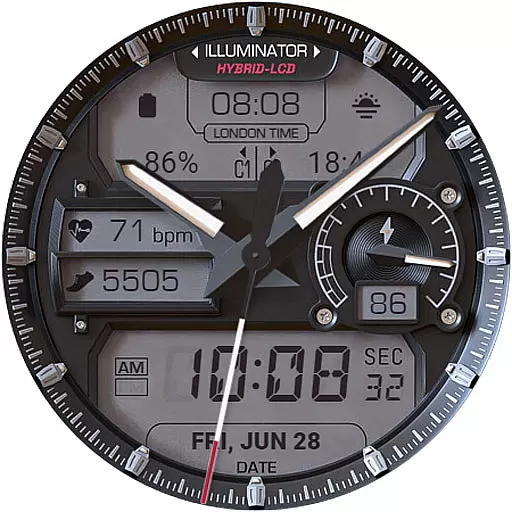
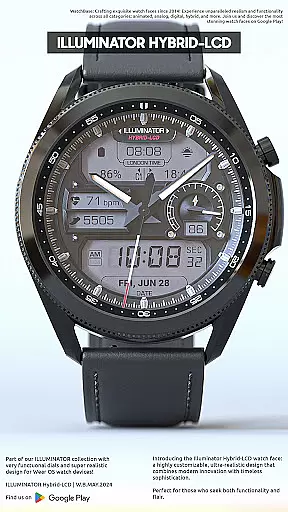
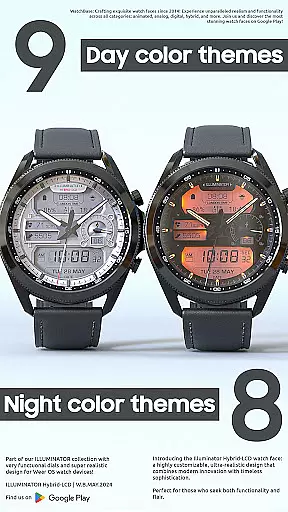
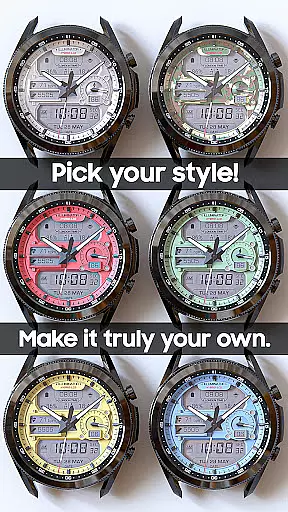
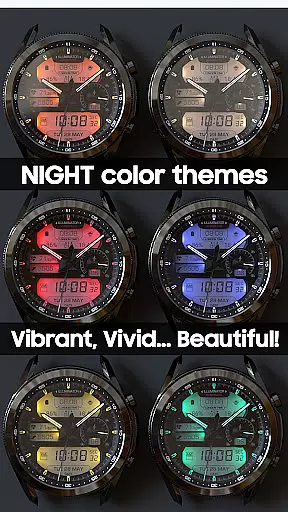
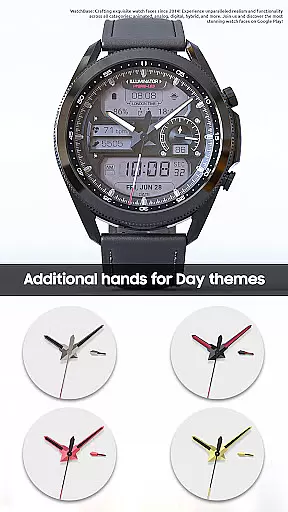
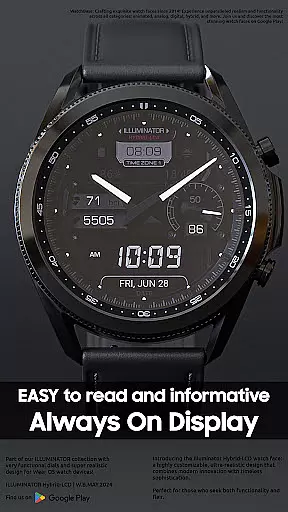
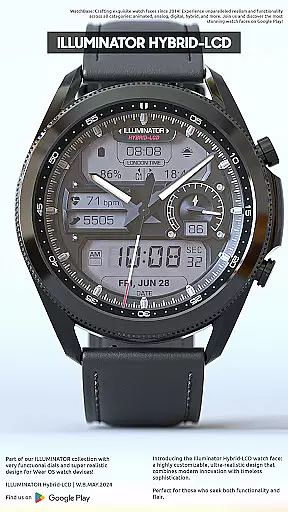
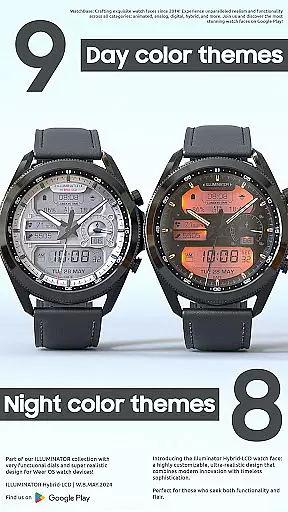
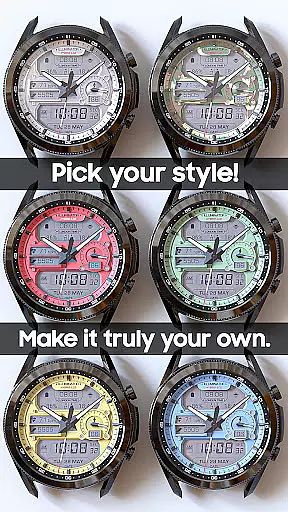
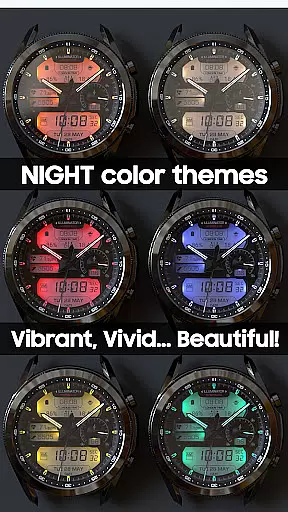
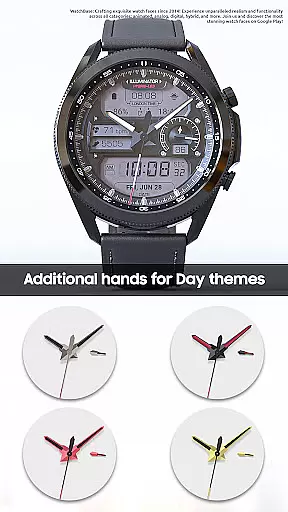
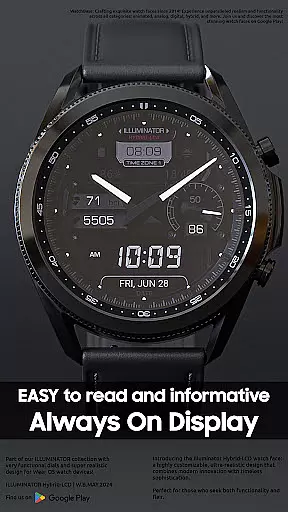
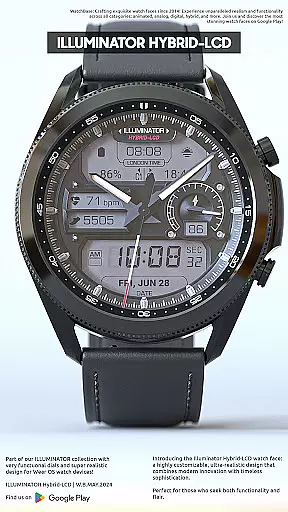
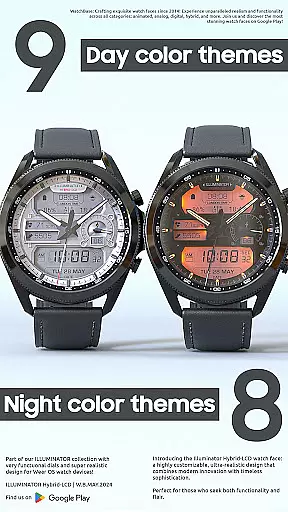
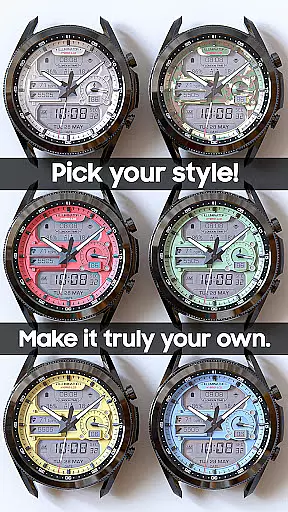
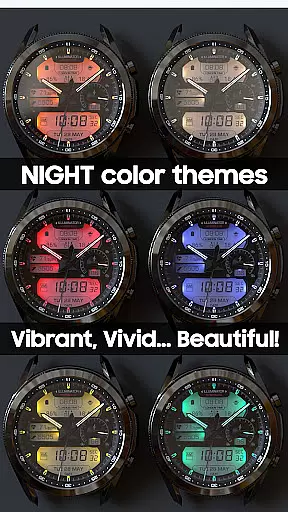
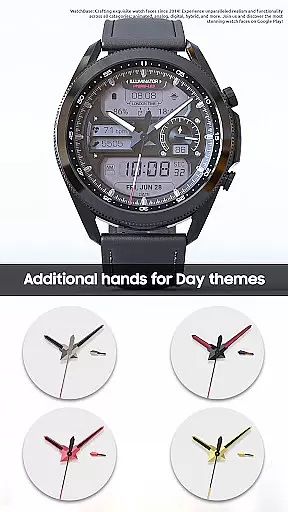
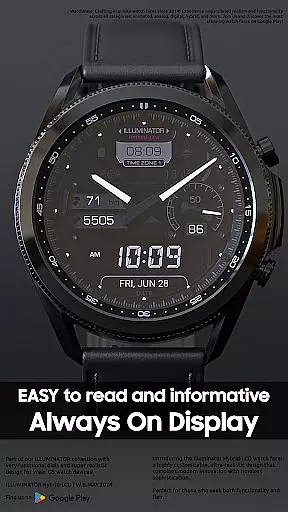
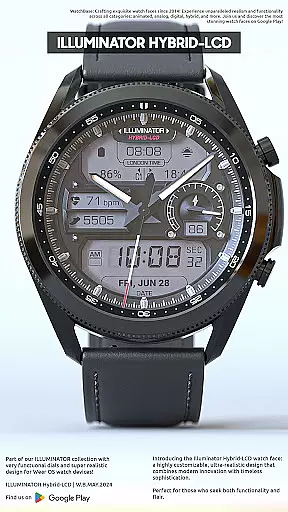
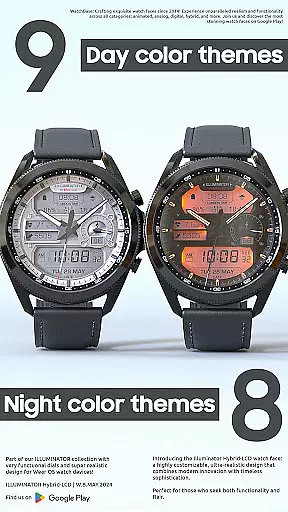
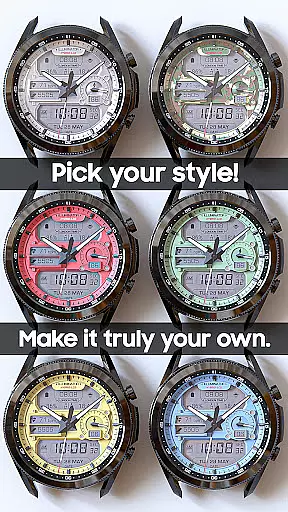
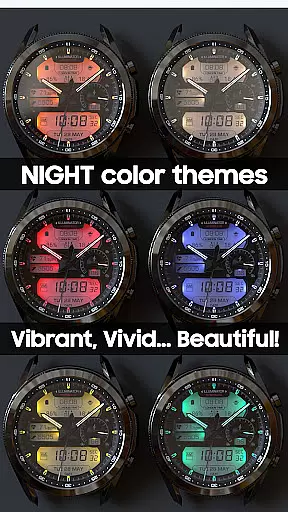
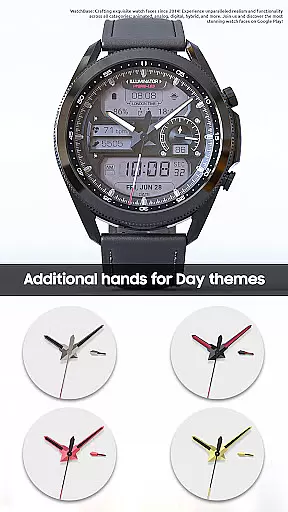
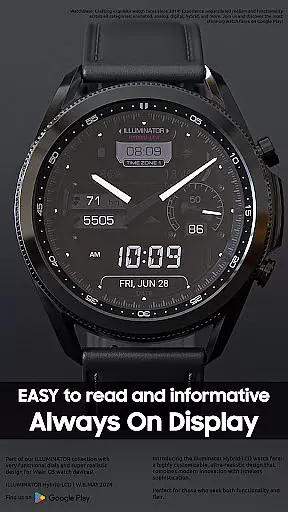
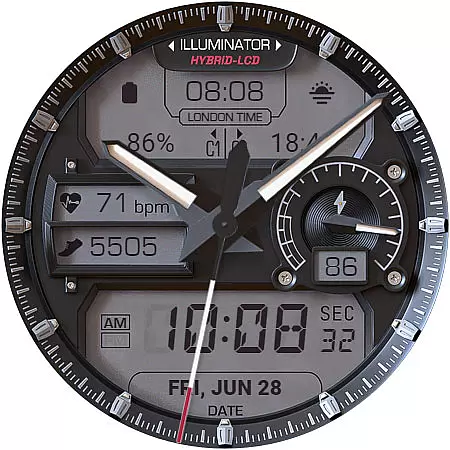
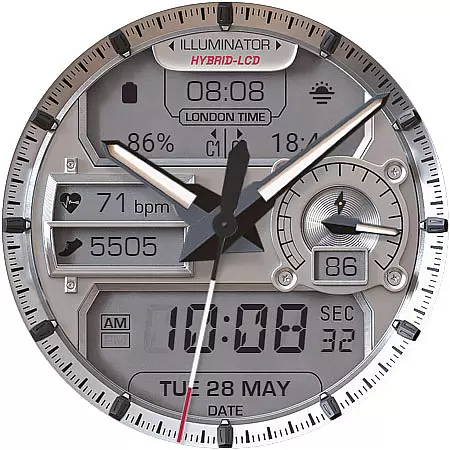
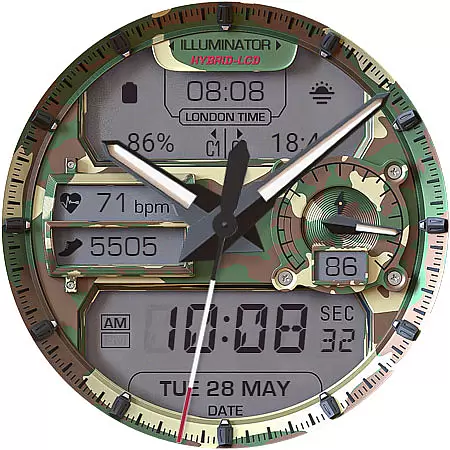
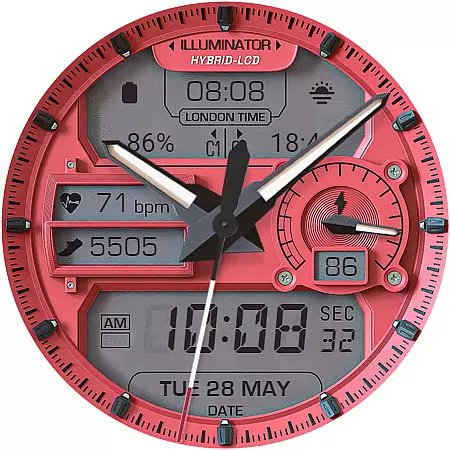
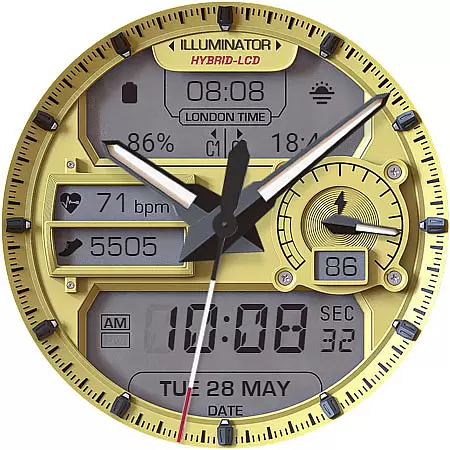
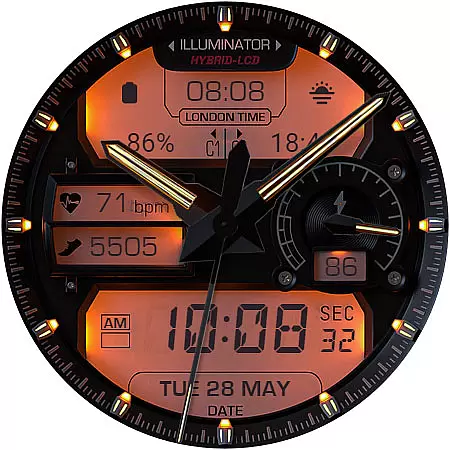
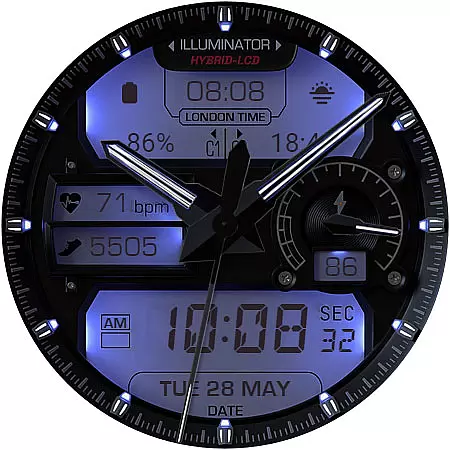
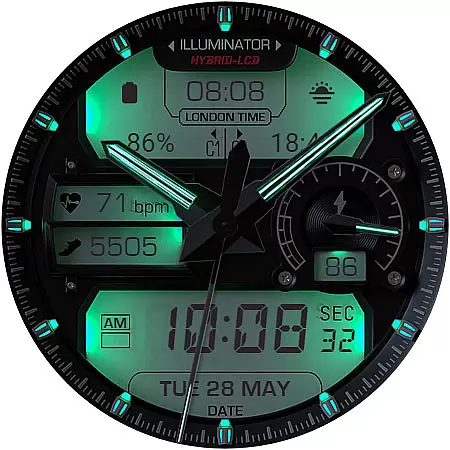
ILLUMINATOR Hybrid-LCD is a premium Wear OS watch face designed for users seeking realism and customization. Featuring a hybrid-LCD style, this watch face offers an impressive level of personalization with 9 day themes and 8 night themes, alongside multiple complications such as heart rate and step indicators. Its auto 12h/24h mode and Always On Display (AOD) with customizable themes make it both versatile and user-friendly.
This watch face stands out with its ultra-realistic design and attention to detail. Users can customize their experience through various options including battery indicators, AM/PM displays, and even London time. Whether you're looking for a functional timepiece or a stylish accessory, ILLUMINATOR Hybrid-LCD delivers exceptional value for Wear OS users who want both aesthetics and utility on their smartwatches.
ILLUMINATOR Hybrid-LCD boasts an array of advanced features that cater to diverse user needs. With 4 custom complications and additional shortcut complications, users can personalize their watch face to display relevant information at a glance. The automatic 12h/24h mode ensures global usability, while the 9 day themes and 8 night themes provide extensive aesthetic options.
Health-conscious users will appreciate the heart rate and step indicators integrated into the LCD display. Additional functionalities include London time, AM/PM indicators, and battery status monitoring. The Always On Display feature offers three color themes and hand styles, ensuring visibility and style even when the watch is idle. These comprehensive features make ILLUMINATOR Hybrid-LCD a top choice for those seeking a sophisticated Wear OS experience.
Companion app integration is crucial for smartwatch applications as it enhances the overall user experience by enabling seamless interaction between the wearable and smartphone. The ILLUMINATOR Hybrid-LCD watch face demonstrates excellent companion app integration, ensuring that users can easily manage settings and receive updates directly from their phone.
This application employs a dedicated mobile app to simplify the installation process. After purchasing the watch face, users simply need to tap the install button within the mobile app. This triggers an installation prompt on the connected smartwatch, streamlining what could otherwise be a cumbersome process.
The value of this integration becomes apparent when dealing with synchronization issues. Should a user encounter a situation where the watch face prompts for repurchase, they can rest assured knowing this is merely a syncing issue. The system will not charge them twice, and a simple device restart often resolves these discrepancies.
Furthermore, the companion app serves as a central hub for managing various aspects of the watch face. From here, users can access comprehensive support resources and ensure their wearable maintains optimal performance. This level of integration significantly reduces potential friction points in the user journey.
Device compatibility represents a fundamental aspect of any Wear OS application, determining how well the software performs across different hardware configurations. The ILLUMINATOR Hybrid-LCD watch face showcases exceptional compatibility with Wear OS devices, offering users consistent performance regardless of their specific smartwatch model.
This application supports an impressive array of features that work uniformly across compatible devices. These include 4 custom complications, 9 day themes, 8 night themes, and sophisticated Always-On Display functionality. Such comprehensive feature support demonstrates the developer's commitment to maintaining high compatibility standards.
Particularly noteworthy is how the application handles its hybrid-LCD design elements. Elements like the heart rate indicator, steps counter, and London time display maintain their accuracy and visual fidelity across different screen sizes and resolutions. This consistency ensures that users enjoy the same premium experience regardless of their device's specifications.
Moreover, the application's compatibility extends beyond mere feature support. It includes thoughtful implementation of system-level functions such as auto 12h/24h mode switching and battery indicator functionality. These elements work harmoniously with the host device's operating system, creating a cohesive user experience that feels native to each individual smartwatch.
Highly customizable
Realistic design
Multiple complications
Versatile themes
User-friendly interface
Premium price point
Complex setup process
Limited free features
Requires companion app
Occasional sync issues
Calming & relaxing sounds for sleeping and stress relief. Stay focused all day!
 4.20
4.20
Christmas is near, let's count together the days left until Santa comes
4.4
Artistic Digital Watchface
4.0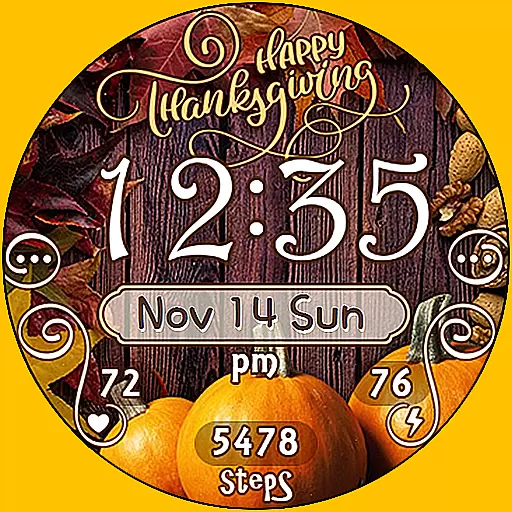
Watch face designed for Thanksgiving Day. 7 Background Styles included.
3.20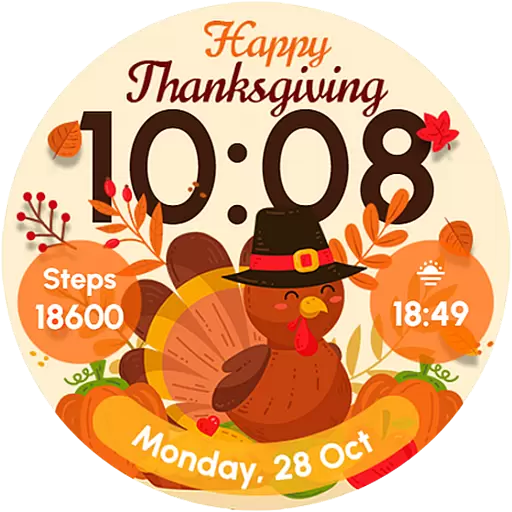
Let's celebrate Thanksgiving - Wear Os watch face
4.20
Hyperlocal rain alerts by MyRadar using patent-pending technology, radar & more
4.80
The Chevron App allows you to pay for fuel from the comfort of your car!
4.80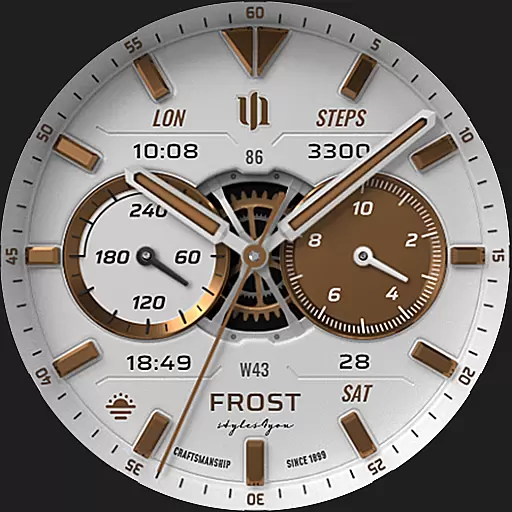
A white realistic classic analog watch face with many customization options.
4.40
Want to take charge of your health? Let Google Fit help you reach your goals.
3.50
Gym Log & Workout Tracker | Fitness Journal, Training & Weight Lifting Planner
4.90
Easy Voice Recorder is your everyday companion to record important moments.
4.70
To-Do List: daily schedule planner, task organizer, to do reminder app, calendar
4.60
MyNISSAN® lets you remotely control your car from your phone.*
4.50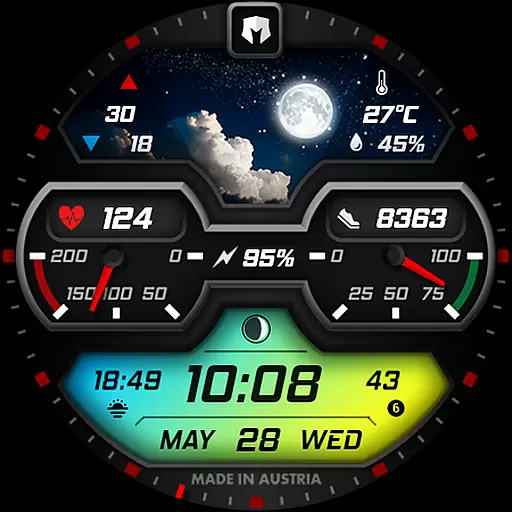
Stylish, Energizing and Modern Watch Face crafted by Dominus Mathias.
4.50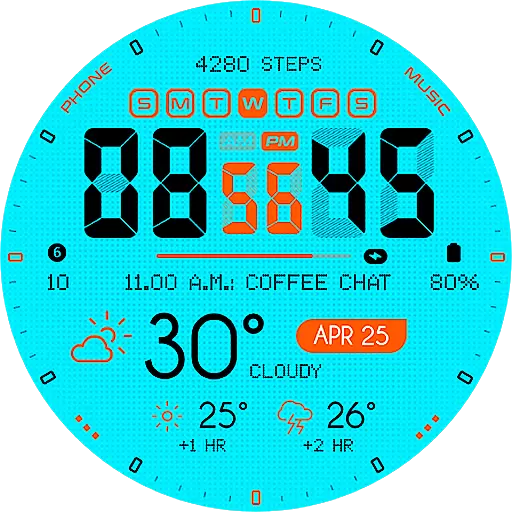
Bold weather Digital watchface with forecast & optional animated background
4.40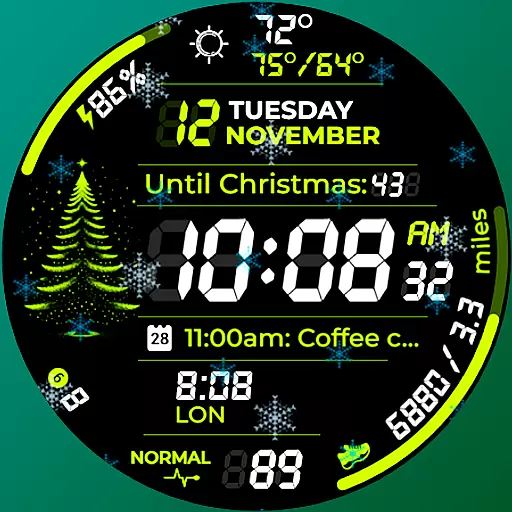
A customizable Christmas watch face for Wear OS with a countdown.
4.20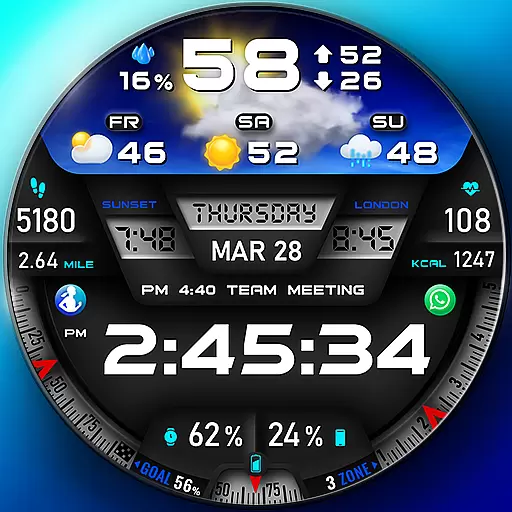
"PER27 Galaxy Digital" is a digital Wear OS watch face designed by PERSONA
4.10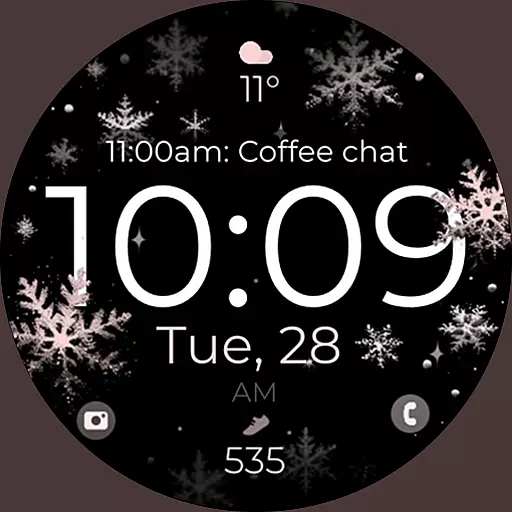
Snowflake Rose Gold Watch Face - Digital, modern, & sleek with GYRO effect.
4.10
Funny animated watch face for Thanksgiving
4.5


User Reviews